
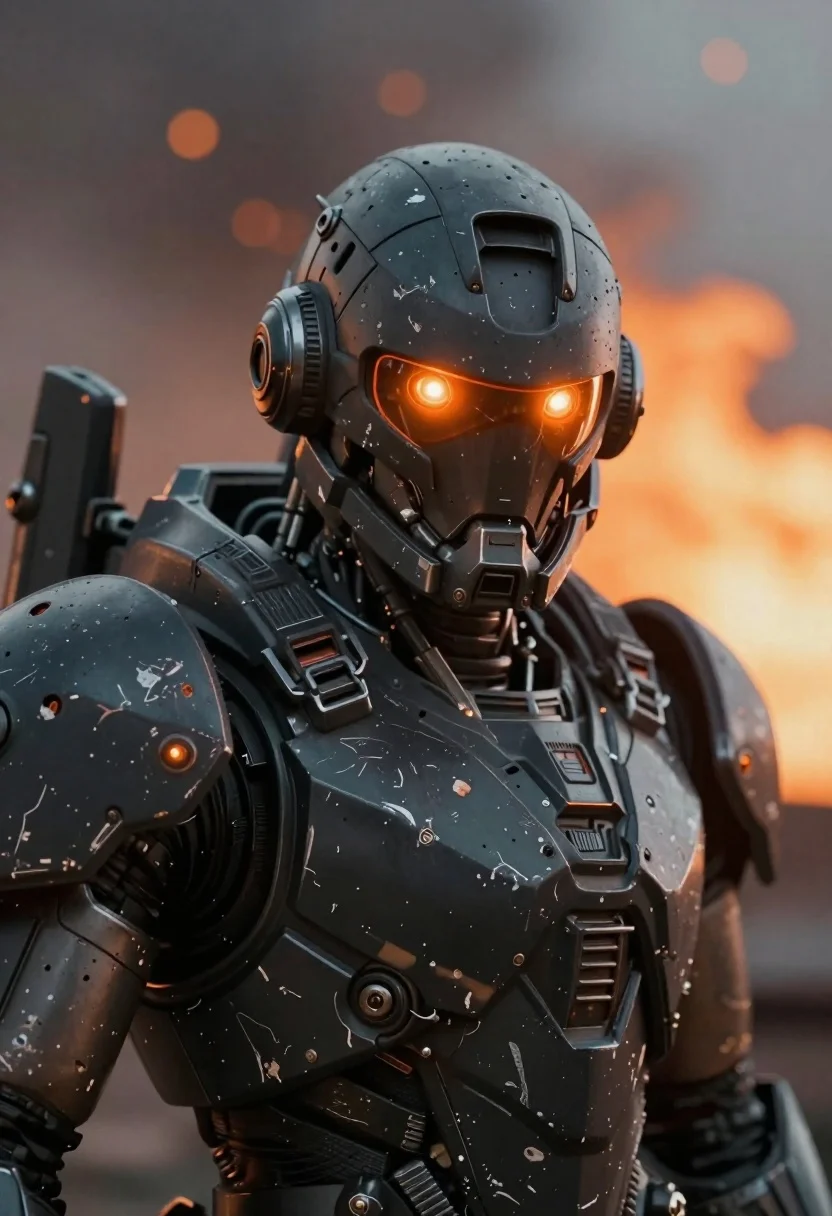
Close up of weathered mecha warrior in a battlefield setting
Prompt
Subject: A close-up of a weathered mecha warrior with glowing orange eyes and intricate mechanical detailing on the head and shoulders.

Clothing: Dark gray armored plating, scratched textures, layered metallic components, integrated visor-like eye slits emitting warm light.

Action: Static pose facing forward, no movement implied; expressionless but intense gaze through illuminated ocular sensors.

Environment: Blurred background with soft-focus orange bokeh suggesting distant fire or explosions in a war-torn battlefield setting.

Camera: Tight portrait framing, shallow depth of field emphasizing the subject's face and upper torso against atmospheric backdrop.

Lighting: Warm ambient glow from internal eye lights reflecting off metallic surfaces; subtle shadows enhance 3D form and battle-wear texture.

Style Details: Hyper-detailed sci-fi realism with gritty war aesthetic, high-contrast lighting, cinematic color grading favoring oranges and grays.
Description
This prompt is useful for creating concept art for video game character portraits, movie poster key art, and detailed industrial design visualizations of combat machinery. The combination of 'scratched textures' on the 'dark gray armored plating' paired with 'warm ambient glow from internal eye lights' ensures that the model renders believable wear-and-tear while maintaining a focal point through the illuminated ocular sensors against the soft-focus bokeh.
Suggestions
- Change 'glowing orange eyes' to 'cyan glowing optics' for a different color contrast.
- Add 'oil streaks and grime build-up' to enhance the battle-wear texture.
- Modify 'shallow depth of field' to 'extreme shallow depth of field' for more background separation.
Category
Tags
3dArmorClose UpPortrait ShotRobot
Date added
June 19, 2026
Added by
PromptDexter Team
Related Prompts
More prompts with similar categories and tags.
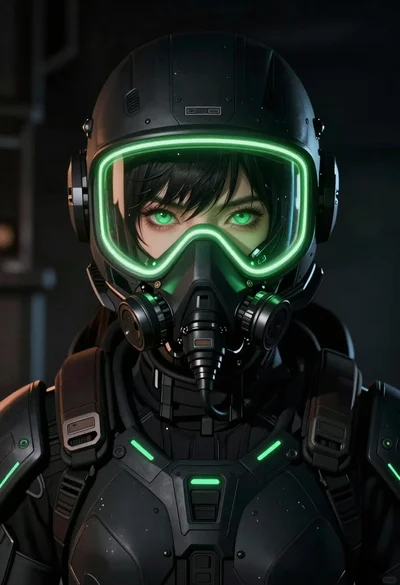
Anime portrait of woman in scifi gear with neon accents
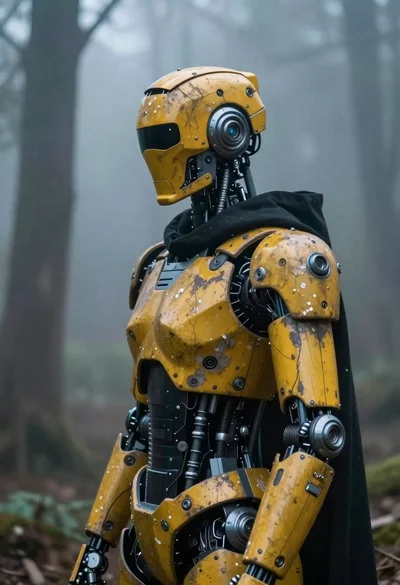
Cybernetic robot in a misty forest setting
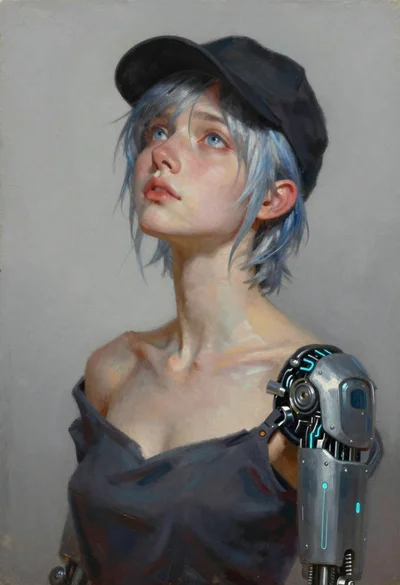
Oil painting portrait of woman with cybernetic arm
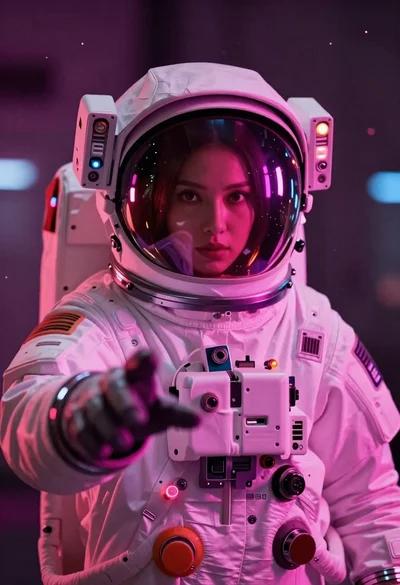
Astronaut portrait reflecting neon city lights
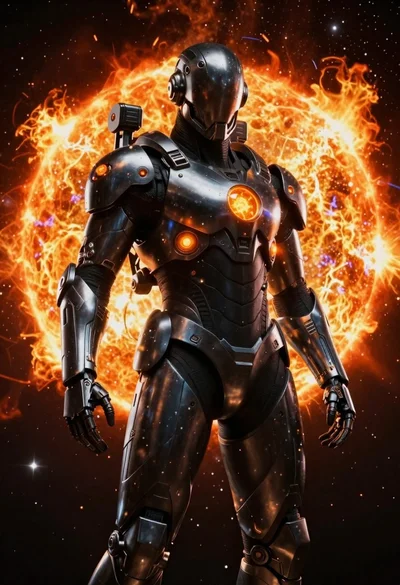
Futuristic space explorer in deep space near solar flare
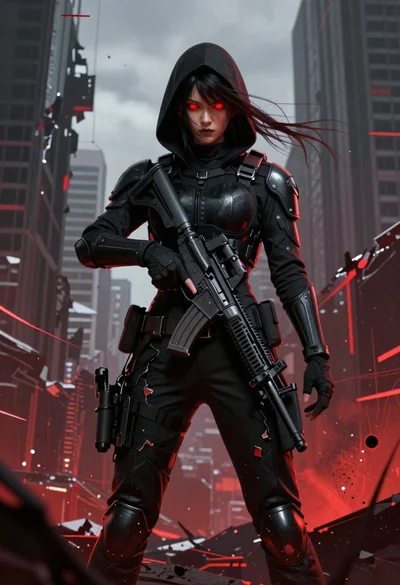
Female figure in tactical gear with assault rifle
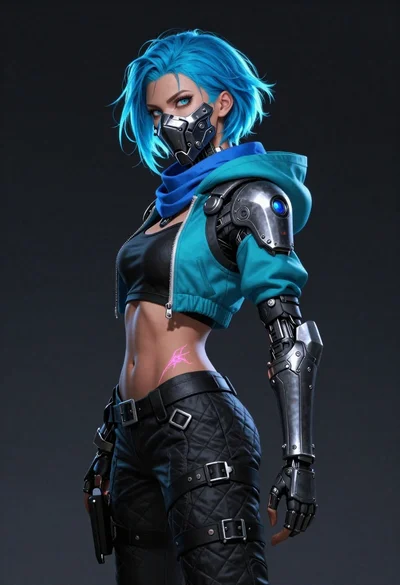
Bluehaired cyborg warrior in futuristic tactical gear

Futuristic soldier in heavy snowfall on an urban street
