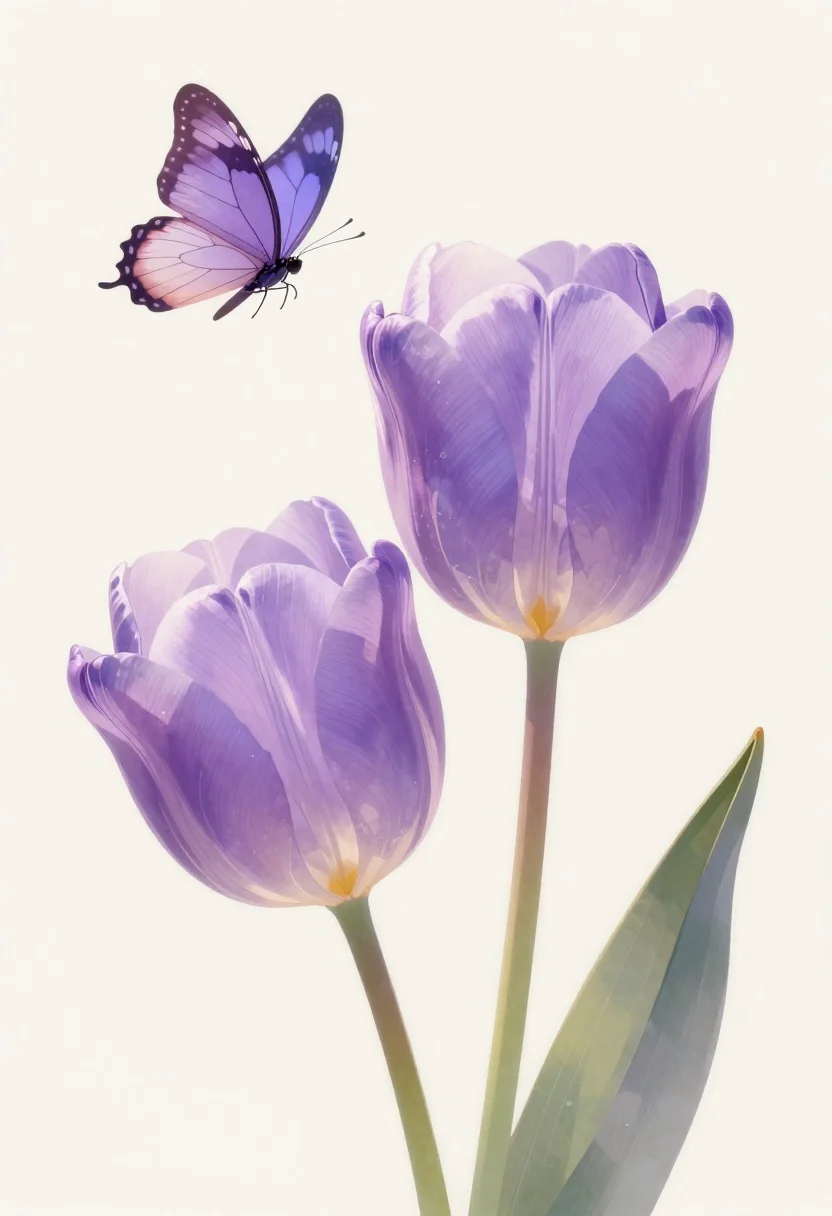
Pastel illustration of purple tulips with butterfly
Prompt
Soft pastel illustration of two large purple tulips with a delicate butterfly hovering above

Subject: translucent lavender tulip blooms with fine vein-like texture and open petals showing dark stamens inside

Action: butterfly in mid-flight, wings spread wide near top left corner

Environment: minimal soft cream background with subtle vertical gradient fade to white at edges

Camera: close-up botanical framing emphasizing stem-line geometry and negative space around blossoms

Lighting: ethereal backlighting creating semi-transparent effect on petals with gentle shadow depth inside flower centers.
Description
This prompt is useful for creating delicate nursery decor prints, whimsical greeting cards, and fine art botanical studies. The combination of 'ethereal backlighting' and the 'translucent lavender tulip blooms' ensures that the petals appear weightless, which supports the airy quality needed for both card design and soft interior aesthetics.
Suggestions
- Change 'purple tulips' to 'lilac hyacinths' for a different bloom shape.
- Add 'watercolor wash texture' to the background for more depth.
- Adjust 'butterfly in mid-flight' to 'resting on petal edge' for a more composed feel.
Category
Tags
Close UpDigital ArtMacro ShotNature
Date added
June 19, 2026
Added by
PromptDexter Team
Related Prompts
More prompts with similar categories and tags.

Biomechanical guardian in overgrown ancient ruins

Enchanted forest scene with glowing atmosphere and light particles

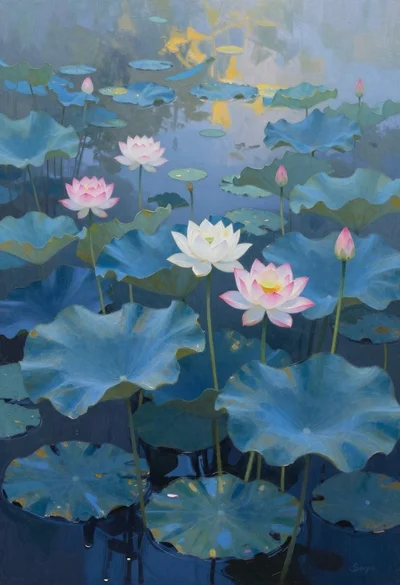
Vibrant pond with colorful lotus flowers and lily pads

Macro shot of miniature tropical island diorama in a puddle on cracked

Anime pagoda on mountain peak with cherry blossoms

Mountain landscape with river at golden hour sunset

Ancient tree on a jagged cliff overlooking cosmic nebula
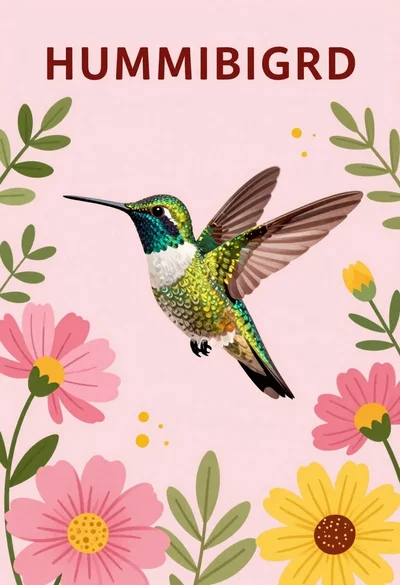
Vibrant hummingbird flying among blooming flowers illustration