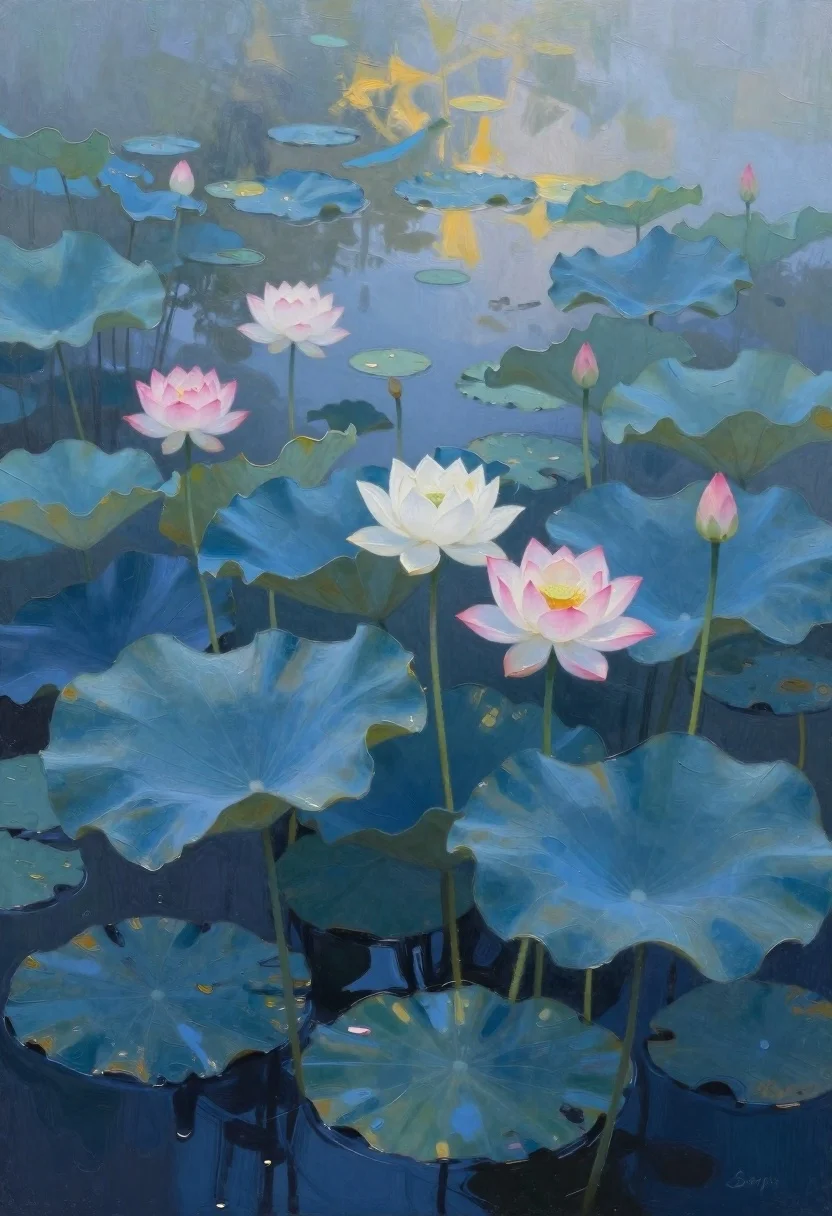
Oil painting of lotus flowers on a misty pond
Prompt
oil painting of a serene pond filled with lotus flowers and leaves under soft ethereal light

Subject: tall blue and teal lotus blooms rising from dark water, some fully open in pale pink and white hues, others as closed buds on slender green stems.

Clothing: not applicable to botanical subject.

Action: still life composition with no motion or gesture; flowers float naturally among broad leaves drifting at various heights.

Environment: misty aquatic setting with layered reflections suggesting calm water beneath surface shadows and distant haze blending into sky tones above.

Camera: close-up view emphasizing floral arrangement, slightly elevated angle capturing verticality of stems against atmospheric background.

Lighting: diffused ambient glow from upper right casting gentle highlights on petals and leaves while deep blues anchor lower frame for contrast; subtle gradients suggest dawn or dusk mood.

Other Subjects: none present.

Objects: no props beyond natural elements no man-made items visible.

Interaction: flowers coexist peacefully among overlapping leaves without direct physical contact implying harmony in nature.

Text/Graphics: faint artist signature 'Sergio' in bottom right corner, stylized script not central to scene meaning; omitted for clarity unless required by context.

Style Details: impressionistic brushwork with textured impasto strokes creating depth and luminosity; cool color palette dominated by blues accented warm pinks/yellows where light touches petals; painterly abstraction enhances dreamlike tranquility.
Description
This prompt is useful for creating serene botanical illustrations, fine art prints of nature, and atmospheric digital backgrounds. The combination of 'impressionistic brushwork with textured impasto strokes' ensures the flowers feel tangible while the 'diffused ambient glow from upper right' prevents harsh shadows, allowing the cool color palette to maintain a dreamlike quality suitable for quiet contemplation.
Suggestions
- Change 'blue and teal lotus blooms' to 'vibrant magenta lotuses' for more contrast.
- Adjust 'deep blues anchor lower frame' to 'slate grays anchor lower frame' for a moodier feel.
- Swap 'impressionistic brushwork' for 'watercolor wash' to soften the edges.
Category
Tags
Close UpDigital ArtForestLow AngleMacro ShotNatureOutdoors
Date added
June 19, 2026
Added by
PromptDexter Team
Related Prompts
More prompts with similar categories and tags.
Enchanted forest scene with glowing atmosphere and light particles

Cartoon surreal treehouse with giant eye and green door
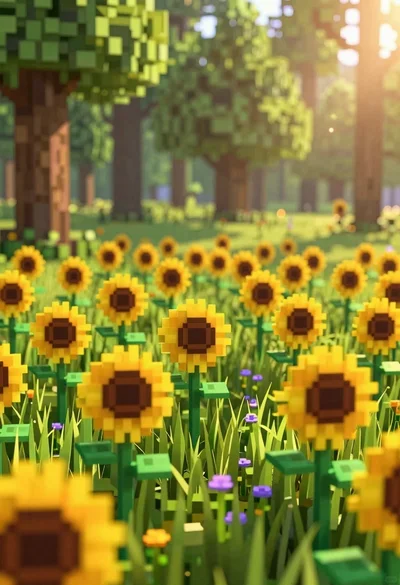
Minecraft style voxel sunflower field in a lush green forest clearing

Macro shot of miniature tropical island diorama in a puddle on cracked
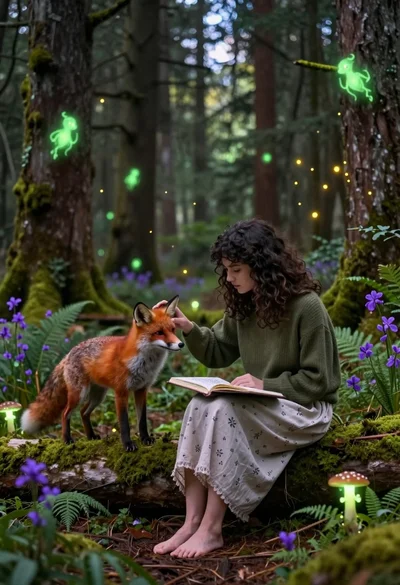
Young woman sketching red fox on mossy log in magical forest setting
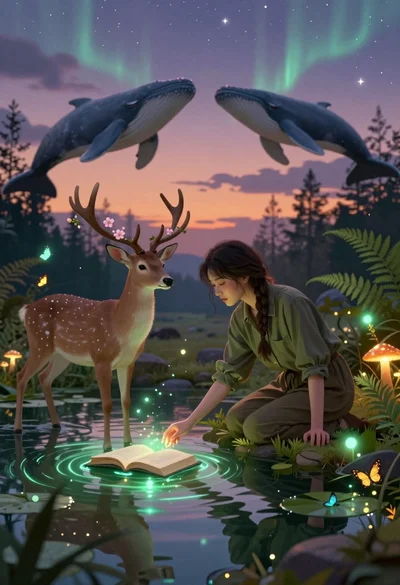
Young woman kneeling by mystical pond with deer and whales in forest
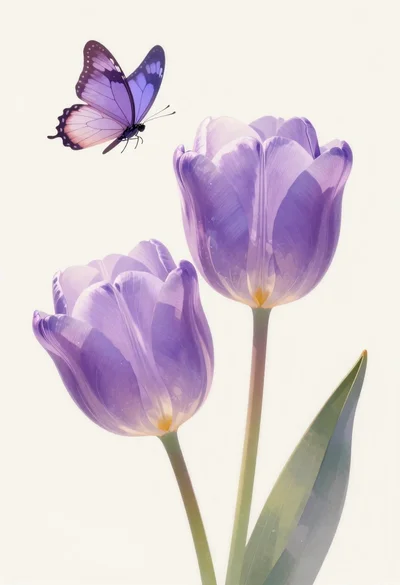
Pastel illustration of purple tulips with butterfly
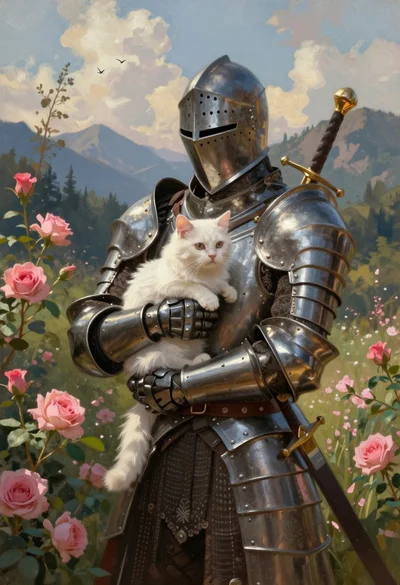
Knight in dark armor holding white cat amidst pink flowers and mountains