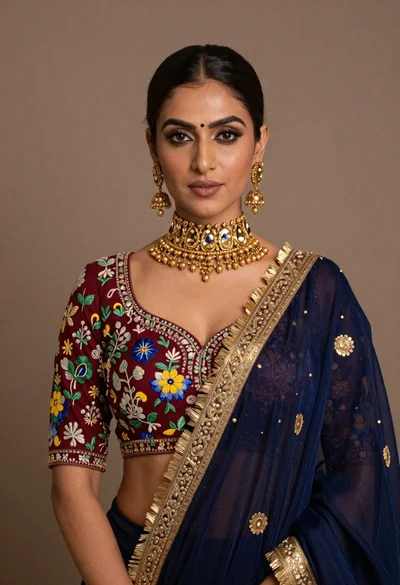

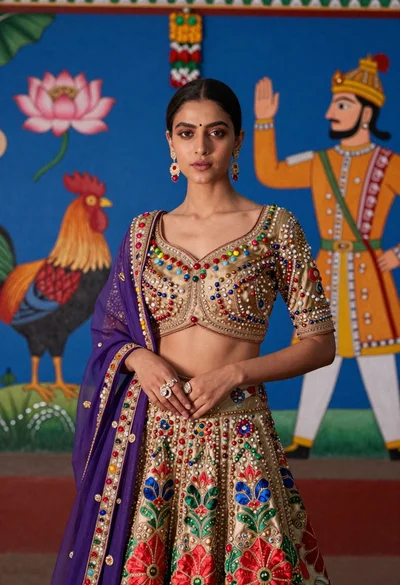
Poised woman in ornate purple lehenga choli against beige studio background
Prompt
A poised woman stands against a plain beige background wearing an ornate purple lehenga choli with heavy gold embroidery and net detailing.

Subject: A woman with dark hair pulled back into a sleek half-up style, featuring defined eyebrows, smoky eye makeup, glossy lips, and a calm, direct gaze.

Clothing: An elaborate purple traditional Indian outfit consisting of a sleeveless blouse and skirt, heavily embellished with gold threadwork, floral motifs, sequins, and net fabric panels across the midriff and neckline. She wears dangling earrings with red gemstones, multiple rings on her fingers, and a bracelet on her wrist.

Action: Standing upright with her hands gently clasped in front of her waist, looking straight ahead at the camera.

Environment: A solid, neutral beige studio backdrop with no other background elements visible.

Camera: Medium shot framing the subject from the thighs up, utilizing a soft-focus lens effect to blur the background slightly and emphasize the subject's features.

Lighting: Soft, diffused studio lighting illuminating the front of the face and outfit evenly, creating gentle highlights on the skin and metallic embroidery without harsh shadows.

Style Details: High-resolution portrait photography with a polished, elegant aesthetic, showcasing intricate textile textures and jewelry details.
Description
This prompt is useful for creating bridal catalog imagery, high-end ethnic wear lookbooks, and formal portraiture needing an uninterrupted focus on textiles. The combination of 'soft, diffused studio lighting' with a 'plain beige background' ensures that the intricate 'gold threadwork' remains visible without harsh shadows distracting from the rich purple tones or the subject's direct gaze.
Suggestions
- Change 'beige background' to 'pale blush backdrop' for warmer skin tones.
- Swap 'smoky eye makeup' for 'deep jewel-toned eyeshadow' to complement the lehenga.
- Adjust 'soft-focus lens effect' to 'shallow depth of field, 85mm' for more subject isolation.
Category
Tags
BrunetteDark SkinFemaleFormal WearMedium ShotRealisticStudioTraditional Wear
Date added
June 19, 2026
Added by
PromptDexter Team
Related Prompts
More prompts with similar categories and tags.
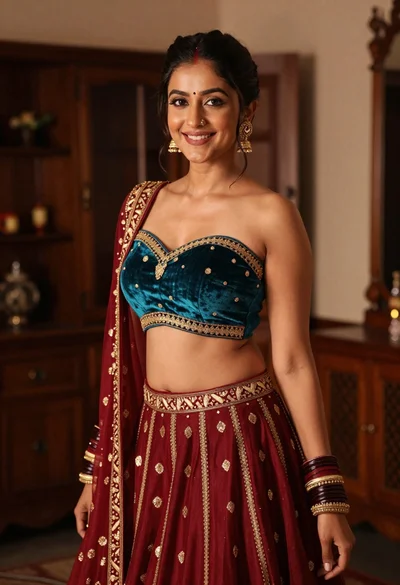
Young woman in teal lehenga choli smiling indoors with gold embroidery
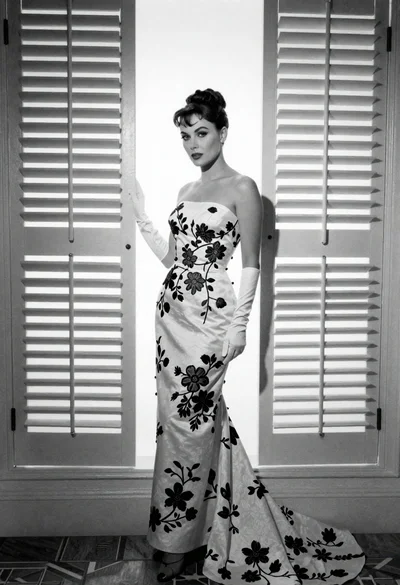
Full length portrait of woman in gown near tall window shutters
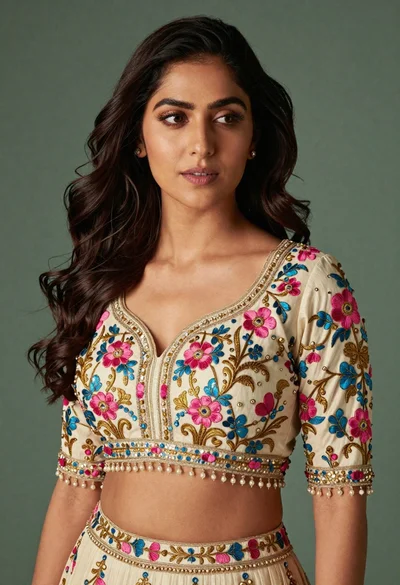
Medium close up portrait of woman in ornate cream lehenga choli

Portrait of woman in elaborate red feathered gown against vivid blue background
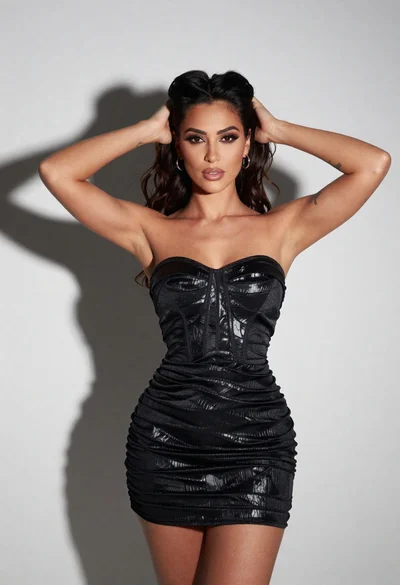
Confident woman with dark hair posing in black mini dress against white
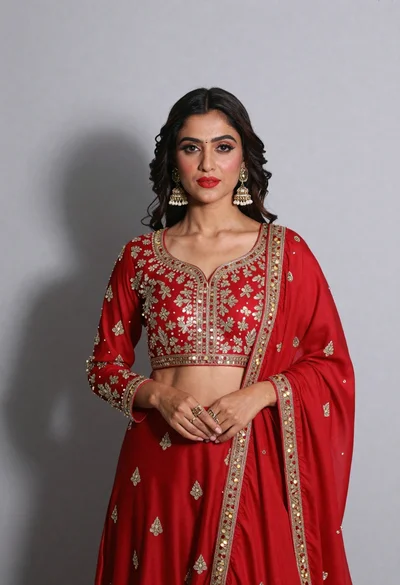
Poised woman in red traditional outfit against light gray studio backdrop
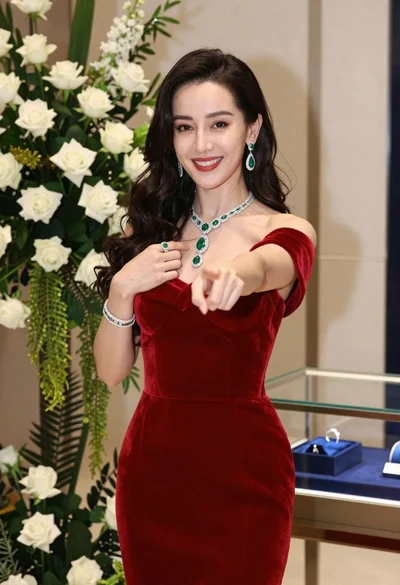
Confident woman in red velvet dress with diamond emerald jewelry indoors

Woman in red oneshoulder dress posing by wooden railing against teal wall
Young woman in ornate lehenga choli against vibrant blue mural background

Confident woman in pinstriped suit jacket against solid teal background