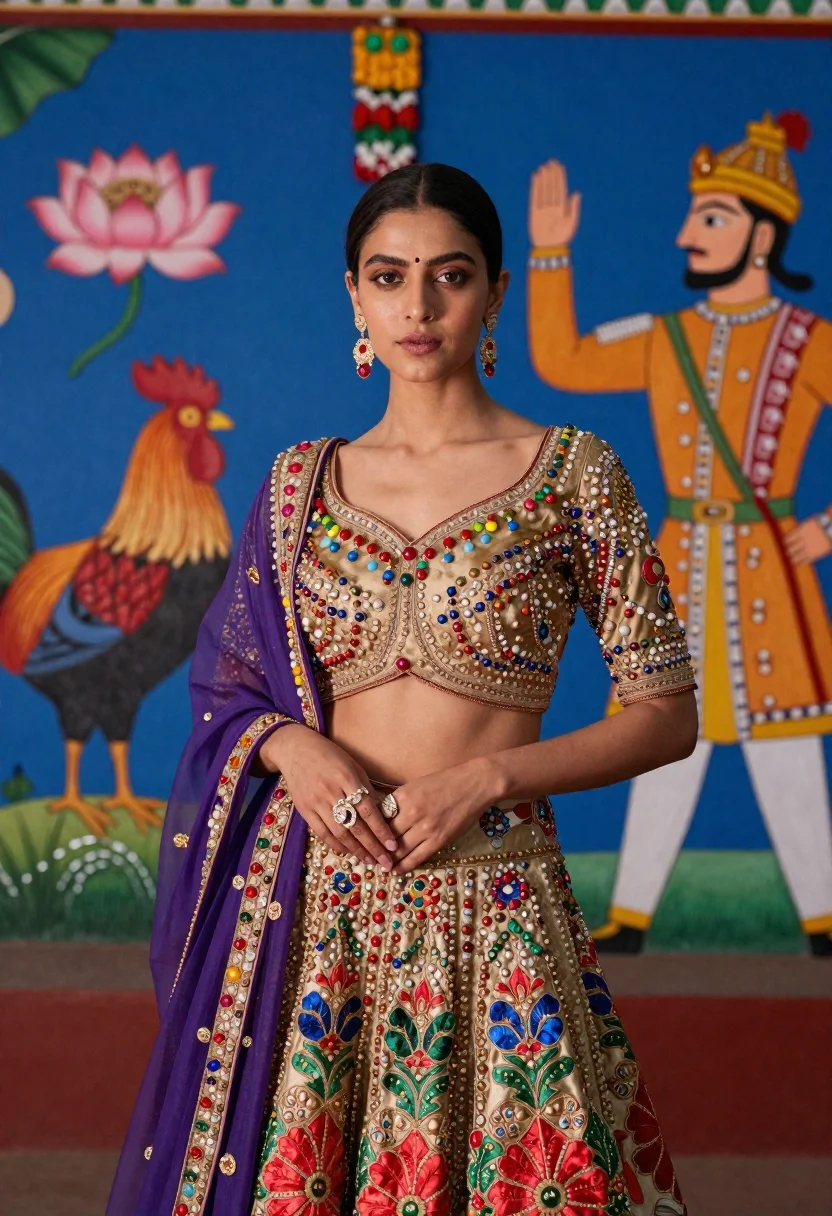
Young woman in ornate lehenga choli against vibrant blue mural background
Prompt
A young woman stands confidently in a vibrant, culturally rich setting adorned with traditional Indian attire and elaborate jewelry.

Subject: A poised young woman with dark hair pulled back, featuring a small red bindi on her forehead and subtle makeup highlighting her eyes.

Clothing: She wears an ornate lehenga choli ensemble consisting of a heavily embroidered gold blouse with colorful beadwork, a matching skirt with intricate floral patterns in red, green, and blue, and a flowing purple dupatta draped over one shoulder.

Action: Her hands are gently clasped near her waist, fingers adorned with rings, while she gazes directly at the camera with a calm expression.

Environment: The background is a vivid blue wall decorated with colorful murals including a pink lotus flower, a rooster, and a painted figure of a man in historical military attire holding his hand up.

Camera: Medium shot capturing the subject from the waist up with a shallow depth of field that keeps her sharply focused while softly blurring the artistic background elements.

Lighting: Soft, diffused lighting illuminates her face and outfit evenly, creating gentle shadows that emphasize the textures of the embroidery and jewelry without harsh contrast.

Style Details: The image exhibits a high-fashion editorial aesthetic with rich color saturation, detailed texture rendering, and a blend of traditional cultural motifs with modern photographic composition.
Description
This prompt is useful for creating vibrant cultural portraiture, fashion editorials showcasing ethnic wear, and location-based lifestyle marketing materials. The combination of 'vivid blue wall' murals and the 'soft, diffused lighting' ensures that the intricate details of the 'heavily embroidered gold blouse' remain visible without harsh shadows obscuring the rich color saturation.
Suggestions
- Change 'vibrant blue wall' to 'ochre yellow wall' for a warmer backdrop.
- Swap 'flowing purple dupatta' for 'deep emerald green dupatta' to complement the mural colors.
- Adjust 'soft, diffused lighting' to 'rim light from the side' for more dramatic separation.
Category
Tags
BrunetteDark SkinFemaleMedium ShotOutdoorsPortrait ShotRealisticTraditional Wear
Date added
June 19, 2026
Added by
PromptDexter Team
Related Prompts
More prompts with similar categories and tags.
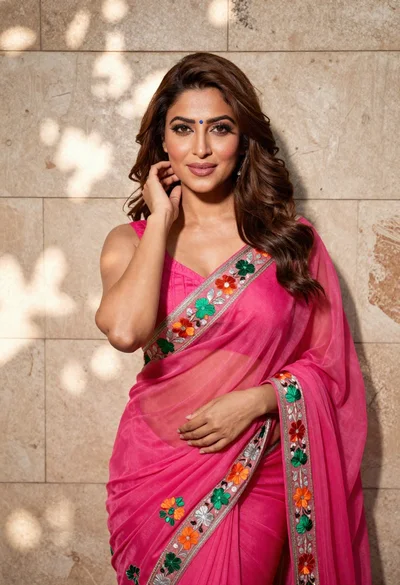
Woman in fuchsia saree posing against textured beige stone wall
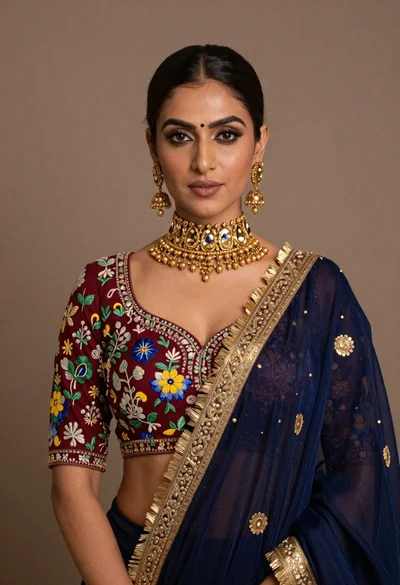
Portrait of woman wearing maroon embroidered blouse and heavy gold jewelry
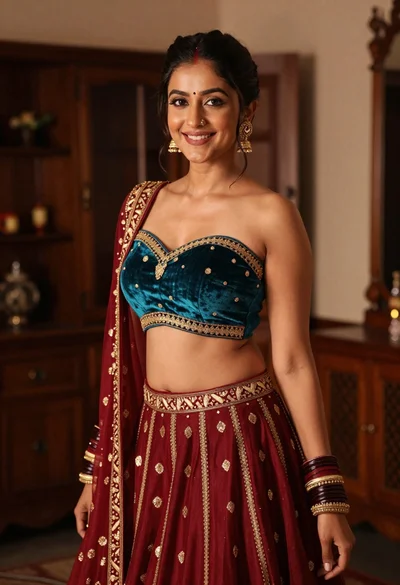
Young woman in teal lehenga choli smiling indoors with gold embroidery
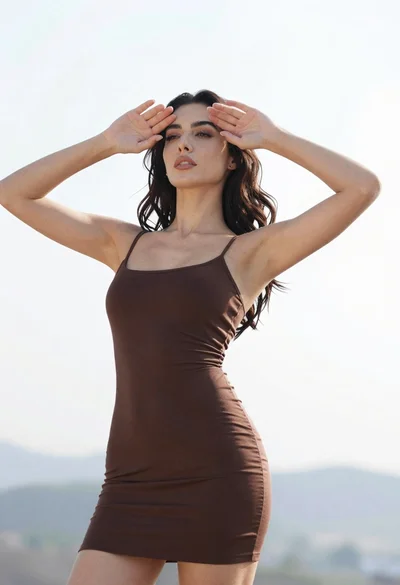
Woman in dark brown slip dress outdoors against bright white sky
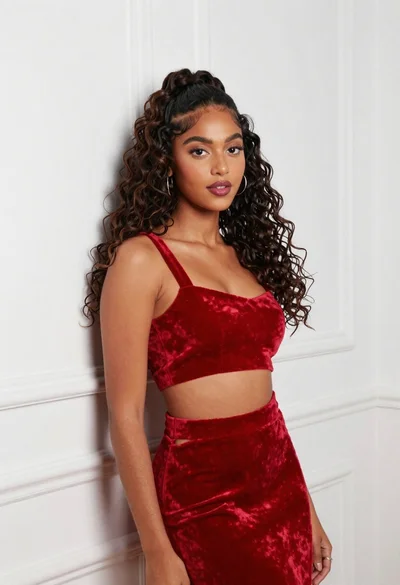
Young woman in red velvet outfit against white paneled interior wall
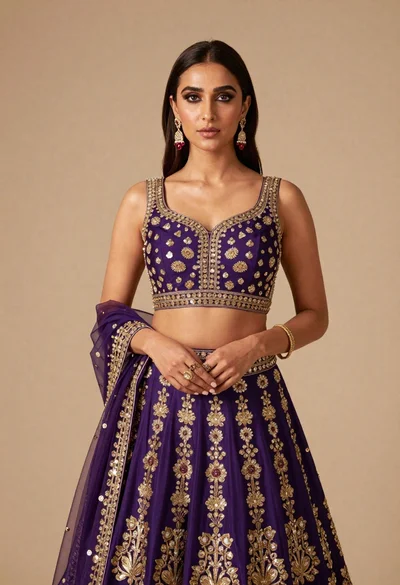
Poised woman in ornate purple lehenga choli against beige studio background
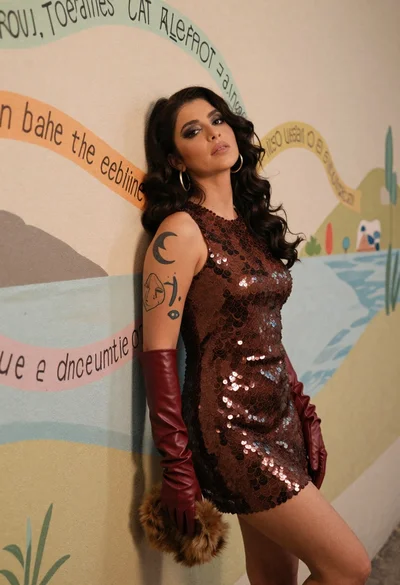
Woman leaning against colorful text art wall in vintage 1970s style
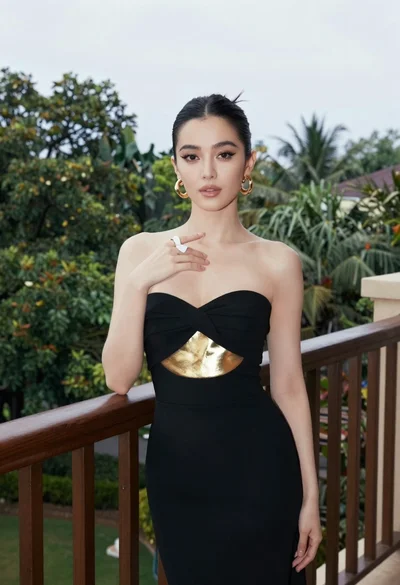
Woman in black gown on balcony with lush greenery background

Confident woman in pinstriped suit jacket against solid teal background
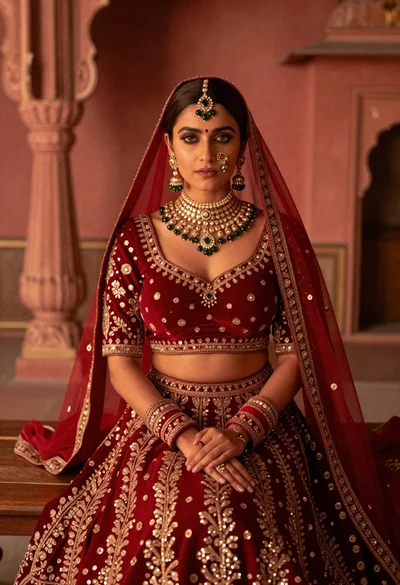
Regal woman in elaborate red and gold lehenga seated indoors