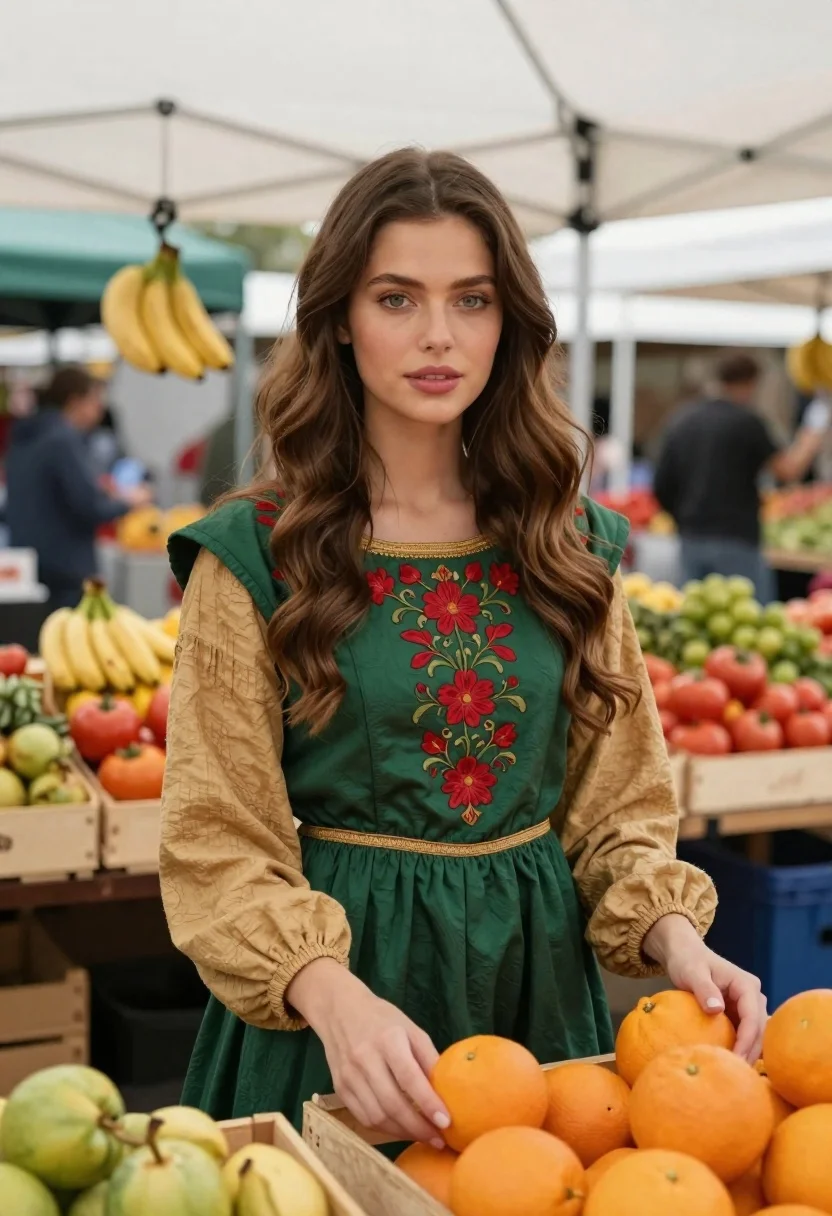
Woman in green dress at outdoor fruit market
Prompt
A photorealistic portrait of a young woman with long, wavy brown hair and green eyes standing in an outdoor fruit market under a white canopy tent

Subject: A fair-skinned woman with soft features, wearing subtle pink lipstick, gazing directly at the camera.

Clothing: She wears a deep emerald-green medieval-style dress featuring intricate red floral embroidery on the bodice and gold trim around the neckline and waistline; layered beneath are tan linen sleeves with gathered cuffs that add texture to her ensemble.

Action: Her hands gently rest near wooden crates filled with bright oranges as she looks forward, exuding calm confidence in this lively marketplace setting.

Environment: Bustling outdoor market scene surrounded by colorful produce displays including hanging bananas and baskets of tomatoes; blurred background hints at shoppers under canopies suggesting depth and atmosphere.

Lighting: Soft natural daylight illuminates her face evenly while casting gentle shadows that enhance the textures of both fabric and fruit surfaces around her.
Description
This prompt is useful for creating lifestyle editorial spreads, character concept art for historical settings, and vibrant market scene illustrations. The combination of 'deep emerald-green medieval-style dress' with 'intricate red floral embroidery' grounds the subject in a specific aesthetic while the 'soft natural daylight' ensures that the textures of both the fabric and the surrounding produce remain visible without harsh contrast.
Suggestions
- Change 'medieval-style dress' to 'renaissance gown' for a different historical feel.
- Swap 'bright oranges' for 'piles of purple grapes' to shift the color palette.
- Adjust 'soft natural daylight' to 'overcast diffused light' for even flatter illumination.
Category
Tags
Brown HairCasual WearFair SkinFemaleFull BodyNaturePortrait ShotRealisticWide Shot
Date added
June 19, 2026
Added by
PromptDexter Team
Related Prompts
More prompts with similar categories and tags.

Smiling young woman in white ruffled dress between green topiary bushes

Young woman in pink camisole standing in sunlit rolling hills
Fair skinned woman taking a high angle selfie on green lawn

Young woman in olive saree leaning on railing outdoors during golden hour

Young woman with dark hair at wooden table in open air setting
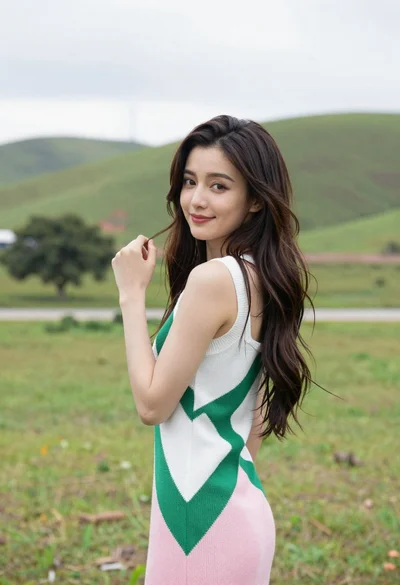
Young woman in patterned dress looking back over grassy hills

Woman in black shirt on urban street at sunset

Woman standing barefoot in dry autumn field at golden hour