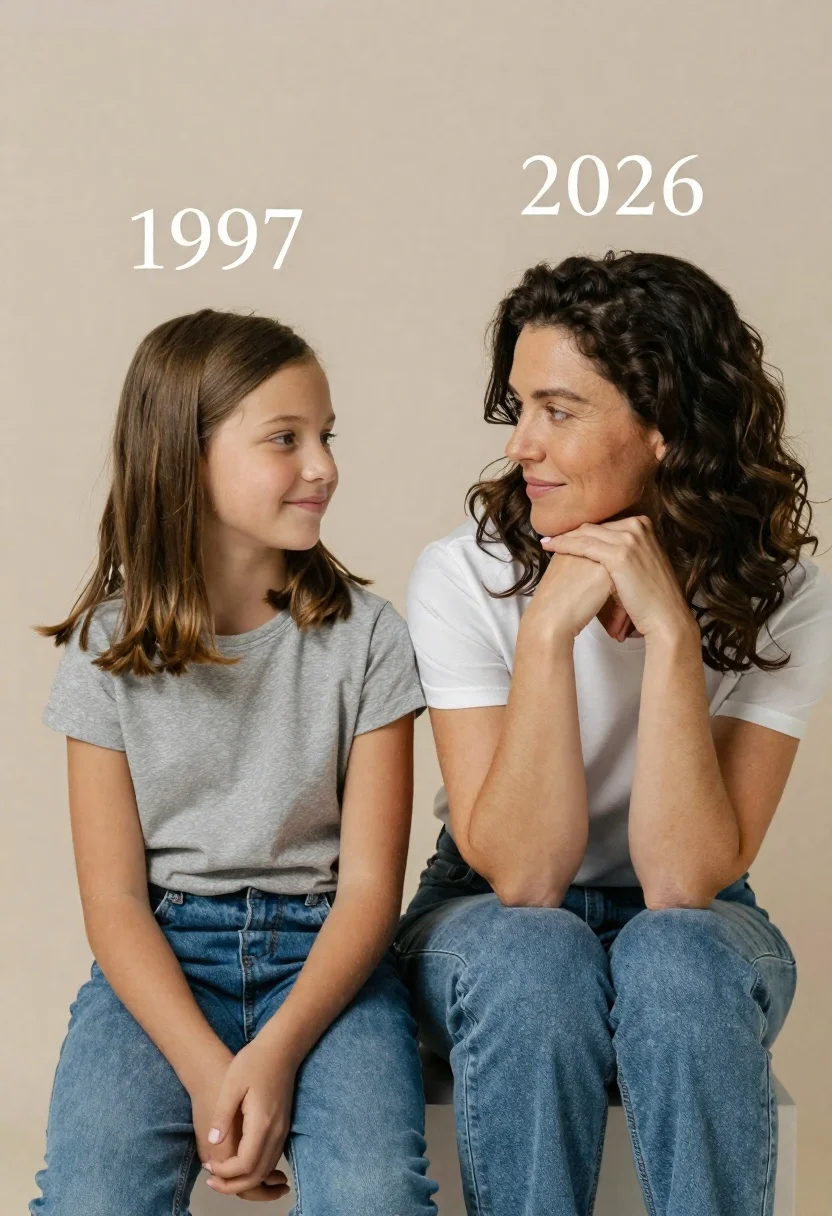
Portrait of mother and daughter sitting together against neutral studio background
Prompt
A heartwarming portrait of a mother and daughter sitting side by side against a neutral background.

Subject: A young girl with shoulder-length brown hair and a woman with wavy dark brown hair, both looking affectionately at each other.

Clothing: The girl wears a grey t-shirt and blue jeans, while the woman wears a white t-shirt and blue jeans.

Action: The girl sits upright smiling softly, while the woman rests her chin on her clasped hands, leaning in with a gentle smile.

Environment: A plain, muted beige studio background that keeps the focus entirely on the subjects.

Camera: Medium shot capturing both figures from the waist up, framed symmetrically to emphasize their connection.

Lighting: Soft, diffused lighting that creates a warm and intimate mood without harsh shadows.

Text/Graphics: The year 1997 is written above the girl and the year 2026 is written above the woman in white serif font.

Style Details: High-resolution photography with a clean, minimalist aesthetic and a focus on emotional storytelling.
Description
This prompt is useful for creating nostalgic family portraiture, sentimental anniversary keepsakes, and lifestyle branding materials emphasizing connection. The combination of 'soft, diffused lighting' and the 'plain, muted beige studio background' ensures that the focus remains entirely on the subjects' interaction, preventing distracting environmental elements while allowing the visible texture of their clothing to read clearly.
Suggestions
- Change 'grey t-shirt' to 'cream knit top' for a warmer color palette.
- Replace 'white serif font' with 'handwritten script font' for a more intimate feel.
- Adjust 'medium shot' to 'close up' to emphasize facial expressions.
Category
Tags
Brown HairCasual WearFair SkinFemaleMedium ShotPortrait ShotRealisticStudio
Date added
June 21, 2026
Added by
PromptDexter Team
Related Prompts
More prompts with similar categories and tags.

Woman with brown hair forming heart shape in white strapless dress

Photorealistic portrait of woman in red gold armor holding shield studio shot
Young woman in white tank top and denim jeans against black background
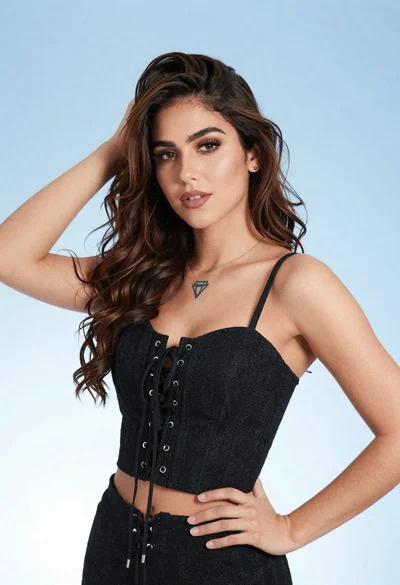
Portrait of young woman in black corset top against soft blue background
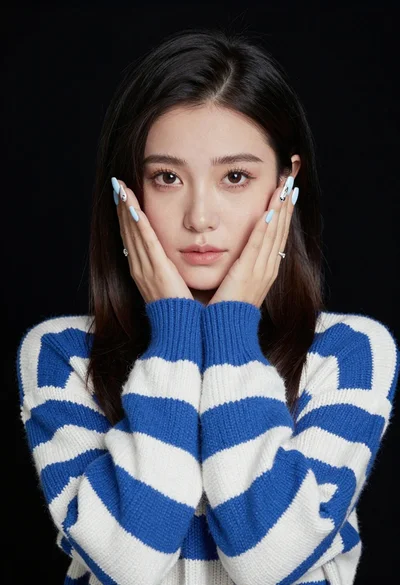
Portrait of young woman in striped sweater against dark background

Young woman in olive saree leaning on railing outdoors during golden hour

Young woman with dark hair at wooden table in open air setting

Young woman in blue denim jacket posing against pale pink seamless background