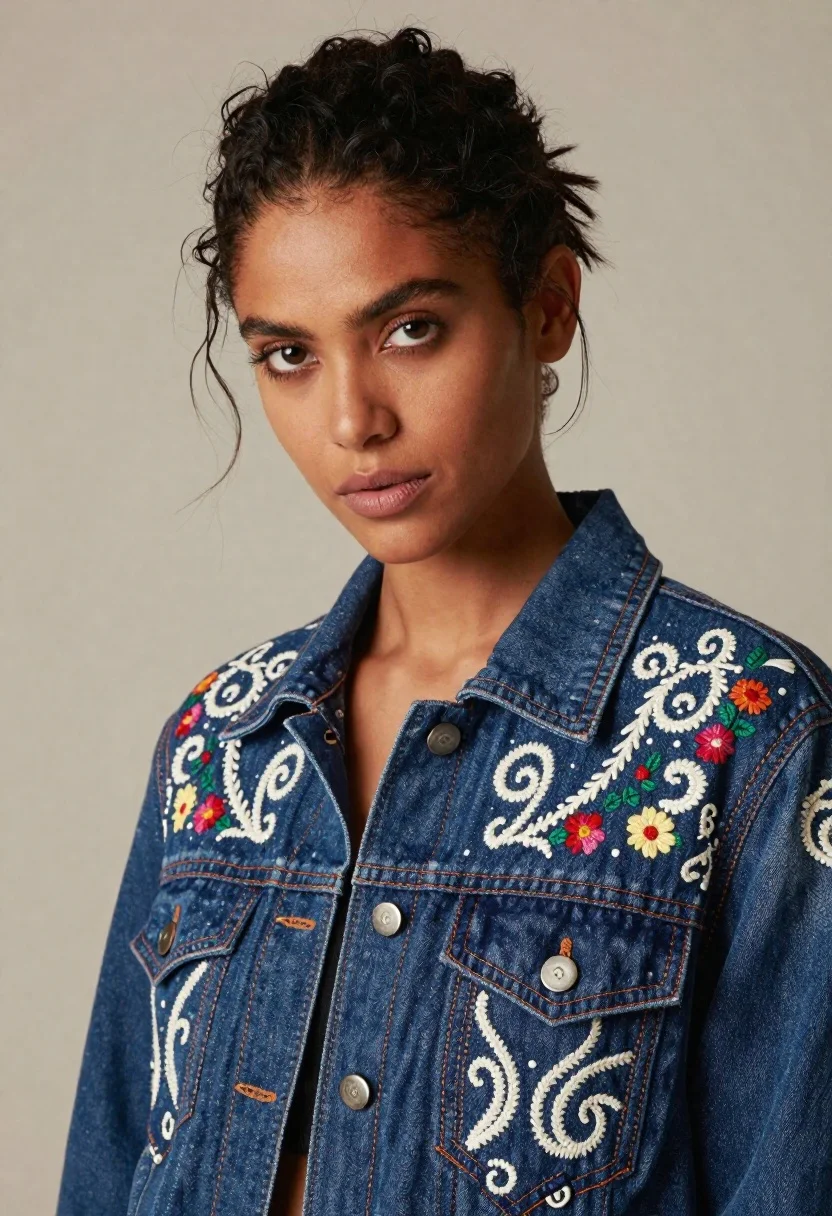
Portrait of woman in embroidered blue denim jacket against beige wall
Prompt
A striking portrait of a woman with dark hair pulled back into a messy updo, featuring loose strands framing her face and intense brown eyes gazing directly at the camera.

Subject: A woman with deep skin tone, defined eyebrows, and full lips wearing subtle makeup.

Clothing: She wears a structured blue denim jacket adorned with intricate white embroidery, swirling patterns, and colorful floral motifs, accented by thick orange stitching along the lapels and seams.

Action: Her head is tilted slightly to the side in a confident pose, with her gaze fixed forward.

Environment: A plain, neutral beige wall serves as the background, keeping the focus entirely on the subject.

Camera: The shot is a medium close-up framed from the chest up, utilizing a shallow depth of field that keeps the subject sharp while softly blurring the background.

Lighting: Soft studio lighting illuminates her face and the texture of the jacket evenly, creating gentle shadows that define her features without harsh contrast.

Style Details: High-fashion editorial photography with a focus on detailed textile textures and rich color tones.
Description
This prompt is useful for creating fashion lookbooks focusing on artisanal garments, character portraits for narrative projects, and studio beauty editorials. The combination of 'intricate white embroidery' against the 'structured blue denim jacket' ensures that the textile details remain visible, while the 'soft studio lighting' prevents harsh shadows from obscuring both the subject's features and the garment's rich color tones.
Suggestions
- Change 'messy updo' to 'sleek low bun' for a more formal look.
- Swap 'beige wall' for 'dark slate background' to make the blue pop.
- Add 'rim lighting' to emphasize the jacket's seams.
Category
Tags
BrunetteDark SkinFemalePortrait ShotRealisticStudio
Date added
June 19, 2026
Added by
PromptDexter Team
Related Prompts
More prompts with similar categories and tags.
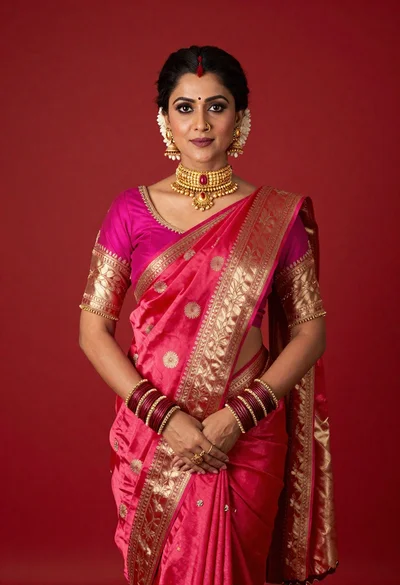
Poised woman in vibrant pink and red silk saree against solid red
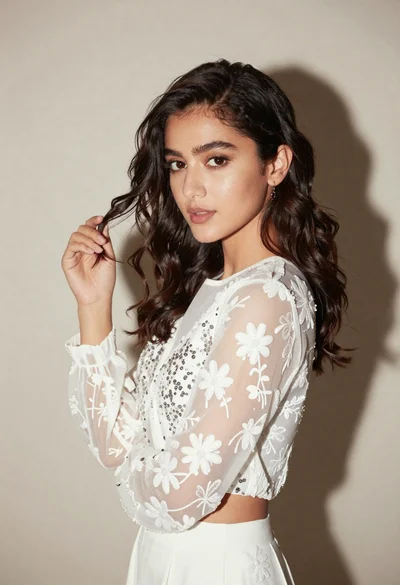
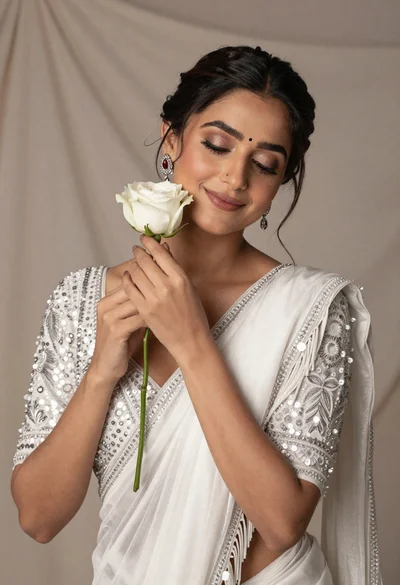
Young woman in white embroidered blouse posing against a plain studio background
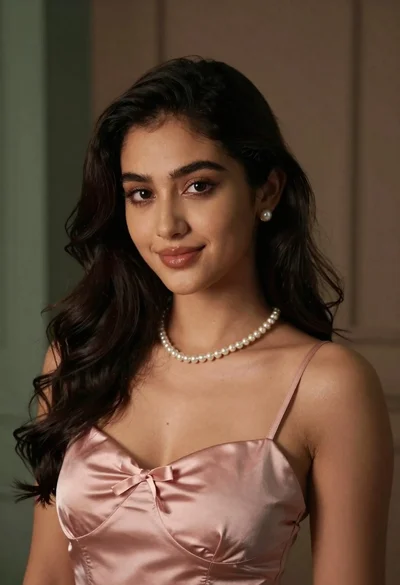
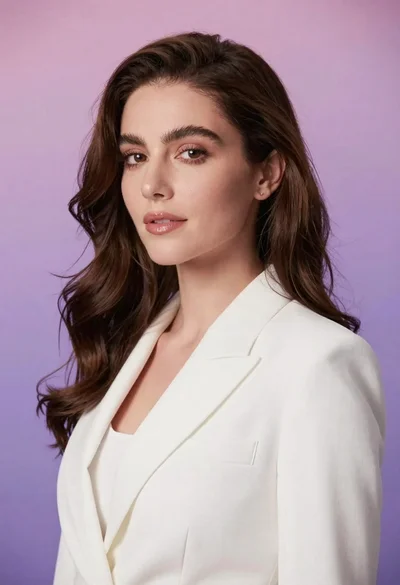
Medium close up portrait of young woman with dark wavy hair
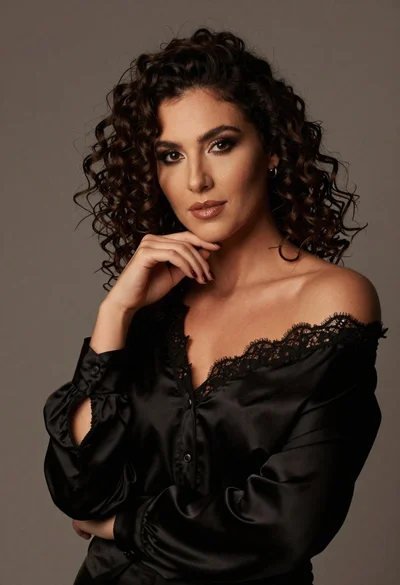
Portrait of woman with dark curly hair in black blouse
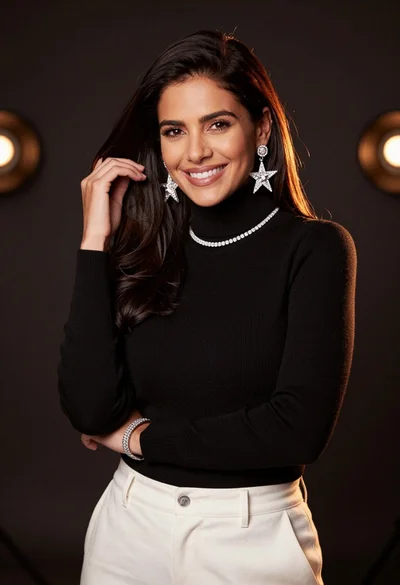
Smiling woman with dark hair wearing black turtleneck against bokeh background
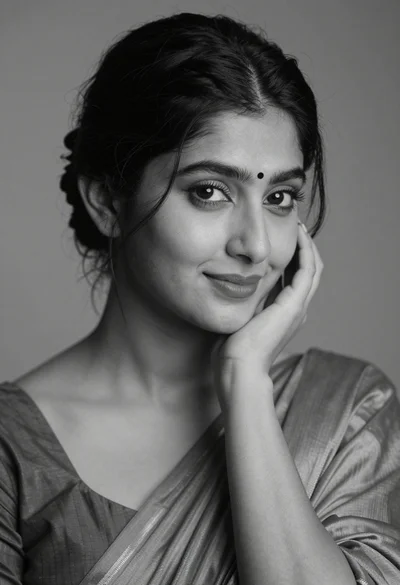
Black and white portrait of a young woman with dark hair styled in an elegant updo
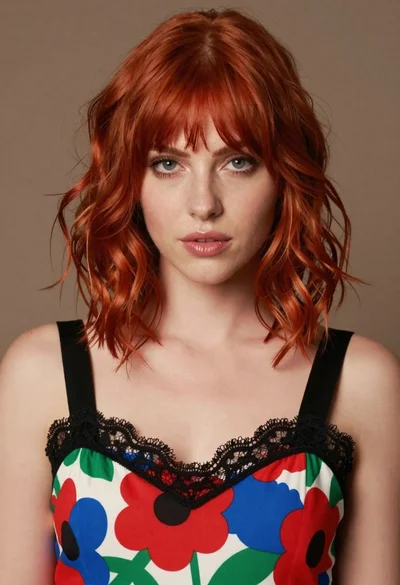
Close up portrait of woman with red hair in floral dress
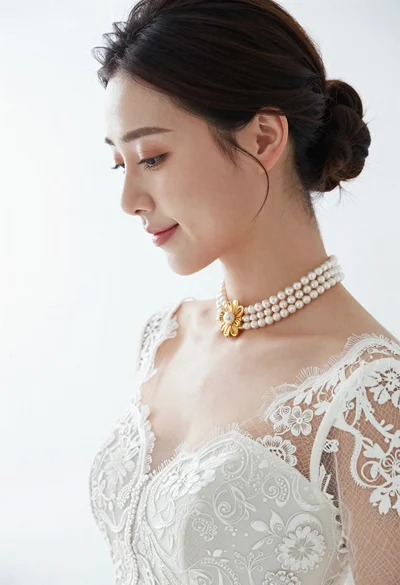
Profile portrait of woman in white lace wedding dress and pearls
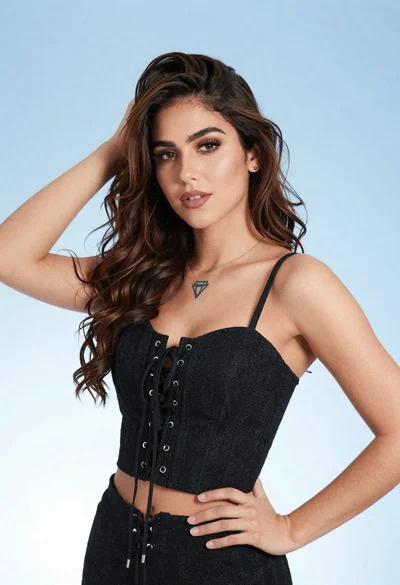
Portrait of young woman in black corset top against soft blue background
Woman in white tshirt against striped sunlight backdrop