Portrait of woman with dark hair wearing black dress indoors
Prompt
A woman with dark hair styled in an elegant updo gazes directly at the camera with a serious expression.

Subject: A woman with fair skin, dark brown hair pulled back into a sophisticated updo, and striking blue eyes. She has defined eyebrows, subtle eye makeup, and bold red lipstick. Her face shows natural freckles and a few small moles on her neck and chest.

Clothing: She wears a black sleeveless dress with a deep plunging neckline made of a textured fabric. Around her neck is a silver chain necklace featuring a rose-shaped pendant that extends down the center of her chest. She wears dangling silver earrings with floral or leaf-like details.

Action: The woman leans forward slightly, resting one arm on an unseen surface in front of her. Her gaze is intense and direct, looking straight into the lens.

Environment: The background suggests an indoor setting, possibly a bar or lounge, featuring a large bouquet of red roses behind her left shoulder and a crystal chandelier or glass sculpture visible over her right shoulder.

Lighting: The scene is lit with soft, ambient light that highlights her face and upper body, creating a slightly moody atmosphere with cool blue tones in the background shadows.

Style Details: The image has a cinematic quality with a shallow depth of field that keeps the subject sharp while blurring the background elements.
Description
This prompt is useful for creating high-end editorial beauty shots, dramatic character portraits for film promotion, and sophisticated jewelry advertisements. The combination of 'soft, ambient light' with 'cool blue tones in the background shadows' establishes a moody atmosphere that complements the intense gaze and the reflective nature of the silver jewelry, preventing the scene from feeling overly bright or flat.
Suggestions
- Change 'deep plunging neckline' to 'high neck' for a more conservative look.
- Swap 'red roses' for 'white peonies' to soften the color palette.
- Adjust 'cool blue tones in the background shadows' to 'deep emerald green' for richer contrast.
Category
Tags
Black HairBrunetteFair SkinFemaleFormal WearPortrait ShotRealistic
Date added
June 19, 2026
Added by
PromptDexter Team
Related Prompts
More prompts with similar categories and tags.
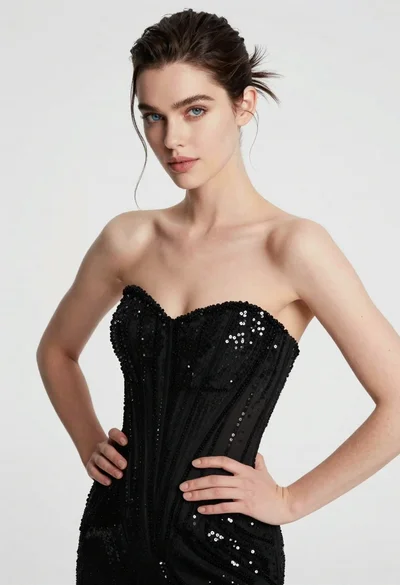
High fashion portrait of woman in sequined black gown against white studio
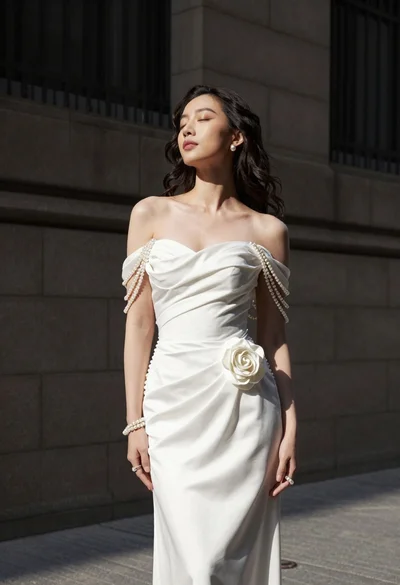
Woman in white gown standing against dark stone architectural wall outdoors
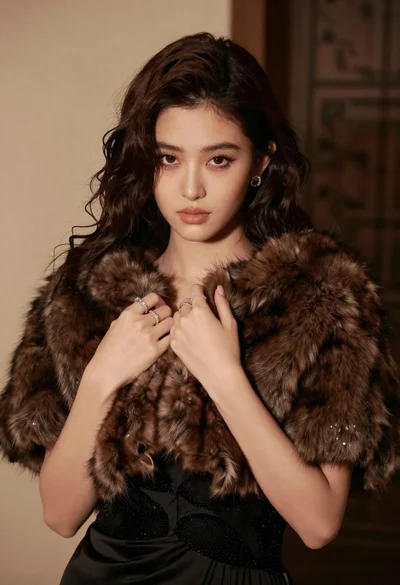
Glamorous portrait of woman in dark fur stole and black gown

Portrait of woman in elaborate red feathered gown against vivid blue background
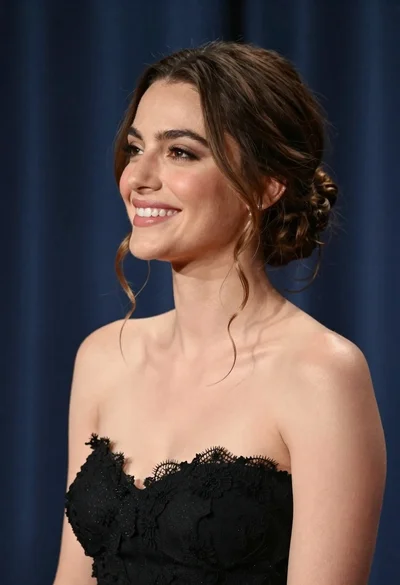
Smiling woman in black strapless gown against dark blue draped curtains
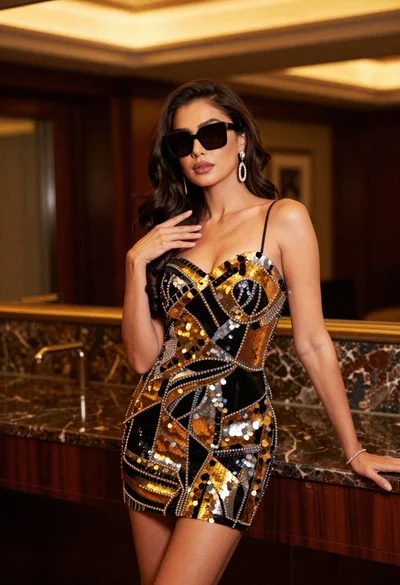
Confident woman in black and gold sequined mini dress indoors
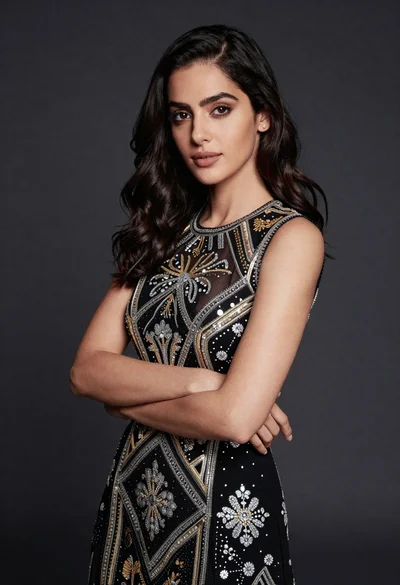
Confident woman in black embroidered dress against dark grey studio backdrop
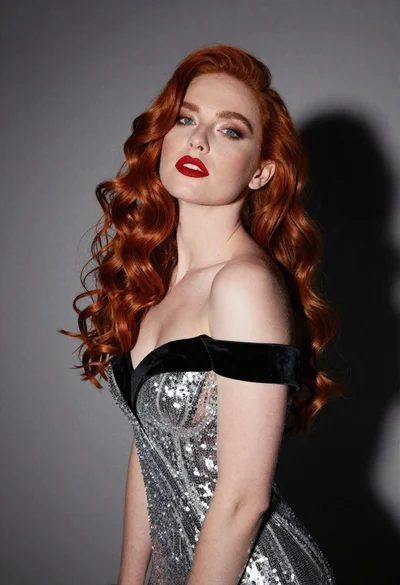
Glamorous portrait of woman with red hair in silver gown
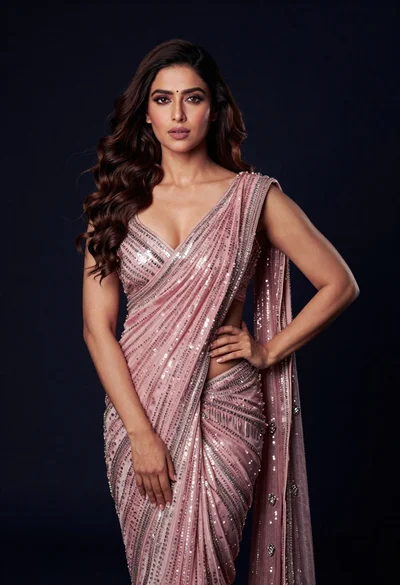
Glamorous woman in shimmering pink saree against dark studio background
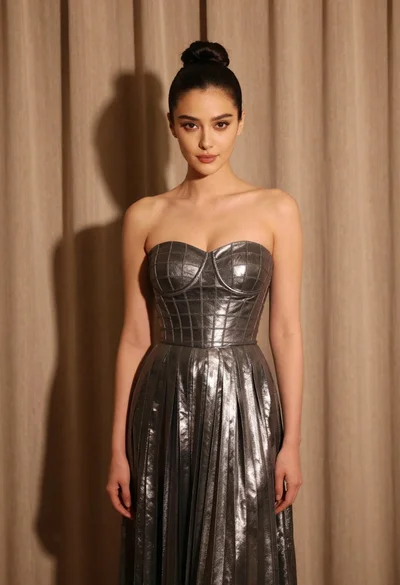
Woman in silver gown against warm draped curtain backdrop medium shot