

High fashion portrait of woman in sequined black gown against white studio
Prompt
A high-fashion portrait of a woman with dark hair pulled back into a sleek updo with loose strands framing her face, wearing a strapless black gown adorned with sparkling sequins along the neckline and bodice, posing confidently with one hand on her hip and the other resting gently on her waist.

Subject: A woman with fair skin, striking blue eyes, and dark hair styled in an elegant updo with wisps of hair escaping near her ears.

Clothing: She wears a strapless black evening gown featuring a fitted bodice embellished with shimmering sequins or beads along the neckline and scattered across the fabric.

Action: The subject gazes directly at the camera with a calm, confident expression, her body angled slightly while one hand rests on her hip and the other is placed gently over her midsection.

Environment: A minimalist studio setting with a plain white background that isolates the subject and emphasizes the elegance of the portrait.

Camera: Shot with a medium close-up framing that captures the upper torso and face, utilizing soft focus to create a dreamy, high-end editorial aesthetic.

Lighting: Soft, diffused lighting illuminates the face evenly while casting gentle shadows that highlight the contours of the body and the texture of the dress.

Style Details: The image exhibits a polished, glossy finish typical of professional fashion photography with a clean color palette dominated by black and white tones.
Description
This prompt is useful for creating high-end editorial beauty shots, luxury catalog imagery, and dramatic portrait studies requiring intense focus on texture. The combination of 'soft, diffused lighting' against the 'plain white background' ensures that the 'shimmering sequins' are visible without harsh specular highlights, while the 'medium close-up framing' keeps the viewer engaged with the subject's confident gaze.
Suggestions
- Change 'sequins or beads' to 'crystal embroidery' for a more luxurious feel.
- Add 'rim lighting from above' to accentuate the updo.
- Swap 'plain white background' for 'polished concrete floor' to add grounding texture.
Category
Tags
BrunetteFair SkinFemaleFormal WearPortrait ShotRealisticStudio
Date added
June 19, 2026
Added by
PromptDexter Team
Related Prompts
More prompts with similar categories and tags.
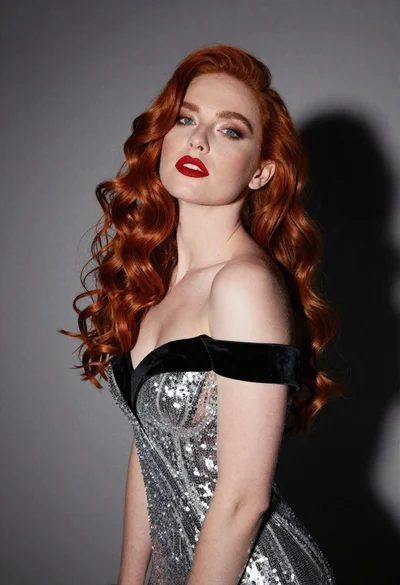
Glamorous portrait of woman with red hair in silver gown
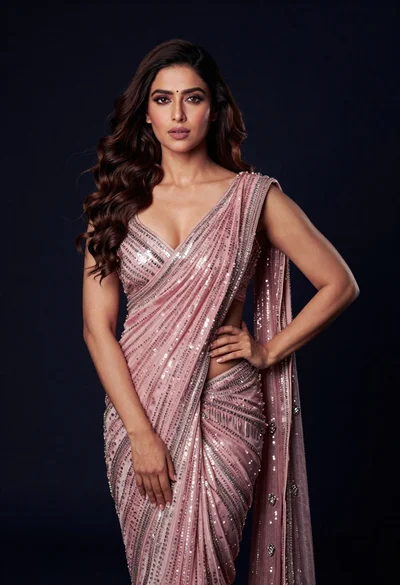
Glamorous woman in shimmering pink saree against dark studio background

Portrait of woman with red hair in navy blouse and green skirt

Young woman in blue denim jacket posing against pale pink seamless background
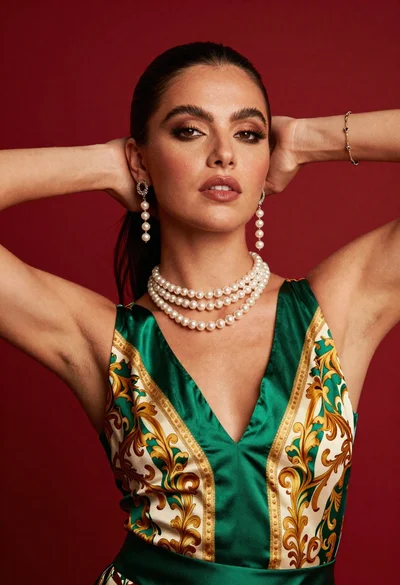
Glamorous woman posing in satin top against vibrant red studio backdrop
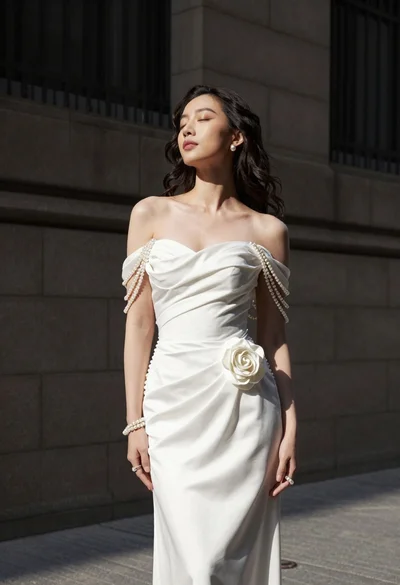
Woman in white gown standing against dark stone architectural wall outdoors

Blonde woman in striped swimsuit seated on sofa indoors studio shot
Smiling woman with dark wavy hair wearing sparkling tiara and pink boa
Glamorous portrait of woman in dark fur stole and black gown
Medium close up portrait of woman in ornate cream lehenga choli
