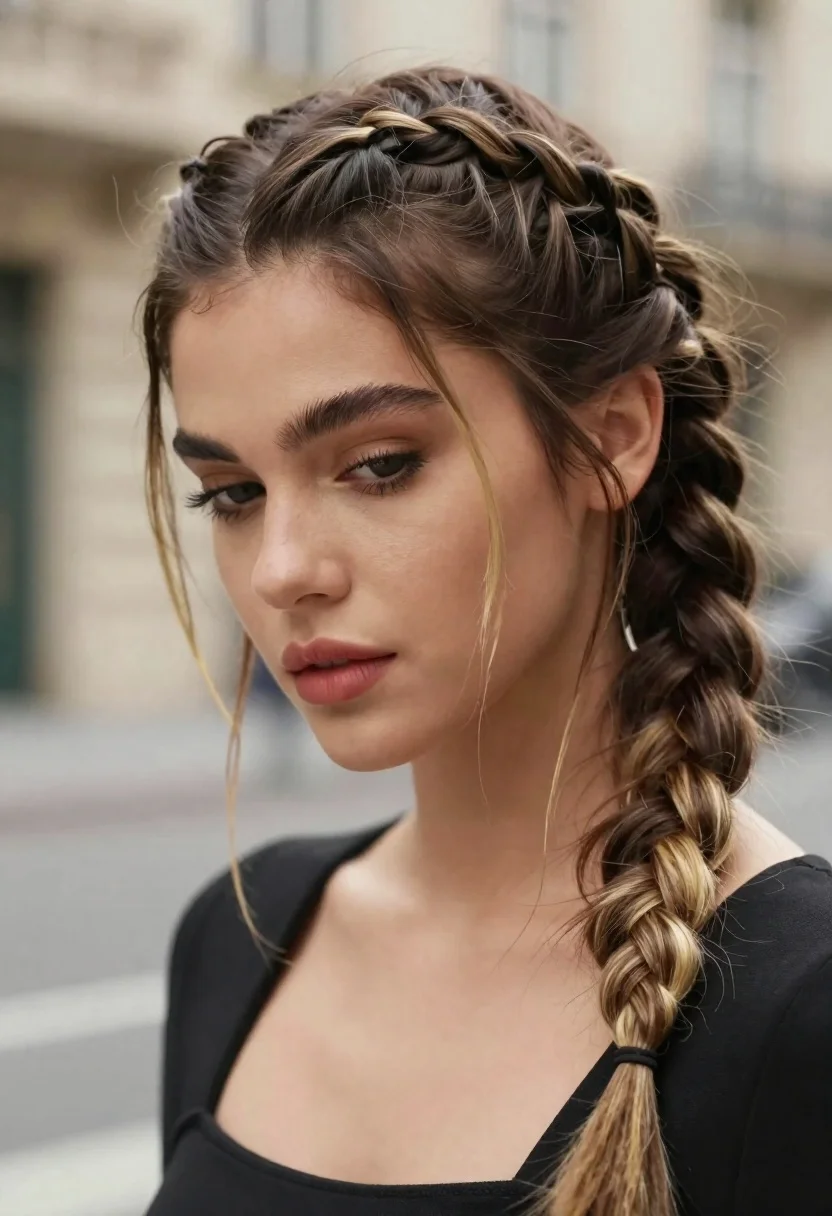
Portrait of young woman with braided brown hair and blonde highlights
Prompt
A close-up portrait of a woman with an intricate braided hairstyle featuring dark brown hair with blonde highlights woven into a thick crown braid that transitions into a long side plait down her back.

Subject: A young woman with a soft, contemplative expression looking downward, showcasing detailed facial features including defined eyebrows, long eyelashes, and full lips painted in a muted pink shade.

Clothing: She wears a black garment with a visible strap over one shoulder, revealing her collarbone and upper chest area.

Action: Her head is tilted slightly to the side as she gazes down, with loose strands of hair framing her face and cascading around her shoulders.

Environment: The background is softly blurred showing indistinct architectural elements suggesting an outdoor urban setting with neutral tones.

Camera: Shot with a shallow depth of field that keeps the subject sharply in focus while rendering the background as a smooth bokeh, emphasizing facial details and hair texture.

Lighting: Natural daylight illuminates her face evenly from above, creating soft shadows under her chin and nose that enhance her features without harsh contrast.

Style Details: High-resolution photography with realistic skin textures, subtle color grading that enhances natural tones, and a polished editorial aesthetic typical of fashion or celebrity portraiture.
Description
This prompt is useful for creating intimate beauty editorials, character concept art for film, and high-end magazine features focusing on hair artistry. The combination of 'natural daylight' providing even illumination and the 'shallow depth of field' ensures that the intricate details of the braided hairstyle remain sharp against a smooth bokeh background, preventing the complex braids from looking muddy or lost in an indistinct setting.
Suggestions
- Change 'muted pink shade' to 'berry stain' for a deeper lip color.
- Swap 'black garment' for 'charcoal knit' to complement the hair tones.
- Add 'golden hour side lighting' to enhance the blonde highlights.
Category
Tags
BlondeBrown HairClose UpFemaleOutdoorsPortrait ShotRealisticUrban
Date added
June 21, 2026
Added by
PromptDexter Team
Related Prompts
More prompts with similar categories and tags.
Close up portrait of young woman shielding eyes from bright sun
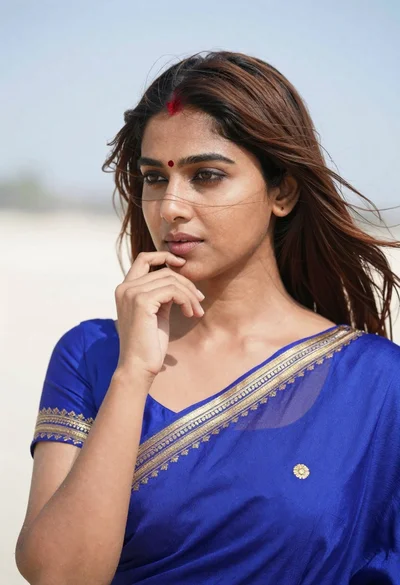
Close up portrait of young woman in blue saree outdoors
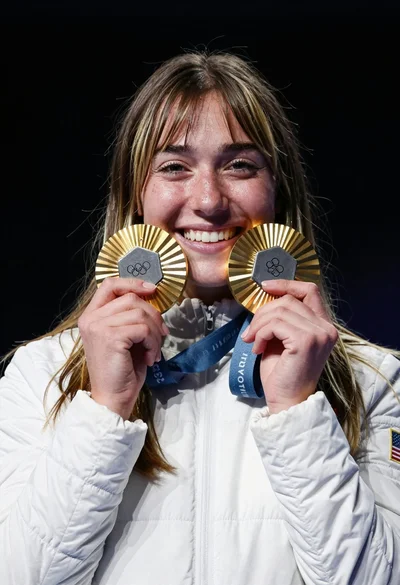
Joyful young woman holding gold medals against a solid black background

Blonde woman in purple polo shirt on an urban street setting

Woman in black shirt on urban street at sunset
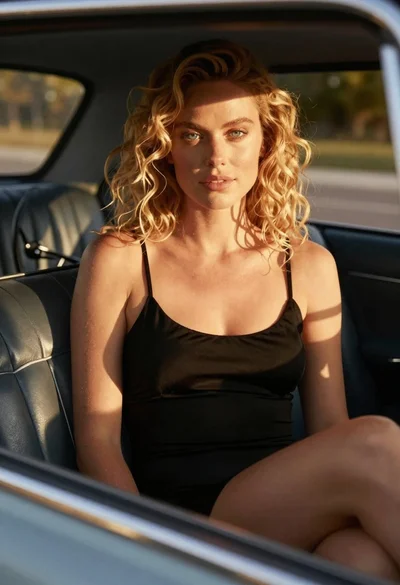
Close up of blonde woman in black dress inside vintage car
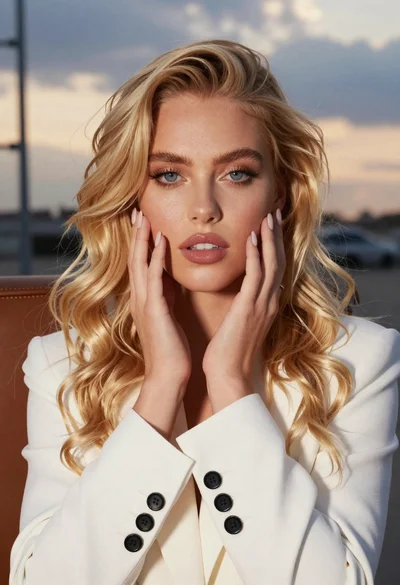
Close up portrait of blonde woman touching face at golden hour
Close up portrait of blonde woman in gold beaded top against stone