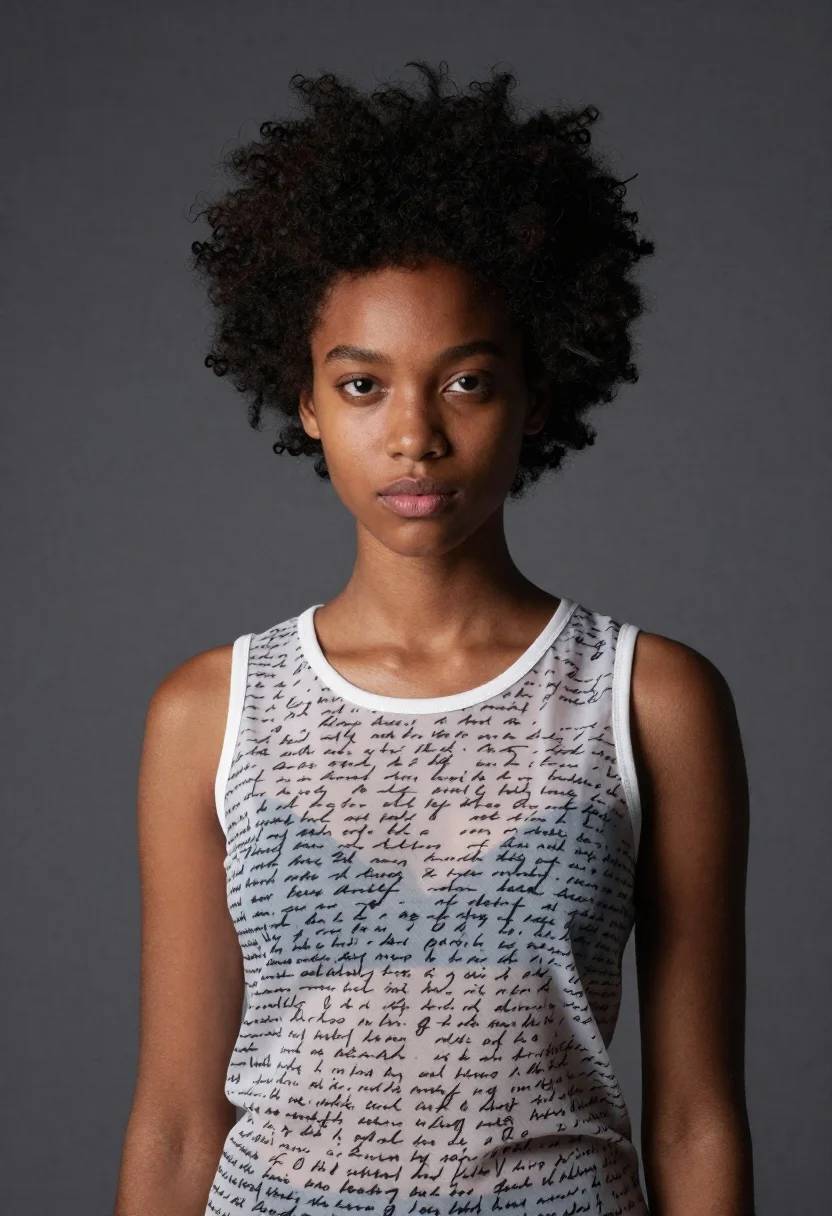
Portrait of young woman with dark skin and spiky black hair
Prompt
A striking portrait of a young woman with dark skin and voluminous, spiky black hair styled upward in a dramatic fashion.

Subject: A poised young woman with deep brown skin, sharp facial features, and intense dark eyes looking directly at the camera. Her lips are full and slightly parted.

Clothing: She wears a sleeveless white top made of sheer, translucent fabric printed with dense, handwritten-style black text that resembles script or notes. The neckline is rounded and modest.

Action: She stands facing forward with a calm, serious expression, her head tilted slightly to the side, exuding confidence and stillness.

Environment: A solid, textured dark grey background that provides a neutral backdrop, keeping the focus entirely on the subject.

Lighting: Soft studio lighting illuminates her face from the front, highlighting her features while casting gentle shadows that add depth to her skin and hair texture.

Style Details: High-fashion editorial photography with a clean, modern aesthetic, emphasizing texture in the fabric and hair against a minimalist background.
Description
This prompt is useful for creating high-end beauty editorials, conceptual fashion lookbooks, and artistic portrait galleries requiring intense focus on facial structure. The combination of 'soft studio lighting' with a 'solid, textured dark grey background' ensures that the model emphasizes skin depth and hair texture without any distracting environmental context, allowing the sheer fabric print to remain legible.
Suggestions
- Change 'dark brown skin' to 'deep ebony skin' for greater contrast.
- Swap 'sheer, translucent fabric' for 'heavy velvet' to change the material feel.
- Adjust 'soft studio lighting' to 'hard key light' for more dramatic shadows.
Category
Tags
Black HairDark SkinFemaleFull BodyPortrait ShotRealisticStudio
Date added
June 19, 2026
Added by
PromptDexter Team
Related Prompts
More prompts with similar categories and tags.
High fashion portrait of woman with red hair in black jacket
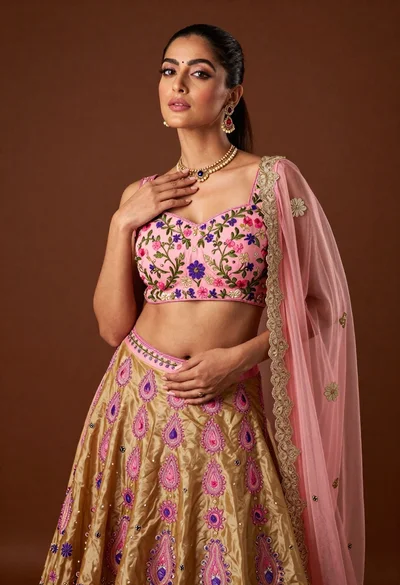
Confident woman posing in pink floral lehenga skirt studio portrait
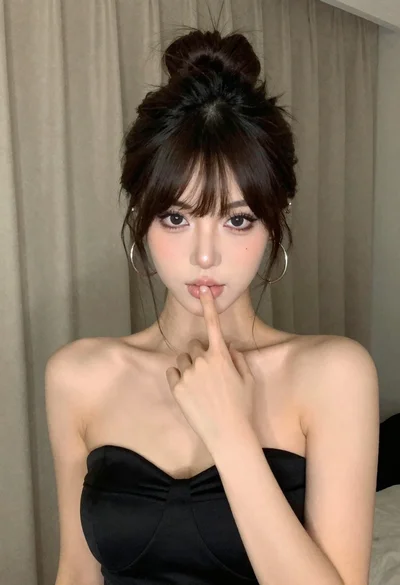
Woman in black dress posing with finger on lips
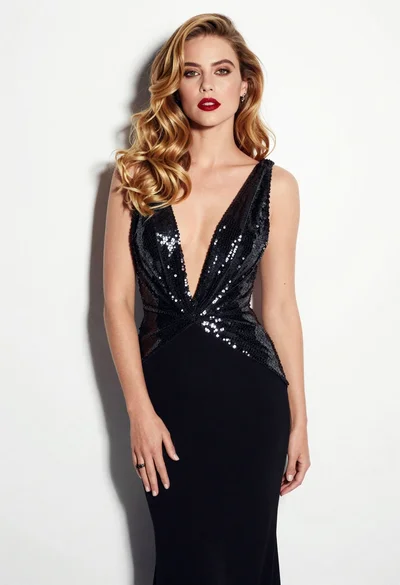
Glamorous woman in black sequined gown against a white studio background

Confident woman with dark wavy hair in floral top and red tulle
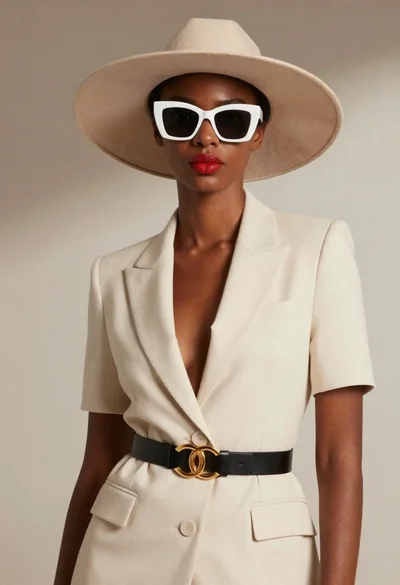
Black woman in cream suit wearing wide brim hat
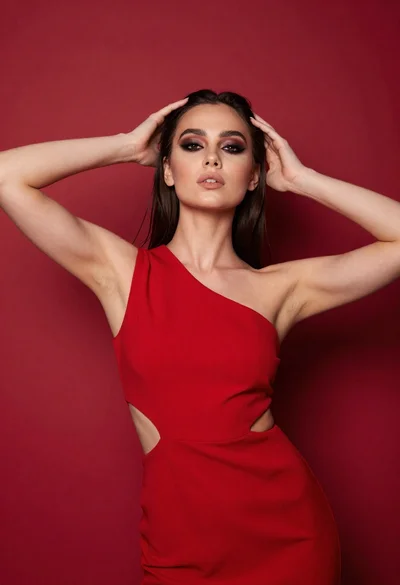
Young woman in red one shoulder dress posing against solid backdrop
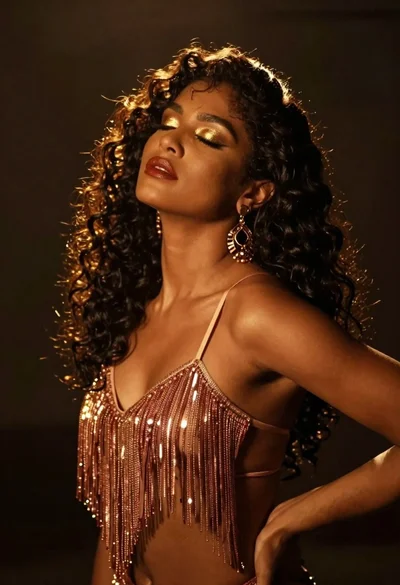
Glamorous woman with dark curly hair in rose gold top under spotlight
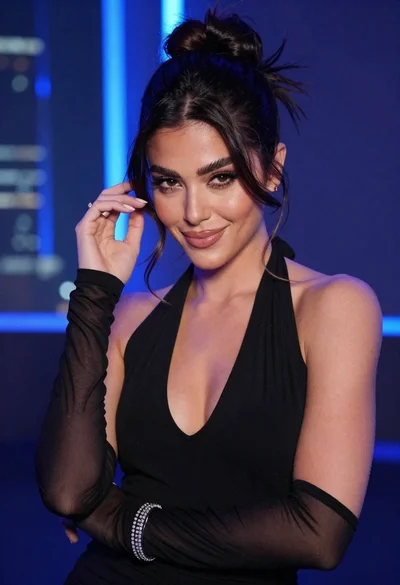
Glamorous woman posing in black dress under blue ambient club lighting
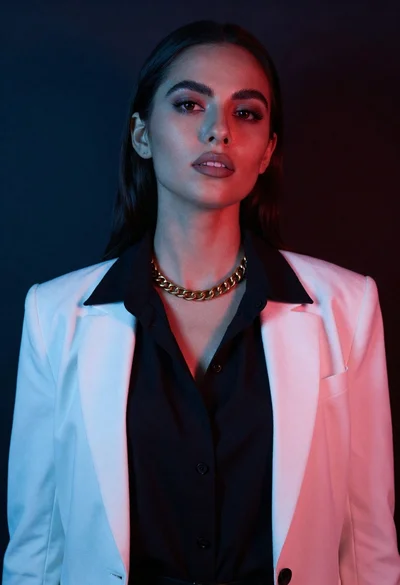
Studio portrait of woman with blue and red lighting