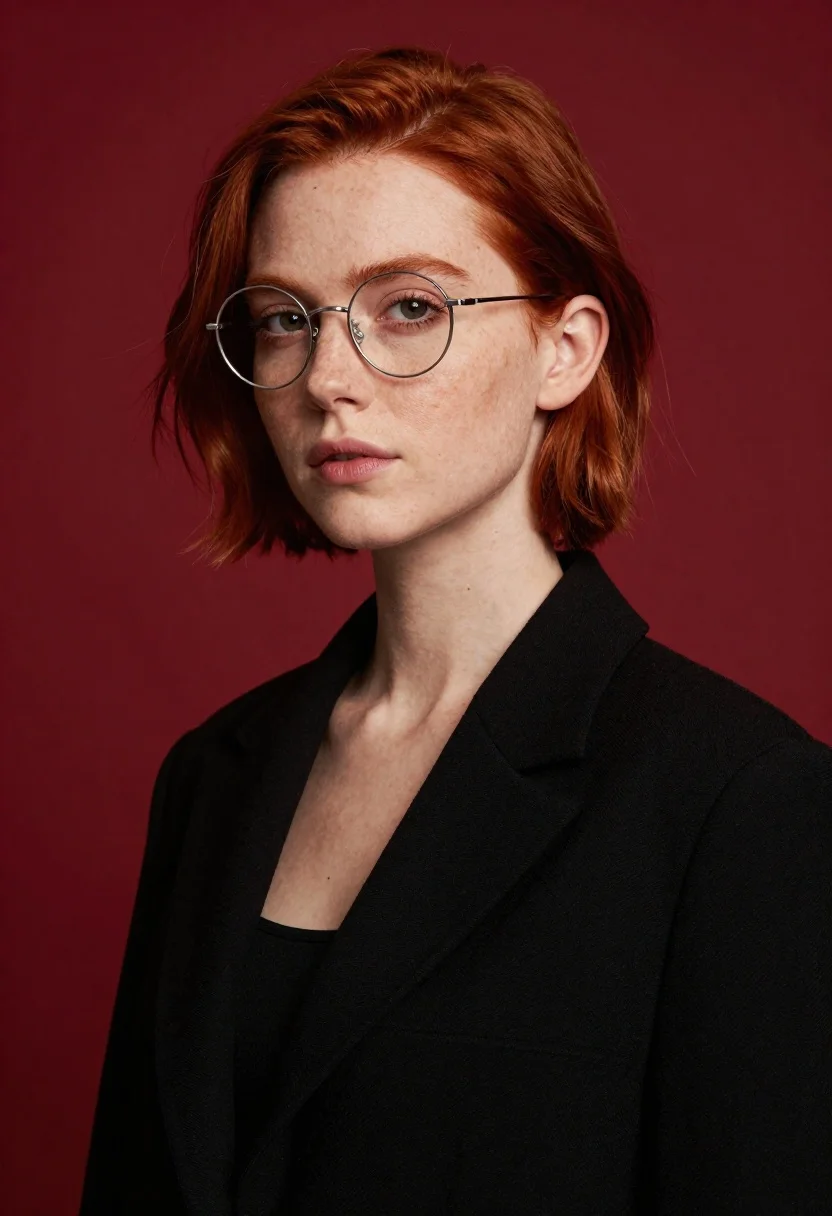
Portrait of young woman with red hair wearing glasses against deep red
Prompt
A portrait of a young woman with short red hair and round wire-rimmed glasses against a solid deep red background.

Subject: A fair-skinned woman with short, textured red hair cut in a bob style, wearing thin metal round spectacles that frame her eyes, with visible freckles across her nose and cheeks.

Clothing: She wears a structured black blazer or coat with wide lapels over a dark top, featuring a soft fabric texture.

Action: Her head is tilted slightly to the side, her gaze is directed forward at the camera with a neutral expression, and her lips are closed in a relaxed manner.

Environment: The background is a seamless, solid deep red surface that fills the frame behind her.

Lighting: Soft studio lighting illuminates her face from the front-left, casting gentle shadows on the right side of her neck and cheek to create depth.

Camera: A medium close-up shot with a shallow depth of field that keeps the subject in sharp focus while softly blurring the background.

Style Details: High-resolution photography with a clean, modern aesthetic and smooth skin texture.
Description
This prompt is useful for creating editorial beauty shots, character concept art, and sophisticated headshot portfolios. The combination of 'soft studio lighting' casting gentle shadows on the right side of her neck and cheek establishes dimensionality that prevents the flat appearance a uniform background might otherwise create, while the 'shallow depth of field' isolates the subject against the solid deep red surface.
Suggestions
- Change 'structured black blazer or coat' to 'velvet blazer' for a richer texture.
- Swap 'deep red background' for 'burgundy backdrop' to slightly shift the tone.
- Add 'rim lighting from above' to accentuate the hair edges.
Category
Tags
FemaleRealisticRed HairStudio
Date added
June 19, 2026
Added by
PromptDexter Team
Related Prompts
More prompts with similar categories and tags.
Woman with red hair leaning against white wall in studio setting
Fair skinned woman with red hair in brown satin dress against gray
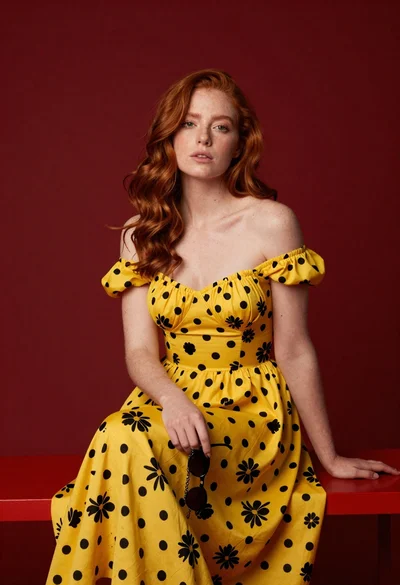
Woman with wavy red hair in yellow floral dress seated on red
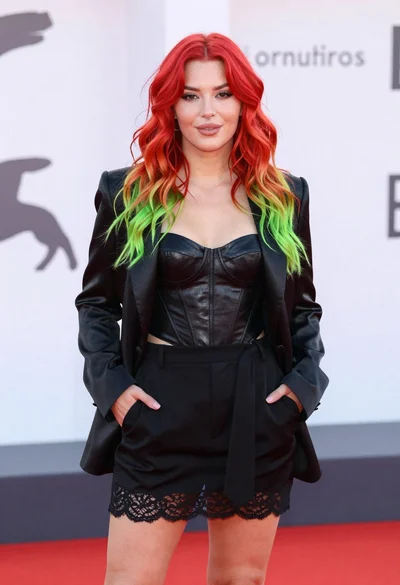
Young woman with red to green hair posing confidently on white backdrop
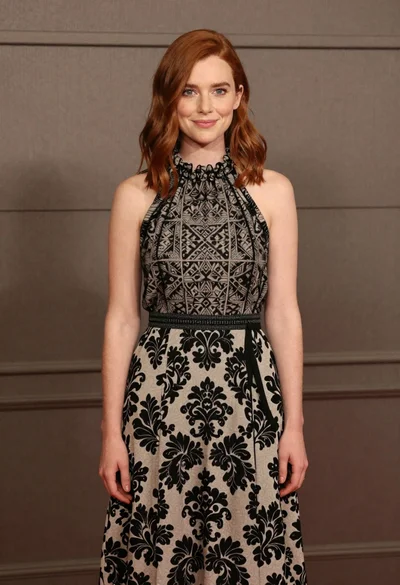
Full body portrait of woman in patterned halter dress against neutral paneling
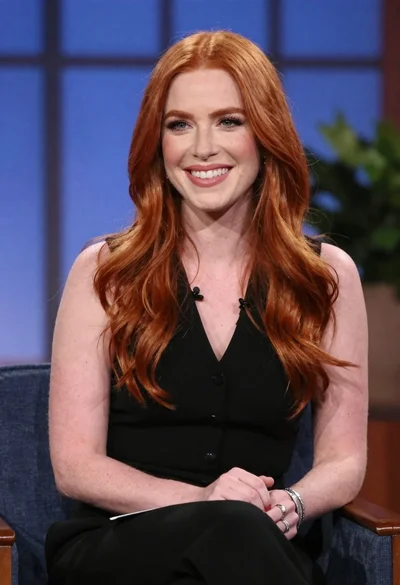
Smiling woman with red wavy hair in black top studio portrait
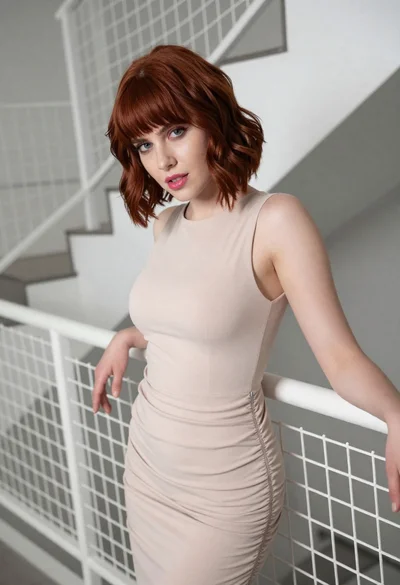
Woman leaning on white mesh staircase railing in an indoor stairwell
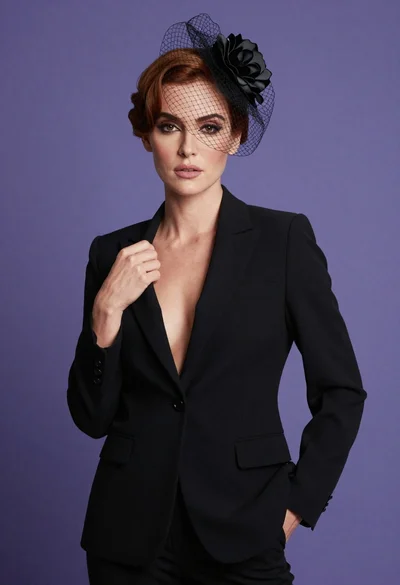
Fair skinned woman in black blazer posing against solid purple backdrop
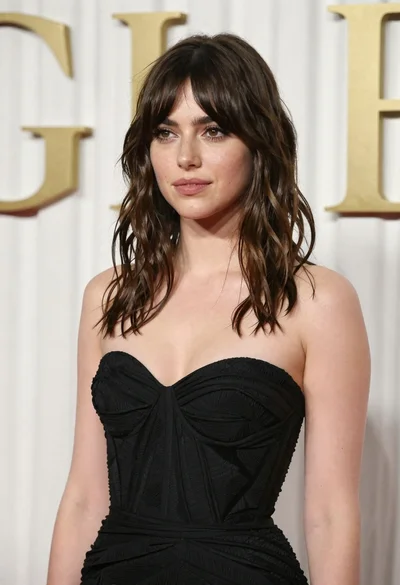
Young woman in black gown against white curtain backdrop studio portrait
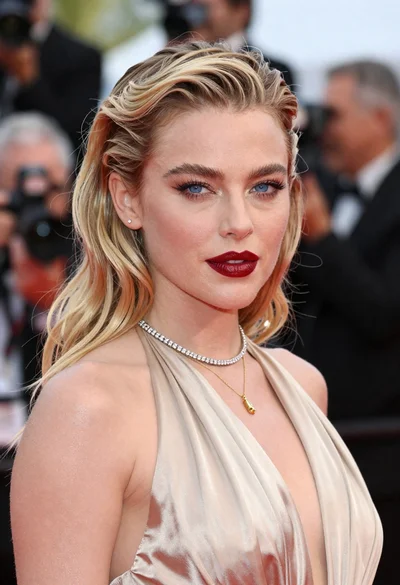
Close up portrait of blonde woman in champagne gown at gala
