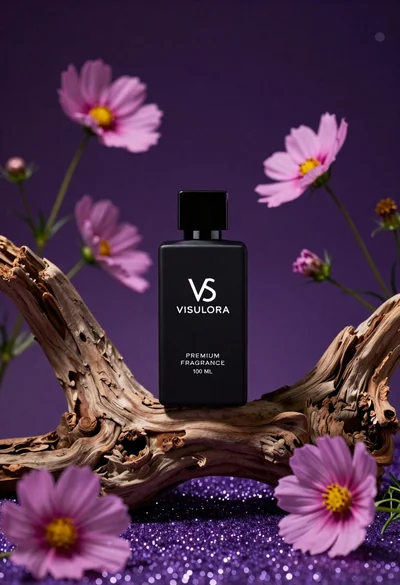
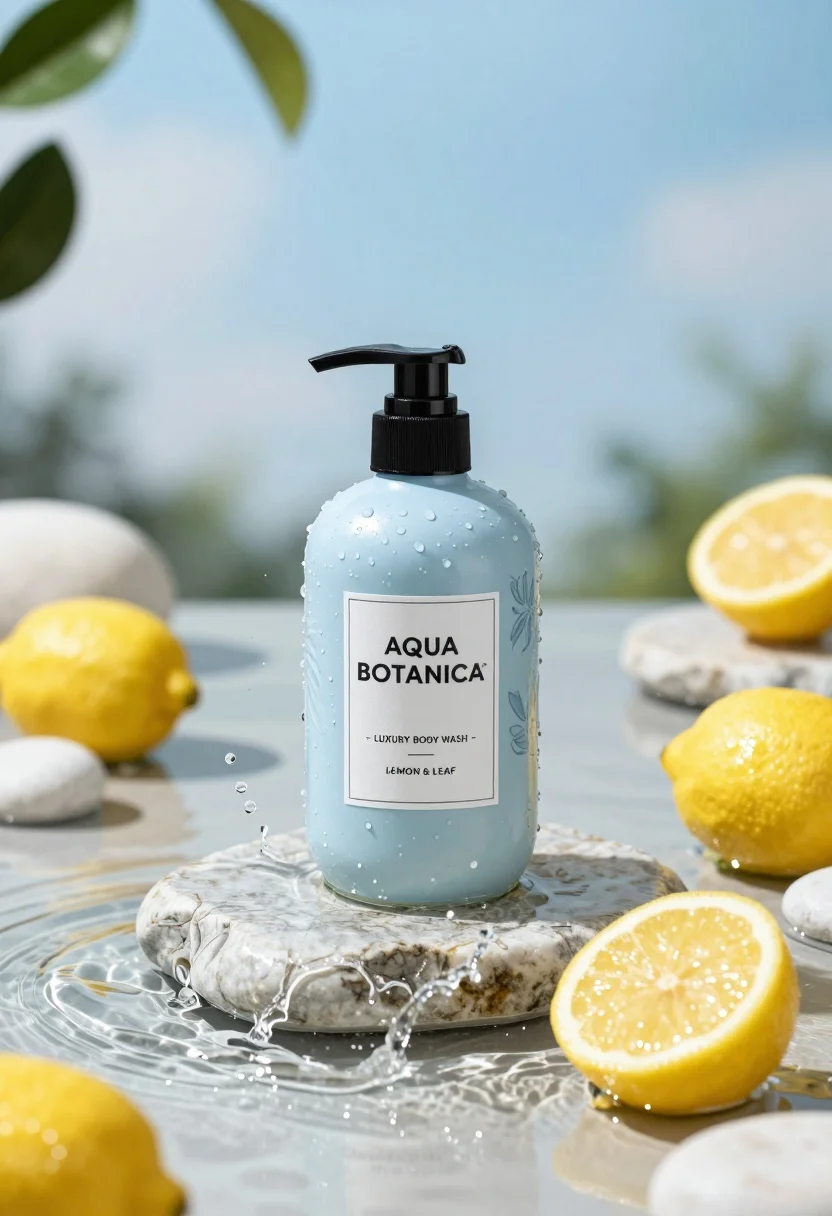
Product shot of light blue body wash bottle with lemons on wet
Prompt
A refreshing product shot of a light blue body wash bottle centered on a wet stone slab surrounded by splashing water and lemons.

Subject: A sleek pump bottle with a matte black dispenser and a pale blue body featuring a subtle leaf pattern.

Action: The bottle sits statically while dynamic water droplets splash around it in mid-air, creating a sense of freshness.

Environment: A serene aquatic setting with shallow clear water, smooth white river stones scattered around the base, and green leaves hanging from above against a soft blue sky background.

Camera: Eye-level perspective with a shallow depth of field that keeps the bottle sharp while softly blurring the background foliage and distant horizon.

Lighting: Bright, diffused natural daylight coming from above, creating soft highlights on the wet surfaces and gentle shadows that enhance the three-dimensional form of the bottle.

Objects: Several bright yellow lemons, one cut in half to reveal the pulp, are placed near the base of the stone slab alongside smooth river stones.

Interaction: The water splashes interact with the bottle and surrounding elements, emphasizing the liquid nature of the product.

Text/Graphics: A white label on the front reads "AQUA BOTANICA" in bold serif font, followed by "- LUXURY BODY WASH -" and "LEMON & LEAF".

Style Details: High-end commercial photography with hyper-realistic textures, vibrant color grading emphasizing blues and yellows, and a clean, minimalist aesthetic.
Description
This prompt is useful for creating high-end cosmetic advertisements, seasonal bathroom decor inspiration, and e-commerce product listings needing an aspirational feel. The combination of 'bright, diffused natural daylight' with the 'shallow depth of field' ensures that the matte black dispenser remains the sharp focal point while the surrounding splashing water and lemons provide necessary visual energy without distracting from the product's form.
Suggestions
- Change 'matte black dispenser' to 'gold-accented pump' for a more luxurious feel.
- Swap 'bright yellow lemons' for 'lime slices' to complement the blue tones.
- Adjust 'soft blue sky background' to 'out-of-focus tropical foliage' for more depth.
Category
Tags
3dFoodMacro ShotNatureOutdoorsStudio
Date added
August 5, 2026
Added by
PromptDexter Team
Related Prompts
More prompts with similar categories and tags.
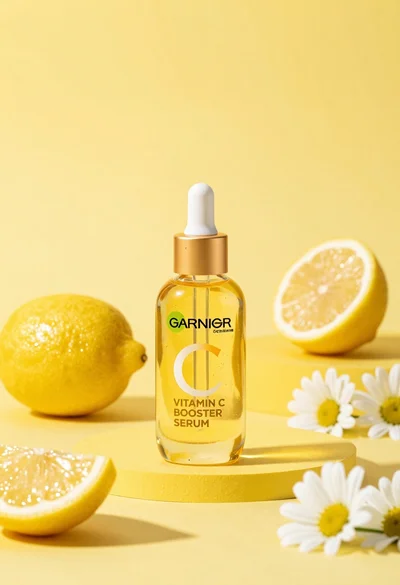
Studio product shot of vitamin c serum bottle with lemons and daisies
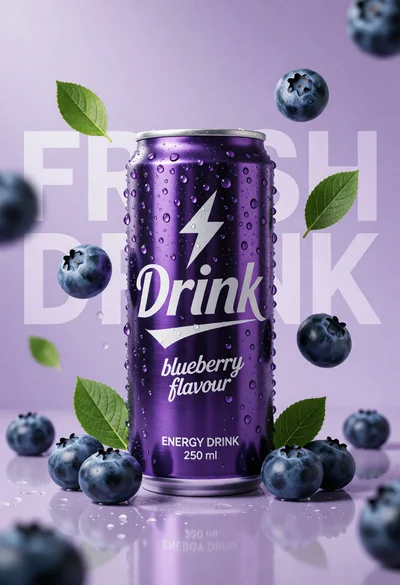
Hyperrealistic purple energy drink can surrounded by floating blueberries and green leaves
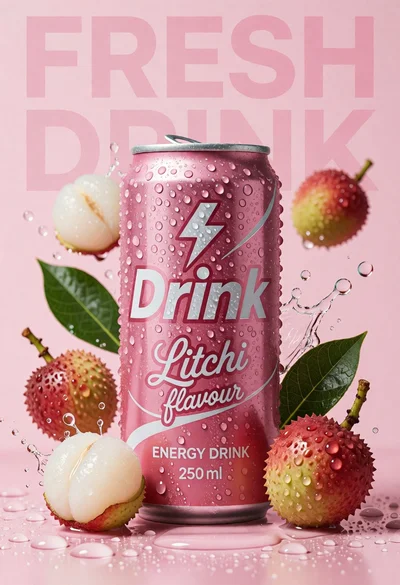
Pink energy drink can surrounded by litchis and green leaves on wet
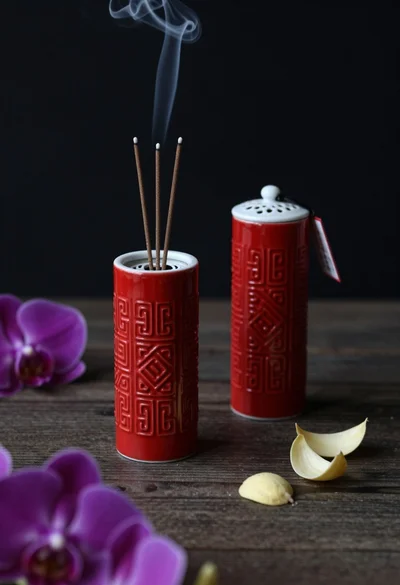
Still life composition of red incense holders with smoke on dark wood

High angle shot of lemon soda mojito can splashing water with lime
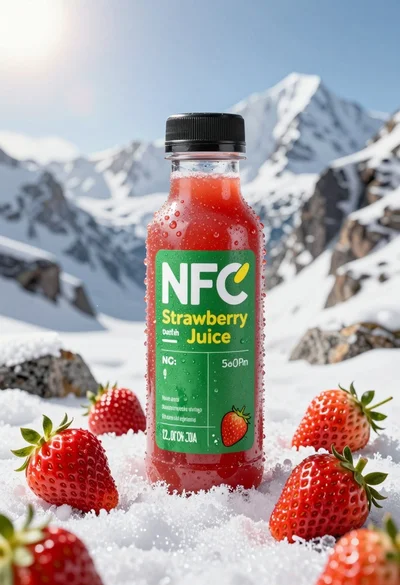
Close up product shot of strawberry juice bottle on snowy mountain rock

Three open bags of colorful potato chips exploding against a warm brown

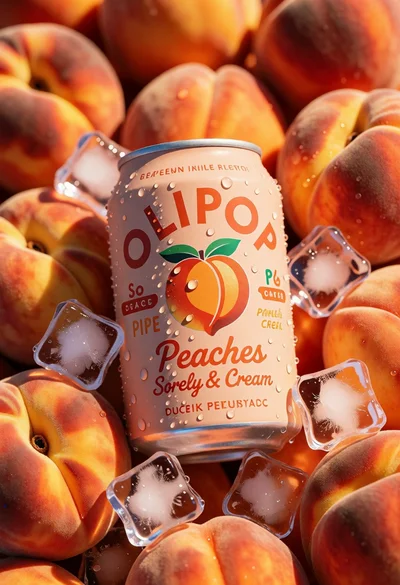
Macro shot of pink soda can with peaches and ice cubes studio
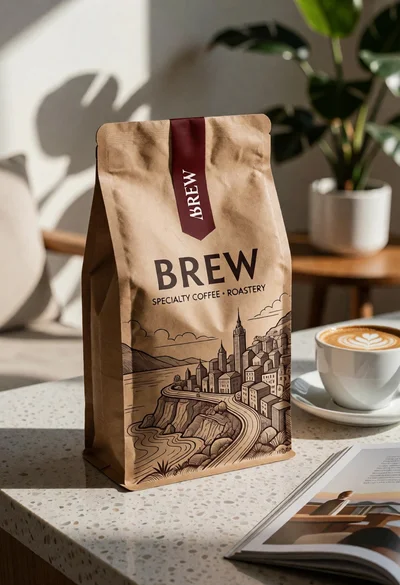
Brown kraft coffee bag next to latte cup on speckled countertop surface
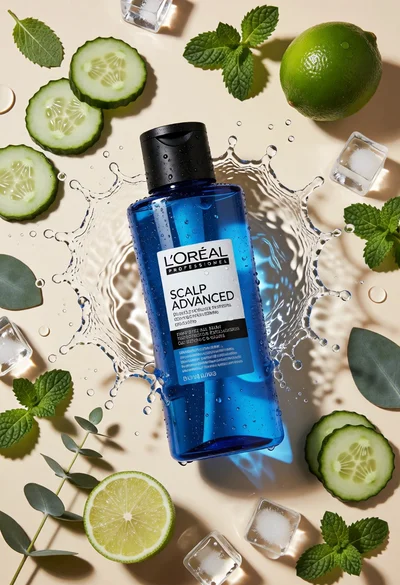
Topdown studio shot of blue shampoo bottle with fresh ingredients