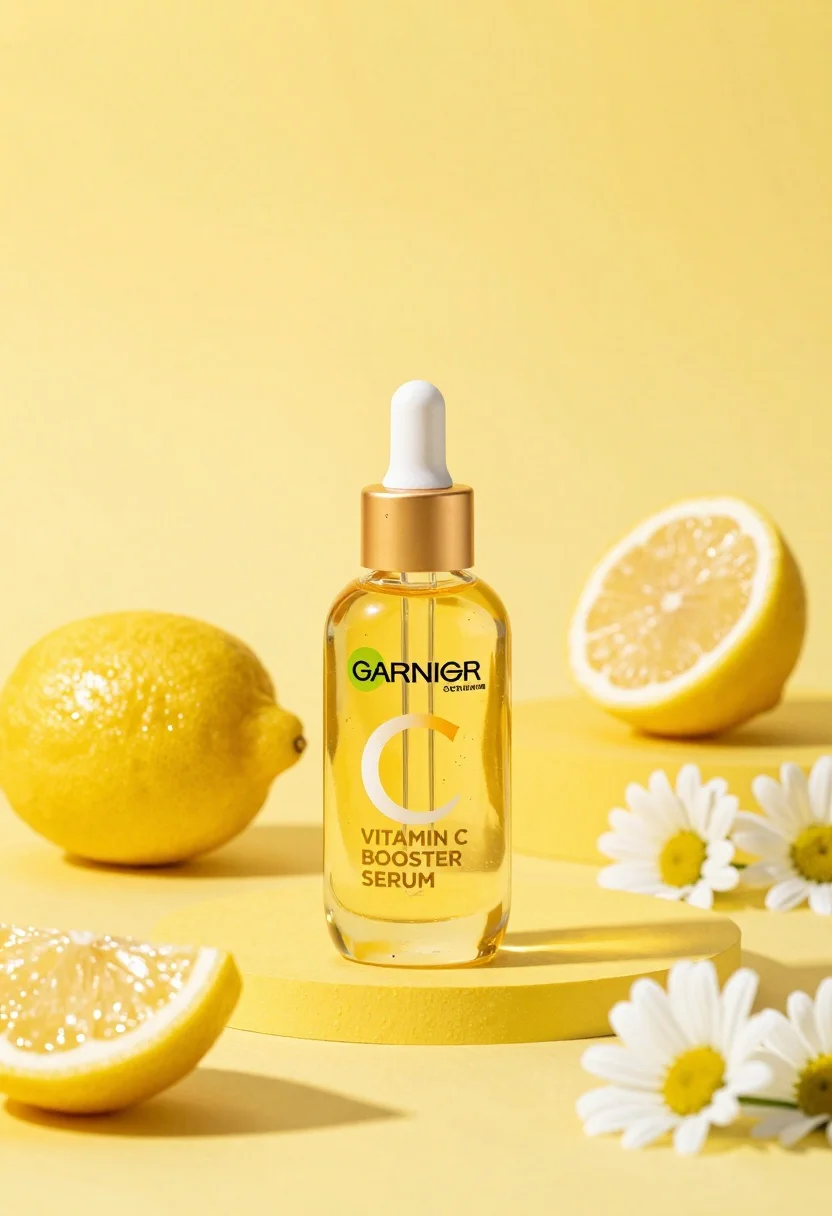
Studio product shot of vitamin c serum bottle with lemons and daisies
Prompt
A studio product shot of a Garnier Vitamin C Booster Serum bottle centered against a vibrant yellow background.

Subject: A clear glass dropper bottle containing a golden-yellow liquid with a white rubber bulb and gold cap.

Clothing: Not applicable.

Action: The bottle stands upright on a surface, facing forward.

Environment: A bright yellow backdrop and matching yellow platform create a monochromatic setting.

Camera: Eye-level perspective with a shallow depth of field that keeps the bottle in sharp focus while softly blurring the background elements.

Lighting: Bright, directional light from the upper left casts soft shadows to the right and creates highlights on the glass surface.

Objects: Several whole lemons, lemon wedges, and white daisies are arranged around the base of the bottle.

Interaction: The fresh fruit and flowers frame the product to suggest natural ingredients.

Text/Graphics: The label reads "GARNIER" in a green logo and "VITAMIN C BOOSTER SERUM" in gold lettering.

Style Details: High-key commercial photography with clean lines, vibrant saturation, and a polished aesthetic.
Description
This prompt is useful for creating e-commerce product listings, beauty brand advertising campaigns, and lifestyle ingredient showcases. The combination of 'bright yellow backdrop' and 'directional light from the upper left' ensures that the glass bottle catches sharp highlights while the surrounding fresh elements like lemons and daisies are kept visually connected through the overall high-key commercial photography style.
Suggestions
- Change 'vibrant yellow background' to 'soft pastel yellow' for a more delicate feel.
- Add 'bokeh effect' to the camera settings for increased background separation.
- Swap 'white daisies' for 'small sprigs of rosemary' to introduce an herbal element.
Category
Tags
3dFoodMacro ShotNatureStudio
Date added
August 5, 2026
Added by
PromptDexter Team
Related Prompts
More prompts with similar categories and tags.
Hyperrealistic purple energy drink can surrounded by floating blueberries and green leaves
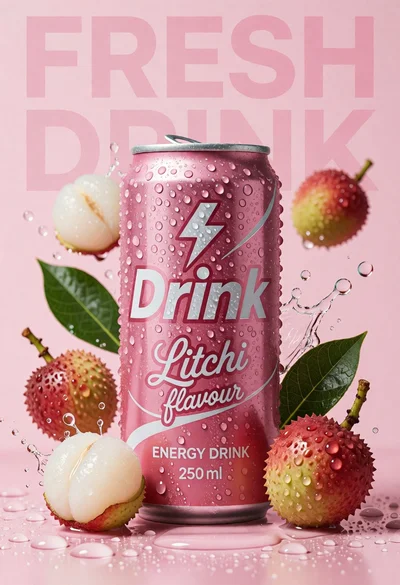
Pink energy drink can surrounded by litchis and green leaves on wet
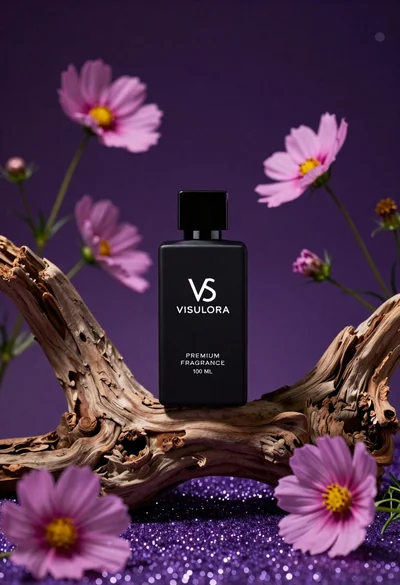
Black perfume bottle on driftwood surrounded by pink cosmos flowers in purple
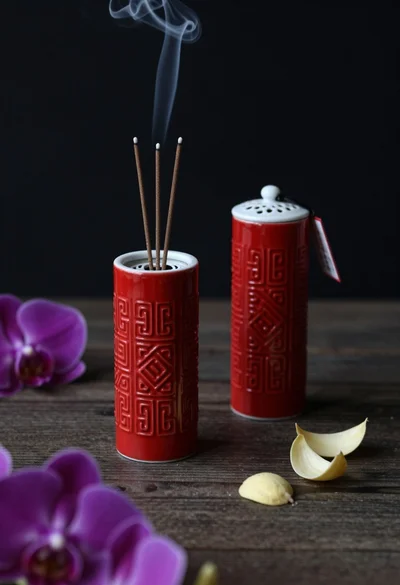
Still life composition of red incense holders with smoke on dark wood

High angle shot of lemon soda mojito can splashing water with lime

Three open bags of colorful potato chips exploding against a warm brown

Macro shot of pink soda can with peaches and ice cubes studio
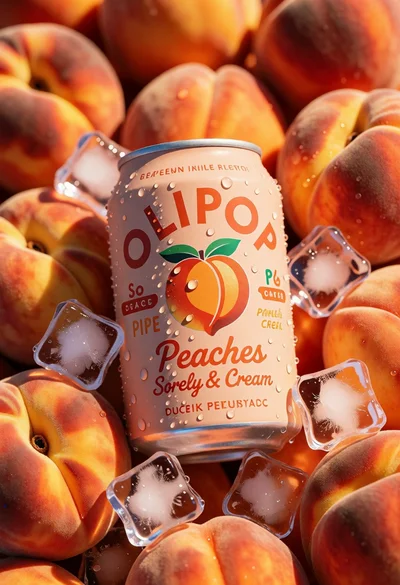
Close up product shot of olipop peach soda among fresh ripe peaches
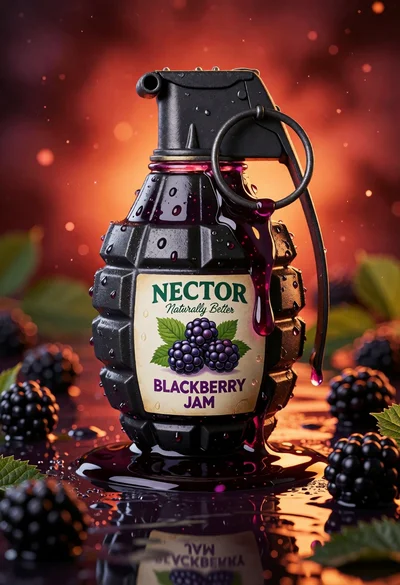
Blackberry jam in grenade shaped jar on reflective surface close up
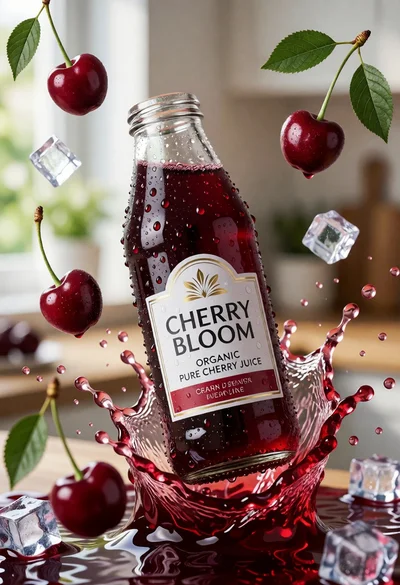
Close up product shot of cherry juice bottle with dynamic splash