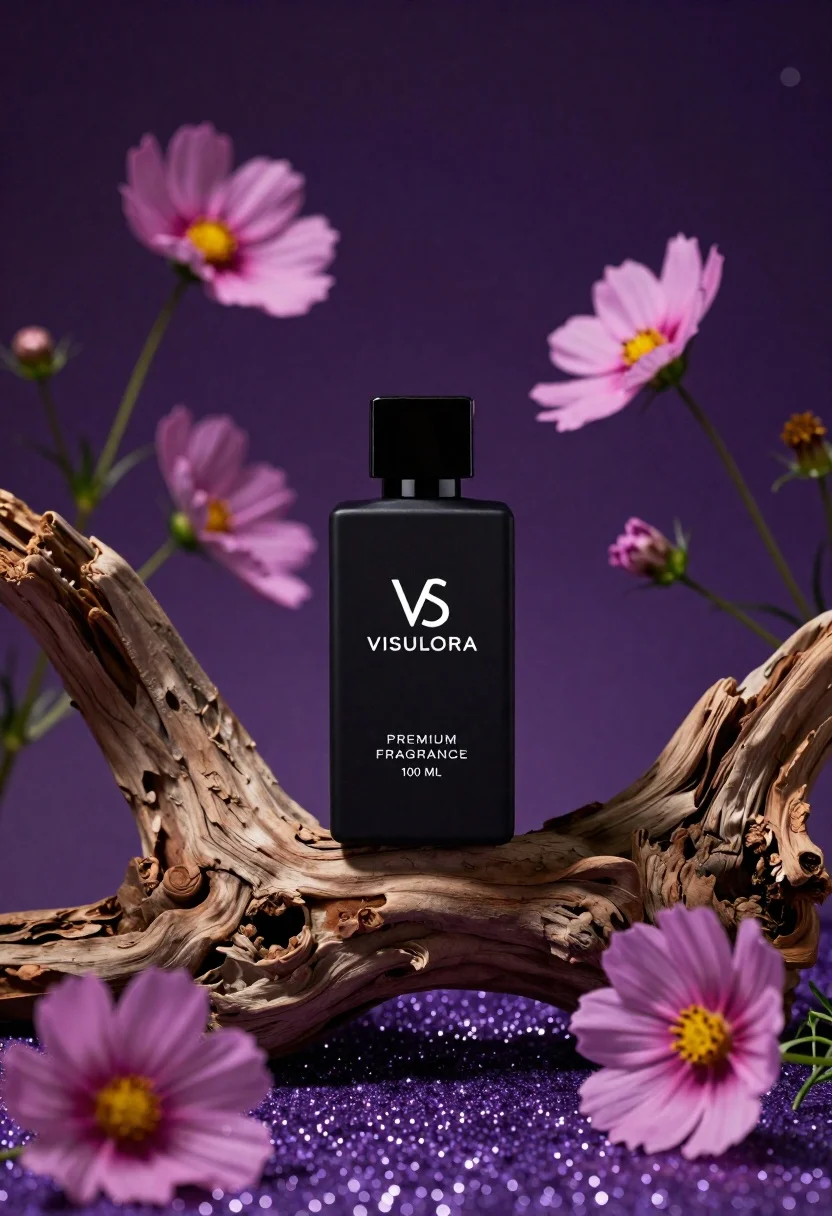
Black perfume bottle on driftwood surrounded by pink cosmos flowers in purple
Prompt
A sleek black perfume bottle stands centered on a gnarled piece of driftwood against a deep purple background.

Subject: A matte black rectangular perfume bottle with a glossy black square cap and white minimalist branding.

Clothing: N/A.

Action: The bottle is stationary, resting upright on the wood.

Environment: The scene features pink cosmos flowers scattered around the base and rising from the sides, set upon a bed of sparkling purple glitter that mimics sand or dust.

Camera: A close-up product shot with a shallow depth of field that keeps the bottle sharp while softly blurring the background and foreground elements.

Lighting: Dramatic studio lighting creates soft highlights on the glossy cap and casts gentle shadows, emphasizing the texture of the wood and the sparkle of the glitter.
Second

Subject: N/A.

Objects: Pink cosmos flowers with yellow centers, a piece of weathered driftwood, and purple glitter ground cover.

Interaction: The perfume bottle rests naturally atop the curved driftwood, surrounded by blooming flowers.

Text/Graphics: The bottle features a white logo resembling intertwined letters, followed by the text "VISULORA," "PREMIUM FRAGRANCE," and "100 ML."

Style Details: High-end commercial photography with a magical atmosphere, rich purple color grading, bokeh effects, and high contrast between the dark bottle and glowing background.
Description
This prompt is useful for creating luxury cosmetic advertisements, editorial still life arrangements, and high-end perfume branding mockups. The combination of 'dramatic studio lighting' with a 'shallow depth of field' ensures that the matte black bottle remains the sharp focal point while allowing the surrounding elements—like the pink cosmos flowers and purple glitter ground cover—to contribute atmosphere without distracting from the product itself.
Suggestions
- Change 'deep purple background' to 'smoky amethyst backdrop' for a more ethereal feel.
- Swap 'gnarled piece of driftwood' for 'polished black obsidian slab' to match the bottle's material.
- Adjust 'pink cosmos flowers' to 'white baby's breath' for a softer, less saturated look.
Category
Tags
3dClose UpDark SkinDigital ArtMacro ShotNatureOutdoorsRealisticStudioWide Shot
Date added
June 26, 2026
Added by
PromptDexter Team
Related Prompts
More prompts with similar categories and tags.
Neutrogena acne wash bottle suspended in midair with splashing liquid

Commercial advertisement for orange facial cleanser bottle on wet black surface
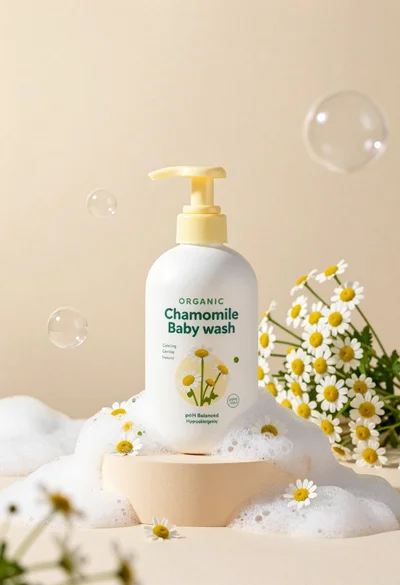
White pump bottle of organic chamomile baby wash on beige pedestal

Closeup product shot of hand holding frosted glass spray bottle with colorful

Clear glass serum bottle with lemons and water splashes in studio
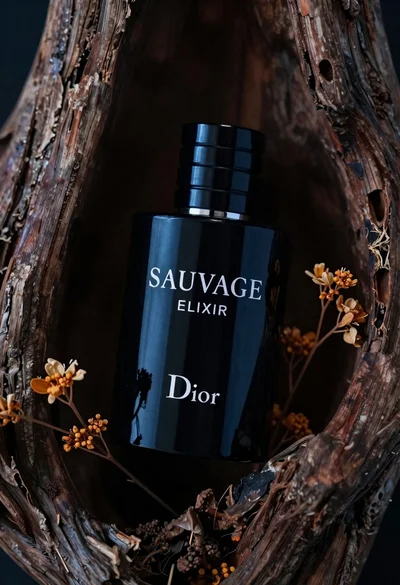
Glossy black dior sauvage elixir perfume bottle in dark wood hollow
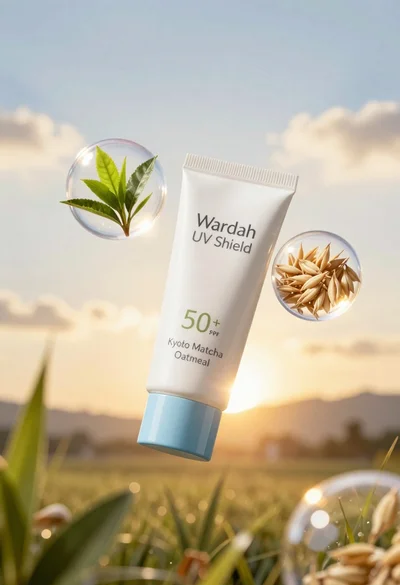
Wardah uv shield sunscreen tube floating with green tea leaves and oat
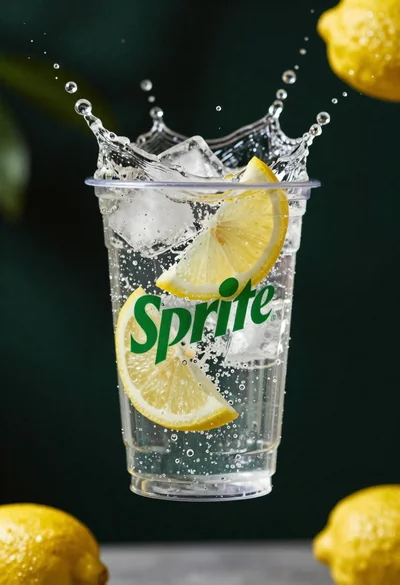
Clear plastic cup with fizzy liquid ice cubes and lemon slices suspended