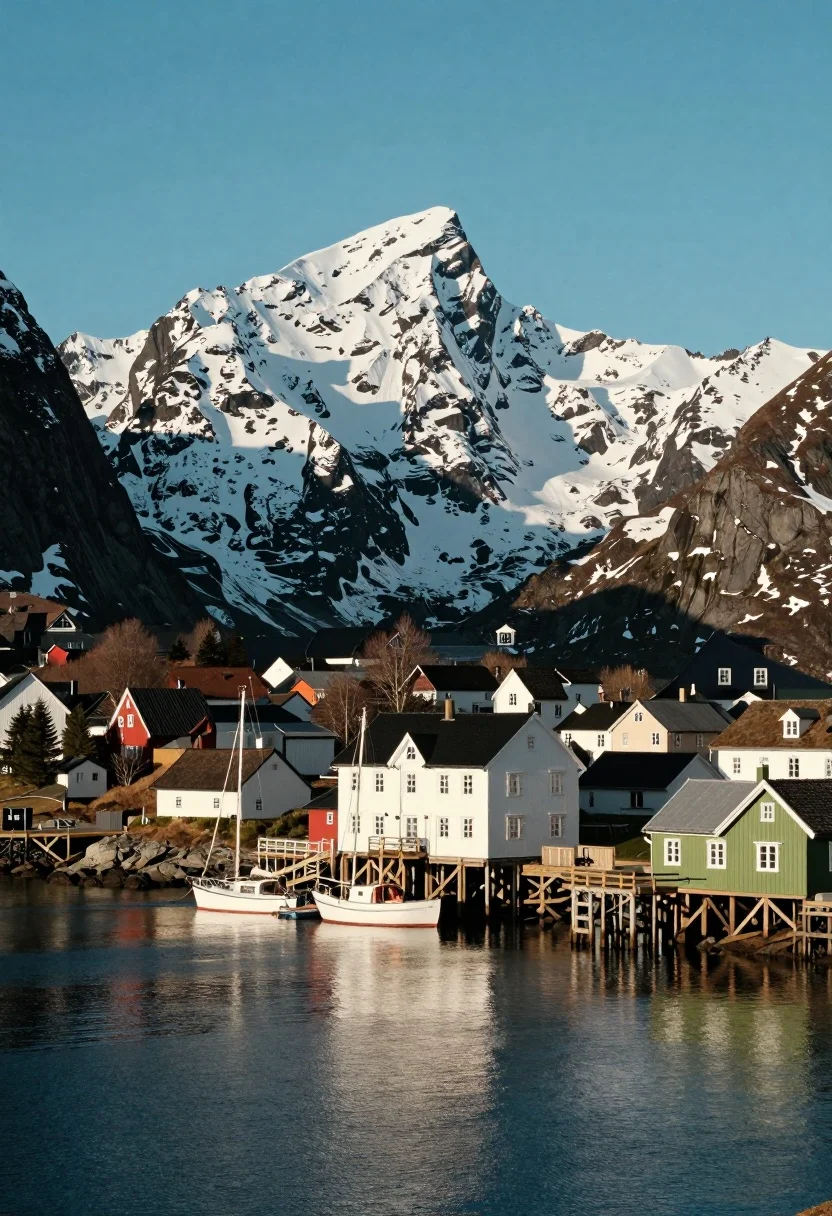
Scenic coastal town harbor nestled beneath towering snow capped mountains under blue
Prompt
A scenic coastal town nestled at the foot of towering snow-capped mountains under a clear blue sky.

Subject: A small harbor town featuring colorful buildings, including a prominent white multi-story structure and a green house on the right, with several boats docked at wooden piers in the foreground.

Action: The scene is static with no visible movement, capturing a peaceful moment of calm water reflecting the surroundings.

Environment: The setting includes a deep blue harbor in the foreground, a town built along the waterfront with dense evergreen forests on the hillsides, and massive rugged mountains covered in snow dominating the background.

Camera: A wide-angle view that captures the expansive landscape from a distance, emphasizing the scale of the mountains relative to the town, with a composition that balances the water in the lower third and the peaks in the upper half.

Lighting: Bright natural sunlight illuminates the scene from the side, casting soft shadows on the buildings and highlighting the white snow on the mountain peaks while reflecting off the calm water surface.

Style Details: The image has a crisp, high-definition quality with vibrant colors and a slight cinematic warmth, resembling a professional travel photograph or a high-quality digital render.
Description
This prompt is useful for creating breathtaking landscape concept art, destination marketing materials, and architectural visualization pieces showcasing remote settlements. The combination of 'bright natural sunlight' casting soft shadows against the 'white snow on the mountain peaks' provides necessary contrast to prevent the scene from looking flat, while the specified composition balancing water in the lower third with peaks above ensures the scale difference between the town and mountains is dramatically emphasized.
Suggestions
- Change 'deep blue harbor' to 'slate gray harbor' for a more moody feel.
- Add 'mist rolling through the piers' to introduce subtle movement.
- Swap 'vibrant colors' for 'muted, desaturated tones' for a cooler aesthetic.
Category
Tags
MountainsOutdoorsRealisticWide Shot
Date added
July 12, 2026
Added by
PromptDexter Team
Related Prompts
More prompts with similar categories and tags.
Pine forest silhouette under vibrant aurora borealis sky

Adventurous man standing on rugged himalayan peak at dawn vista
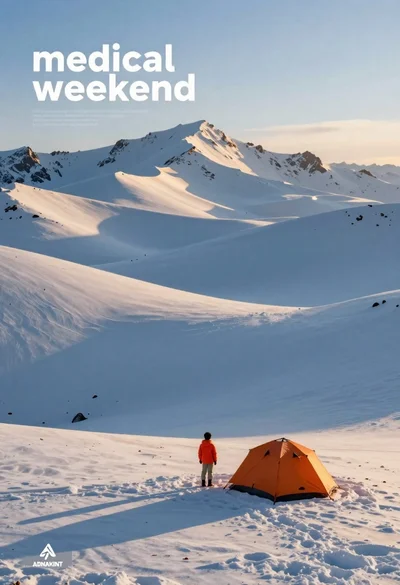
Person near orange tent in snowy mountain landscape
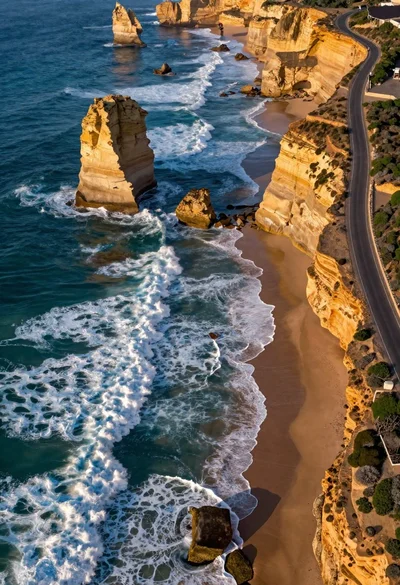
Aerial view of rugged coastline with turquoise waves
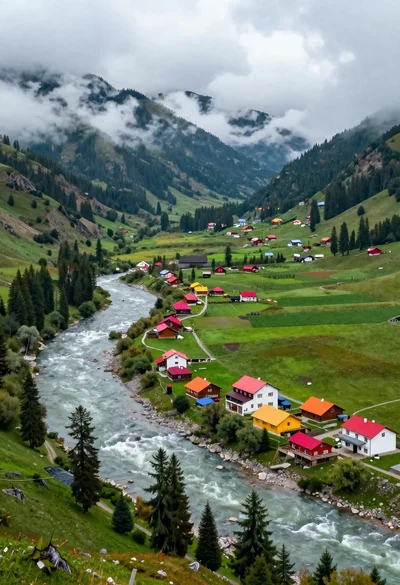
Aerial view of lush mountain valley with colorful houses and winding river
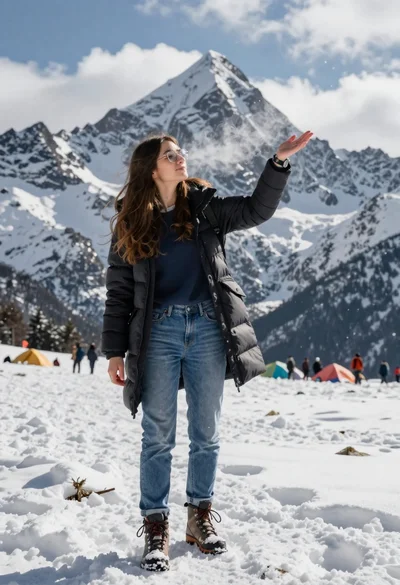
Young woman in black winter coat reaching for snowy mountain peak from
Panoramic view of rolling tea plantations under a bright blue sky

High angle wide shot of a majestic waterfall cascading into lush green
Majestic snow covered mountain peak with road and wooden cabin
Aerial view of deep blue fjord winding through towering forested mountains under