
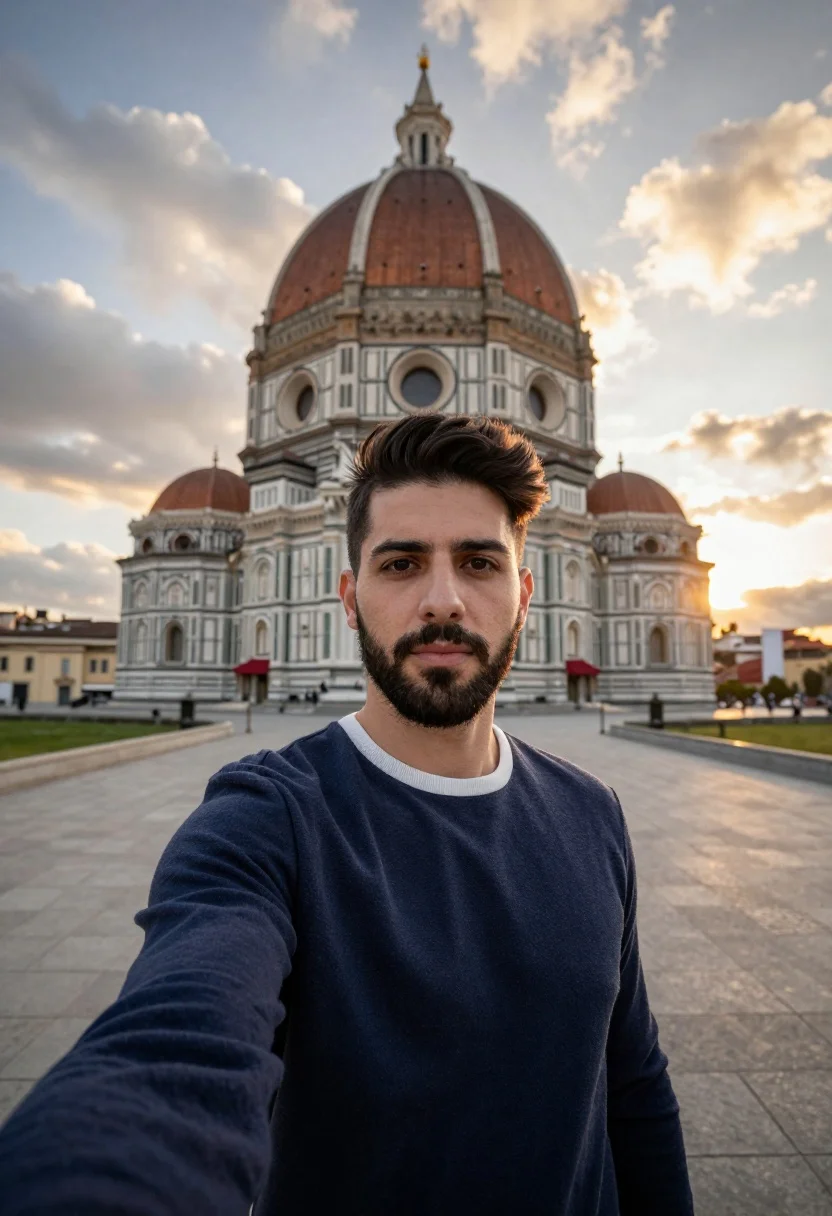
Selfie portrait of man in sweater before domed historic building at sunset
Prompt
A selfie-style portrait of a man with dark hair and a beard standing in front of a large domed building at sunset.

Subject: A young man with short dark hair styled upwards, a trimmed beard, and a calm expression looking directly at the camera.

Clothing: He is wearing a navy blue long-sleeved crewneck sweater with a white ribbed collar trim.

Action: The subject is holding the camera for a selfie pose with his arm extended, standing still on a paved walkway.

Environment: A large historic building with a prominent copper dome and red awnings stands behind him, set against a cloudy sky with golden sunset light.

Camera: Shot from a close-up perspective using a wide-angle lens to capture the subject's face and the expansive background architecture.

Lighting: Natural ambient light from a setting sun creates a warm glow on the horizon and soft highlights on the clouds and building facade.

Style Details: The image features a realistic photographic style with high dynamic range, capturing the texture of the stone pavement and the architectural details clearly.
Description
This prompt is useful for creating travel blog feature images, personal social media updates documenting trips, and lifestyle editorial spreads featuring architecture. The combination of a 'selfie-style portrait' with a 'wide-angle lens' ensures both the subject's connection to the viewer and the imposing scale of the 'large historic building' are captured simultaneously, while the 'golden sunset light' provides immediate visual warmth.
Suggestions
- Change 'navy blue' to 'charcoal grey' for a more muted sweater tone.
- Add 'bokeh effect' to soften the background dome slightly.
- Swap 'paved walkway' for 'cobblestone street' to change the foreground texture.
Category
Tags
Close UpMaleOutdoorsRealisticSelfieWide Shot
Date added
July 3, 2026
Added by
PromptDexter Team
Related Prompts
More prompts with similar categories and tags.
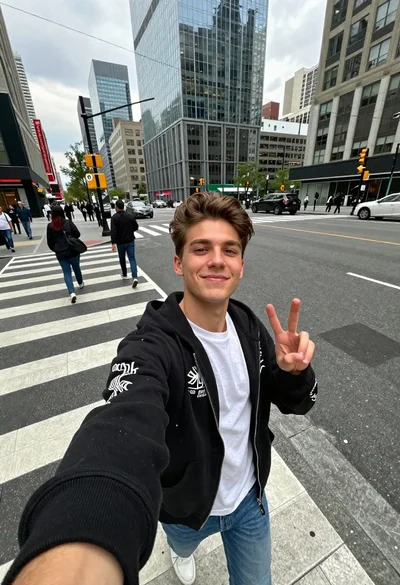
Young man taking selfie in busy city crosswalk with peace sign
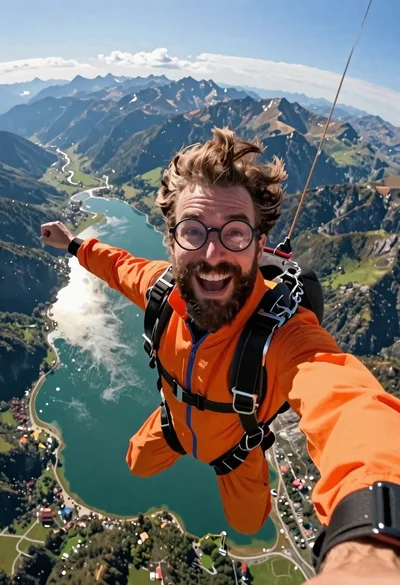
Joyful bearded man in orange jumpsuit taking a selfie while skydiving over
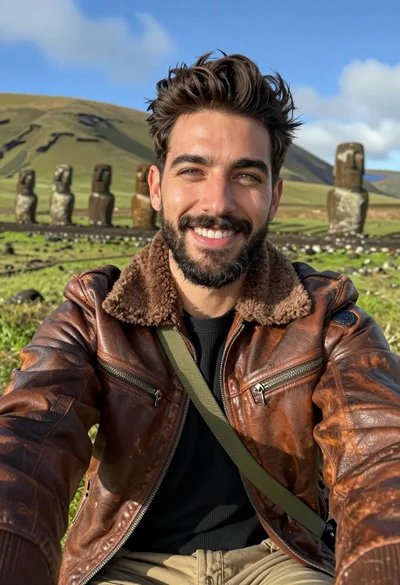
Handsome man taking a selfie in lush green valley with moai statues
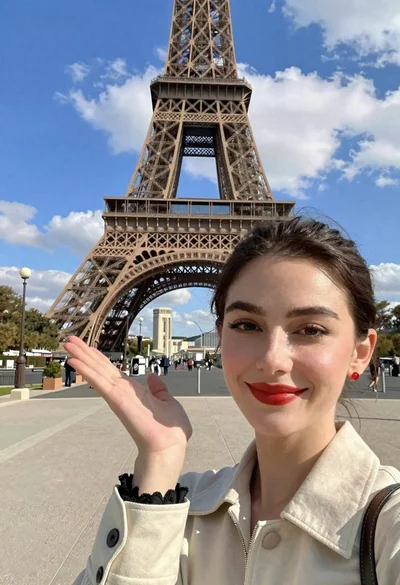
Smiling woman taking selfie pointing towards eiffel tower in paris
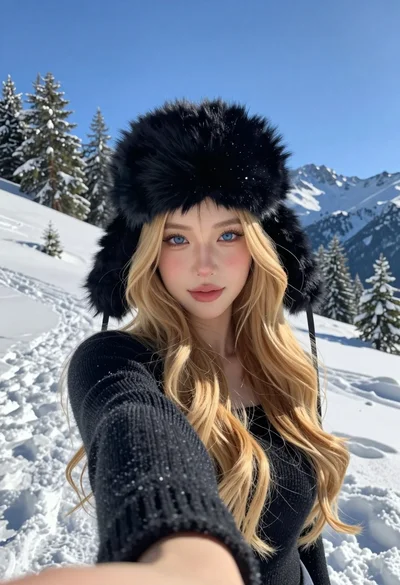
Selfie portrait of blonde woman in fur hat on snowy mountain slope
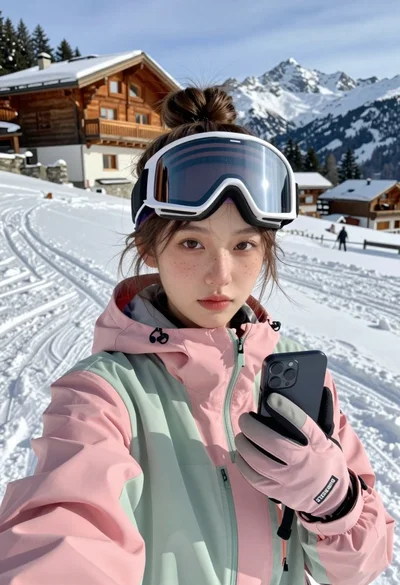
Young woman taking a selfie on snowy mountain slope near chalet
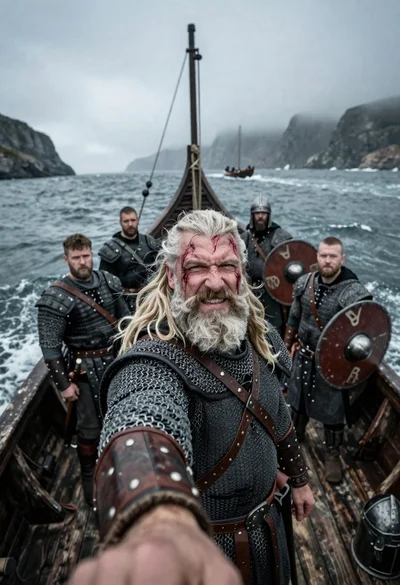
Viking warrior taking selfie on stormy sea longship
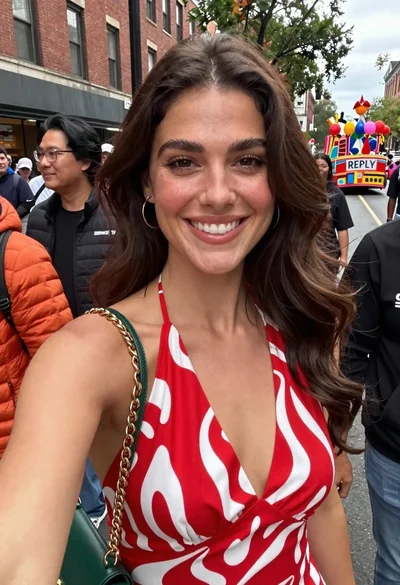
Smiling woman in red patterned dress at busy urban street scene

Close up selfie of smiling woman in floral top inside airplane cabin

Selfie of young woman in airplane cabin with strawberry blonde hair