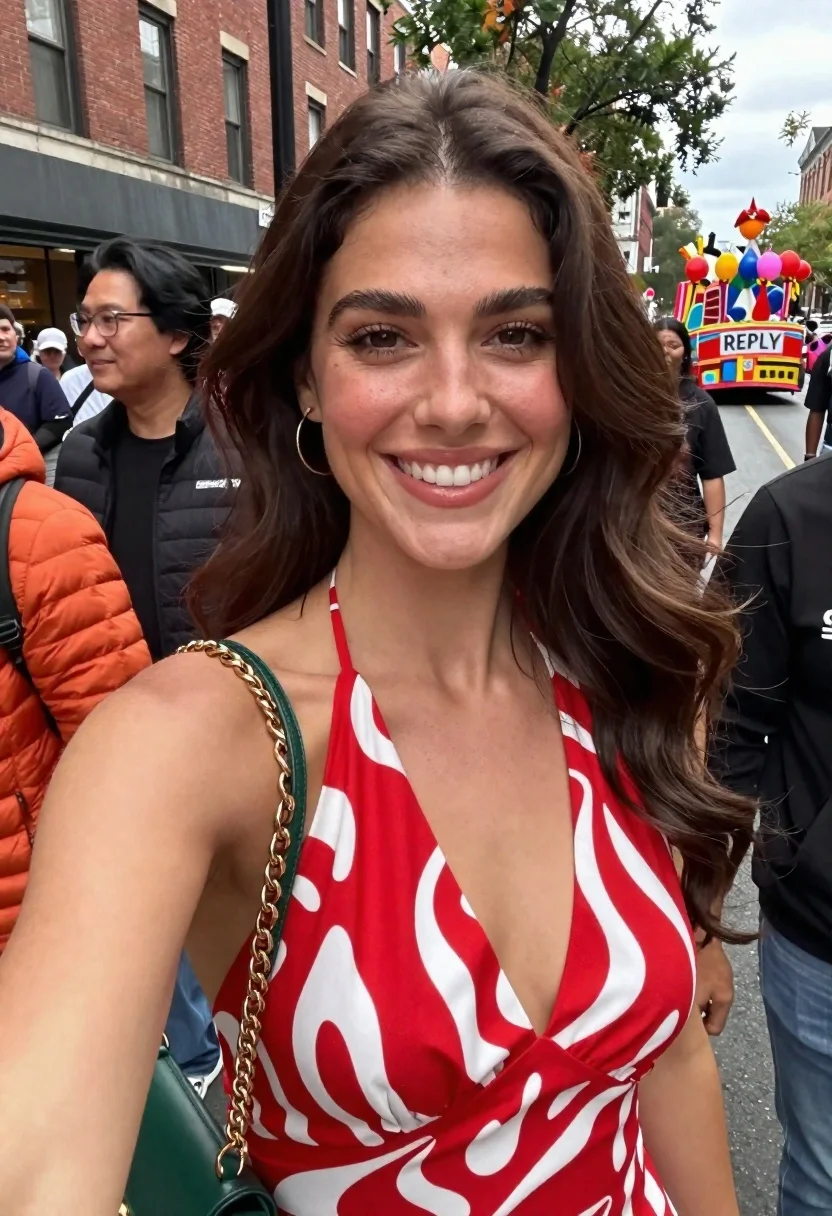
Smiling woman in red patterned dress at busy urban street scene
Prompt
A smiling woman with long wavy brown hair wearing a red and white patterned halter dress stands in the foreground of a busy street scene.

Subject: A young woman with long, wavy dark brown hair, fair skin, and a bright, open-mouthed smile looking directly at the camera.

Clothing: She wears a vibrant red halter-neck dress featuring a bold white abstract pattern, accessorized with a gold chain strap from a dark green handbag over her shoulder.

Action: The woman is posing for a selfie, standing close to the camera while smiling broadly.

Environment: An urban street setting during the day, with a brick building and trees in the background, and a colorful parade float visible further down the road.

Camera: A close-up, eye-level selfie angle capturing the subject from the chest up with a shallow depth of field blurring the background.

Lighting: Natural daylight providing soft, even illumination on the face and dress without harsh shadows.
Second

Subject: Partially visible people in the immediate foreground, including someone wearing an orange puffer jacket and another person with dark hair and glasses to the left.

Objects: A green handbag with a gold chain strap hanging from the woman's shoulder.

Text/Graphics: The word "REPLY" is visible on the side of a colorful float in the background, along with partial text on a black garment worn by someone in the foreground.

Style Details: Candid photography style with natural colors and realistic textures.
Description
This prompt is useful for creating travel blog features, candid street portraiture, and lifestyle content that mimics spontaneous moments. The combination of a 'selfie angle' and 'shallow depth of field blurring the background' ensures the viewer focuses intensely on the subject's expression while using the 'colorful parade float' in the distance to establish an energetic, lived-in urban context.
Suggestions
- Change 'red and white patterned halter dress' to a specific fabric like 'silk floral print' for more detail.
- Adjust 'Natural daylight providing soft, even illumination' to 'harsh midday sun' for higher contrast drama.
- Replace 'colorful parade float' with 'graffiti-covered wall' to shift the background energy.
Category
Tags
Brown HairCasual WearClose UpFair SkinFemaleRealisticSelfieStreetUrban
Date added
June 19, 2026
Added by
PromptDexter Team
Related Prompts
More prompts with similar categories and tags.
Blonde woman taking selfie with coffee on city street at sunset
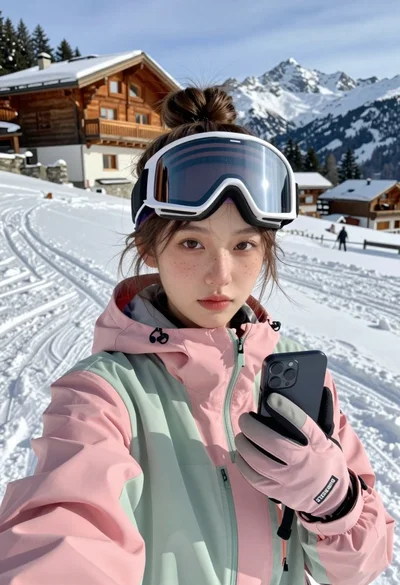
Young woman taking a selfie on snowy mountain slope near chalet
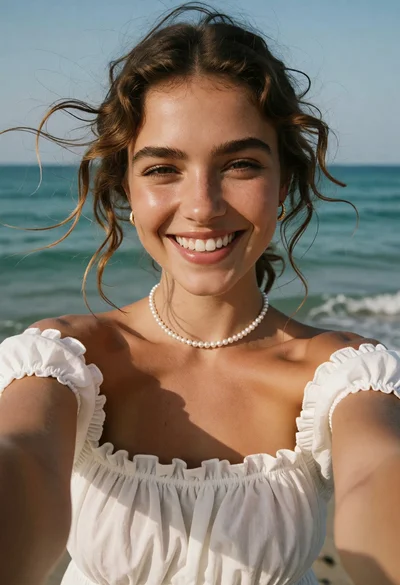
Closeup selfie of smiling woman with freckles on sunny beach

Selfie of young woman in airplane cabin with strawberry blonde hair
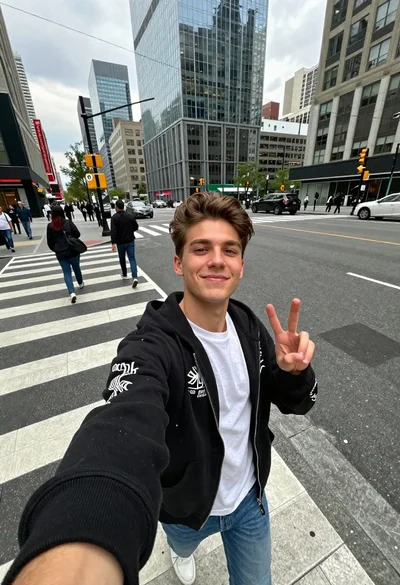
Young man taking selfie in busy city crosswalk with peace sign
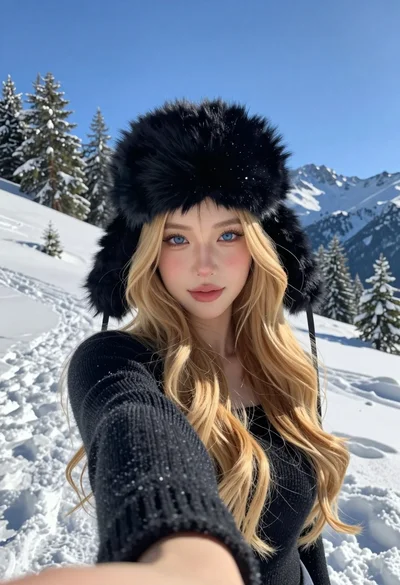
Selfie portrait of blonde woman in fur hat on snowy mountain slope
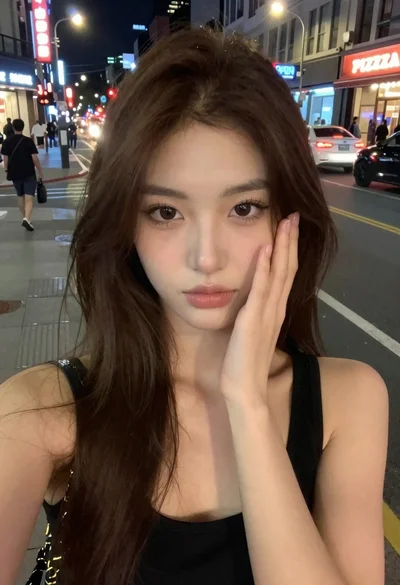
Selfie portrait of woman on busy city street at night
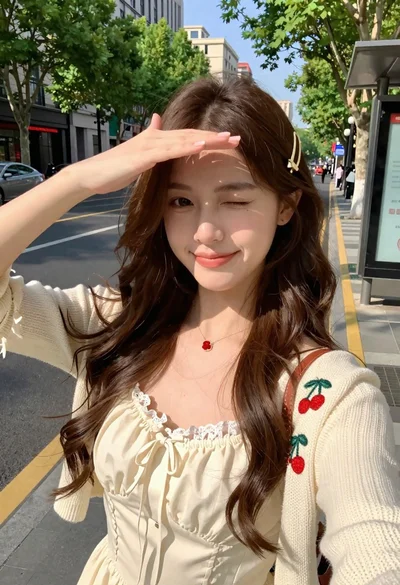
Young woman in cream dress taking a selfie on sunny city street
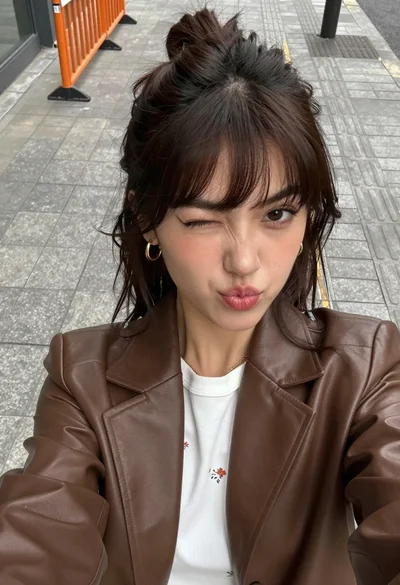
High angle close up selfie of young woman in blazer on urban
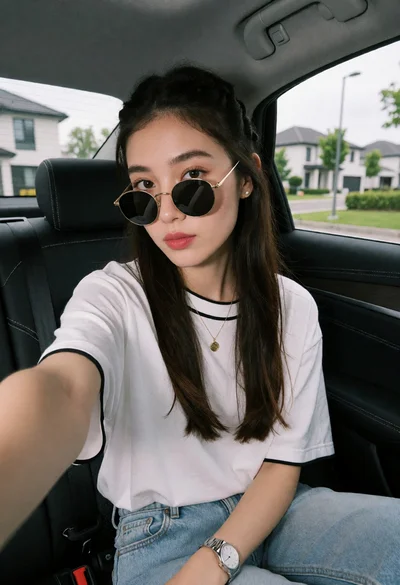
Young woman taking a selfie in car seat with suburban background view