
Smiling woman taking selfie pointing towards eiffel tower in paris
Prompt
A close-up selfie of a smiling woman with dark hair and red lipstick gesturing towards the Eiffel Tower in the background.

Subject: A young woman with fair skin, dark brown hair pulled back from her face, defined eyebrows, and bright red lipstick. She is looking directly at the camera with a pleasant smile.

Clothing: She wears a light beige or cream-colored jacket with a visible cuff, revealing a black garment with scalloped lace detailing underneath. A small red earring is visible in her left ear.

Action: The woman is taking a selfie and extending her left hand forward with her palm open, gesturing towards the landmark behind her.

Environment: The setting is the Champ de Mars park area in Paris, featuring a wide paved promenade lined with planters and lampposts leading toward the base of the tower.

Camera: A close-up selfie angle taken from a low perspective looking up at the subject and the towering structure, creating a sense of scale.

Lighting: Bright natural daylight under a blue sky with scattered white clouds, casting soft shadows on the woman's face.
Second

Subject: None.

Objects: The Eiffel Tower dominates the background, showing its intricate iron lattice structure.

Interaction: The woman is interacting with the camera and gesturing towards the landmark as if presenting it to the viewer.

Text/Graphics: None visible.

Style Details: High-resolution photography with a realistic color palette, capturing a clear blue sky and detailed textures on both the subject's skin and the metalwork of the tower.
Description
This prompt is useful for creating travel blog features, personal social media content, and postcard-style souvenir photography. The combination of 'low angle' perspective with a visible background landmark ensures that the towering structure dominates the composition while the subject remains engaging through her direct gaze and 'bright red lipstick', preventing the image from feeling like a flat portrait against a backdrop.
Suggestions
- Change 'light beige or cream-colored jacket' to 'denim jacket' for more casual texture.
- Adjust 'low angle' to 'eye level' if you want a less dramatic composition.
- Swap 'blue sky with scattered white clouds' for 'golden hour haze' for warmer tones.
Category
Tags
Close UpFair SkinFemaleLow AngleOutdoorsRealisticSelfie
Date added
June 19, 2026
Added by
PromptDexter Team
Related Prompts
More prompts with similar categories and tags.
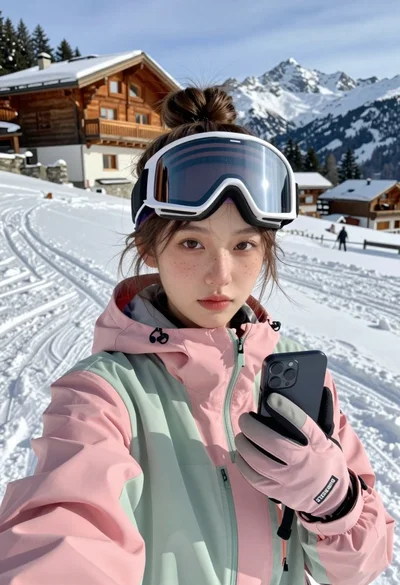
Young woman taking a selfie on snowy mountain slope near chalet
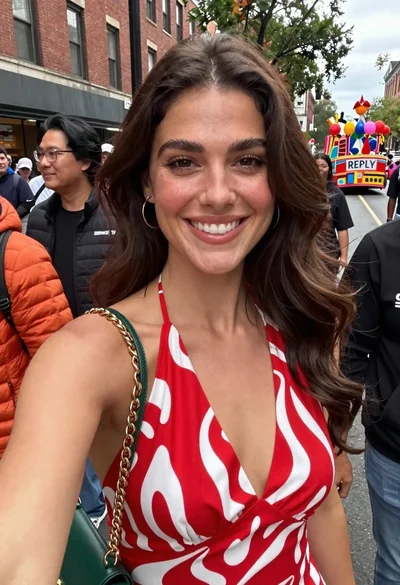
Smiling woman in red patterned dress at busy urban street scene

Selfie of young woman in airplane cabin with strawberry blonde hair
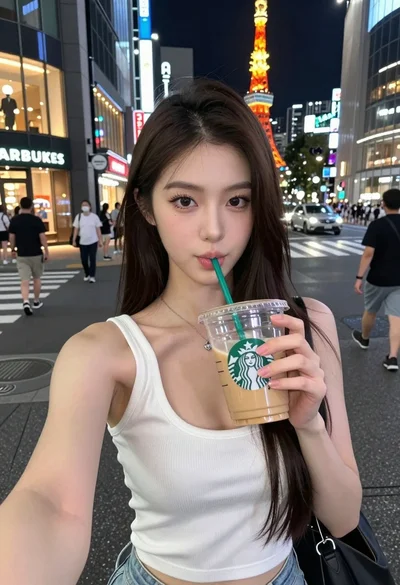
Young east asian woman taking selfie with iced coffee on busy tokyo

Smiling blonde woman taking a selfie on tropical beach at golden hour
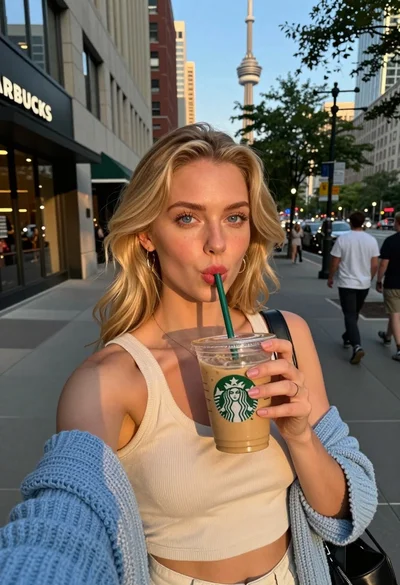
Blonde woman taking selfie with coffee on city street at sunset

Young woman with brown hair under pink umbrella at outdoor cafe setting

Close up selfie of smiling woman in floral top inside airplane cabin

Young woman taking a selfie by lake with palm trees overhead
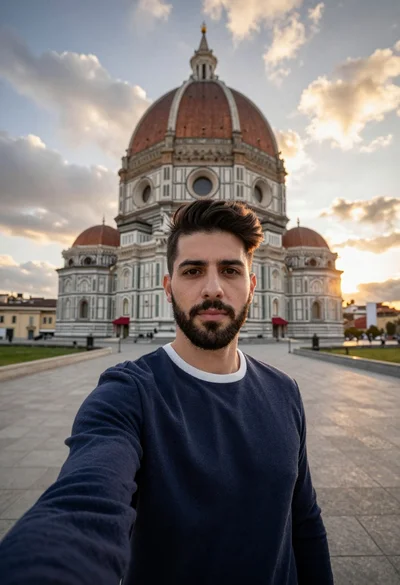
Selfie portrait of man in sweater before domed historic building at sunset