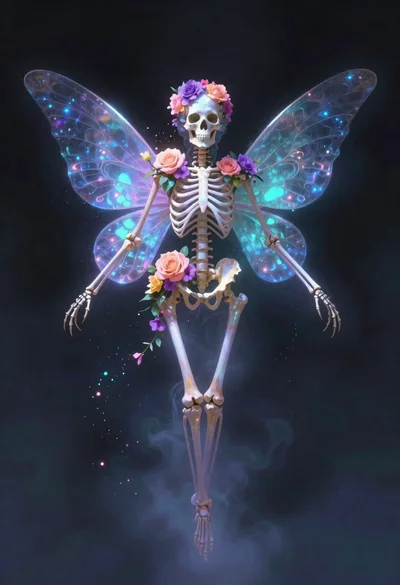
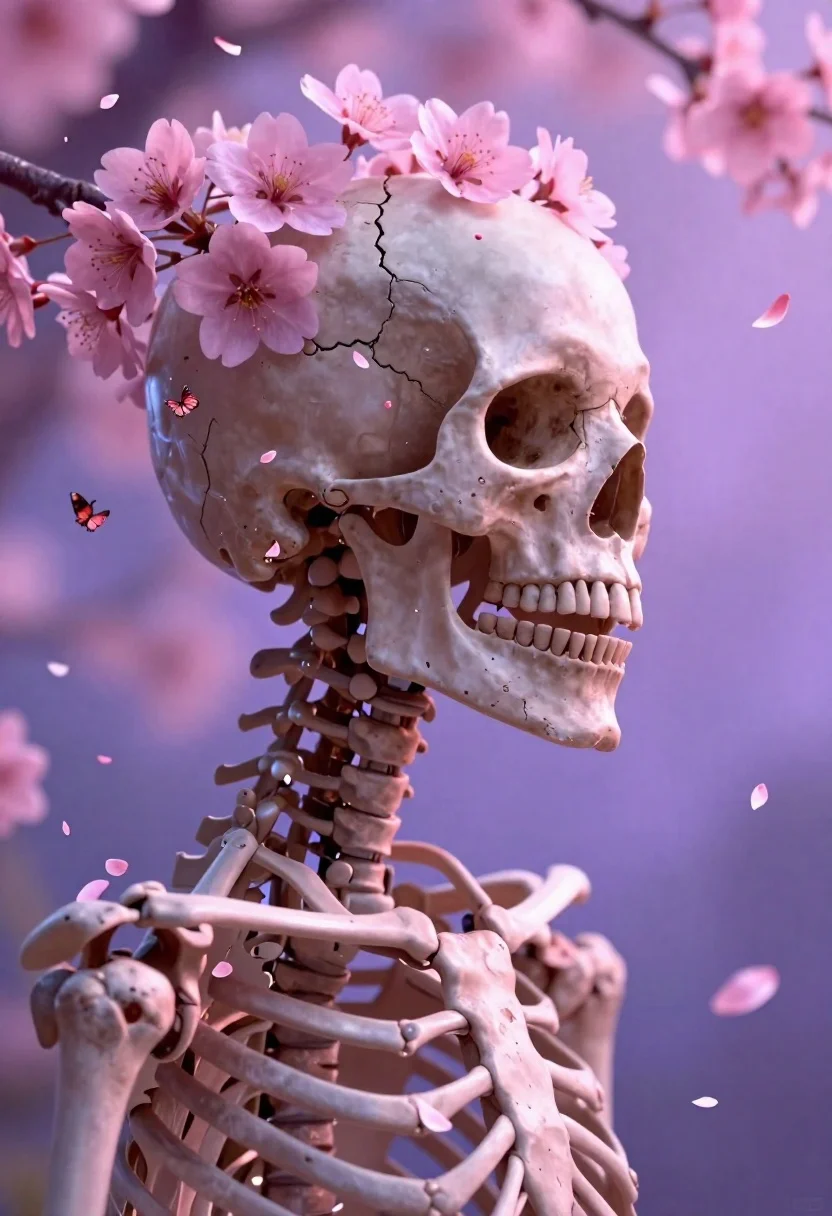
Skeletal profile with pink blossoms in dreamy space
Prompt
A surreal digital portrait of a human skeleton in profile with vibrant pink cherry blossoms and petals erupting from the skull like hair; Subject is a realistic skeletal head showing detailed bone texture, cracked calvaria on top, sharp teeth visible, neck vertebrae extending down to rib cage structure.

Action: static pose facing rightward gaze direction toward off-screen point of interest with open mouth expression suggesting silent scream or release.

Environment: abstract dreamy background blending soft purple and pink hues with floating flower petals scattered in misty space around figure.

Camera: close-up side profile shot emphasizing facial bones, shallow depth-of-field focus on skull while slightly blurring distant particles for atmospheric effect.

Lighting: ethereal diffuse glow from left casting gentle highlights along cheekbone, nasal bridge, jawline creating soft shadows that enhance three-dimensionality without harsh contrast; overall mood is melancholic yet beautiful with pastel color palette dominated by magenta and lavender tones.

Style Details: hyper-realistic rendering style combining anatomical precision with fantastical floral elements resembling cinematic fantasy art or high-end 3D illustration.

Objects: cherry blossom flowers, butterfly figures, floating flower petals serving as dynamic compositional accents throughout frame.

Text/Graphics: none visible except small watermark logo at bottom right corner which should be ignored per instruction to exclude non-visual identity markers.
Description
This prompt is useful for creating surreal album art, conceptual fine art prints, and high-end video game concept illustrations. The combination of 'ethereal diffuse glow' and the 'pastel color palette dominated by magenta and lavender tones' ensures that the anatomical precision of the skeleton remains beautiful rather than gruesome, while the 'floating flower petals' provide dynamic visual interest against the abstract background.
Suggestions
- Change 'vibrant pink cherry blossoms' to 'deep indigo orchids' for a moodier contrast.
- Swap 'soft purple and pink hues' for 'iridescent teal and gold' to shift the palette.
- Adjust 'shallow depth-of-field focus on skull' to 'sharp focus across all visible bone structures' for maximum detail.
Category
Tags
Close UpCreatureDigital ArtMacro ShotPortrait ShotSide Profile
Date added
June 19, 2026
Added by
PromptDexter Team
Related Prompts
More prompts with similar categories and tags.

Surreal figure with daisy head in red lounge chair
Skeletal monarch on ornate throne in dark cavern
Cosmic spirit standing in water viewed by small child
Fantasy portrait of a fairy woman in ethereal space
Young woman surrounded by glowing peach flowers in mist
Woman in black gown surrounded by swirling energy
Woman in dark blue gown floating in starfilled cosmos
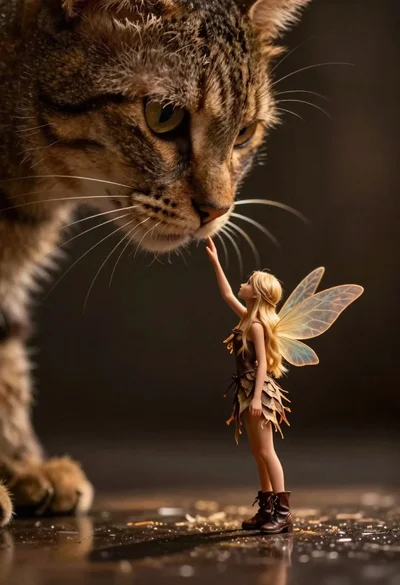
Fairy touching enormous tabby cat nose in shadow