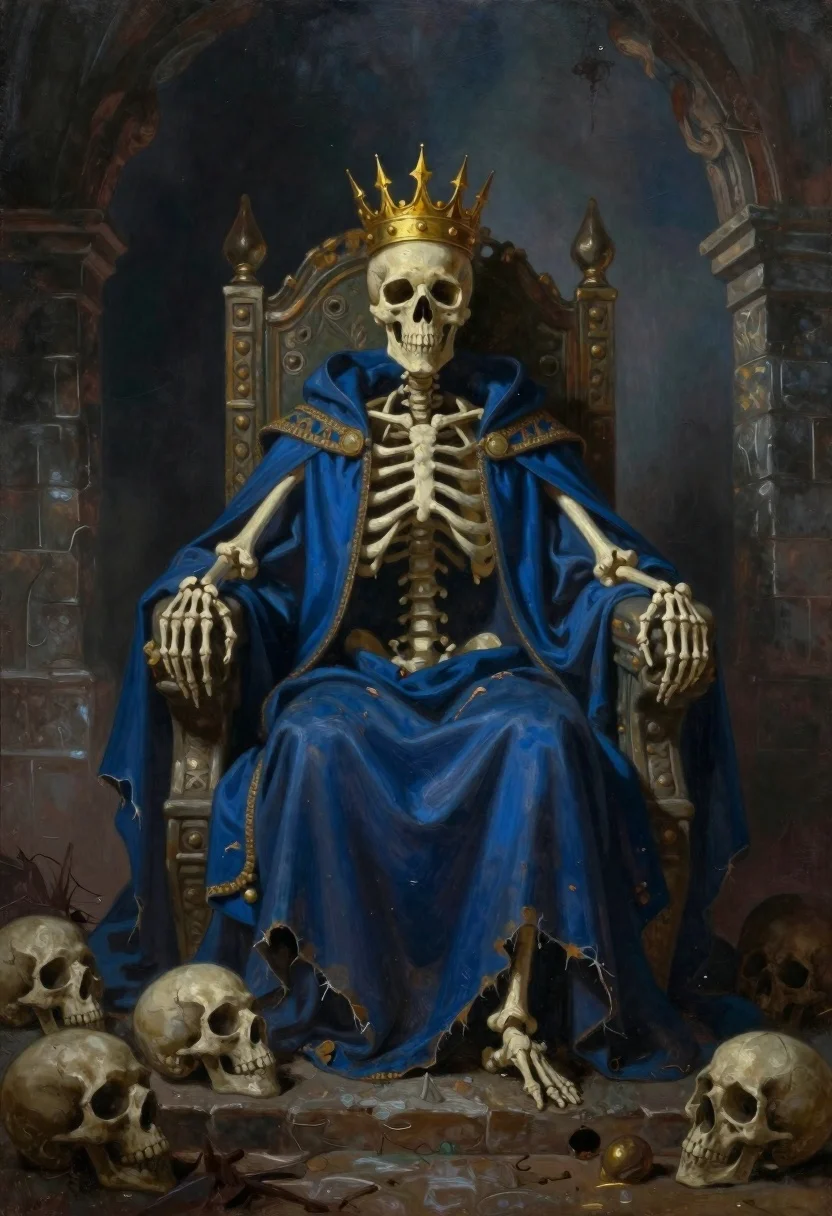
Skeletal monarch on ornate throne in dark cavern
Prompt
Oil painting of a skeletal monarch seated on an ornate throne in a dark cavernous hall

Subject: A human skull wearing a tall golden spiked crown and draped in heavy royal robes, with bones visible at the hands and shoulders

Clothing: Flowing tattered blue fabric like a king's robe over bony arms resting on armrests of a stone or wood throne

Environment: Stone pillars frame the background under misty atmospheric haze; floor is littered with piles of human skulls in shadows

Camera: Medium shot centered composition focusing on upper body and skull face from slightly low angle

Lighting: Dim moody lighting casting deep blue and brown tones across scene with soft glow behind throne creating chiaroscuro effect.
Description
This prompt is useful for creating dark fantasy album art, gothic narrative illustrations, and surreal character concept sheets. The combination of 'dim moody lighting' and the 'chiaroscuro effect' ensures dramatic contrast, which prevents the scene from becoming flat by carving out specific highlights on the skull and robes against the deep shadows.
Suggestions
- Change 'blue fabric' to 'velvet black fabric' for a richer texture.
- Add 'volumetric dust motes' to enhance the misty atmosphere.
- Adjust 'low angle' to 'worm's-eye view' for more imposing scale.
Category
Tags
Dark SkinDigital ArtFull BodyLow AngleMedium ShotPortrait ShotRuins
Date added
June 19, 2026
Added by
PromptDexter Team
Related Prompts
More prompts with similar categories and tags.

Cosmic spirit standing in water viewed by small child

Child looking up at massive koi fish in cosmic nebula digital art

Demon with bioluminescent tattoos in smoke vortex
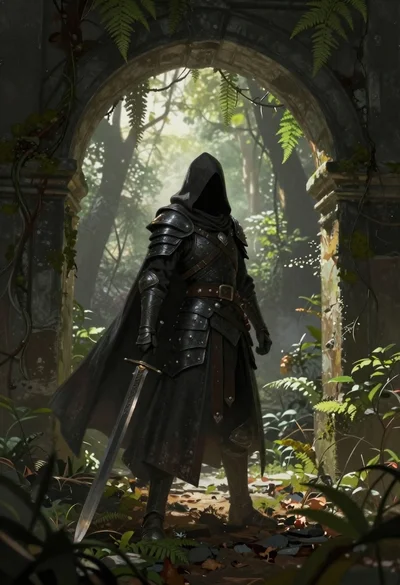
Warrior in dark armor within ancient overgrown stone archway
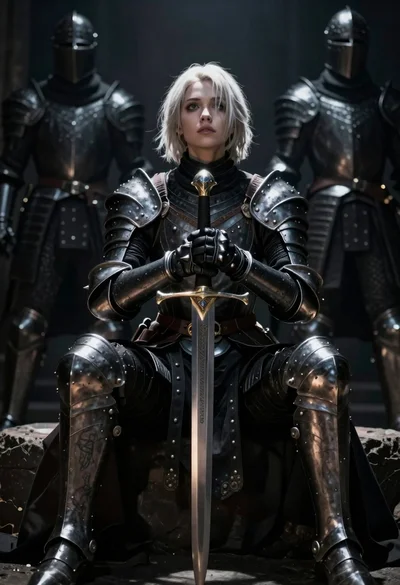
Warrior woman in dark armor seated with ornate sword
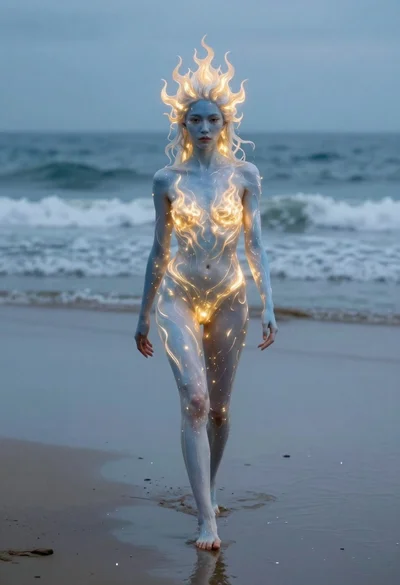
Surreal woman with glowing skin walking on wet beach

Fantasy portrait of a fairy woman in ethereal space

Futuristic android woman in metallic corridor