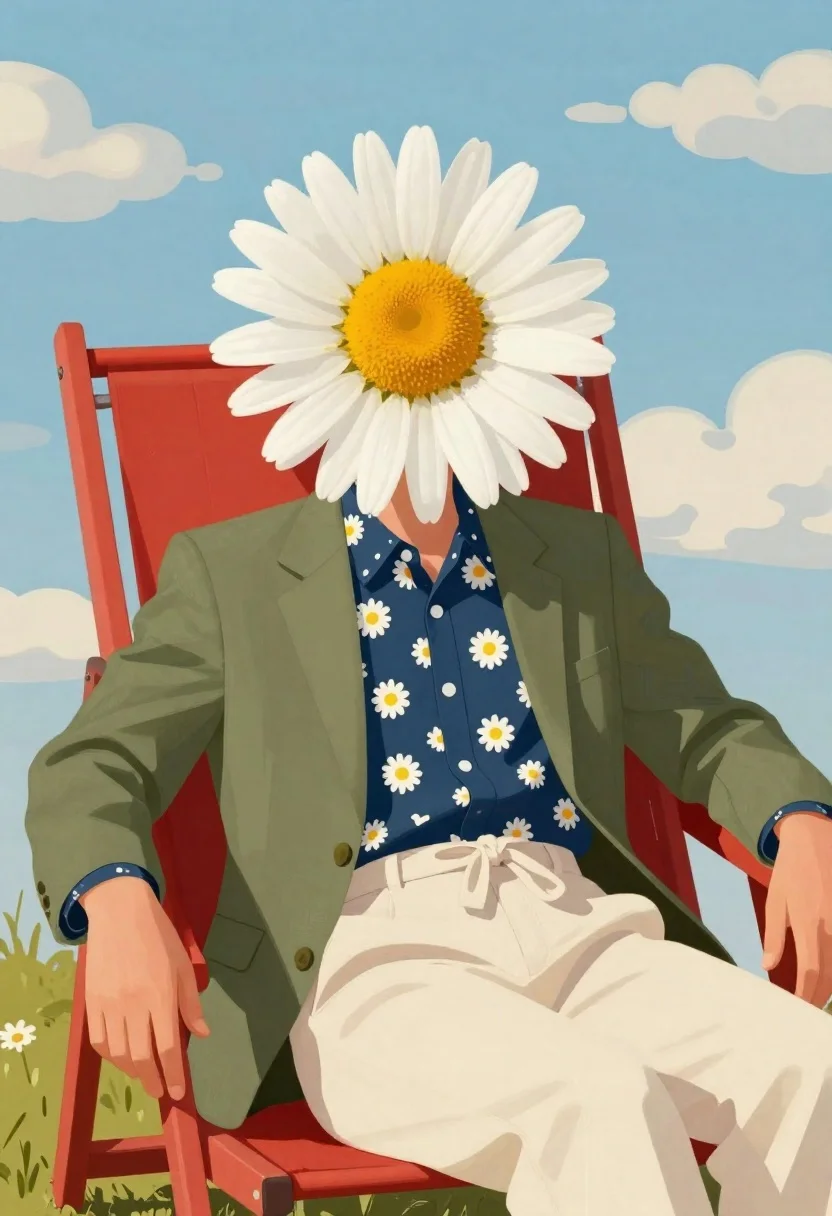
Surreal figure with daisy head in red lounge chair
Prompt
Digital illustration of a surreal figure with the upper body resting in a red lounge chair against an outdoor backdrop

Subject: A person seated whose head is completely replaced by a large white daisy flower with yellow center and visible petal texture, face obscured entirely within bloom.

Clothing: Olive green blazer worn over cream trousers tied at waist, paired with navy blue shirt featuring repeating small white daisies across front panel; subtle floral pattern also appears on sleeve cuff peeking from under jacket.

Environment: Bright red lounge chair positioned outdoors beneath pale blue sky dotted with soft rounded cumulus clouds suggesting calm sunny day atmosphere.

Camera: Medium shot capturing full torso and seated posture, slightly elevated angle emphasizing flower-head silhouette against expansive sky background.

Lighting: Soft even daylight casting gentle shadows across clothing folds while maintaining high color saturation throughout composition for vibrant yet painterly effect.

Style Details: Bold flat colors with visible brushstroke textures blending realism into stylized pop-art aesthetic reminiscent of retro poster design.
Description
This prompt is useful for creating surreal editorial illustrations, conceptual character portraits, and whimsical album art covers. The combination of 'bold flat colors' with 'visible brushstroke textures' achieves a stylized pop-art aesthetic that prevents the scene from looking like simple digital collage work, while the 'soft even daylight' ensures the intricate details of the daisy head remain visible against the bright red lounge chair.
Suggestions
- Change 'red lounge chair' to 'mustard yellow lounge chair' for better color contrast.
- Swap 'daisy flower' for 'peony bloom' to alter the floral shape.
- Adjust 'pale blue sky' to 'deep indigo sky' for a more dramatic mood.
Category
Tags
Digital ArtFull BodyMedium ShotNatureOlive SkinOutdoorsPortrait Shot
Date added
June 19, 2026
Added by
PromptDexter Team
Related Prompts
More prompts with similar categories and tags.
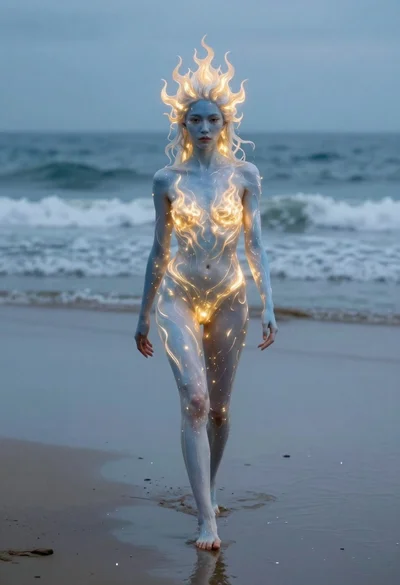
Surreal woman with glowing skin walking on wet beach

Skeletal monarch on ornate throne in dark cavern

Cosmic spirit standing in water viewed by small child
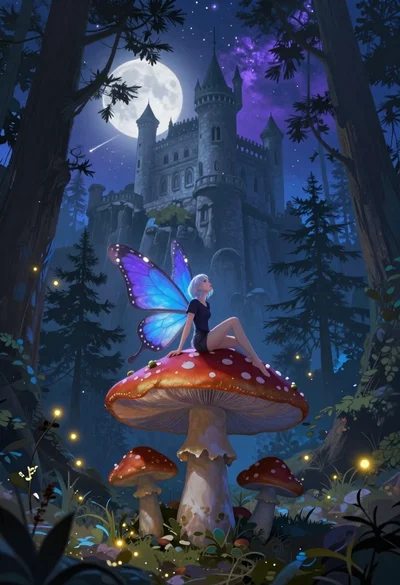
Fairy on mushroom with pine trees and stone castle
Cartoon surreal treehouse with giant eye and green door
Woman in dark blue gown floating in starfilled cosmos
Ethereal woman floating underwater with glowing eyes

Woman embracing earth against starry cosmos background