
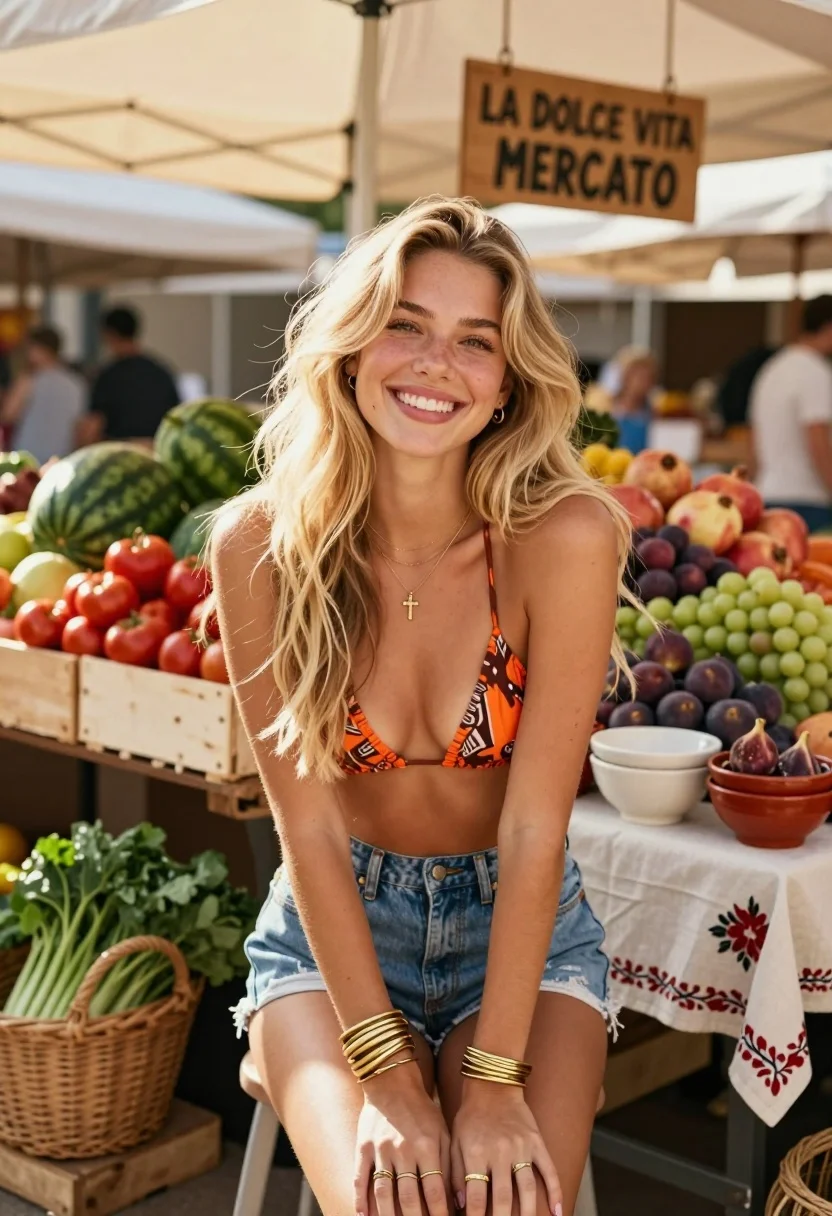
Smiling blonde woman in bikini at vibrant outdoor farmers market stall
Prompt
A smiling young woman with long blonde hair sits in the foreground at an outdoor market stall.

Subject: A fair-skinned woman with long, wavy blonde hair and a bright, open-mouthed smile looking directly at the camera. She has a slender build with visible collarbones and wears a delicate gold necklace with a small cross pendant.

Clothing: She wears a patterned orange and brown bikini top with thin straps and high-waisted denim shorts. On her wrists, she wears multiple thick gold bangles on both arms, and several gold rings are visible on her fingers.

Action: She is seated with her hands resting gently in her lap between her knees, leaning slightly forward towards the viewer.

Environment: The setting is a vibrant outdoor farmers market under a large beige shade cloth canopy. Behind her are wooden crates filled with fresh produce including red tomatoes, green watermelons, pomegranates, figs, and bunches of grapes. A wooden sign hanging above reads "LA DOLCE VITA MERCATO".

Objects: Woven baskets containing leafy greens sit to the left, while ceramic bowls rest on a table covered with a white cloth featuring red floral embroidery to the right.

Lighting: The scene is illuminated by bright, natural sunlight filtering through the overhead shade cloth, creating soft shadows and highlighting the textures of the fruit and the woman's skin.

Camera: The shot is taken at eye level with a shallow depth of field that keeps the subject sharp while softly blurring the market background.

Style Details: The image has a warm, sun-drenched aesthetic with natural color grading, resembling a high-quality lifestyle photography snapshot.
Description
This prompt is useful for creating vibrant lifestyle editorial spreads, summer fashion lookbooks, and commercial advertising featuring local goods. The combination of 'bright, natural sunlight filtering through the overhead shade cloth' prevents harsh shadows while still allowing enough contrast to define the textures of the 'fresh produce' and the subject's skin, achieving a warm, sun-drenched aesthetic suitable for market promotion.
Suggestions
- Change 'patterned orange and brown bikini top' to 'solid terracotta bikini top' for more cohesive color blocking.
- Add 'bokeh effect' to the camera details for an even softer background blur.
- Swap 'beige shade cloth canopy' for 'striped canvas awning' to alter the overhead pattern.
Category
Tags
BlondeFair SkinFemaleMedium ShotRealistic
Date added
July 12, 2026
Added by
PromptDexter Team
Related Prompts
More prompts with similar categories and tags.

Portrait of woman with red hair in navy blouse and green skirt
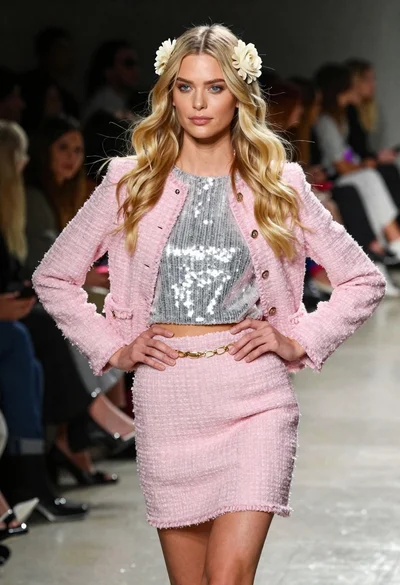
Blonde woman walking fashion runway in pink tweed ensemble

Blonde woman in silver gown with fur stole studio portrait

Blonde woman in striped swimsuit seated on sofa indoors studio shot
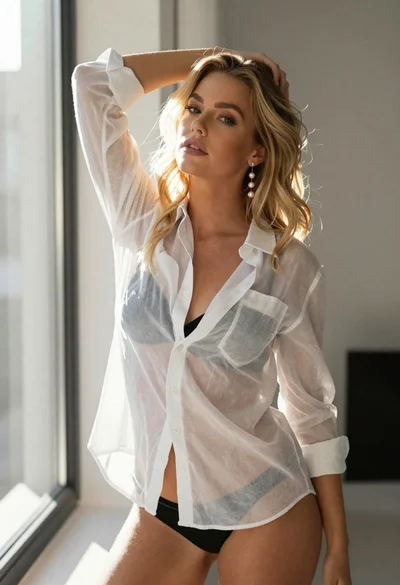
Blonde woman in sheer white shirt by large sunlit window indoors

Fair blonde woman in black corset and denim shorts studio portrait

Blonde woman in black leather jacket standing in modern marble bathroom

Smiling blonde woman in sports bra sitting on outdoor lounge chair

Fair blonde woman sitting on vintage gold sofa in dimly lit room
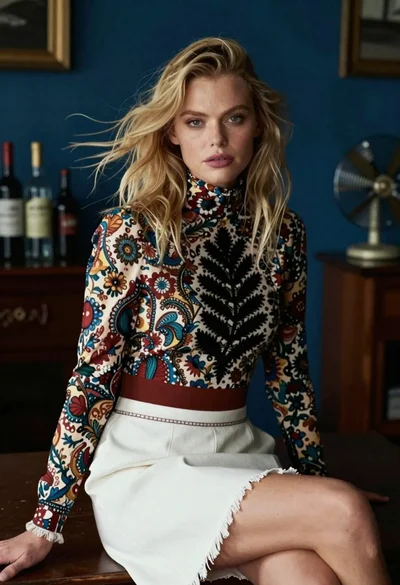
Blonde woman in floral blouse seated in moody blue interior setting
