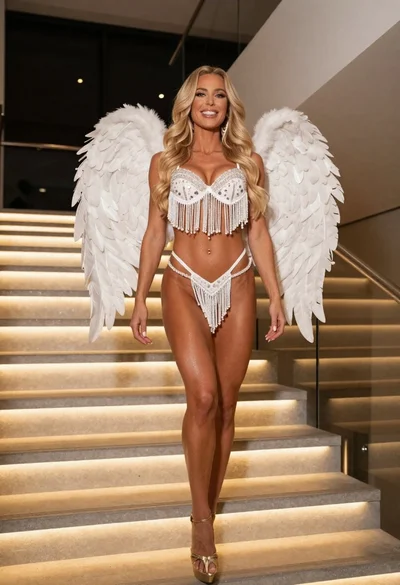

Smiling blonde woman in white lingerie inside dimly lit movie theater
Prompt
A smiling woman with long wavy hair stands in a dimly lit movie theater aisle wearing white lingerie and holding white heels.

Subject: A fit woman with long voluminous wavy blonde hair and a bright smile looking directly at the camera.

Clothing: She wears a white lace bodysuit featuring sheer panels, ruffled edges, and a large bow at the neck, paired with matching white thigh-high stockings held up by garters and pleated white gloves on her hands.

Action: The woman is leaning forward slightly with one hand resting on a red seat while holding a pair of white high-heeled shoes in the other hand.

Environment: Rows of plush red cinema seats fill the background, fading into darkness behind her.

Camera: Shot from a low angle looking up at the subject to emphasize her figure against the dark theater interior.

Lighting: Dramatic spotlighting illuminates the woman from the front while the background remains in deep shadow with warm ambient tones reflecting off the red seats.

Style Details: High-contrast cinematic photography with a focus on texture and form, rendered with sharp detail and vibrant color saturation.
Description
This prompt is useful for creating dramatic editorial lingerie shoots, film noir inspired portraiture, and stylized character concept art. The combination of 'dramatic spotlighting' against the deep shadow background ensures the subject pops out while the 'low angle looking up at the subject' exaggerates her form within the confined space suggested by the plush red cinema seats.
Suggestions
- Change 'white lace bodysuit' to 'ivory silk chemise' for a different texture.
- Add 'bokeh effect' to the background to soften the deep shadow areas.
- Swap 'red seat' for 'velvet curtain' to change the material contrast.
Category
Tags
BlondeFemaleLingerieLow AnglePortrait ShotRealistic
Date added
June 19, 2026
Added by
PromptDexter Team
Related Prompts
More prompts with similar categories and tags.
Blonde woman in black bodysuit seated at a pub bar

Blonde woman in black lace lingerie posing with vintage telephone
Blonde woman reclining on blue sofa indoors by large window
Young blonde woman in lace bodysuit leaning against wooden cabinet indoors

Blonde woman posing in black lingerie against pink purple gradient studio backdrop
Blonde woman in black leather jacket on an urban street at dusk

Blonde woman in black leather bodysuit on concrete ledge against blue sky
Blonde woman reclining on dark leather sofa in modern interior setting
Blonde woman in black lingerie reclining on red quilted surface

Blonde woman in white embroidered mini dress on rooftop overlooking city