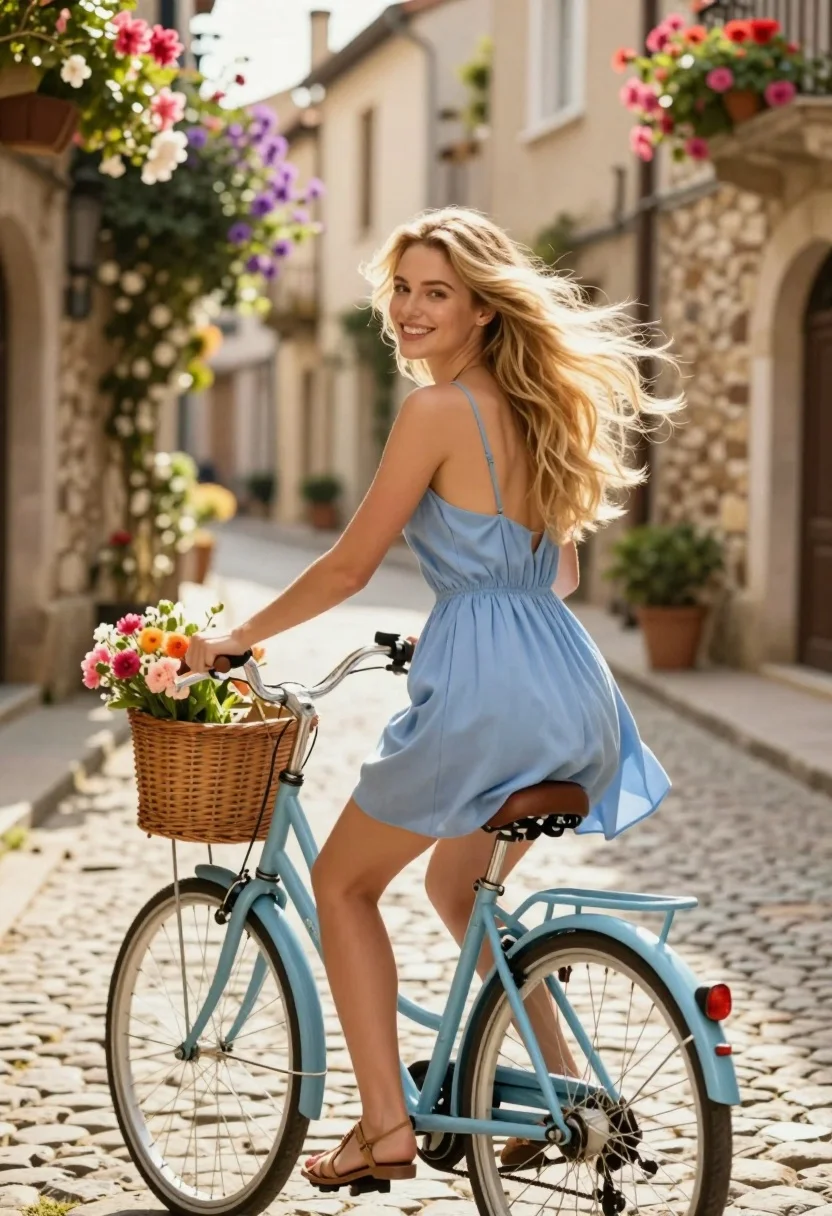
Smiling blonde woman on light blue bicycle in flowerlined stone alleyway
Prompt
A smiling young woman with flowing blonde hair rides a light blue bicycle through a charming stone alleyway lined with vibrant flowers.

Subject: A fair-skinned woman with long, wavy blonde hair that blows gently in the breeze, featuring a bright, happy smile and a relaxed posture as she looks back over her shoulder.

Clothing: She wears a sleeveless, light blue summer dress with thin spaghetti straps and an open back, paired with simple tan strappy sandals.

Action: The woman is seated on a vintage-style bicycle, holding the handlebars with one hand while looking back at the camera with a joyful expression.

Environment: A picturesque cobblestone street flanked by old stone buildings adorned with hanging flower baskets and climbing vines of pink and purple blooms.

Objects: A wicker basket filled with colorful flowers is attached to the front of the bicycle, which features a matching light blue frame and rear rack.

Lighting: Warm golden sunlight bathes the scene from above, creating soft highlights on the woman's hair and dress while casting gentle shadows on the cobblestones.

Camera: The shot is taken from a slightly low angle with a shallow depth of field that keeps the subject sharp while softly blurring the background architecture and flowers.

Style Details: The image has a dreamy, romantic aesthetic with soft focus, pastel color grading, and a high-quality digital rendering style reminiscent of cinematic photography.
Description
This prompt is useful for creating vintage travel advertisements, lifestyle blog features about local destinations, and romantic editorial spreads. The combination of 'warm golden sunlight' casting soft highlights against the 'light blue bicycle' and 'pastel color grading' ensures a cohesive, dreamy mood that complements the joyful subject matter while the 'shallow depth of field' isolates the smiling woman from the detailed background architecture.
Suggestions
- Change 'pink and purple blooms' to 'deep red geraniums' for more contrast.
- Swap 'light blue bicycle' for 'mint green bicycle' to shift the overall palette.
- Adjust 'warm golden sunlight' to 'overcast soft light' for a less saturated feel.
Category
Tags
AlleyBlondeCasual WearFair SkinFemaleLow AngleMedium ShotOutdoorsRealistic
Date added
July 3, 2026
Added by
PromptDexter Team
Related Prompts
More prompts with similar categories and tags.
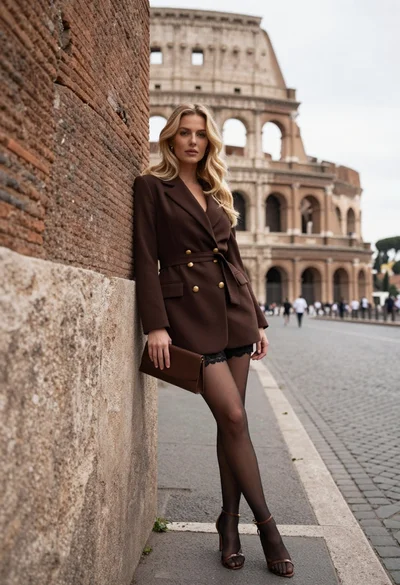
Blonde woman leaning against stone wall near colosseum in rome
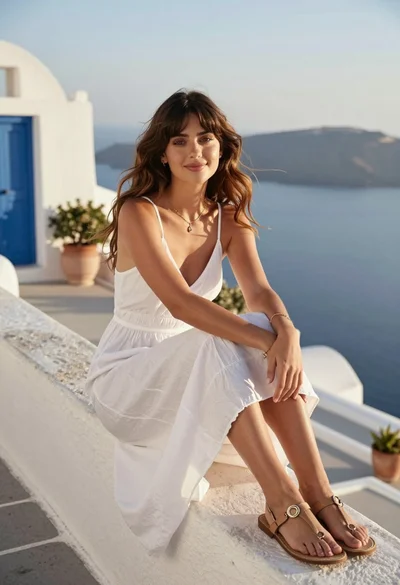
Young woman in white slip dress on mediterranean terrace overlooking blue sea
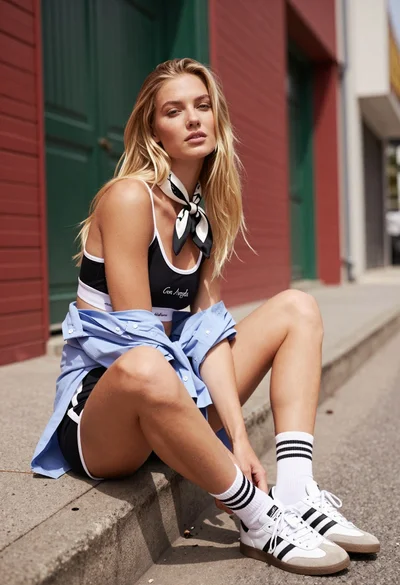
Blonde woman sitting on concrete ledge in urban alleyway sunlight

Woman in black dress by window overlooking ocean at golden hour
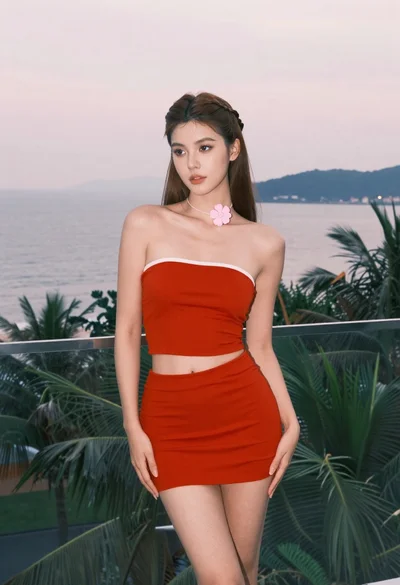
Young woman in red outfit on balcony overlooking water and hills

Smiling woman in white floral dress standing next to bicycle on cobblestone
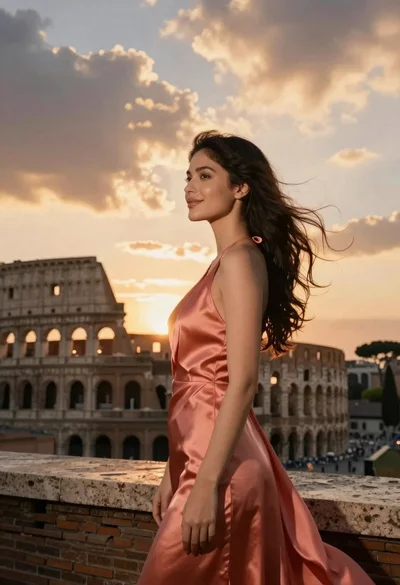
Young woman in coral satin dress standing on a stone rooftop terrace
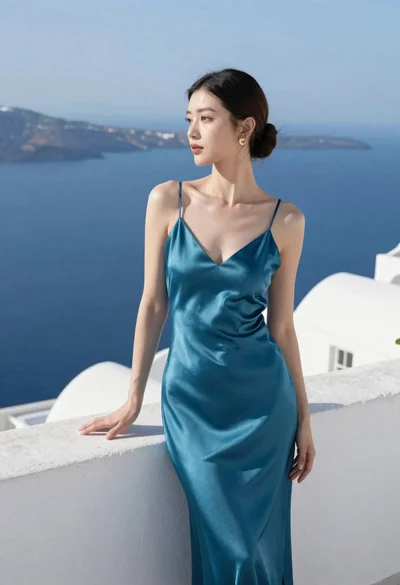
Woman in teal satin slip dress standing on terrace overlooking blue sea
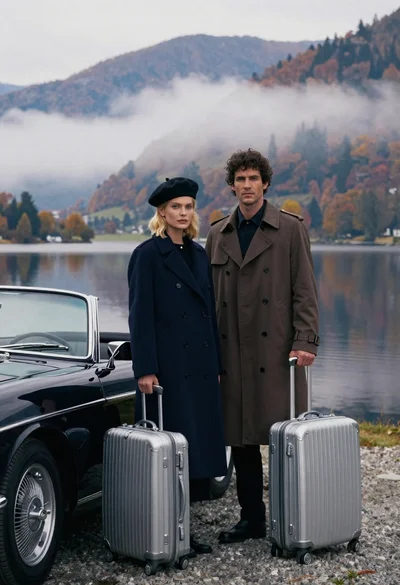
Cinematic portrait of stylish couple standing beside classic black convertible car at
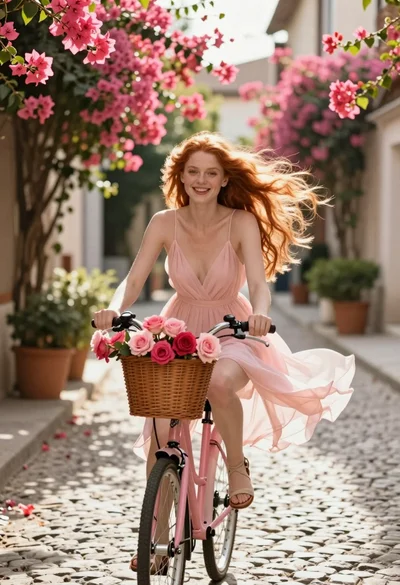
Joyful young woman riding pink bicycle down flowerlined cobblestone alleyway