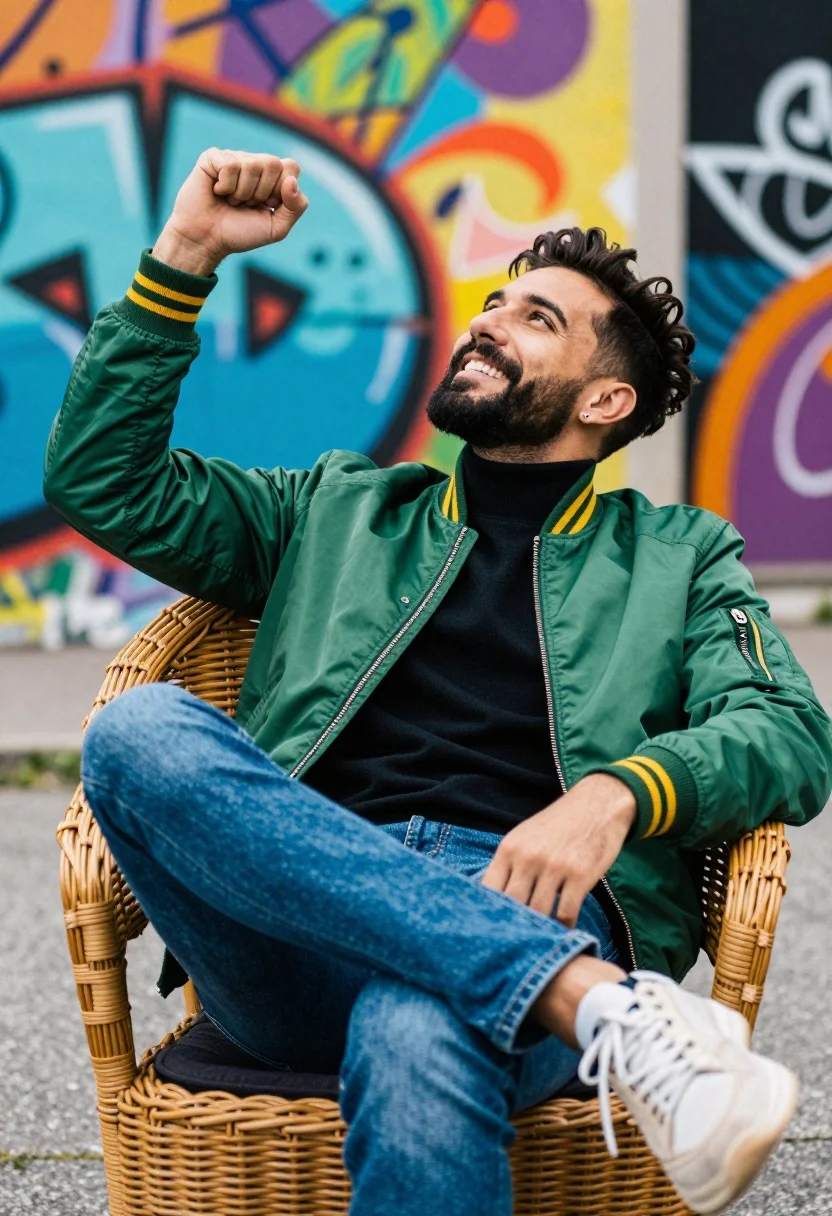
Smiling man in green bomber jacket seated on wicker chair against graffiti
Prompt
A man sits confidently in a woven wicker chair with one leg crossed over the other and his arm raised in a relaxed gesture.

Subject: A smiling man with a beard and styled hair looking upward with an expression of joy or excitement.

Clothing: He wears a green bomber jacket with yellow stripes on the sleeves, a black turtleneck underneath, blue jeans, and light-colored sneakers.

Action: The man is seated in a casual pose with one leg crossed over the other, his right arm raised with a clenched fist, and he is smiling broadly while looking up.

Environment: He is positioned outdoors against a colorful, blurred background featuring vibrant graffiti art on a wall.

Camera: The shot uses a medium framing angle that captures the subject from the waist up, with a shallow depth of field that keeps the man in sharp focus while blurring the background.

Lighting: Bright natural daylight illuminates the scene evenly, creating soft shadows and highlighting the vivid colors of the jacket and background.

Objects: A woven wicker chair with a dark cushion serves as the central prop supporting the subject.

Style Details: The image has a high-saturation color grading style with a slight film grain texture and a vibrant, energetic mood typical of modern street photography.
Description
This prompt is useful for creating editorial street portraits, lifestyle advertising featuring urban settings, and character concept art for indie films. The combination of 'bright natural daylight' with the 'high-saturation color grading style' ensures that the vivid colors of the green bomber jacket pop against the blurred graffiti background, preventing the scene from looking flat despite the even illumination.
Suggestions
- Change 'green bomber jacket' to 'navy bomber jacket' for a more subdued palette.
- Adjust 'yellow stripes' to 'orange stripes' to complement the graffiti tones.
- Swap 'shallow depth of field' for 'bokeh effect' for an even softer background blur.
Category
Tags
Casual WearFull BodyMaleMedium ShotOutdoorsRealisticStreet
Date added
August 5, 2026
Added by
PromptDexter Team
Related Prompts
More prompts with similar categories and tags.
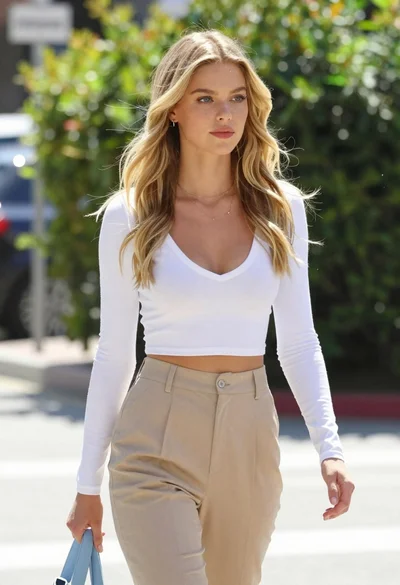
Fair blonde woman walking outdoors in white top and beige trousers
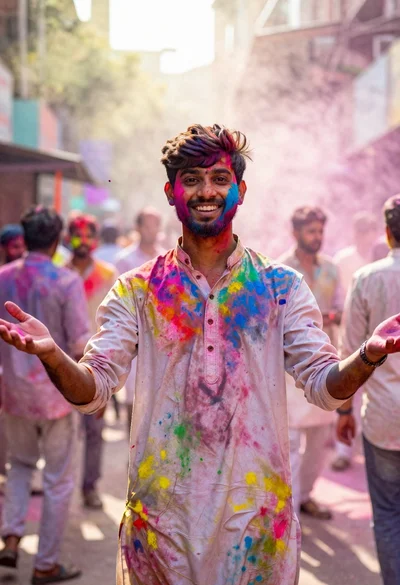
Joyful young man covered in colorful powder during an outdoor festival
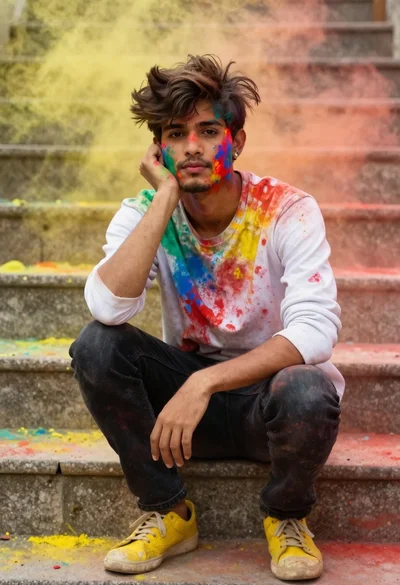
Young man with dark hair covered in colored powder on stone steps
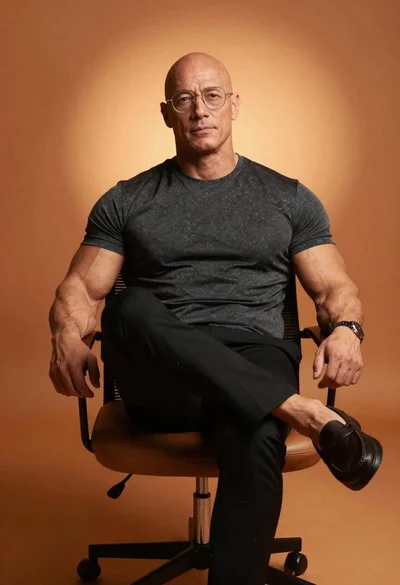
Muscular bald man with glasses sits confidently on modern chair against warm
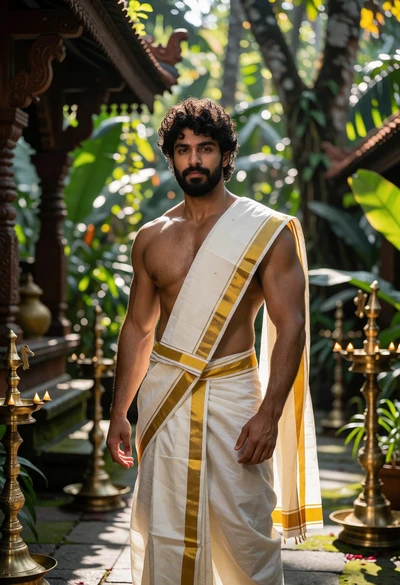
Muscular man in traditional attire within an ornate temple courtyard setting
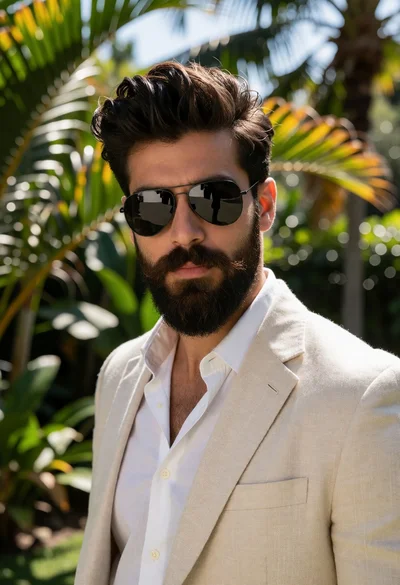
Medium close up portrait of man with beard in tropical garden setting
Man outdoors wearing patterned sweater and sunglasses in urban setting
Young man with dark curly hair walking through busy school hallway

Smiling young woman in white ruffled dress between green topiary bushes
Smiling woman on a busy japanese city street
