Young woman in pink camisole standing in sunlit rolling hills
Prompt
A young woman with dark hair stands in a sunlit field with rolling hills and blue sky behind her.

Subject: A young woman with long dark brown hair, fair skin, and a confident gaze directed at the camera.

Clothing: She wears a pink satin camisole top featuring delicate lace trim along the neckline and hem, tied at the waist with thin ribbons, paired with a loose black skirt.

Action: Her hands are gently clasped near her collarbone, and she tilts her head slightly while looking forward.

Environment: A grassy hillside with green vegetation in the foreground, leading to distant rolling hills under a bright blue sky with wispy clouds.

Lighting: Bright natural sunlight illuminates the scene from the side, casting soft shadows and highlighting the texture of her skin and clothing.

Camera: Medium shot framing the subject from the waist up, with a shallow depth of field that blurs the background landscape.

Style Details: High-resolution photography with vibrant colors, sharp focus on the subject, and a clean, modern aesthetic.
Description
This prompt is useful for creating lifestyle portraiture, romantic editorial spreads, and personal branding content that emphasizes natural beauty. The combination of 'pink satin camisole' against the 'green vegetation' foreground, coupled with 'bright natural sunlight...
Suggestions
- Change 'pink satin camisole' to 'ivory lace top' for a more ethereal feel.
- Add 'golden hour backlight' to enhance the rim lighting on her hair.
- Swap 'medium shot' for 'full body shot' to better incorporate the rolling hills.
Category
Tags
Brown HairCasual WearFair SkinFemaleFull BodyMedium ShotNatureOutdoorsRealistic
Date added
June 19, 2026
Added by
PromptDexter Team
Related Prompts
More prompts with similar categories and tags.

Young woman in patterned dress looking back over grassy hills
Young woman with brown hair sitting on concrete ledge amidst green foliage

Young woman in olive saree leaning on railing outdoors during golden hour

Young woman with dark hair at wooden table in open air setting
Young woman with brown hair in light blue top standing in sunny
Young woman adjusting brown hair outdoors near blue tiled building wall

Young woman with brown hair on a sunlit rustic porch
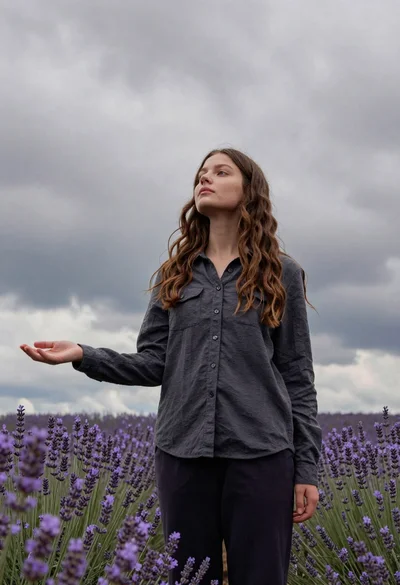
Young woman in dark shirt standing in purple lavender field under cloudy

Young woman outdoors smiling with dark hair wearing denim jeans

Young woman holding pink smoothie outdoors near palm trees sunny day