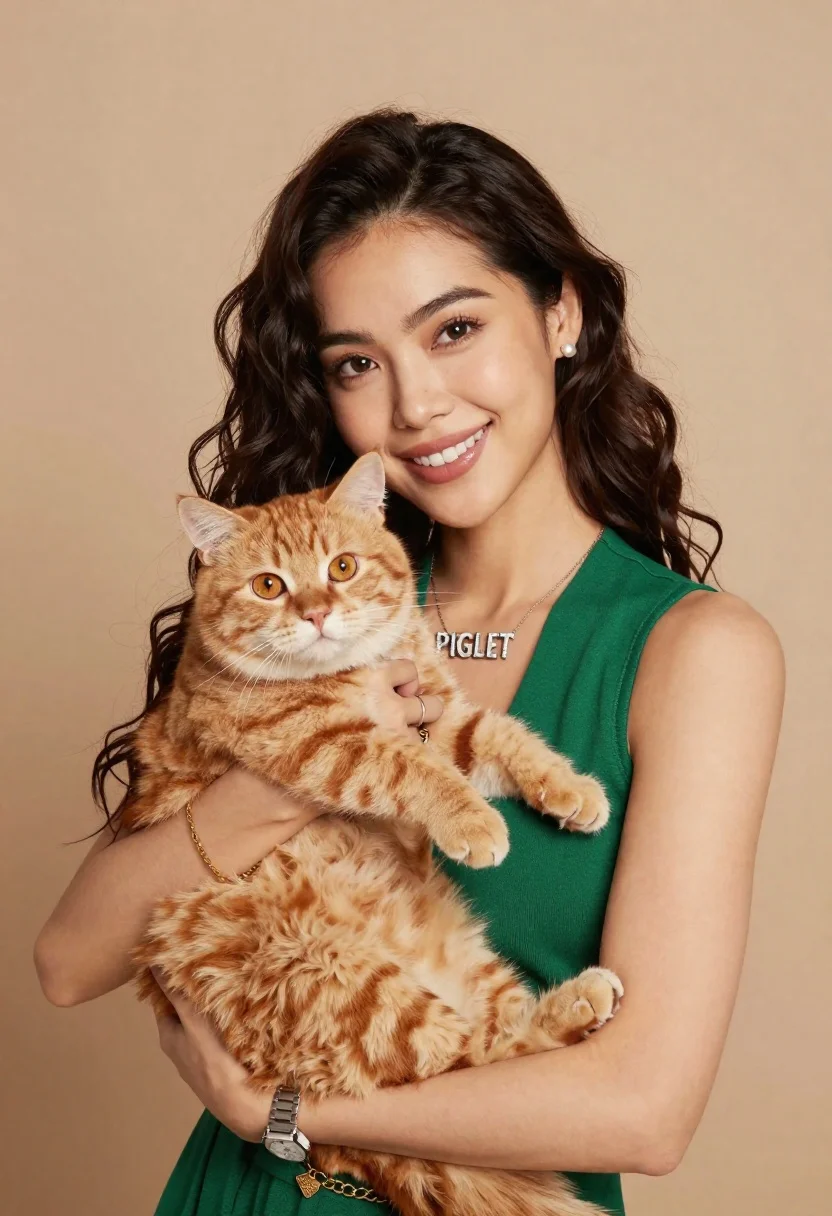
Smiling woman holding fluffy ginger cat against a neutral beige studio background
Prompt
A smiling woman with long dark wavy hair holds a fluffy ginger cat close to her chest against a neutral beige background.

Subject: A young woman with long, dark, wavy hair and a warm smile holding a large, fluffy ginger tabby cat.

Clothing: She wears a sleeveless emerald green top, a silver necklace with the word "PIGLET" in block letters, small pearl earrings, a gold chain bracelet on her left wrist, and a silver rectangular watch on her right wrist.

Action: The woman holds the cat securely with both hands against her chest while looking directly at the camera; the cat looks forward with wide eyes.

Environment: A plain, solid beige or light brown studio background that is softly out of focus.

Camera: Medium close-up shot framed from the chest up, utilizing a shallow depth of field to blur the background and keep the subjects sharp.

Lighting: Soft, diffused lighting illuminating the faces evenly with gentle shadows, creating a warm and inviting mood.

Style Details: High-resolution portrait photography with natural skin tones and realistic fur texture.
Description
This prompt is useful for creating lifestyle portraits featuring pets, commercial product shots requiring clean backgrounds, and intimate family announcements. The combination of 'soft, diffused lighting' and a 'plain, solid beige or light brown studio background' ensures that the focus remains entirely on the interaction between the woman and the cat, preventing distracting environmental elements from competing with the subjects' textures.
Suggestions
- Change 'emerald green top' to 'mustard yellow top' for a warmer color contrast.
- Add 'bokeh effect' to enhance the shallow depth of field.
- Swap 'fluffy ginger tabby cat' for 'sleek black cat' to change the animal dynamic.
Category
Tags
AnimalsBrown HairFemalePortrait ShotRealisticStudio
Date added
June 19, 2026
Added by
PromptDexter Team
Related Prompts
More prompts with similar categories and tags.

Close up selfie of smiling woman and brindle french bulldog in bedroom

Woman reading to sleeping dog on rainy balcony at night
Woman riding horse in dark forest portrait

Smiling woman with cat ears holding orange tabby cat
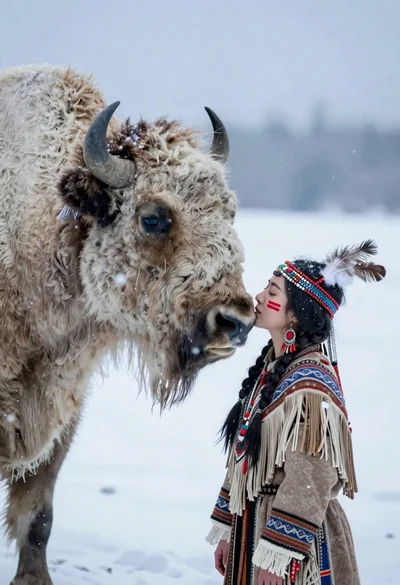
Woman in regalia nuzzling white bison in falling snow

Man in suit resting with lion on red velvet couch
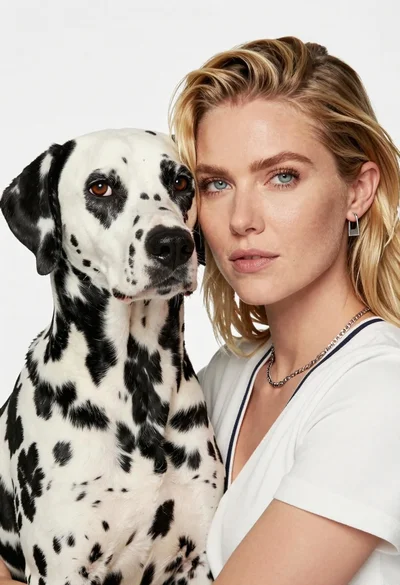
Close up portrait of blonde woman holding dalmatian dog in white studio

Young woman with brown hair holding golden retriever in sunny field
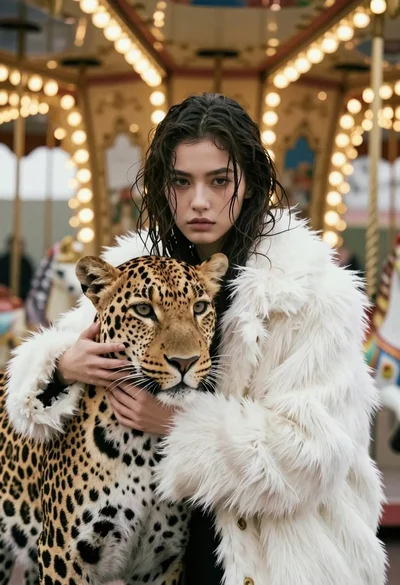
Cinematic portrait of woman holding leopard near glowing carousel lights
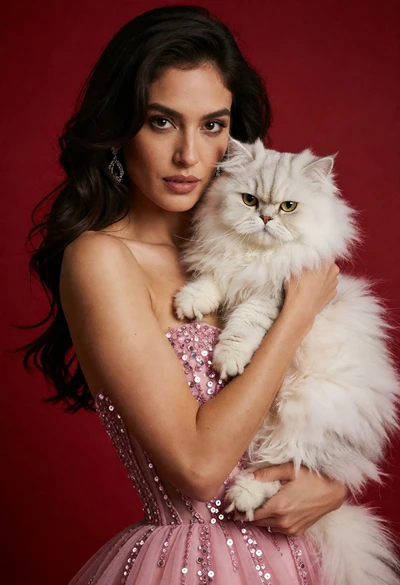
Poised woman in pink sequin gown holding white persian cat against red