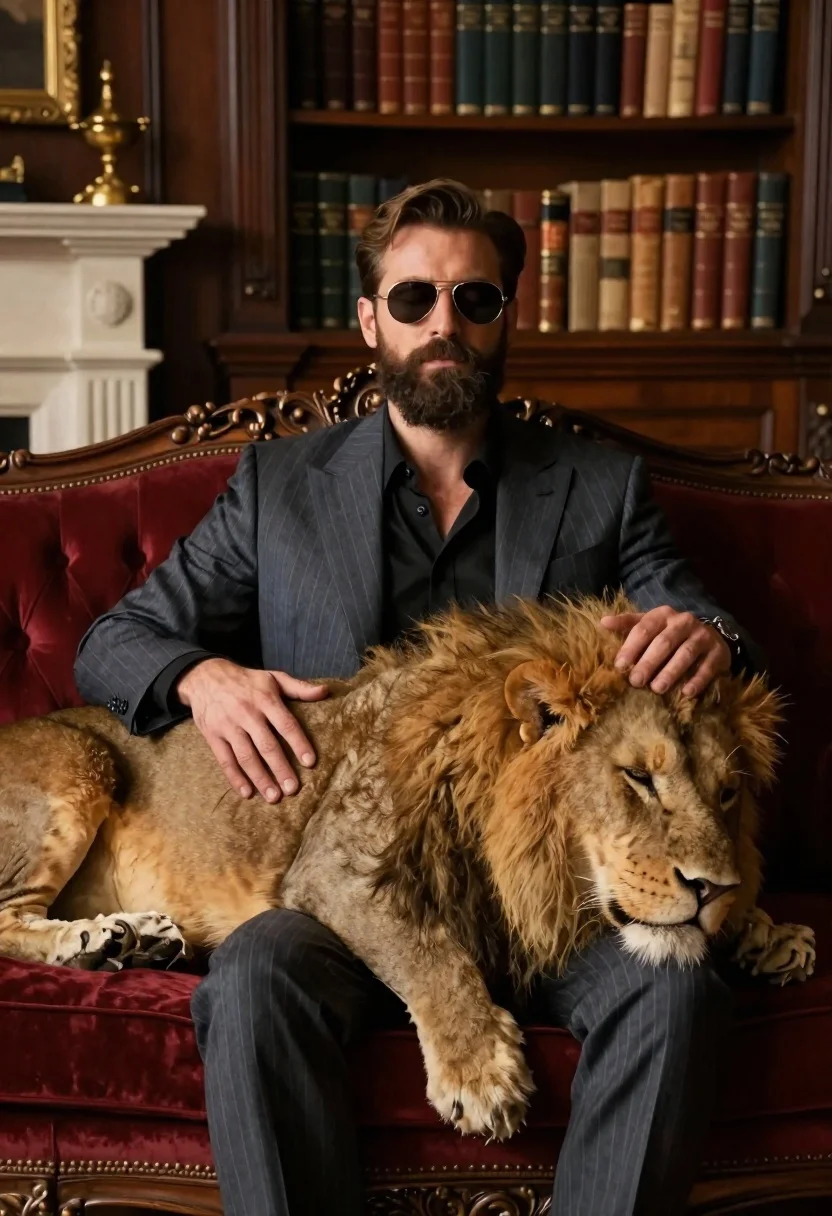
Man in suit resting with lion on red velvet couch
Prompt
A cinematic medium-format shot of a man in a dark pinstripe suit sitting on an ornate red velvet couch with his eyes closed while stroking the back and mane of a large lion resting across his lap

Subject: A bearded man wearing aviator sunglasses, dressed elegantly in a blue-grey suit jacket over a black shirt

Other Subjects: a majestic male lion with a thick golden-brown mane sleeping peacefully on the couch between the man's legs.

Clothing: Dark pinstripe suit jacket and trousers, open-collared black dress shirt underneath.

Action: The man has his eyes closed in a relaxed state as one hand rests gently on the top of the lion's back while the other supports its head against the armrest; the lion is curled up comfortably with its body spanning across both subjects' laps.

Environment: An opulent, dimly lit library or study featuring dark wood paneling, antique bookshelves filled with leather-bound books in the background, and a decorative fireplace mantel adorned with golden ornaments to the left.

Lighting: Soft ambient light highlighting the textures of fur and fabric while casting gentle shadows that enhance depth; warm tones dominate the scene creating an intimate atmosphere.

Camera: Medium close-up framing focused on the subjects from slightly above eye level emphasizing their connection without showing faces fully due to sunglasses closure.
Description
This prompt is useful for creating high-end editorial spreads, character portraits for film concepts, and luxury brand advertising featuring exotic pairings. The combination of 'dark pinstripe suit' against the 'ornate red velvet couch,' coupled with 'soft ambient light highlighting the textures of fur and fabric,' establishes a rich, controlled environment that prevents the scene from feeling overly bright or chaotic, grounding the wild subject within an intimate setting.
Suggestions
- Change 'blue-grey suit jacket' to 'charcoal wool suit jacket' for more contrast.
- Swap 'golden-brown mane' for 'black mane' to increase dramatic tension.
- Adjust 'dimly lit library' to 'velvet curtain background' for a simpler focus.
Category
Tags
AnimalsBrown HairDark SkinFormal WearIndoorsMaleMedium ShotRealisticStudio
Date added
June 19, 2026
Added by
PromptDexter Team
Related Prompts
More prompts with similar categories and tags.
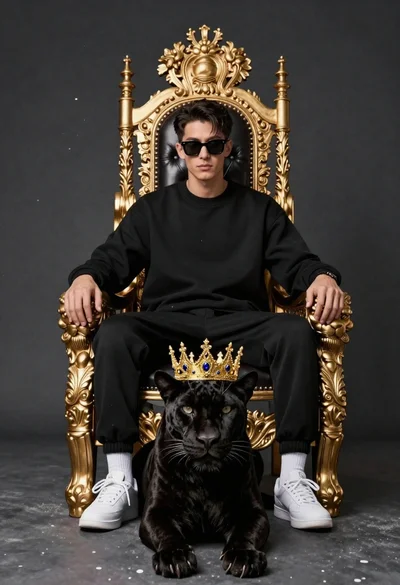
Man on golden throne with black panther companion
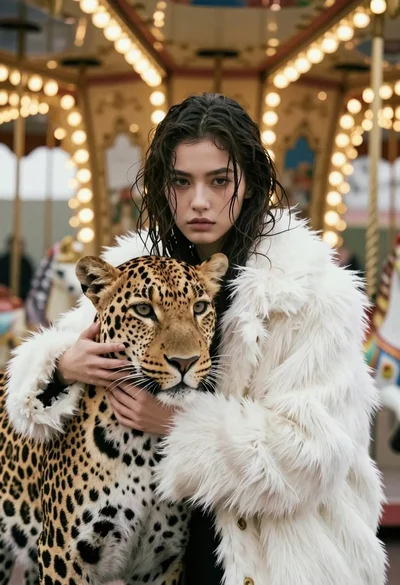
Cinematic portrait of woman holding leopard near glowing carousel lights
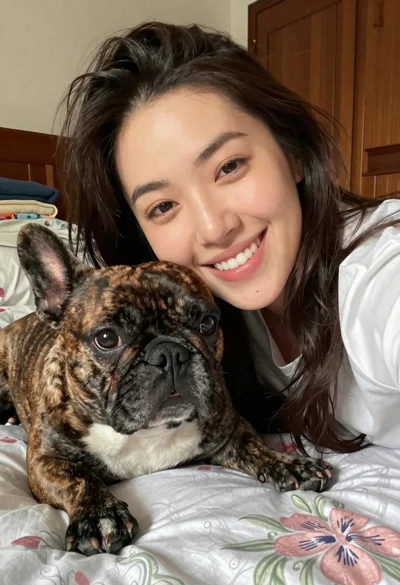
Close up selfie of smiling woman and brindle french bulldog in bedroom
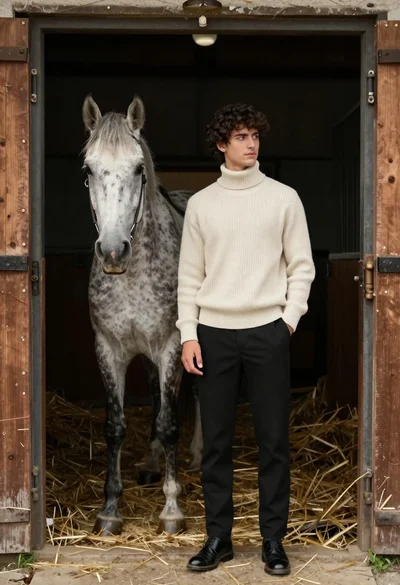
Young man in sweater standing by grey horse inside rustic wooden stable
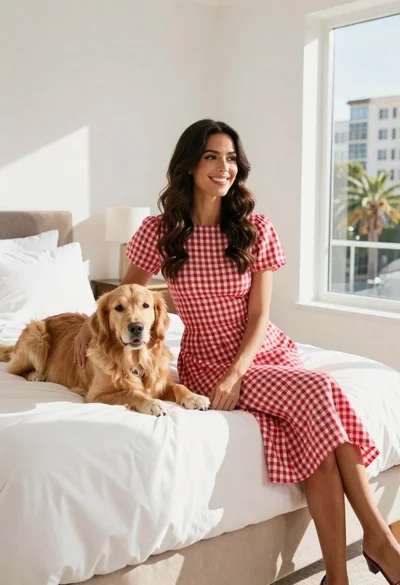
Woman in gingham dress sitting on bed with golden retriever dog indoors
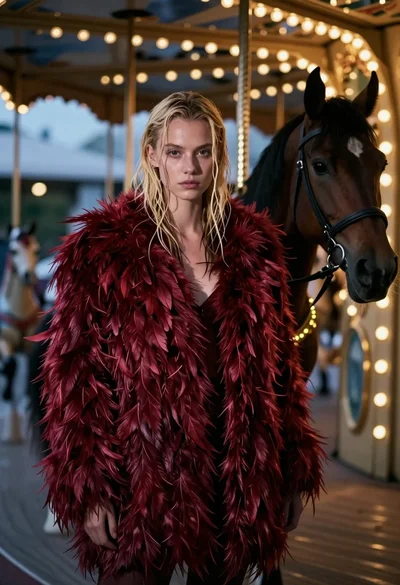
Woman in red feather coat stands near brown horse inside dimly lit

Young woman with dog sitting on green grass in a garden setting

Man in suit sitting in car at night