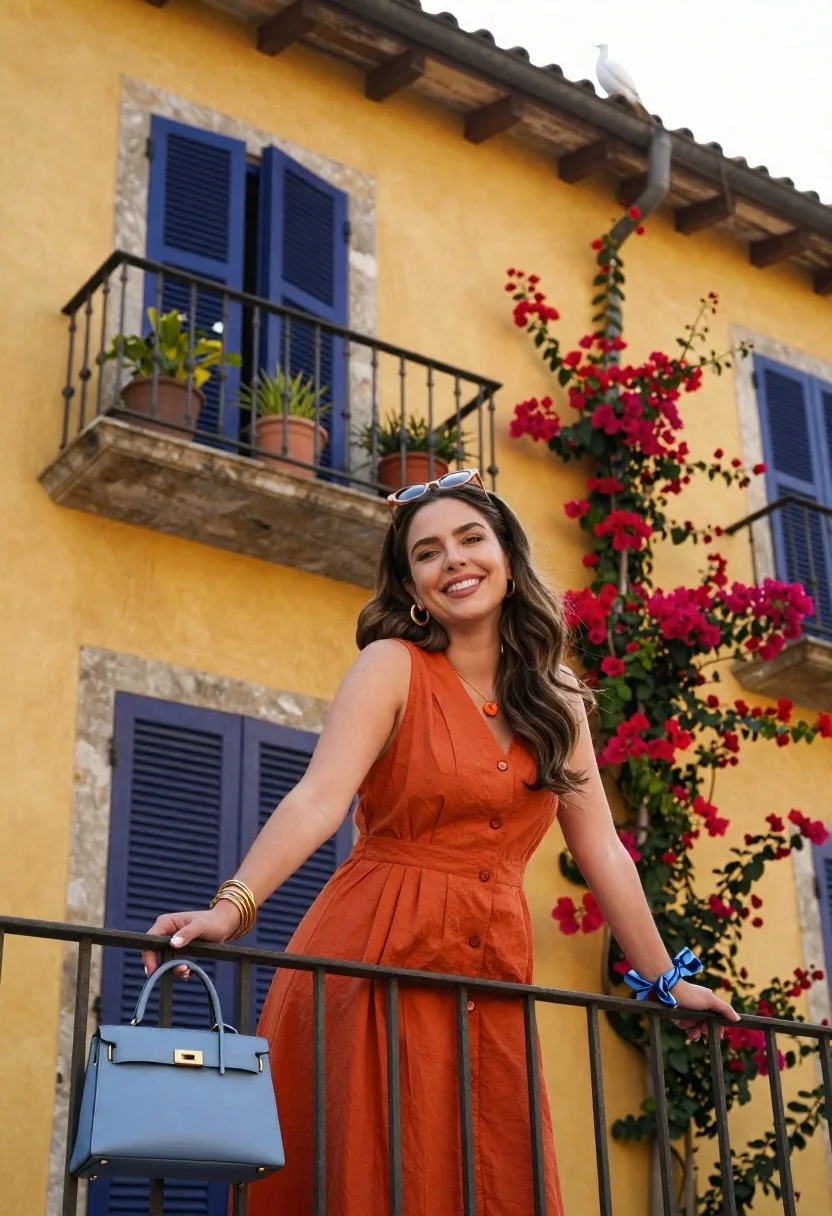
Smiling woman in orange dress on balcony with bougainvillea flowers
Prompt
A smiling woman with long wavy brown hair stands on a balcony wearing an orange sleeveless dress and sunglasses perched on her head.

Subject: A young woman with long wavy brown hair, fair skin, and a bright smile looking directly at the camera.

Clothing: She wears a rust-orange sleeveless button-down dress, gold hoop earrings, a necklace with an orange pendant, multiple gold bangles on one wrist, and a blue silk ribbon tied around her other wrist.

Action: She leans forward with both arms resting on the metal railing, looking relaxed and happy.

Environment: She stands on a balcony in front of a warm yellow stucco building with dark blue shutters and an iron balcony railing; vibrant red bougainvillea flowers climb the wall to her right, potted green plants sit on the ledge, and a white bird is perched on the roofline above.

Objects: A light blue leather handbag with gold hardware rests on the railing beside her.

Camera: Low angle shot looking up at the subject, emphasizing the height of the building and balcony architecture.

Lighting: Bright natural sunlight illuminates the scene from the side, casting soft shadows and highlighting the warm tones of the wall and flowers.

Style Details: Vibrant color palette with high contrast between the yellow walls, blue shutters, and red flowers; clean composition with a focus on fashion and travel aesthetics.
Description
This prompt is useful for creating vibrant destination lifestyle photography, editorial resort wear features, and architectural travel blogs. The combination of 'low angle shot looking up at the subject' paired with the 'vibrant red bougainvillea flowers' directs the viewer's eye upward while using the strong color contrast between the yellow stucco and blue shutters to frame the figure within a rich, Mediterranean-inspired setting.
Suggestions
- Change 'rust-orange sleeveless button-down dress' to 'terracotta maxi dress' for more saturation.
- Swap 'bright natural sunlight' for 'late afternoon dappled light' to soften shadows.
- Add 'Canon 50mm f/1.
Category
Tags
Brown HairCasual WearFair SkinFemaleFull BodyLow AngleNatureOutdoorsRealistic
Date added
June 26, 2026
Added by
PromptDexter Team
Related Prompts
More prompts with similar categories and tags.
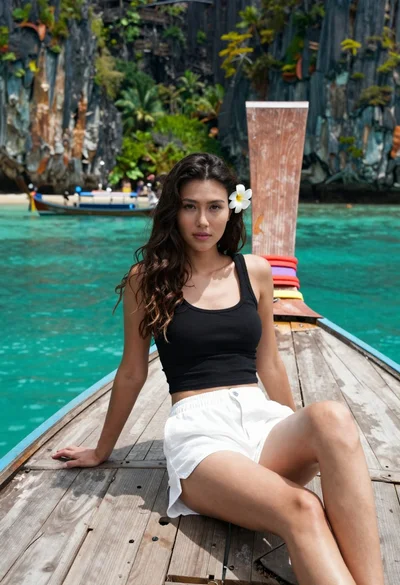
Young woman with long dark hair sitting on a traditional boat
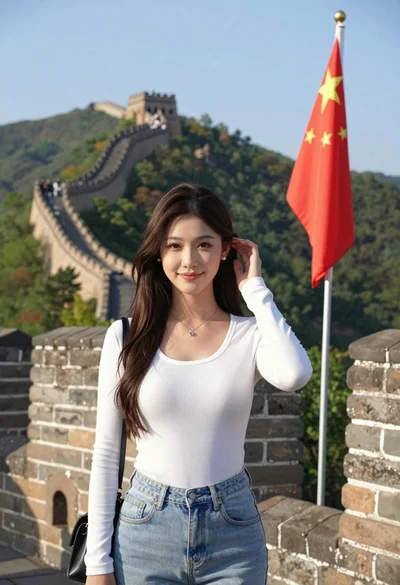
Young woman posing atop great wall of china overlooking green mountains
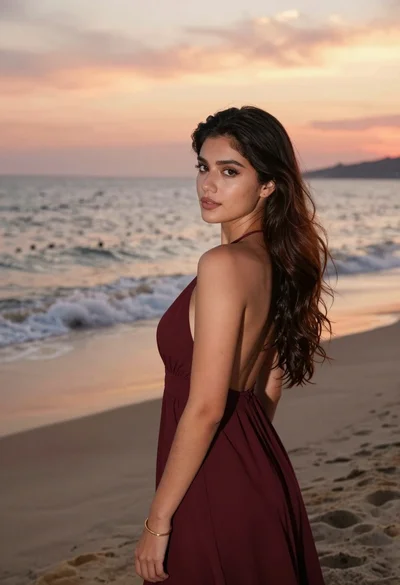
Young woman in maroon gown on beach looking back at sunset golden
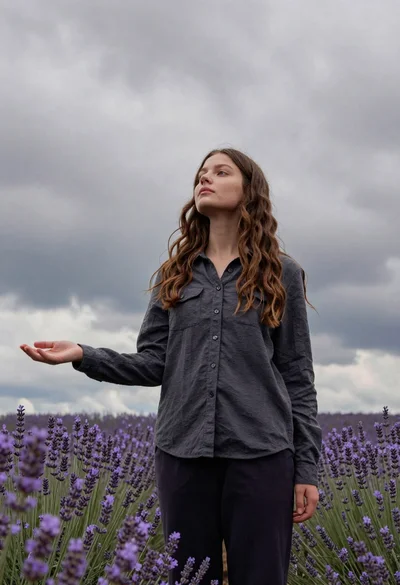
Young woman in dark shirt standing in purple lavender field under cloudy

Blonde woman in black top on balcony overlooking beige stone street
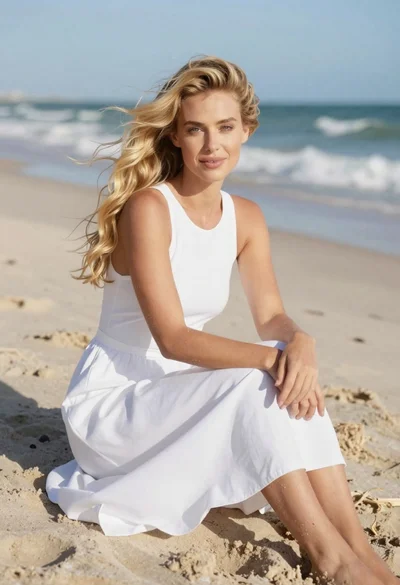
Fair blonde woman sitting on sandy beach looking at camera
Young woman with brown hair and traditional shawl in misty mountains

Woman posing on terrace at golden hour by mediterranean buildings