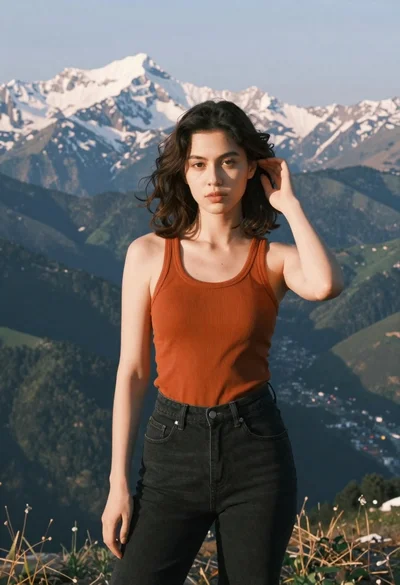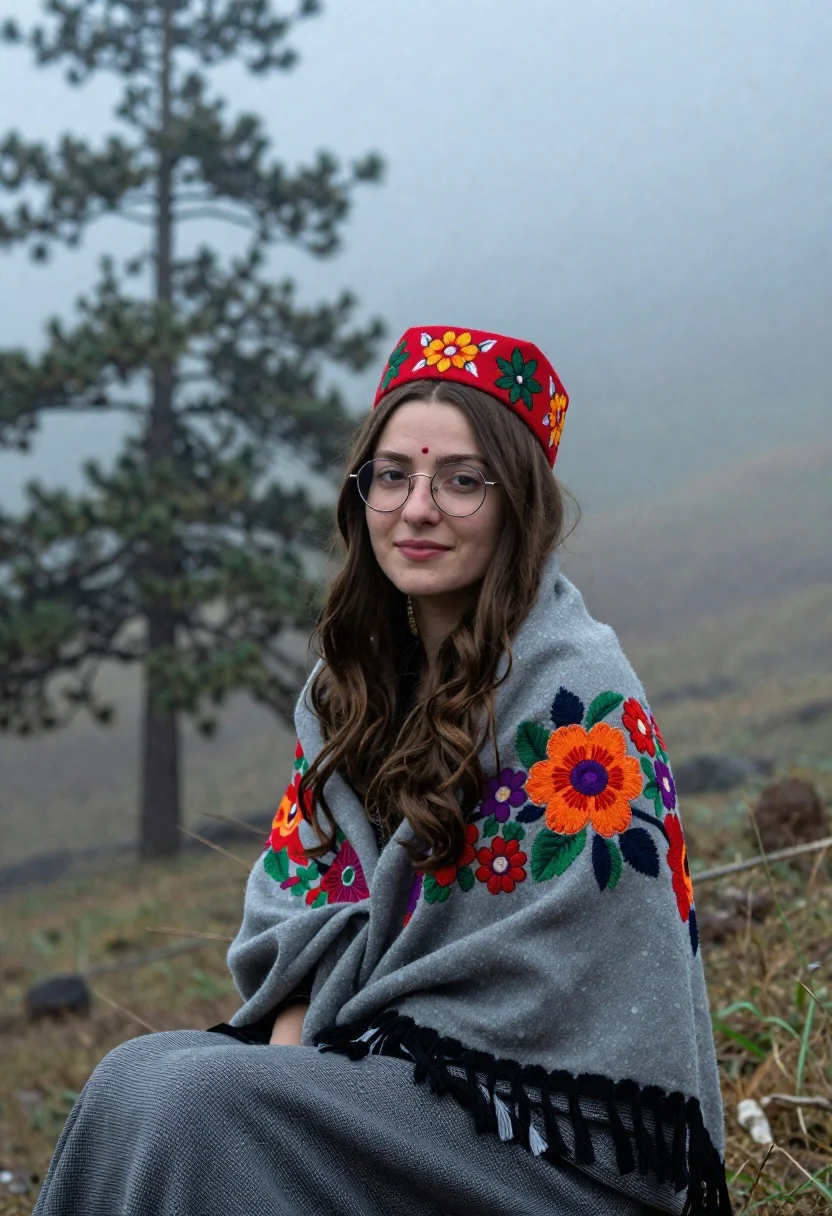
Young woman with brown hair and traditional shawl in misty mountains
Prompt
A serene portrait of a young woman with long brown hair sitting in a misty mountain landscape.

Subject: A young woman with fair skin and long, wavy brown hair that falls over her shoulders. She has a calm expression with a gentle smile and is looking directly at the camera. She wears round wire-rimmed glasses and a small red bindi on her forehead.

Clothing: She wears a traditional red embroidered cap featuring intricate floral patterns in green and yellow. A grey woolen shawl wrapped around her shoulders displays vibrant, colorful embroidery of large orange, red, and purple flowers with black tassels hanging from the bottom edge. Her lower garment is a grey checkered fabric.

Environment: The background consists of tall, dark pine trees partially obscured by thick white fog or mist. Rolling hills fade into the distance, creating a soft, atmospheric depth.

Lighting: Soft, diffused natural light illuminates the scene evenly, characteristic of an overcast day in the mountains. The lighting is gentle with no harsh shadows, creating a calm and ethereal mood.

Camera: A medium shot captures the subject from the waist up, utilizing a shallow depth of field to keep her face and shawl sharp while blurring the misty background trees.

Style Details: High-quality photography with a cinematic color palette, featuring cool tones in the environment contrasted by the warm colors of the woman's attire. The image has a soft focus on the background elements to emphasize the subject.
Description
This prompt is useful for creating editorial travel features, cultural portraiture spreads, and atmospheric fine art prints. The combination of 'soft, diffused natural light' with the 'cool tones in the environment contrasted by the warm colors of the woman's attire' ensures that the subject remains visually grounded against the ethereal mist, while the 'shallow depth of field' isolates her face and shawl for maximum focus.
Suggestions
- Change 'red embroidered cap' to 'deep burgundy embroidered cap' for a richer tone.
- Swap 'grey woolen shawl' for 'indigo patterned shawl' to complement the cool background.
- Adjust 'soft focus on the background elements' to 'slight atmospheric haze' for more visible depth.
Category
Tags
Brown HairFair SkinFemaleMedium ShotMountainsNatureOutdoorsRealisticTraditional Wear
Date added
June 21, 2026
Added by
PromptDexter Team
Related Prompts
More prompts with similar categories and tags.
Young woman in cream floral dress leaning on coastal cliff railing
Young woman in leather jacket standing before traditional japanese temple gate
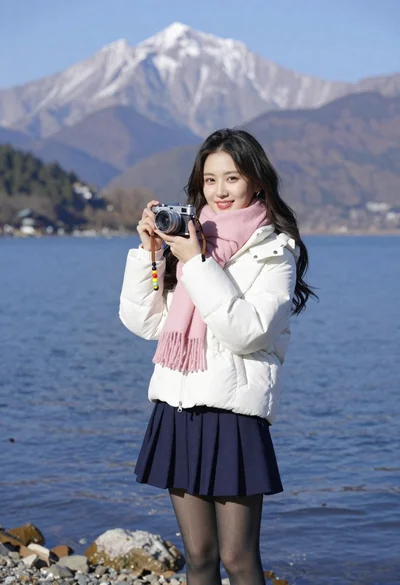
Smiling young woman in white puffer jacket holding vintage camera by lake
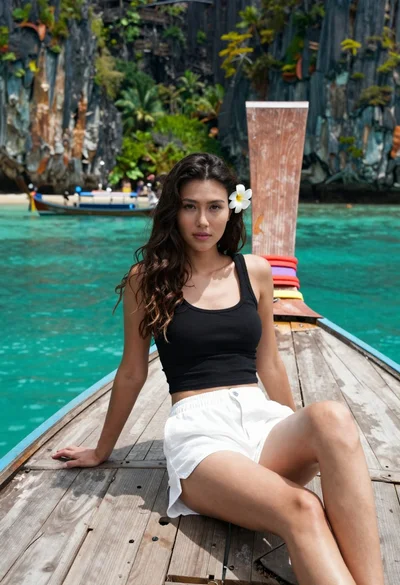
Young woman with long dark hair sitting on a traditional boat

Blonde woman in black top on balcony overlooking beige stone street

Young woman in blue bikini on beach at dusk near city lights

Young woman shielding eyes on japanese street with traditional buildings
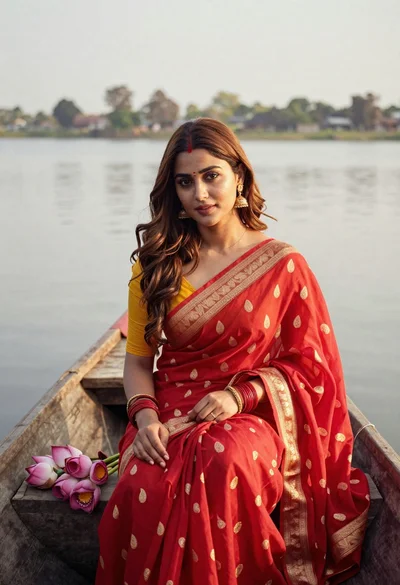
Young woman in red saree sitting in wooden boat on calm water