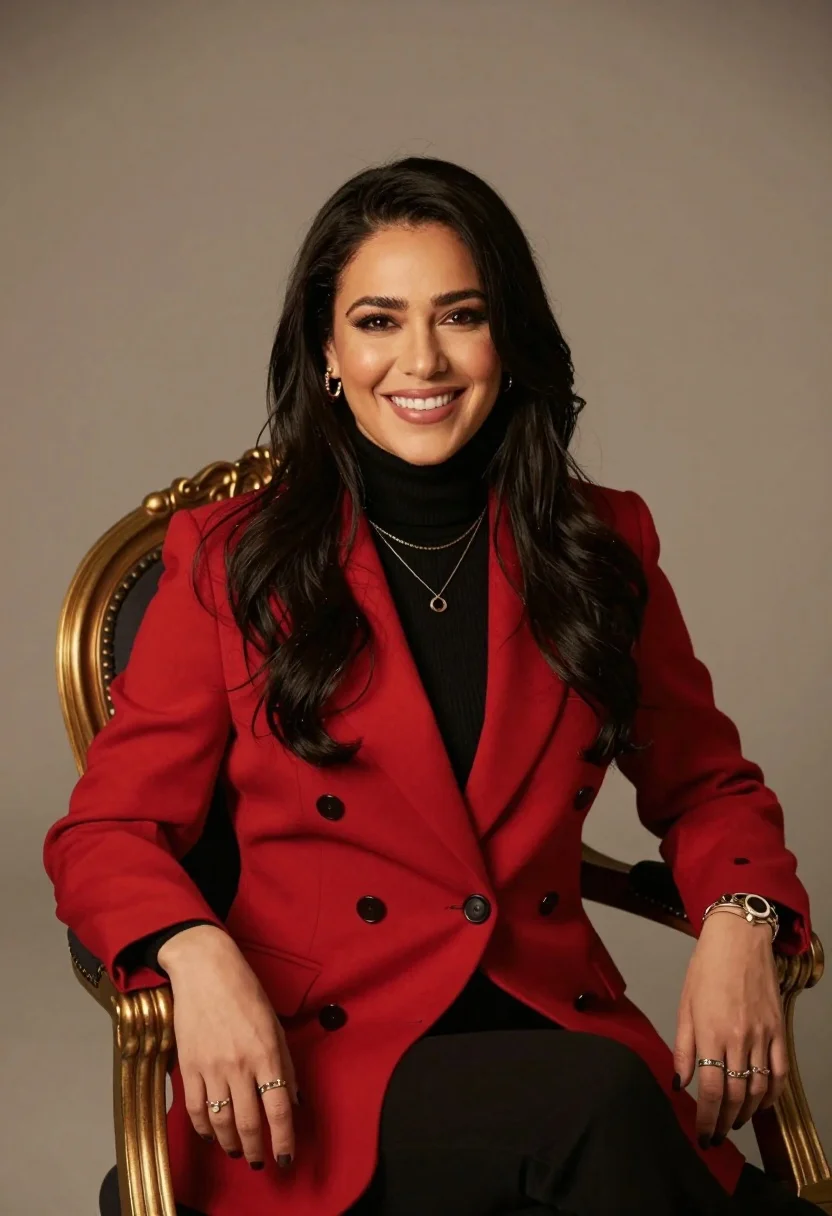
Smiling woman in red blazer seated on ornate gold chair against neutral
Prompt
A smiling woman with long dark hair sits in an ornate gold chair against a neutral background.

Subject: A woman with long dark hair and a warm smile.

Clothing: She wears a bright red double-breasted blazer over a black turtleneck sweater, accessorized with layered necklaces, multiple rings, bracelets, and earrings.

Action: She is seated in a relaxed pose with her hands resting on the armrests of the chair.

Environment: The setting features a solid neutral background that highlights the subject.

Camera: A medium shot captures the subject from the waist up with a shallow depth of field to blur the background slightly.

Lighting: Soft, warm studio lighting illuminates the scene from the front and side, creating gentle shadows and highlighting the texture of her hair and clothing.

Objects: An ornate gold chair with dark upholstery serves as the primary prop.

Style Details: The image has a polished, professional portrait aesthetic with high color contrast between the red jacket and black top.
Description
This prompt is useful for creating editorial fashion editorials, corporate headshots requiring personality, and luxury product catalog imagery featuring human models. The combination of 'bright red double-breasted blazer' against a 'neutral background' with 'soft, warm studio lighting' ensures the subject remains the focal point while the high color contrast prevents the rich tones from looking muddy or flat.
Suggestions
- Change 'ornate gold chair' to 'minimalist black stool' for a more modern feel.
- Swap 'bright red double-breasted blazer' for 'deep emerald velvet jacket' to change the mood.
- Add 'cinematic grain, 8k resolution' to enhance the polished aesthetic.
Category
Tags
Brown HairDark SkinFemaleMedium ShotPortrait ShotRealisticStudio
Date added
July 12, 2026
Added by
PromptDexter Team
Related Prompts
More prompts with similar categories and tags.
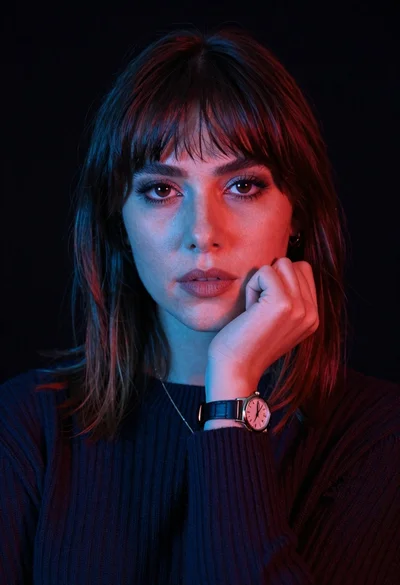
Closeup portrait of woman with fair skin and brown hair in dark

Close up portrait of woman in blue corduroy sweater studio setting

Medium close up portrait of woman in navy polo shirt against dark

Woman seated in armchair near large windows with greenery
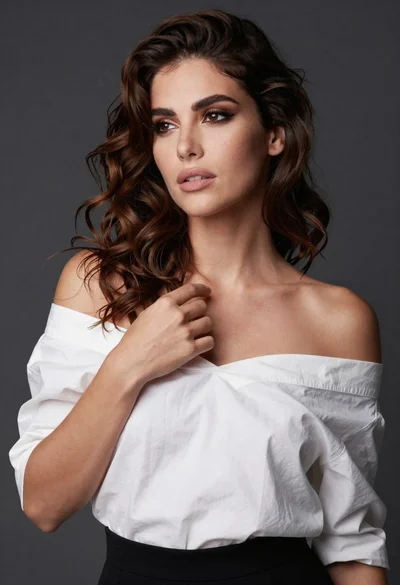
Poised woman in white top touching collarbone against dark studio background
Confident woman in black lace dress against solid pink studio background

Poised woman in black blazer sitting on stool against blue gradient background
Medium close up of woman in denim crop top against gray studio
Dark skinned woman in black top posing with gold jewelry studio portrait

Close up portrait of woman in champagne gown with brown hair
