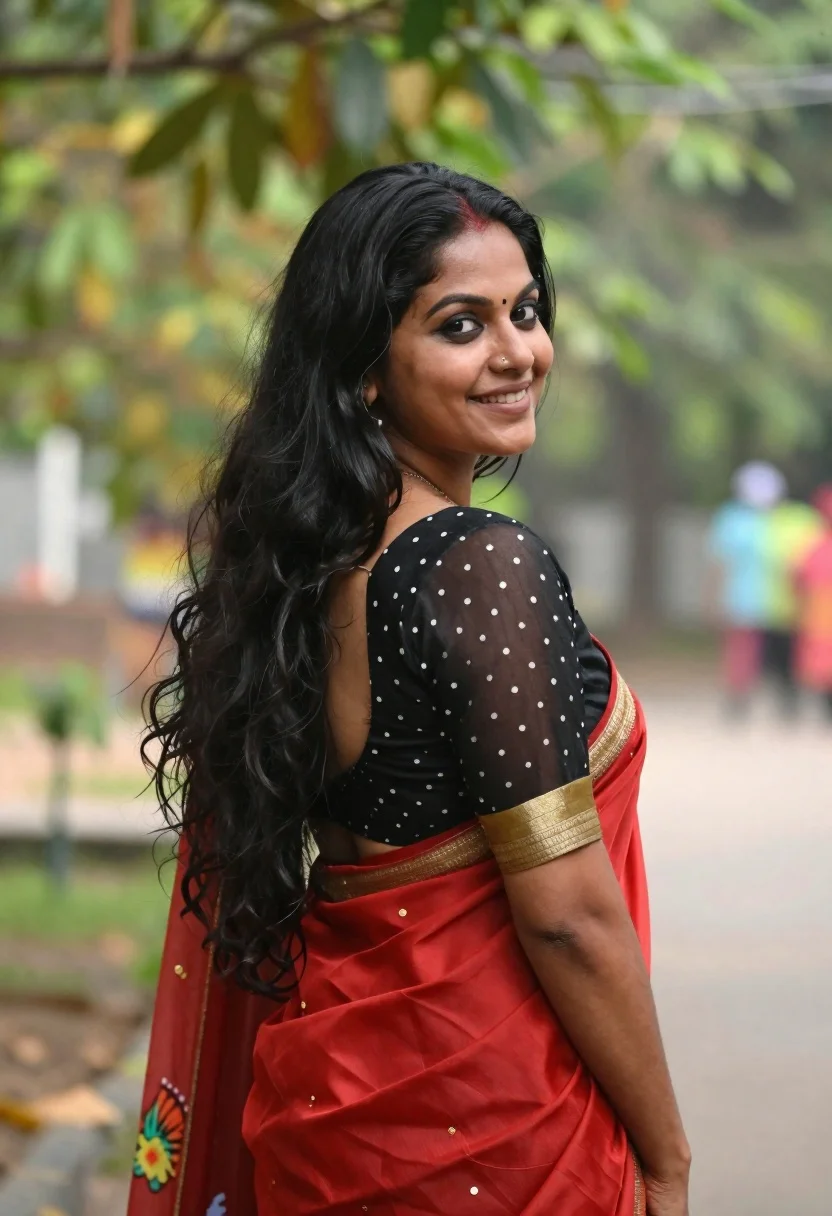
Smiling woman in red saree looking back over shoulder in garden
Prompt
A smiling woman with long black hair looks back over her shoulder at the camera.

Subject: A woman with a fair complexion and long, dark, wavy hair that cascades down her back. She has a small bindi on her forehead and a nose ring in her left nostril. Her expression is warm and engaging as she turns her head slightly to face the viewer.

Clothing: She wears a traditional red saree with gold embroidery along the border. The blouse is black, made of sheer fabric with white polka dots, featuring a wide gold band at the hem and a colorful floral print on the sleeve.

Action: She stands in a three-quarter pose, turning her upper body to look back over her left shoulder while keeping her body angled away from the camera. Her posture is relaxed and confident.

Environment: The background consists of soft-focus green foliage, suggesting an outdoor garden or park setting with natural daylight filtering through the leaves.

Lighting: Soft, natural light illuminates her face and hair, creating a gentle glow without harsh shadows, typical of an overcast day or shaded area.

Camera: A medium shot captures her from the waist up, utilizing a shallow depth of field to blur the background and keep the focus sharply on her.

Style Details: The image has a polished, portrait photography aesthetic with vibrant colors and high contrast between the subject and the green background.
Description
This prompt is useful for creating cultural portraiture, editorial lifestyle shots featuring traditional wear, and romantic fine art prints. The combination of 'soft, natural light' and a 'shallow depth of field' ensures that the vibrant colors of the red saree pop against the blurred green foliage, keeping the viewer's attention solely on her warm expression while preventing harsh shadows that would distract from the delicate gold embroidery.
Suggestions
- Change 'red saree' to 'maroon silk saree' for a deeper tone.
- Add 'bokeh effect' to enhance the background blur.
- Swap 'natural daylight' for 'overcast diffused light' to soften highlights.
Category
Tags
3/4 AngleBlack HairFemaleMedium ShotNatureRealisticTraditional Wear
Date added
June 19, 2026
Added by
PromptDexter Team
Related Prompts
More prompts with similar categories and tags.
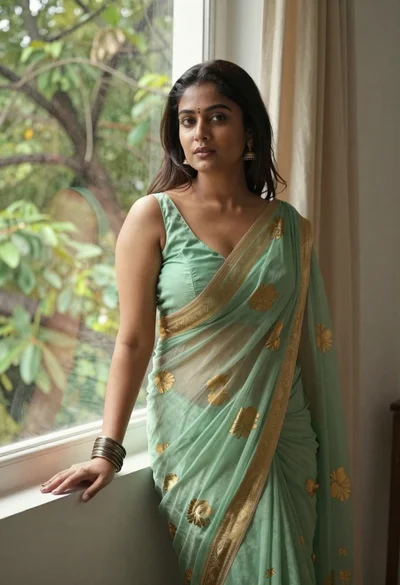
Young woman in green saree by window looking at camera indoors
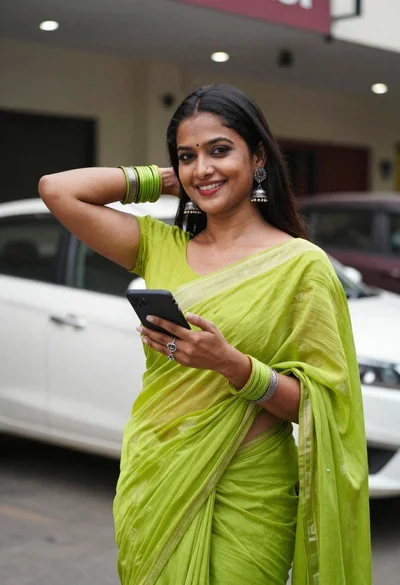
Smiling woman in lime green saree posing outdoors near white car
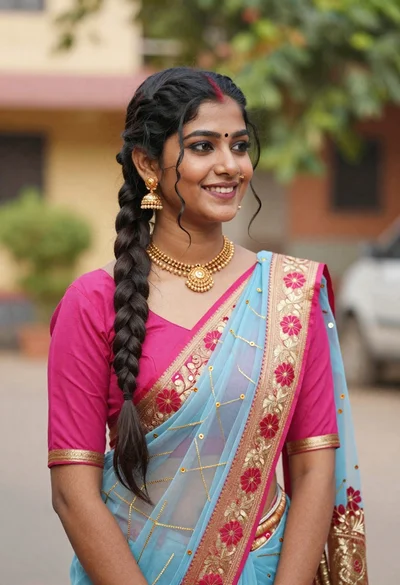
Young woman in pink blouse and blue sari outdoors with braided hair
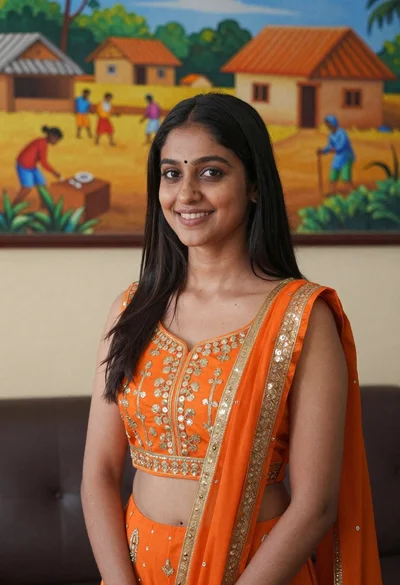
Smiling young woman in orange embroidered traditional outfit against colorful mural
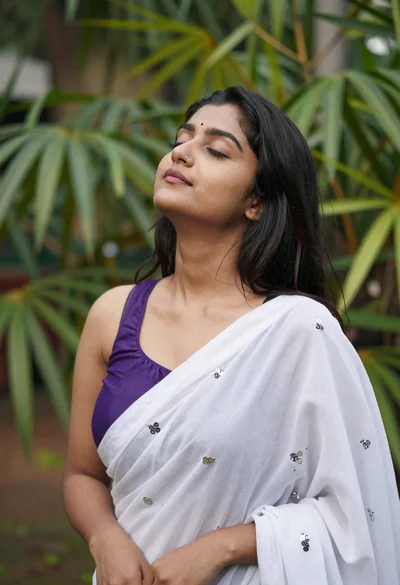
Serene portrait of young woman with dark hair in green foliage
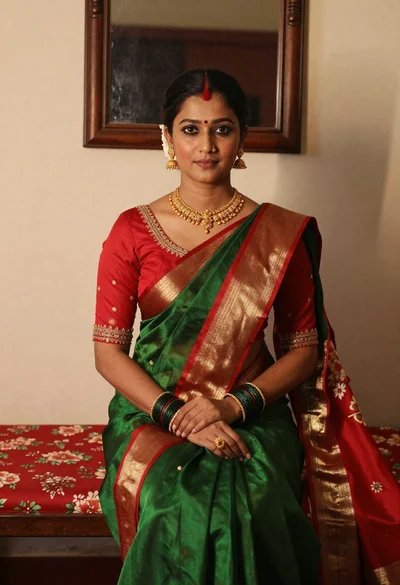
Portrait of woman in green saree and red blouse indoors
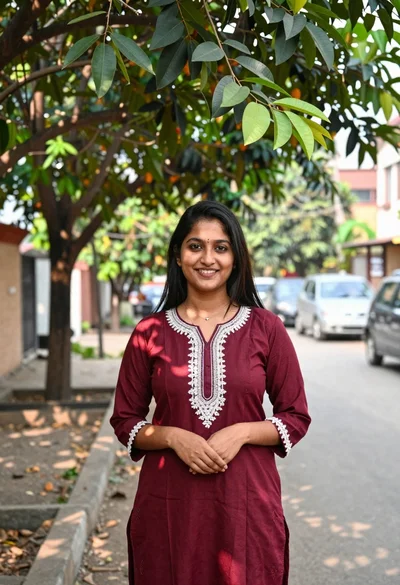
Smiling young woman in maroon kurta under large tree shade outdoors

Young woman with dark hair at wooden table in open air setting

Young woman in orange saree sitting by calm water with green trees
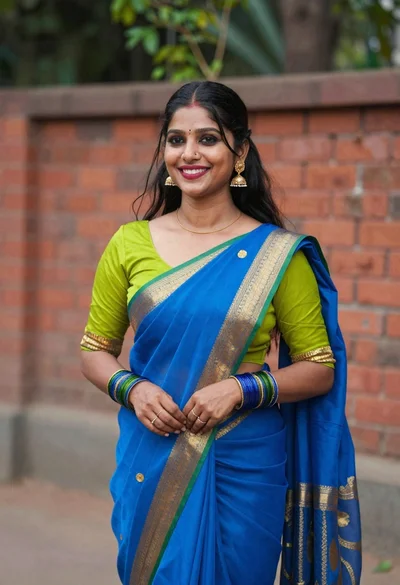
Smiling young woman in blue and lime green saree outdoors against brick