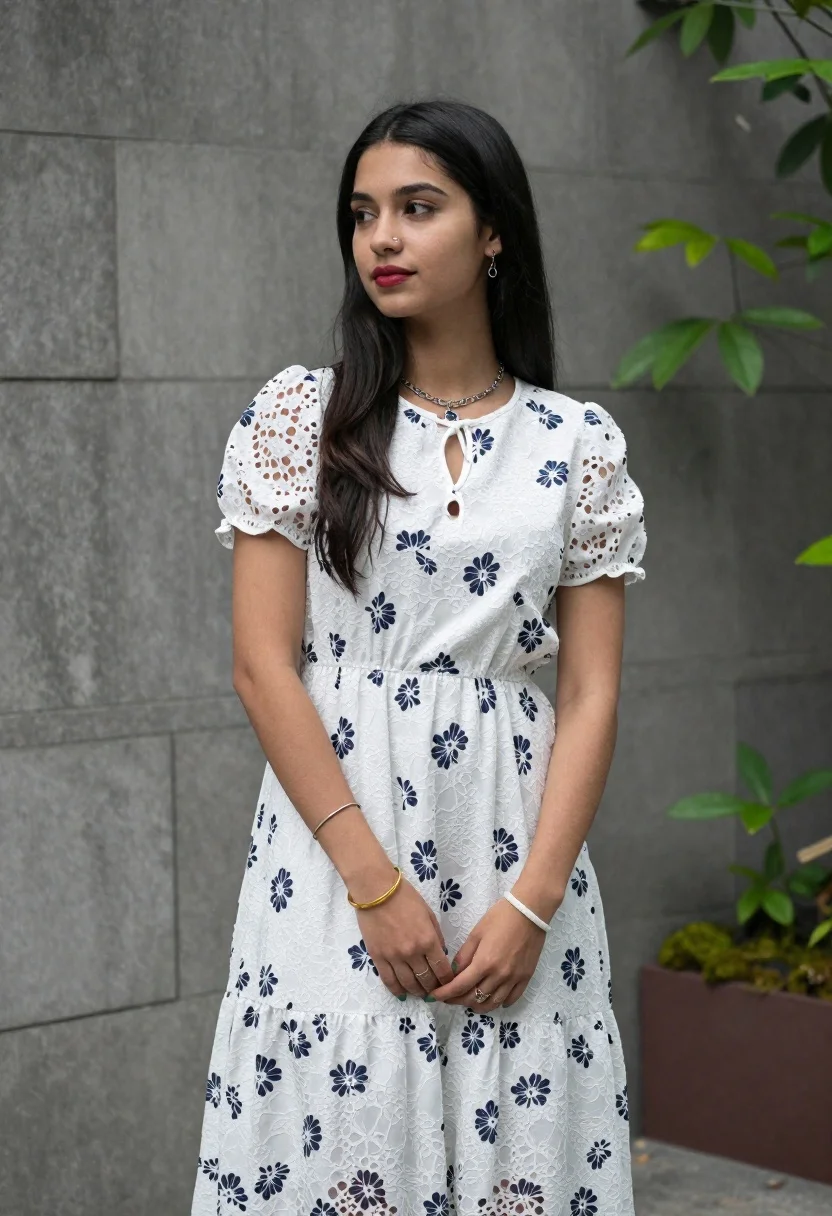
Young woman in white floral lace midi dress against grey stone wall
Prompt
A young woman with long dark hair stands in a three-quarter pose looking off to the side with a soft expression.

Subject: A young woman with fair skin and long, straight black hair that falls past her shoulders. She has defined eyebrows, a nose ring on her left nostril, and is wearing subtle makeup including red lipstick.

Clothing: She wears a white midi dress featuring a dark blue or grey floral lace overlay pattern. The dress has short puffed sleeves, a keyhole neckline with a small tie detail, and a gathered waist that flows into a tiered skirt.
Accessories: She wears a silver chain necklace with a dark pendant, dangling earrings, a gold bangle on her right wrist, a white bracelet on her left wrist, and rings on her fingers. Her fingernails are painted green.

Action: She stands with her hands clasped loosely in front of her waist. Her head is turned slightly to the left, and her gaze is directed away from the camera towards the upper left.

Environment: The background consists of a grey stone or concrete wall behind her. To the right, there is blurred green foliage and a glimpse of a potted plant with moss-like ground cover.

Lighting: The scene is lit by soft, natural daylight that illuminates her face and dress evenly, creating gentle shadows and a calm atmosphere.

Camera: A medium shot captures her from the thighs up, utilizing a shallow depth of field to blur the background slightly while keeping the subject in sharp focus.

Style Details: The image has a clean, realistic photographic quality with natural color grading and a soft texture that highlights the fabric details of the dress.
Description
This prompt is useful for creating editorial lifestyle portraits, bridal concept art, and catalog imagery showcasing delicate textiles. The combination of 'soft, natural daylight' illuminating her face evenly prevents harsh shadows, while the 'shallow depth of field' ensures that the intricate details of the floral lace overlay remain visible against the blurred background.
Suggestions
- Change 'dark blue or grey floral lace overlay pattern' to 'pale blush pink floral lace overlay pattern' for a warmer tone.
- Swap 'red lipstick' for 'nude lipstick' to maintain a more subdued, editorial feel.
- Adjust 'grey stone or concrete wall' to 'weathered terracotta wall' for an earthier backdrop.
Category
Tags
3/4 AngleBlack HairBrunetteCasual WearFair SkinFemaleMedium ShotOutdoorsRealistic
Date added
June 19, 2026
Added by
PromptDexter Team
Related Prompts
More prompts with similar categories and tags.

Smiling young woman in white ruffled dress between green topiary bushes
Blonde woman in black hat standing in misty green rolling hills

Young woman in olive saree leaning on railing outdoors during golden hour

Smiling young woman in white kurta outdoors with green trees background

Young woman with dark hair at wooden table in open air setting
Smiling young woman in gingham dress holding red rose on pebbly beach
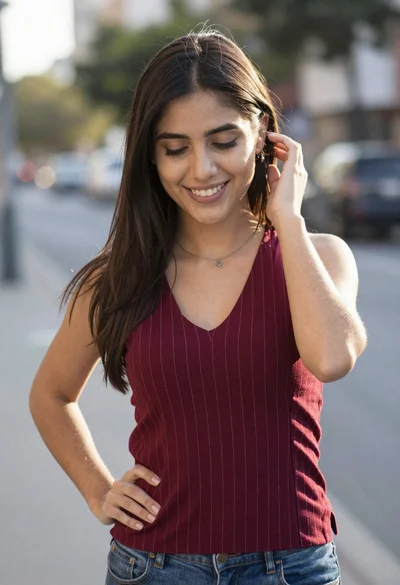
Smiling young woman in maroon top standing outdoors with blurred background
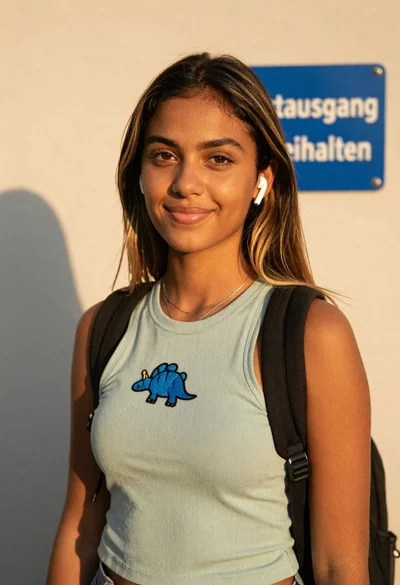
Young woman in green tank top against wall with golden hour light

Medium full length portrait of woman in brown mesh dress
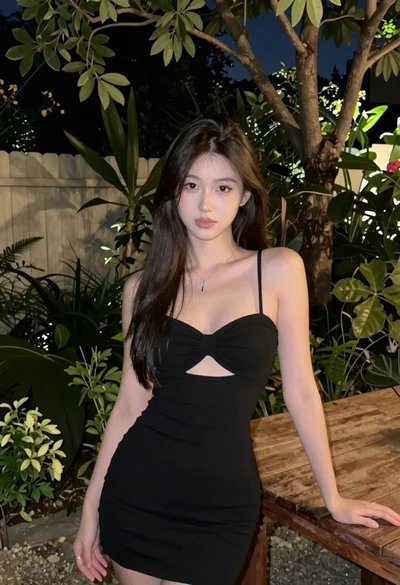
Young woman with dark hair leaning on table in nighttime garden setting