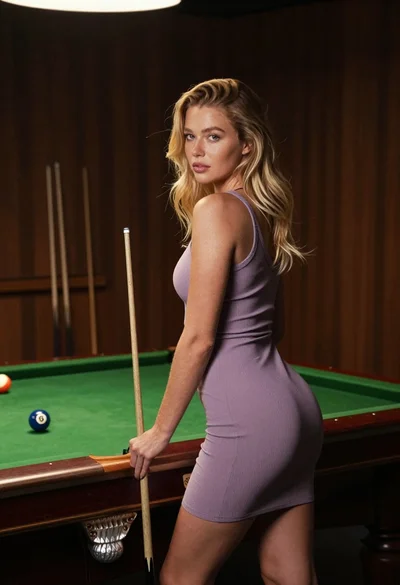
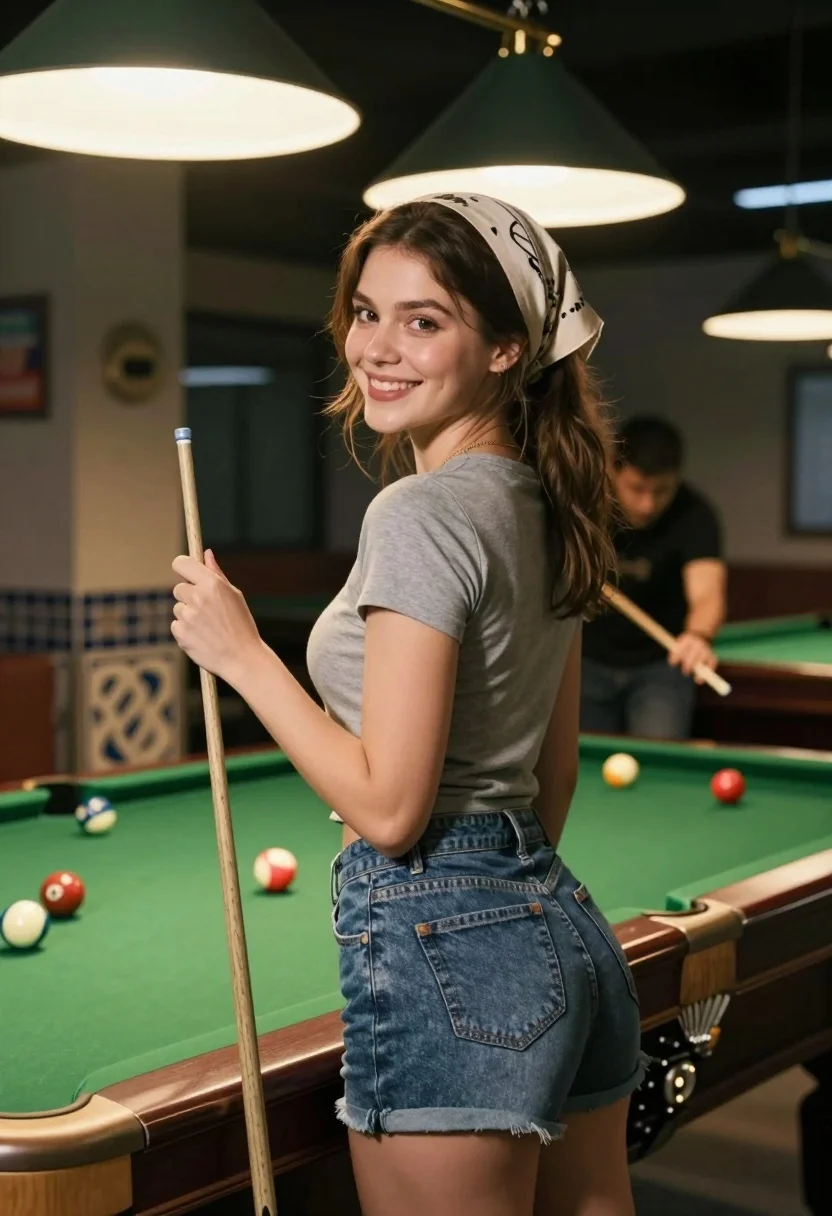
Smiling young woman by pool table looking back over her shoulder indoors
Prompt
A smiling young woman stands in a dimly lit pool hall holding a cue stick while looking back over her shoulder at the camera.

Subject: A young woman with brown hair tied back by a light-colored headscarf, wearing a grey t-shirt and blue denim shorts.

Clothing: She wears a casual grey short-sleeved t-shirt tucked into high-waisted blue denim shorts with visible stitching on the back pockets.

Action: She stands leaning slightly against the edge of a pool table, holding a wooden cue stick upright in her right hand, smiling warmly while looking back over her left shoulder towards the viewer.

Environment: The setting is an indoor billiards room featuring a green felt pool table with scattered balls, a decorative tiled pillar to the left, and warm lighting fixtures hanging from the ceiling.

Camera: Medium shot capturing the subject from the thighs up, framed slightly from behind and to the side to emphasize her profile and facial expression.

Lighting: Warm ambient lighting emanates from large fringed pendant lamps above, casting soft highlights on the woman's face and hair while leaving the background in gentle shadow.
Second

Subject: A man in a black t-shirt is visible in the blurred background, leaning over another pool table to take a shot.

Objects: Several billiard balls are scattered across the green felt of the pool table in the foreground.

Style Details: The image has a cinematic quality with shallow depth of field that keeps the woman sharp while blurring the background activity.
Description
This prompt is useful for creating lifestyle magazine features, candid portraiture from hobby settings, and atmospheric character studies. The combination of 'dimly lit pool hall' ambiance with 'warm ambient lighting' ensures that the subject remains the sharp focus against a softly blurred background activity, preventing the scene from feeling flat or overly bright.
Suggestions
- Change 'grey t-shirt' to 'striped t-shirt' for more visual interest.
- Add 'bokeh effect' to enhance the shallow depth of field.
- Swap 'blue denim shorts' for 'black athletic shorts' to better match a fitness context.
Category
Tags
Brown HairCasual WearFemaleMedium ShotRealistic
Date added
July 12, 2026
Added by
PromptDexter Team
Related Prompts
More prompts with similar categories and tags.
Young woman in white tshirt and cap leaning on tennis net
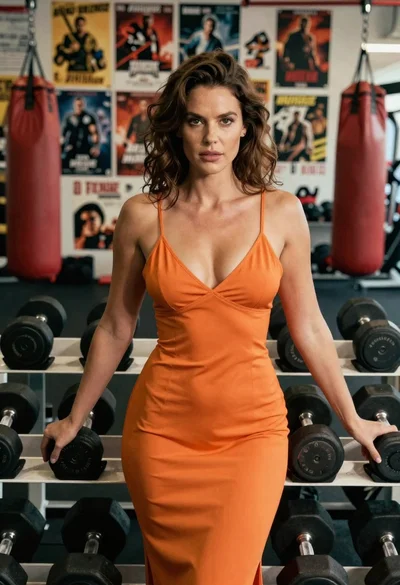
Woman in orange slip dress posing with dumbbells in a gym setting
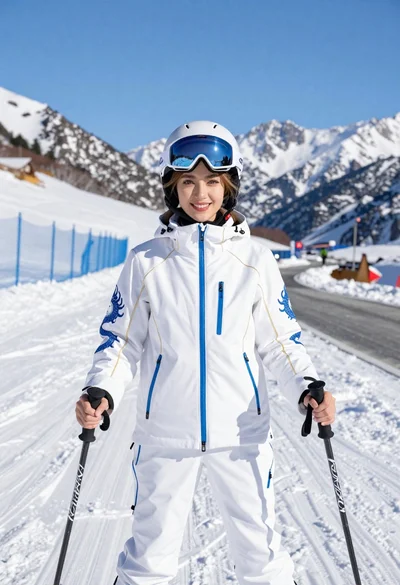
Smiling woman in white ski gear on snowy mountain slope under blue
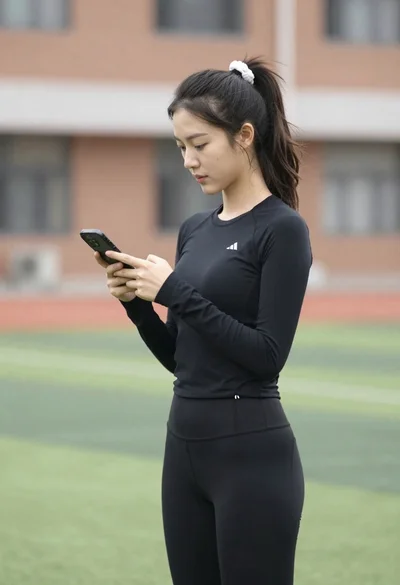
Young woman looking at phone outdoors wearing athletic compression wear
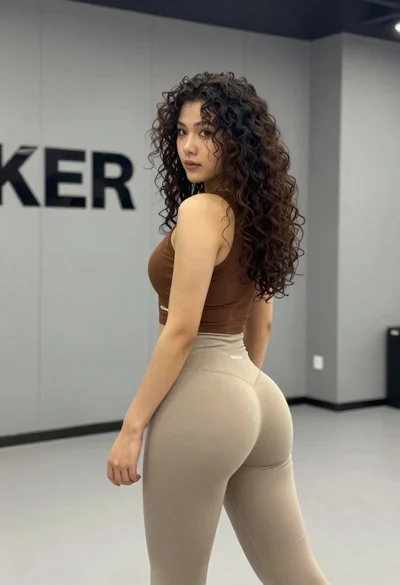
Young woman in athletic wear posing in a modern gym studio setting
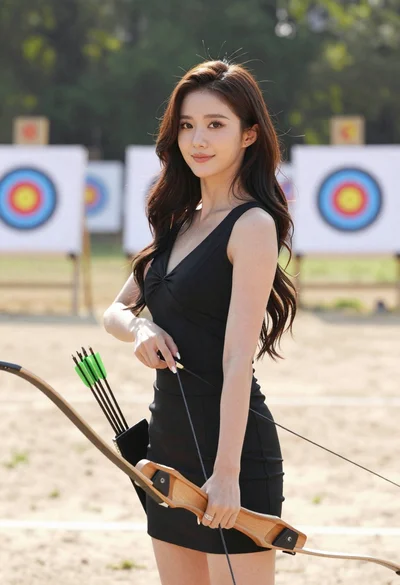
Woman with dark hair holding bow at outdoor archery range setting
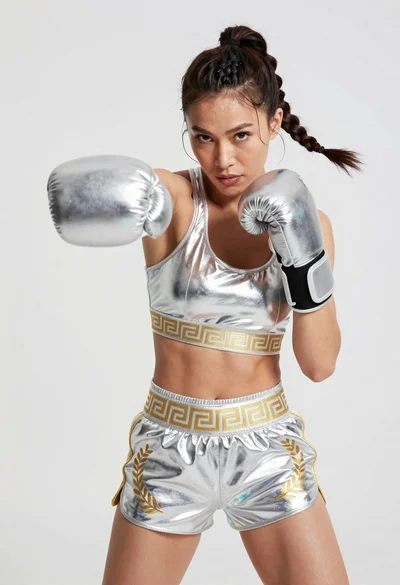
Fit woman in silver metallic boxing outfit punching mid motion
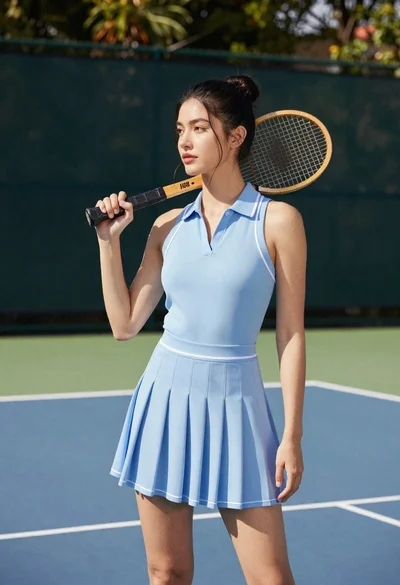
Young woman in blue dress holding wooden tennis racket on outdoor court
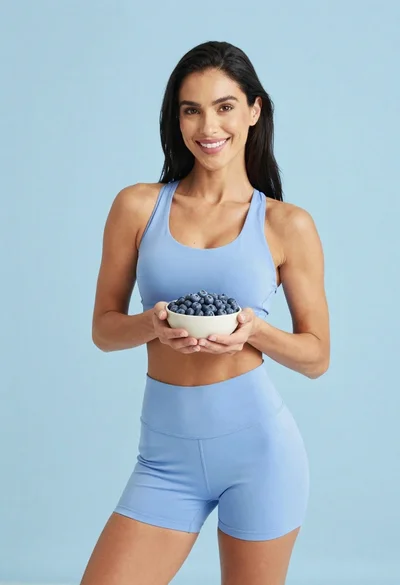
Fit woman in light blue athletic wear holding a bowl of blueberries
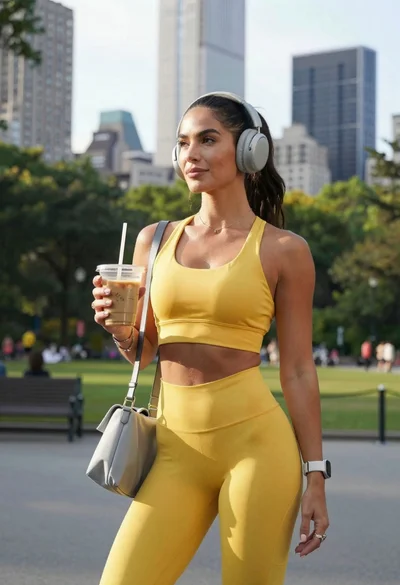
Fit woman in yellow athletic outfit holding iced coffee in city park