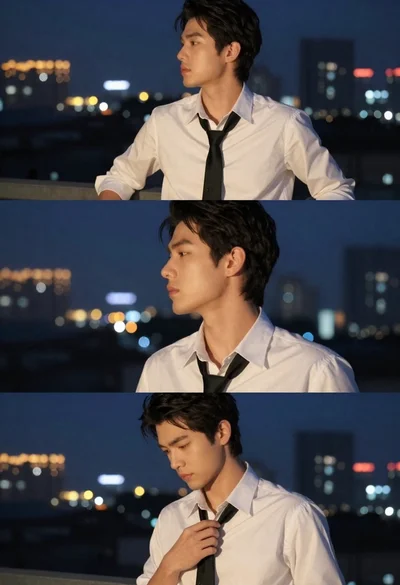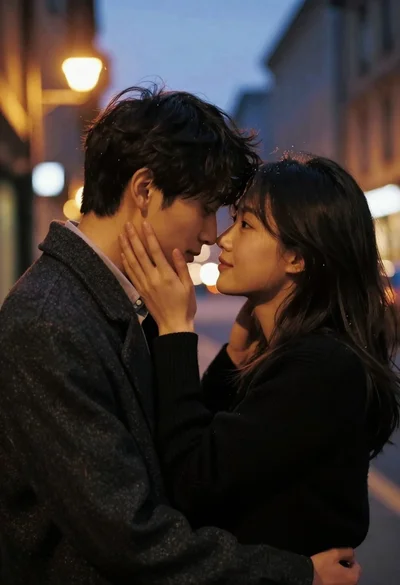
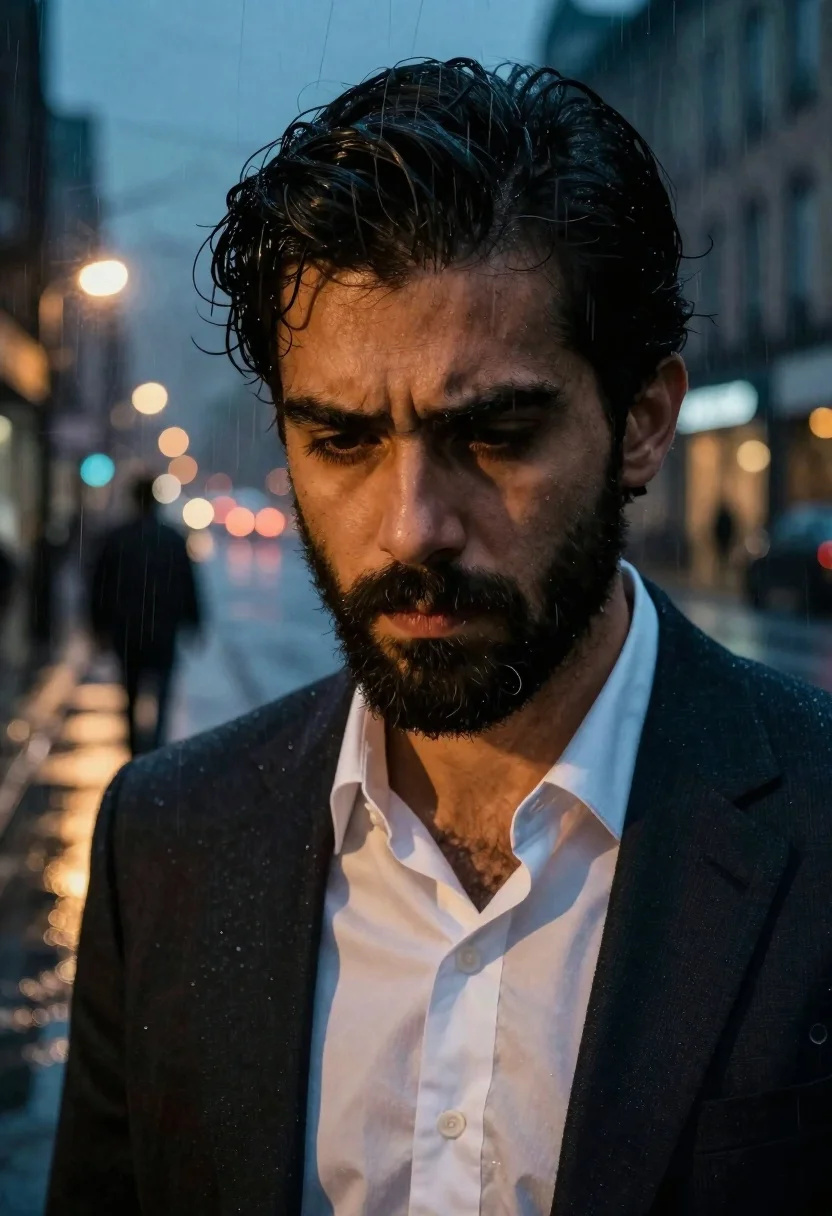
Split screen portrait of bearded man against rainy night street scene
Prompt
A split-screen portrait of a man with dark hair and a beard, juxtaposed against a rainy night street scene.

Subject: A close-up of a handsome man with thick dark eyebrows, a full beard, and intense downward-looking eyes.

Clothing: He wears a dark suit jacket over a white collared shirt that is slightly unbuttoned at the neck.

Action: The man has a somber expression, looking down with a furrowed brow, while the background shows a solitary figure walking away into the distance.

Environment: A wet city street at night with blurred bokeh lights reflecting on the pavement, creating a moody atmosphere.

Camera: Vertical composition utilizing vertical strips to merge the close-up portrait with the distant street scene.

Lighting: High contrast between the warm, soft light on the man's face and the cool, atmospheric blue tones of the rainy background.

Style Details: Cinematic double-exposure effect, grainy texture, dramatic color grading, and a noir-inspired aesthetic.
Description
This prompt is useful for creating cinematic character studies, neo-noir film stills, and moody editorial spreads that juxtapose intimacy with environment. The combination of 'high contrast between the warm, soft light on the man's face and the cool, atmospheric blue tones' directs focus to the subject while using the 'rainy night street scene' bokeh to establish a sense of isolation appropriate for dramatic storytelling.
Suggestions
- Change 'dark suit jacket' to 'trench coat' for more visual texture.
- Swap 'intense downward-looking eyes' for 'direct gaze into camera' to change the mood.
- Add 'anamorphic lens flare' to enhance the cinematic quality.
Category
Tags
Close UpMalePortrait ShotStreetUrban
Date added
June 19, 2026
Added by
PromptDexter Team
Related Prompts
More prompts with similar categories and tags.
Young man leaning against tiled subway wall in dramatic low angle shot
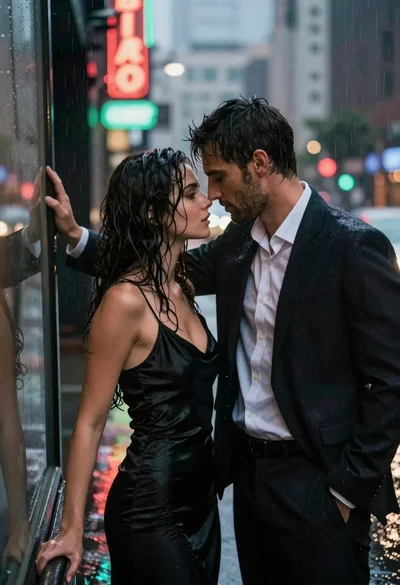
Man and woman standing close together in the rain on city street
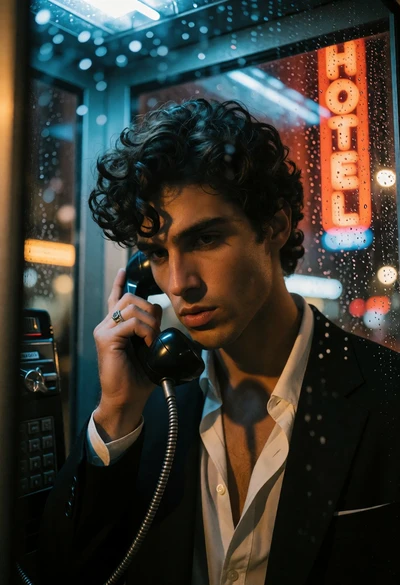
Man in black suit talking on phone inside rainy glass booth
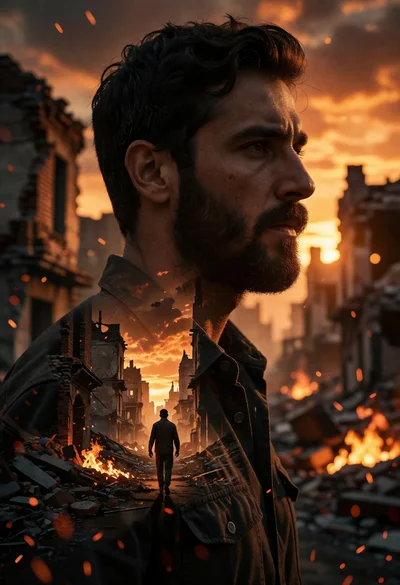
Cinematic portrait of man silhouette over war torn cityscape at sunset
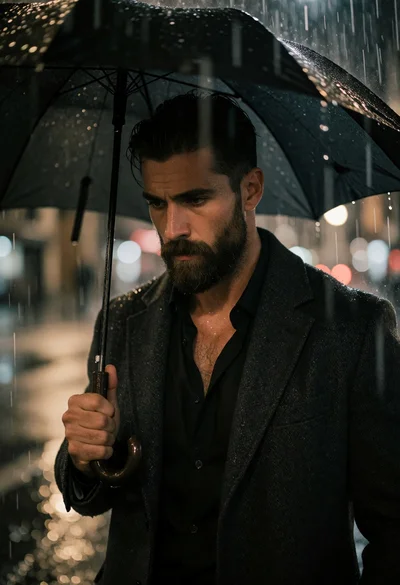
Rugged man under black umbrella in heavy rain on wet city street
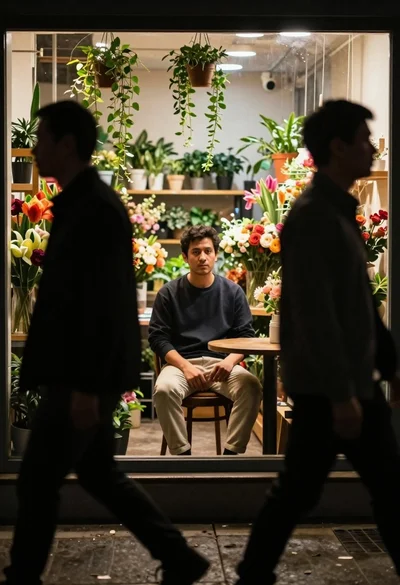
Man sitting inside a flower shop seen through silhouettes of pedestrians

Man in pinstriped shirt leaning on balcony railing in urban alley
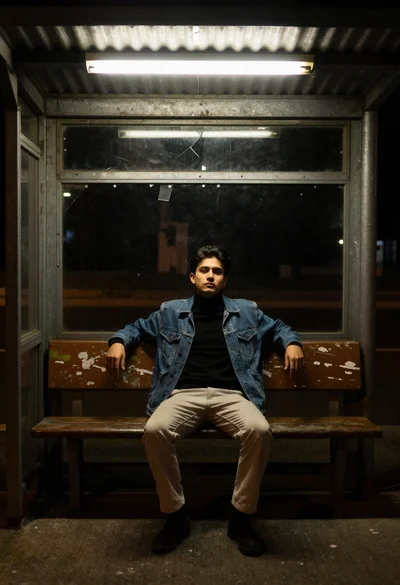
Young man in denim jacket sitting on bench in bus shelter
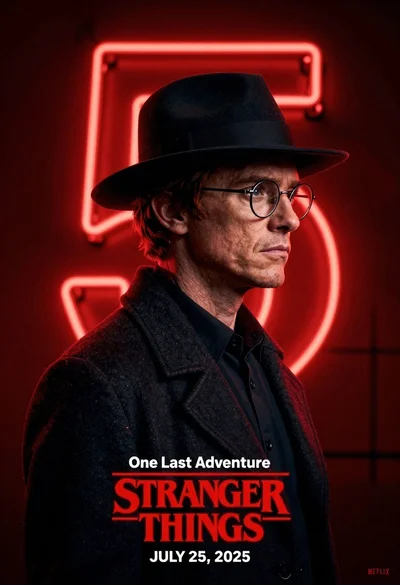
Man in black fedora and glasses posing before glowing neon number five
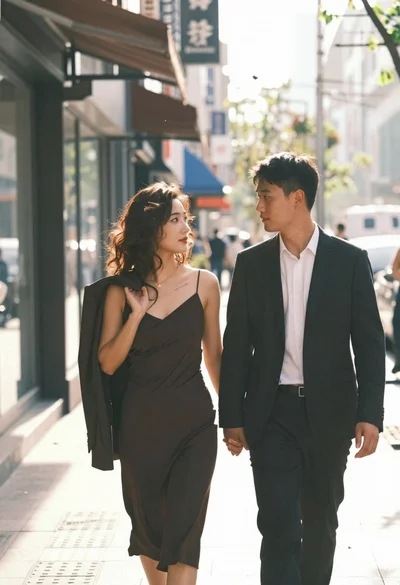
Stylish couple walking hand in hand on sundrenched city sidewalk