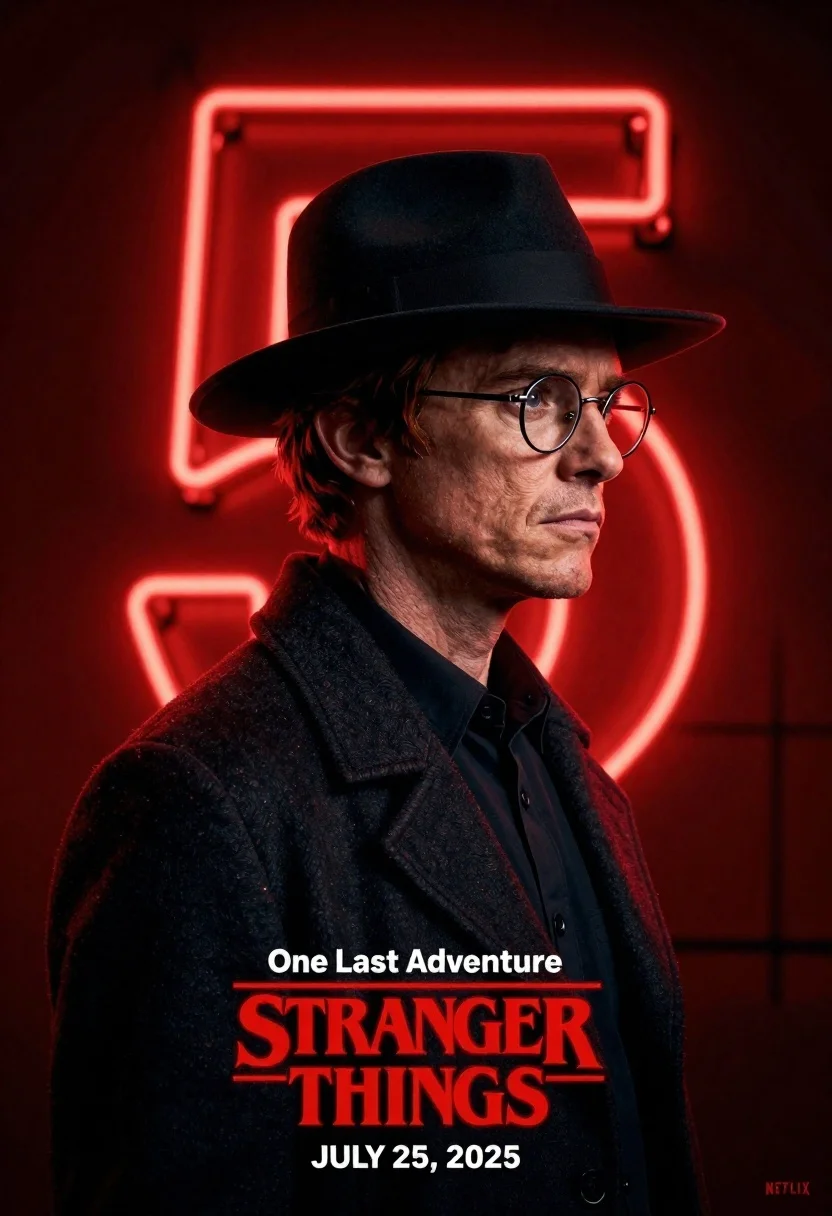
Man in black fedora and glasses posing before glowing neon number five
Prompt
A cinematic profile portrait of a man with reddish hair wearing a black fedora hat and round wire-rimmed glasses, set against a deep red background featuring a glowing neon number five.

Subject: A man shown in sharp profile view with a serious expression, short reddish-brown hair visible beneath the brim of his hat, and a strong jawline illuminated by dramatic lighting.

Clothing: He wears a dark wool-like coat over a black button-up shirt, accessorized with a classic black fedora hat and thin metal-rimmed glasses.

Action: The subject stands in a static profile pose looking toward the right side of the frame with a stoic, contemplative expression and neutral mouth.

Environment: A solid dark red background dominated by a large, glowing red neon number five that frames the character's head and shoulder area.

Camera: Close-up medium shot capturing the subject from the chest up in profile, utilizing shallow depth of field to isolate the figure against the glowing backdrop.

Lighting: High-contrast dramatic lighting with a strong red rim light coming from behind the neon sign, casting deep shadows on the front of the face and coat while highlighting the hairline and glasses frame.

Text/Graphics: White text at the bottom reads One Last Adventure followed by the Stranger Things logo in red block letters, Netflix branding, and release date information for July 25, 2025.

Style Details: Cinematic promotional poster aesthetic with a moody noir atmosphere, rich saturated red color grading, high-definition digital rendering, and a polished commercial design style.
Description
This prompt is useful for creating cinematic character posters, neo-noir film stills, and stylized advertising campaigns for fictional media. The combination of 'high-contrast dramatic lighting' with the 'strong red rim light coming from behind the neon sign' sculpts the subject's profile by emphasizing the silhouette against the saturated backdrop, which prevents the face from looking flat under the intense glow.
Suggestions
- Change 'reddish hair' to 'salt and pepper hair' for a more weathered look.
- Swap 'dark wool-like coat' for 'trench coat' to change the texture.
- Adjust 'deep red background' to 'charcoal gray background' to make the neon pop more.
Category
Tags
Brown HairClose UpMaleMedium ShotPortrait ShotRealisticRed HairSide ProfileUrban
Date added
June 21, 2026
Added by
PromptDexter Team
Related Prompts
More prompts with similar categories and tags.
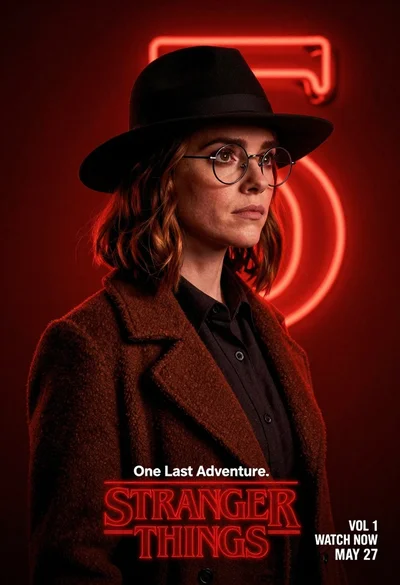
Woman in black fedora and wool coat against red neon background
Portrait of a man in denim jacket and satin shirt against dark
Young woman in leather jacket standing on subway platform at night

Handsome young man by glowing vintage street lamp on an urban night

Young east asian woman on railing in busy japanese city street at
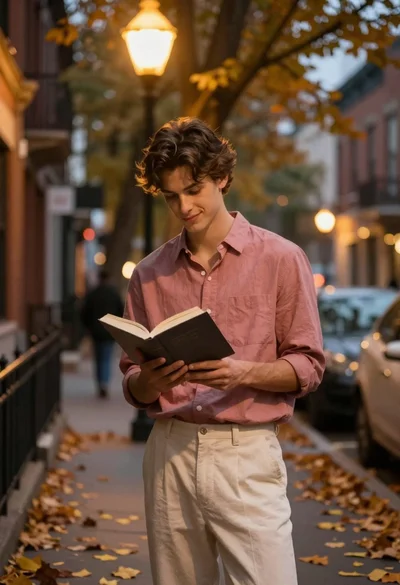
Young man reading book on autumn city street under warm streetlamp glow
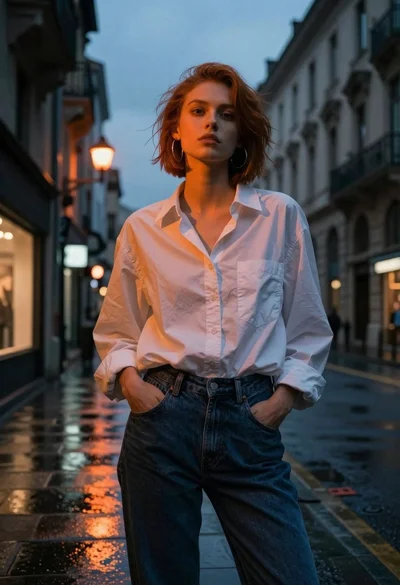
Young woman in white shirt on wet european street at dusk
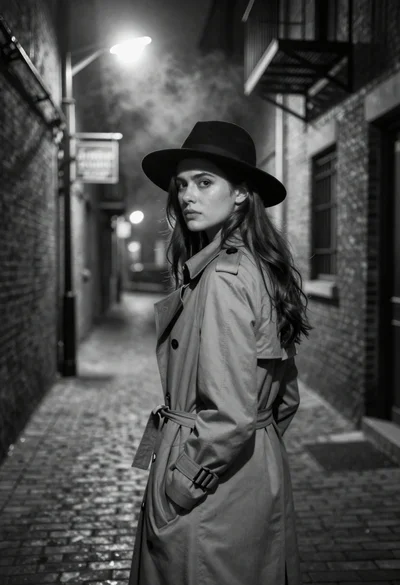
Young woman in trench coat looking over shoulder in dark brick alley