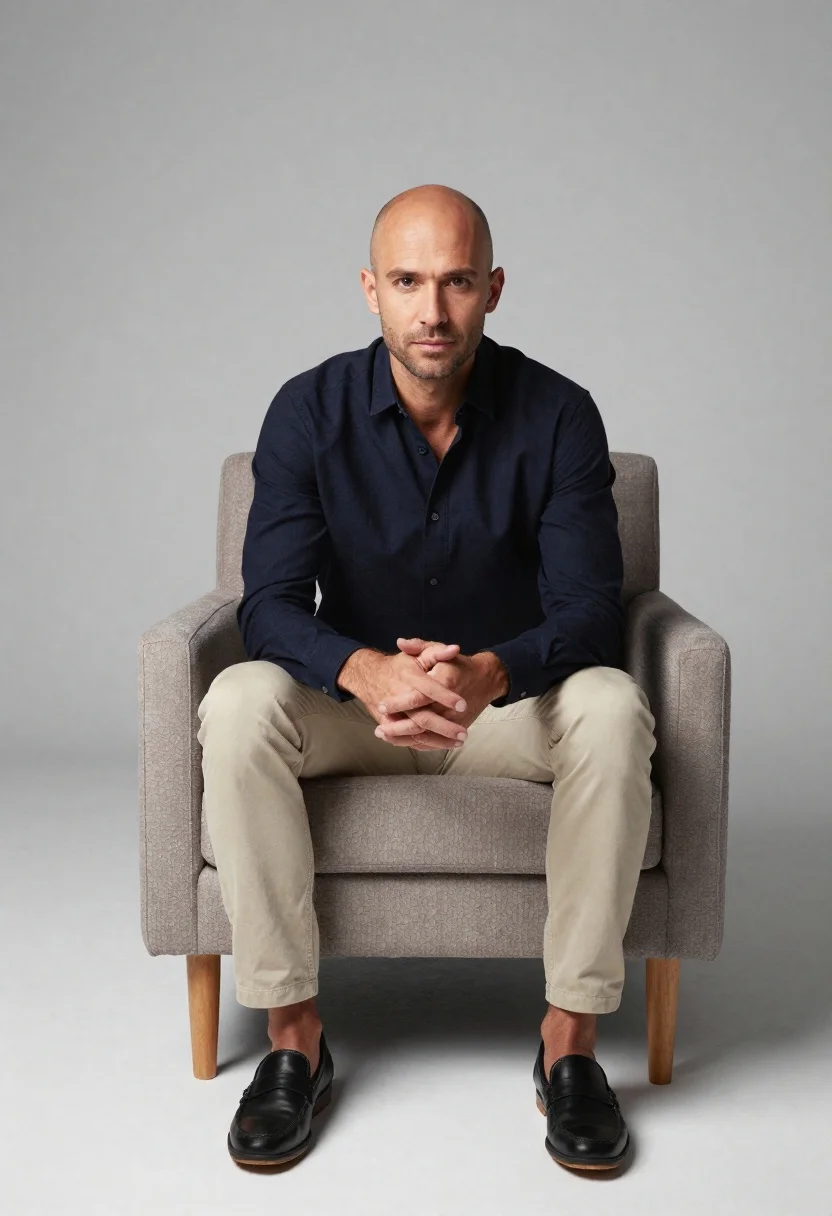
Studio portrait of man in armchair against gray background
Prompt
A studio portrait of a man sitting upright in an armchair against a plain light gray background

Subject: A bald adult male with short facial stubble and intense direct gaze at the camera, clean-shaven headlines and sharp jawline.

Clothing: Wearing a dark navy blue long-sleeved collared button-up shirt unbuttoned to show part of his chest, paired with light beige chinos or trousers that end just above black leather loafers with tan soles

Action: Sitting relaxed yet composed in an upright posture with hands clasped together over knees and fingers interlaced.

Environment: Minimalist interior setting featuring a modern upholstered armchair with textured fabric seat/backrest, wooden tapered legs visible beneath the chair frame resting on seamless white floor surface extending into neutral backdrop space

Lighting: Soft diffused studio lighting illuminating front-facing features evenly while casting subtle shadows behind subject and under furniture elements creating depth without harsh contrast.

Camera: Medium shot capturing full seated figure from waist up to mid-thigh level, centered composition with slight low-angle perspective emphasizing presence against clean backdrop.
Description
This prompt is useful for creating corporate headshots, character concept art for literary magazines, and minimalist brand advertising campaigns. The combination of 'soft diffused studio lighting' and the 'plain light gray background' ensures that the subject remains the primary focus by eliminating distracting environmental details, while the 'low-angle perspective' adds an immediate sense of authority suitable for professional portraiture.
Suggestions
- Change 'dark navy blue' to 'charcoal grey' for a more monochromatic feel.
- Swap 'light beige chinos' for 'black trousers' to ground the figure more heavily.
- Adjust 'Medium shot capturing full seated figure from waist up' to 'full body shot' to include more of the chair.
Category
Tags
Casual WearFull BodyIndoorsLow AngleMaleMedium ShotPortrait ShotRealisticStudio
Date added
June 19, 2026
Added by
PromptDexter Team
Related Prompts
More prompts with similar categories and tags.
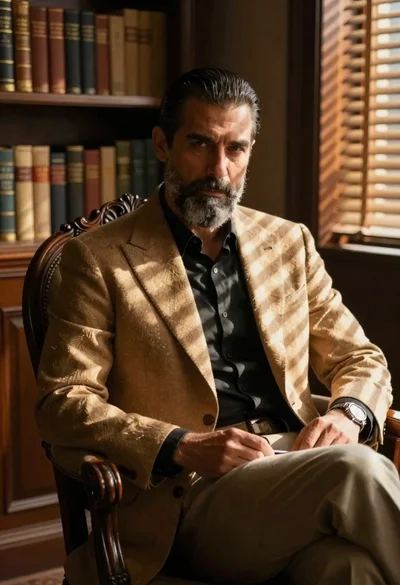
Man in blazer seated by window blinds casting shadows

Man in suit sitting on classic red car outdoors
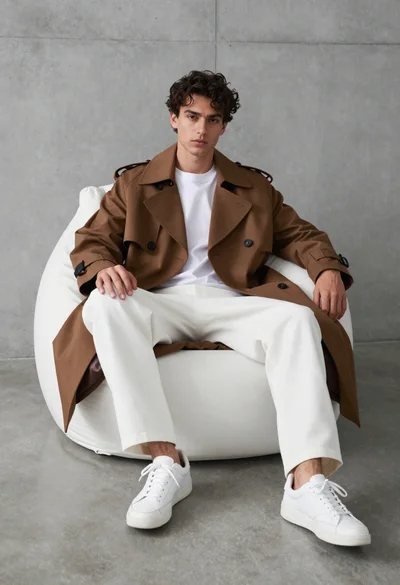
Young man in trench coat sitting on white beanbag chair against grey

Muscular man in blue blazer on solid deep blue background
Man sitting casually in studio against plain backdrop
Handsome man in cream shirt by large window
Man sitting on concrete steps in dramatic sunlight

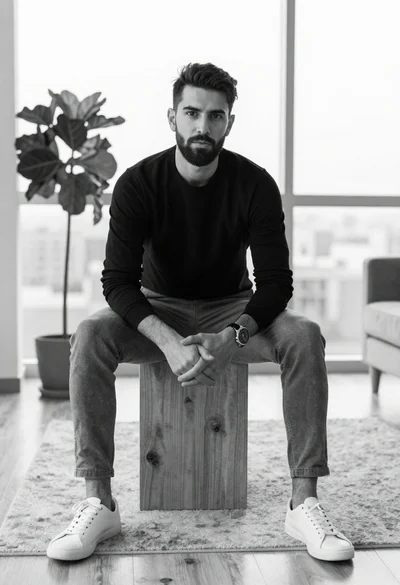
Black and white studio portrait of man with beard
