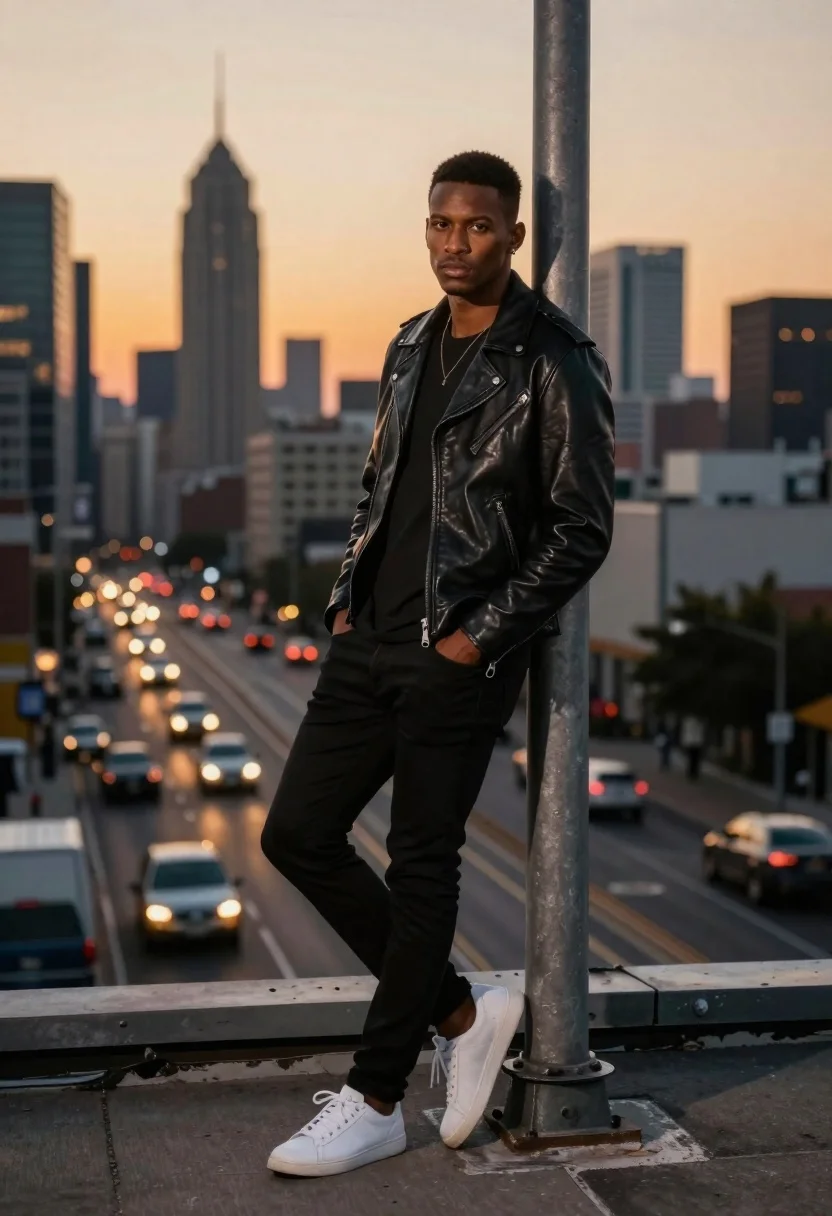
Stylish man leaning on pole overlooking city at dusk
Prompt
A cinematic portrait of a stylish young man leaning against a metal pole on an urban rooftop at dusk

Subject: A handsome dark-skinned male with short hair and intense gaze looking directly at the camera, wearing a black leather jacket over a plain t-shirt paired with slim-fitting black pants and white sneakers.

Clothing: The outfit features subtle textures of worn leather and smooth cotton fabric complemented by silver zippers on his jacket.

Action: He stands casually leaning back against the pole with one hand in his pocket while crossing legs slightly for relaxed posture.

Environment: A sprawling city skyline stretches behind him under a warm sunset sky, featuring tall skyscrapers silhouetted against golden-orange light; below lies a busy highway where car headlights streak into long glowing lines of motion blur creating dynamic diagonal patterns across the scene.

Camera: Shot with shallow depth-of-field rendering background elements softly out of focus while keeping sharp detail on foreground figure and immediate surroundings like concrete ledge and textured pole surface near him.

Lighting: Warm ambient glow from setting sun casts soft highlights along edge of his face and jacket lapels contrasting cool tones of shadowed areas beneath armrests and around necklaces, enhancing dramatic mood without harshness or flat illumination typical midday shots would produce if not carefully balanced against natural twilight conditions present here during golden hour transition period.

Style Details: Photorealistic digital rendering style capturing realistic textures.
Description
This prompt is useful for creating cinematic movie posters, high-end streetwear lookbooks, and dramatic editorial features focusing on urban grit. The combination of 'warm ambient glow' contrasting with 'cool tones of shadowed areas' sculpts the figure dramatically, while specifying 'motion blur creating dynamic diagonal patterns' in the background prevents the sprawling city skyline from becoming a static backdrop.
Suggestions
- Change 'black leather jacket' to 'distressed waxed canvas jacket' for varied texture.
- Swap 'golden-orange light' for 'deep indigo and magenta hues' to shift the time of day mood.
- Adjust 'shallow depth-of-field rendering' to 'medium depth-of-field' to keep more background detail visible.
Category
Tags
Black HairCasual WearDark SkinDigital ArtFull BodyMalePortrait ShotRealisticRooftopUrbanWide Shot
Date added
June 19, 2026
Added by
PromptDexter Team
Related Prompts
More prompts with similar categories and tags.
Man on ledge with airplane flying overhead by water

Woman in black shirt on urban street at sunset
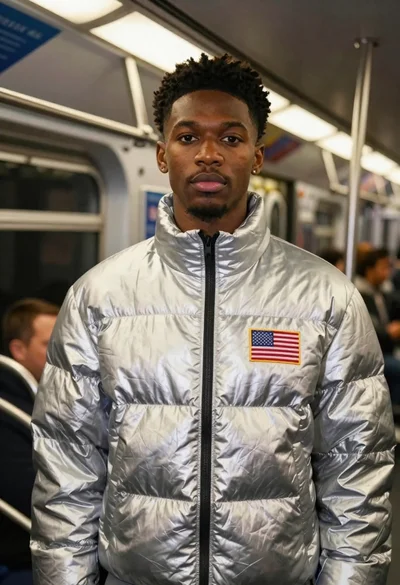
Black man in silver jacket inside moving subway car
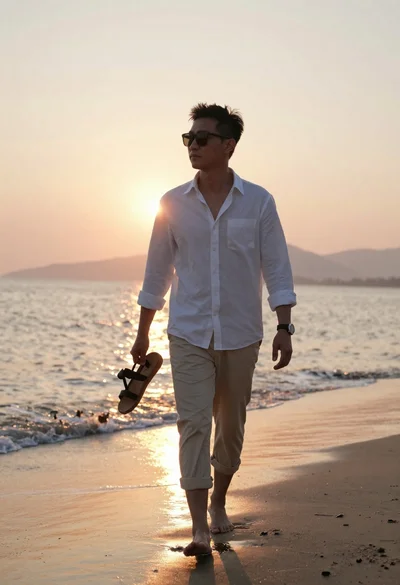
Asian man walking barefoot on wet beach at sunset
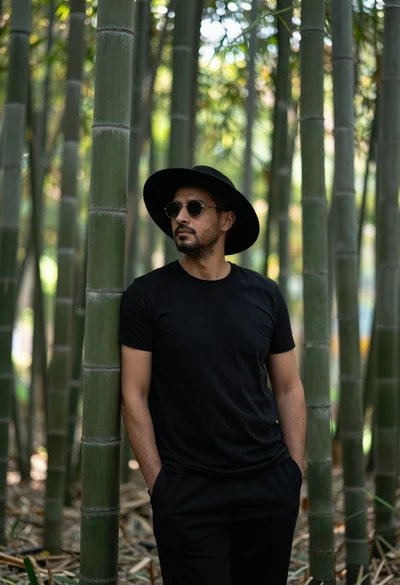
Man in black clothes standing in a bamboo forest
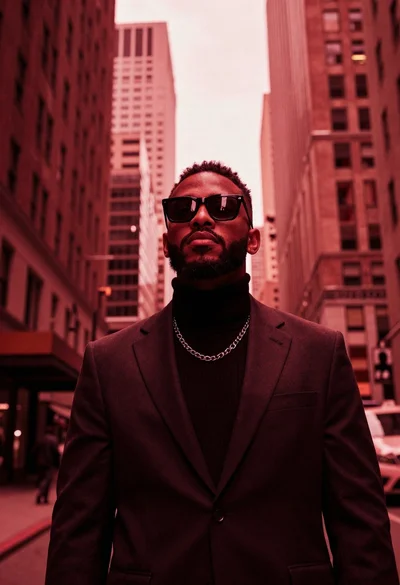
Stylish man in suit between towering skyscrapers
Man holding glowing moon against twilight city skyline
Man on balcony overlooking city skyline at sunset