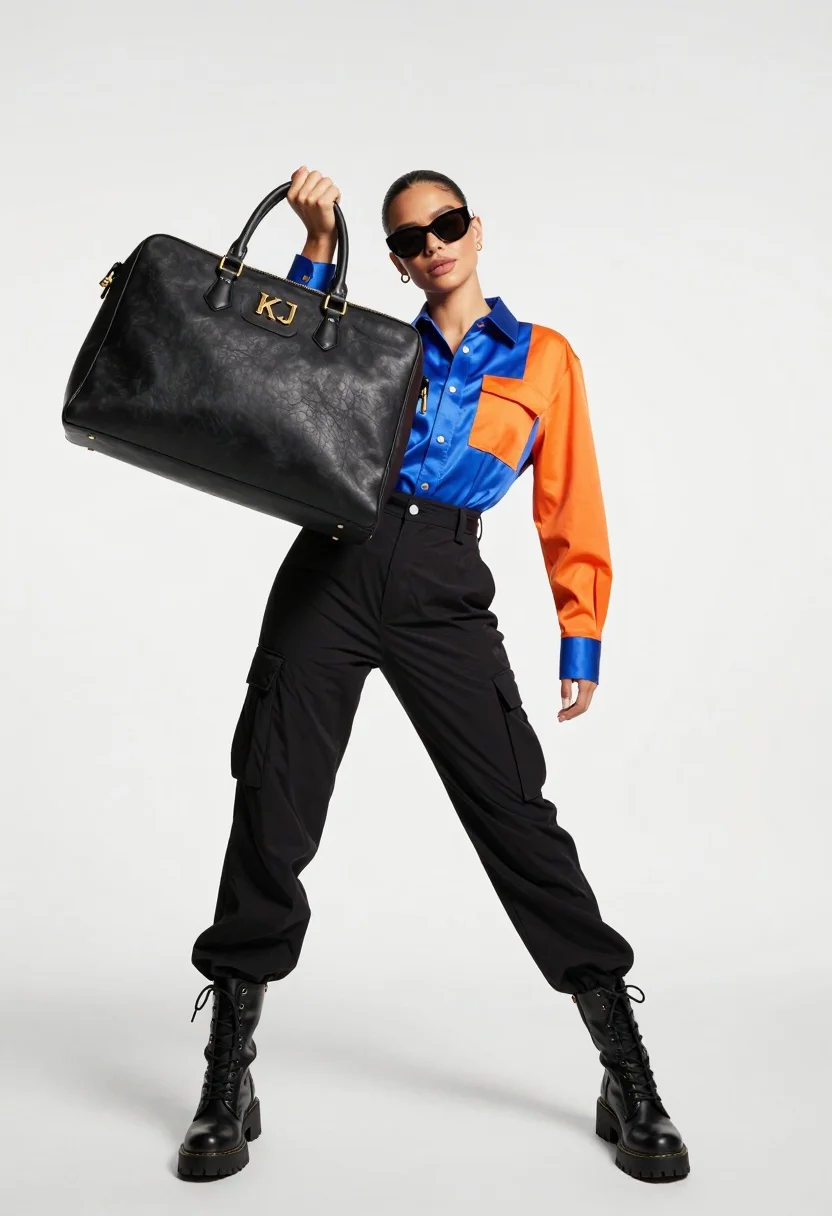
Stylish woman in blue orange shirt holding large black handbag studio shot
Prompt
A confident woman in a dynamic pose holds a large black handbag close to the camera lens.

Subject: A stylish woman with dark hair pulled back and wearing dark sunglasses.

Clothing: She wears a glossy blue and orange color-blocked button-up shirt, high-waisted black cargo pants with straps, and chunky black combat boots.

Action: She stands with legs apart in a wide stance, looking directly at the viewer while holding a large handbag up near her face with one hand.

Environment: A stark white studio background with minimal shadows.

Camera: Low angle shot emphasizing the subject's height and the oversized handbag held close to the lens.

Lighting: Bright, high-key studio lighting that creates soft shadows and highlights the glossy textures of the clothing and bag.

Objects: A large black leather handbag featuring prominent gold hardware and text reading "KJ" and "KYLIE JENNER".

Style Details: High-fashion editorial photography with a clean, modern aesthetic and vibrant color contrast.
Description
This prompt is useful for creating high-impact fashion editorials, streetwear lookbooks, and advertising campaigns emphasizing bold accessories. The combination of 'low angle shot' and the 'large black handbag held close to the lens' forces a dramatic foreground element that anchors the composition, while the 'glossy blue and orange color-blocked button-up shirt' ensures the subject pops against the stark white studio background.
Suggestions
- Change 'chunky black combat boots' to 'patent leather ankle boots' for a sleeker feel.
- Swap 'gold hardware' on the bag for 'silver chrome hardware' to alter the metallic contrast.
- Adjust 'high-key studio lighting' to 'dramatic side lighting' for more shadow play.
Category
Tags
BrunetteFemaleFull BodyLow AngleRealisticStreetwearStudio
Date added
July 12, 2026
Added by
PromptDexter Team
Related Prompts
More prompts with similar categories and tags.
Woman in athletic wear against teal background
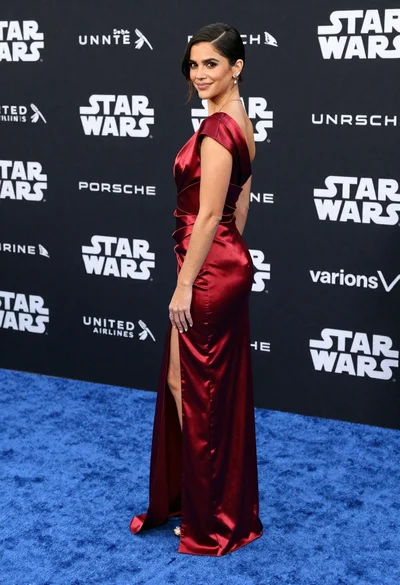
Woman in deep red satin gown standing on blue carpet at an
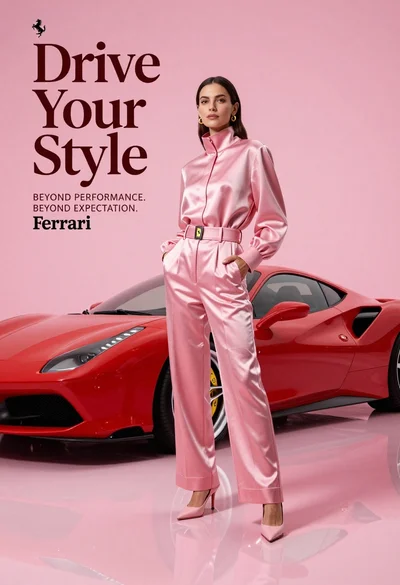
Woman in pink outfit standing next to red sports car on pink

Blonde woman in burgundy velvet gown holding flower in white studio
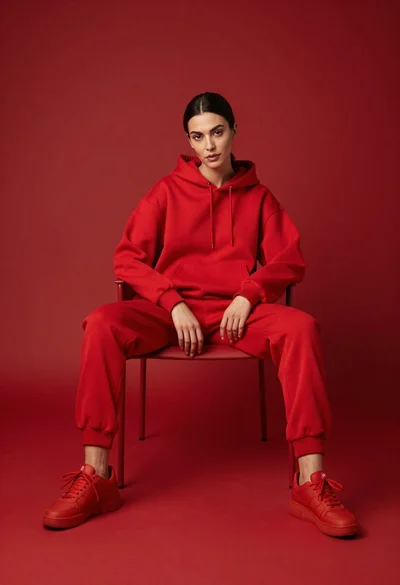
Woman in red hoodie sitting on chair against red background

Poised woman in elegant white gown on blurred red carpet steps

Woman seated on mid century chair wearing beige suit
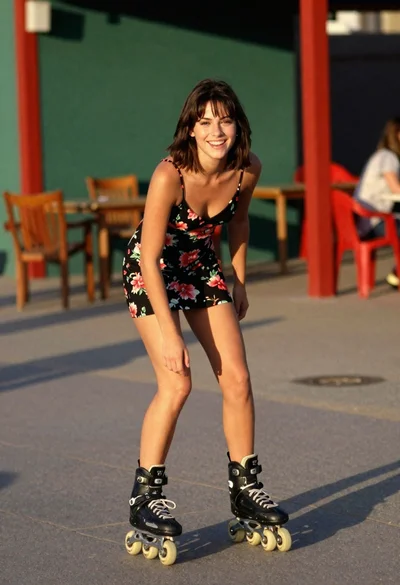
Young woman rollerblading outdoors in black floral slip dress at golden hour
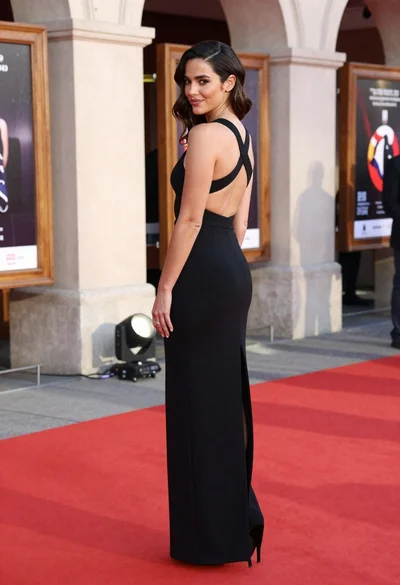
Woman in black gown posing over shoulder at outdoor red carpet entrance
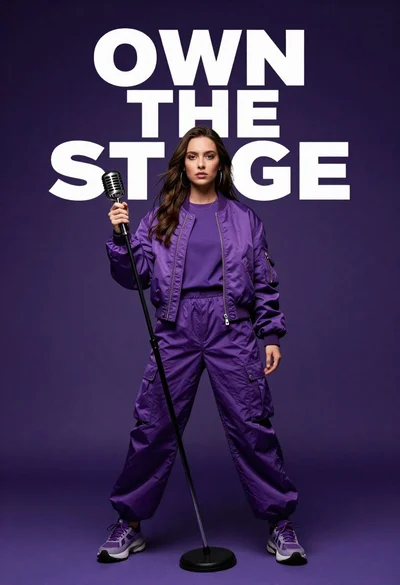
Singer in purple outfit with microphone against violet background