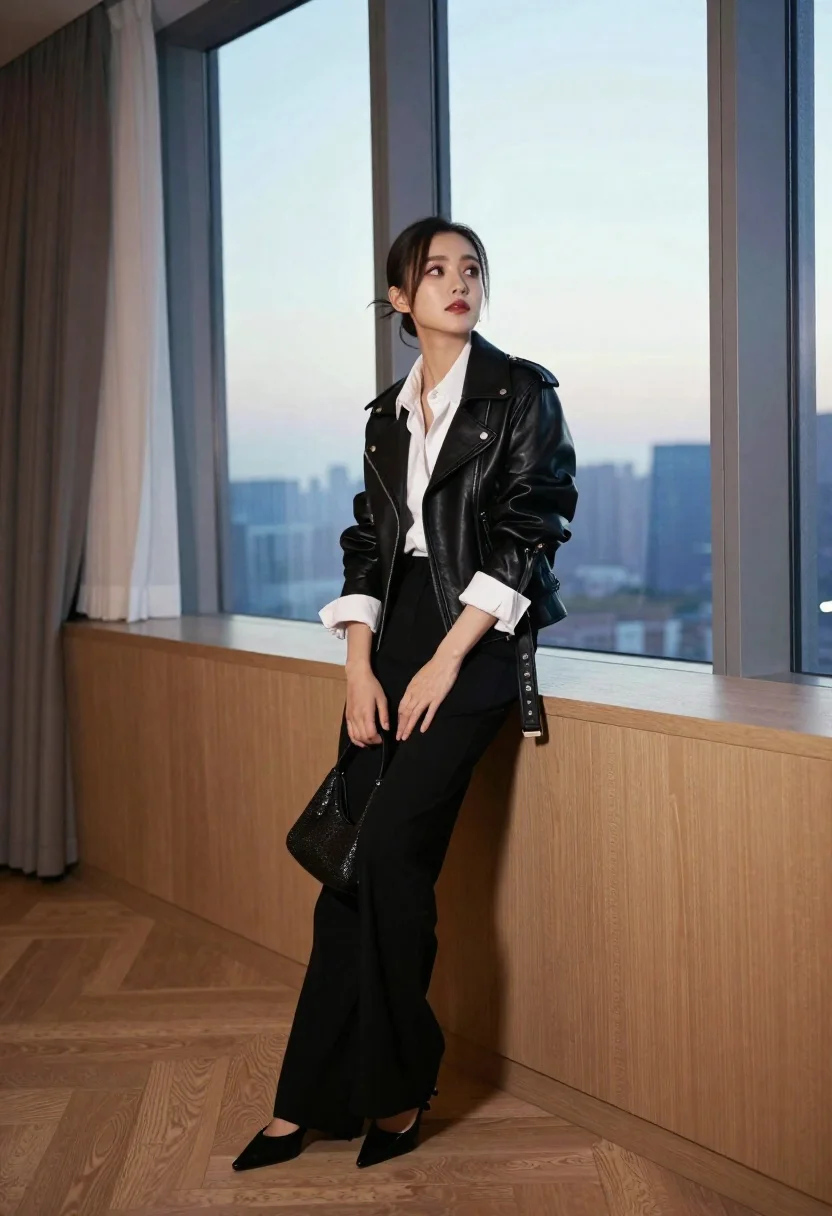
Stylish woman leaning on wooden counter near large twilight city windows
Prompt
A stylish woman leans casually against a wooden counter in a modern room with large windows.

Subject: A young woman with dark hair pulled back into a sleek bun and loose strands framing her face, featuring defined cheekbones and a contemplative expression.

Clothing: She wears a black leather moto jacket over a crisp white button-down shirt with rolled-up sleeves, paired with high-waisted black wide-leg trousers and pointed-toe black flats.

Action: Leaning back against the counter with one leg crossed over the other, her hands resting on her thigh holding a small mesh handbag, gazing upward toward the window.

Environment: An interior space featuring light wood flooring, a wooden partition or counter to the left, sheer curtains on the far left, and floor-to-ceiling windows revealing a soft twilight sky and distant city buildings.

Camera: Shot from a low angle looking up at the subject, emphasizing her silhouette against the window, with a shallow depth of field that keeps her in sharp focus while softly blurring the background.

Lighting: Soft natural light streams in from the large windows behind her, creating a gentle backlight and highlighting the texture of her leather jacket and hair.

Objects: A small black mesh handbag held in her hands, featuring a textured pattern.

Style Details: High-fashion editorial aesthetic with clean lines, sophisticated color palette, and polished composition.
Description
This prompt is useful for creating high-end magazine editorials, architectural lifestyle photography, and mood boards emphasizing urban sophistication. The combination of 'low angle looking up at the subject' and 'soft natural light streams in from the large windows behind her' sculpts the figure against the backdrop, ensuring the silhouette remains dramatic while the shallow depth of field isolates the texture of the 'black leather moto jacket' for maximum visual impact.
Suggestions
- Change 'wooden counter' to 'polished marble counter' for a cooler contrast.
- Add 'anamorphic lens flare' to enhance the twilight atmosphere.
- Swap 'sleek bun' for 'loose waves' if you want a softer look.
Category
Tags
BrunetteFemaleIndoorsLow AngleRealisticStudioWide Shot
Date added
June 19, 2026
Added by
PromptDexter Team
Related Prompts
More prompts with similar categories and tags.
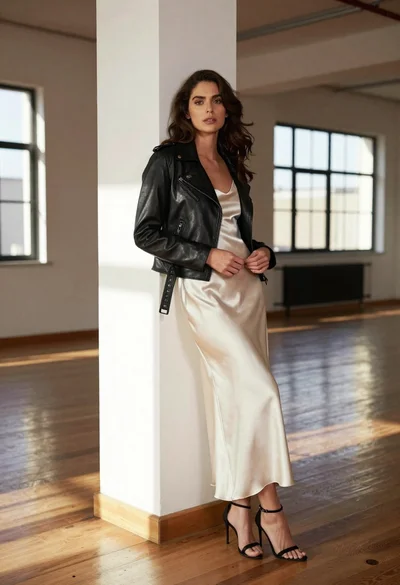
Woman in black moto jacket and cream slip dress against white pillar
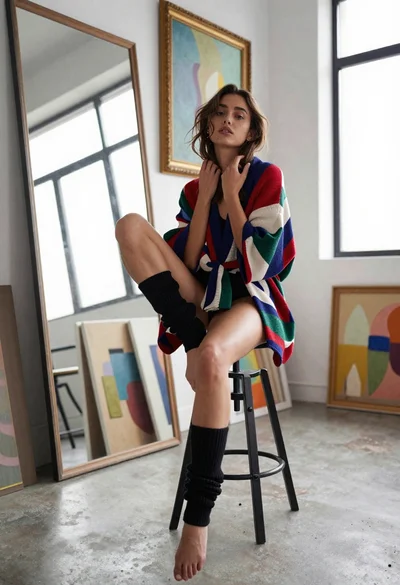
Young woman in kimono cardigan posing in bright art studio setting

Stylish woman posing indoors holding sparkly handbag adjusting sunglasses
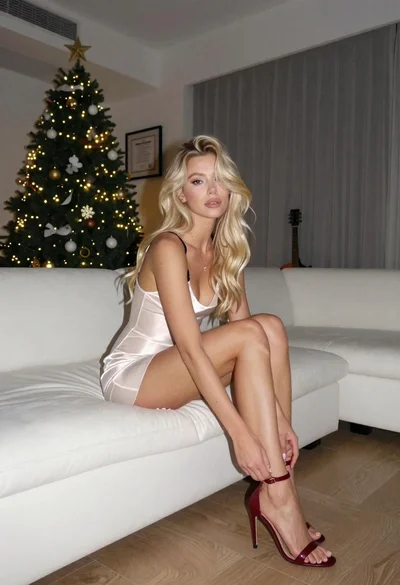
Blonde woman adjusting shoe on white sofa near decorated christmas tree
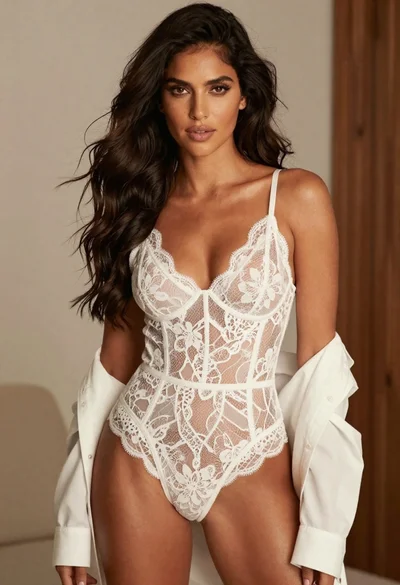
Confident woman with dark wavy hair in white lace bodysuit indoors

Young blonde woman in lace bodysuit leaning against wooden cabinet indoors
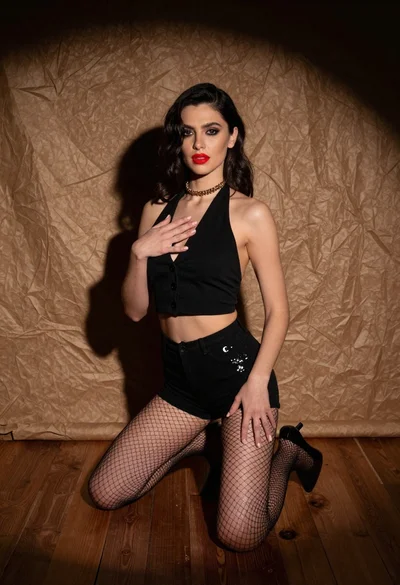
Woman kneeling in black outfit under dramatic spotlight studio lighting

Woman with red hair sitting on dresser before ornate gold mirror
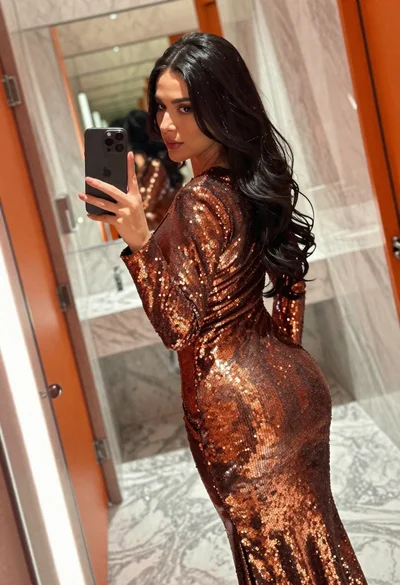
Woman in copper sequin dress taking a mirror selfie in luxurious bathroom
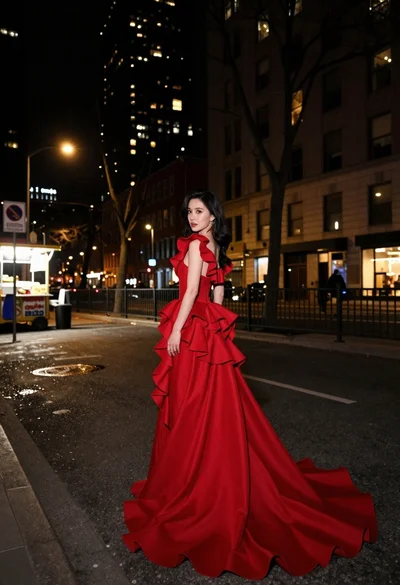
Woman in flowing red gown standing on a city street at night
