
Stylish woman walking down wet cobblestone street near classical stone architecture
Prompt
A stylish woman walking confidently on a wet cobblestone street in front of classical stone architecture.

Subject: A young woman with brown hair styled in a high ponytail with bangs, smiling warmly at the camera.

Clothing: She wears a pale yellow long-sleeved blouse with puffed shoulders and a white collar, paired with black leather trousers that feature a high-waisted design with an asymmetrical front panel hanging down to mid-thigh. She wears black ankle boots and carries a black handbag with a gold chain strap.

Action: The woman is captured mid-stride, walking forward while gesturing with her right hand raised slightly in a relaxed pose.

Environment: The setting is an outdoor urban plaza featuring grey stone paving stones, large spherical bollards on pedestals, and a background of classical architecture with tall columns and balustrades.

Lighting: Soft natural daylight illuminates the scene evenly, creating gentle reflections on the wet ground and highlighting the textures of the leather clothing without harsh shadows.

Camera: The shot is taken at eye level with a medium-full framing that captures the subject from head to toe, emphasizing her outfit and posture against the architectural backdrop.

Style Details: High-fashion street style aesthetic with a focus on modern silhouette, rich texture contrast between the soft blouse and sleek leather, and a polished editorial quality.
Description
This prompt is useful for creating high-fashion magazine editorials, cinematic travel narratives, and luxury brand lookbooks showcasing urban movement. The combination of 'wet cobblestone street' reflections and 'soft natural daylight' ensures that the sheen on the 'black leather trousers' catches light realistically without introducing distracting specular highlights, perfectly complementing the polished editorial quality.
Suggestions
- Change 'pale yellow long-sleeved blouse' to 'ivory silk blouse' for a more luxurious feel.
- Add 'shot on Kodak Portra 400 film' to enhance the color palette.
- Swap 'medium-full framing' for 'full body shot' to better capture the environment.
Category
Tags
Brown HairBrunetteCasual WearFemaleMedium ShotRealisticStreetUrban
Date added
June 19, 2026
Added by
PromptDexter Team
Related Prompts
More prompts with similar categories and tags.
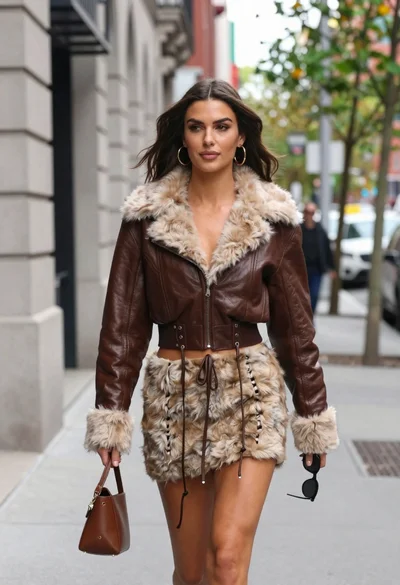
Young woman walking down city sidewalk in brown leather jacket
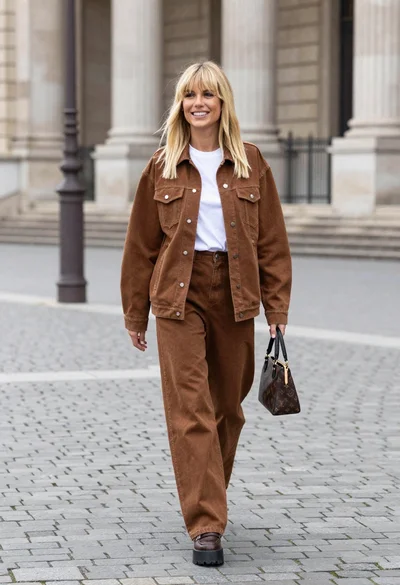
Blonde woman in denim set walking through classical stone courtyard plaza
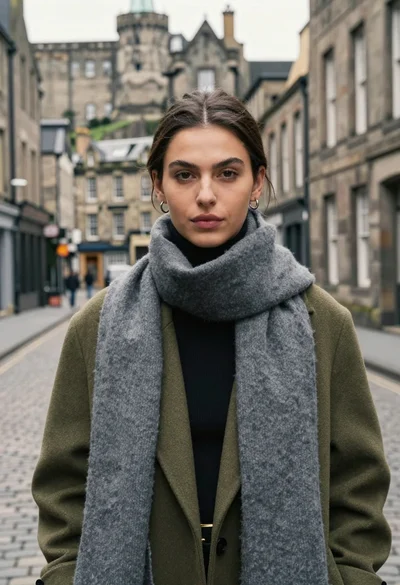
Medium close up portrait of woman in coat on old european cobblestone
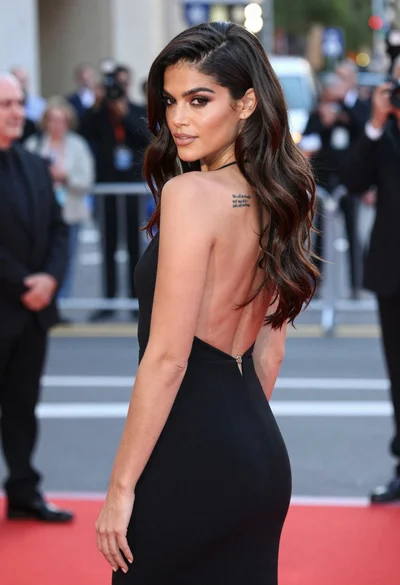
Woman in black gown looking over shoulder at urban event

Stylish woman in white crop top in an urban alleyway setting
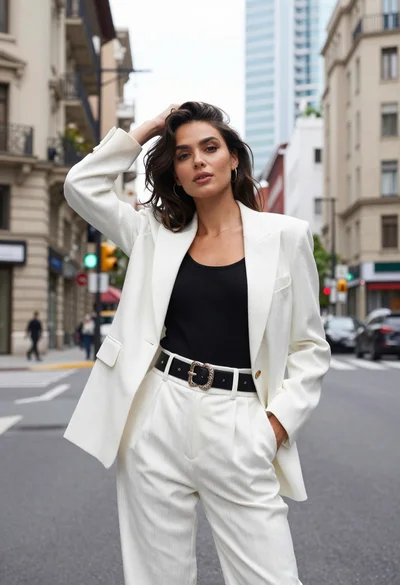
Stylish woman in pinstripe suit standing on an urban city street
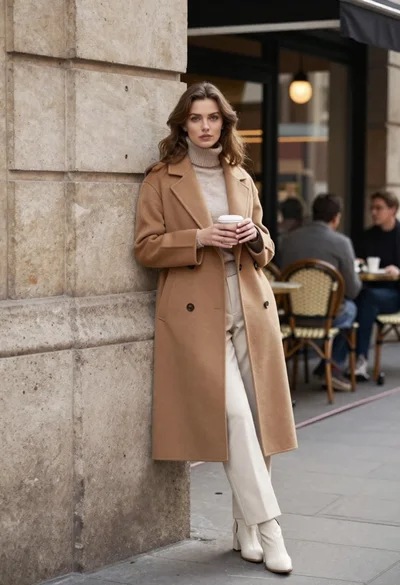
Stylish woman in camel coat leaning on stone building corner street
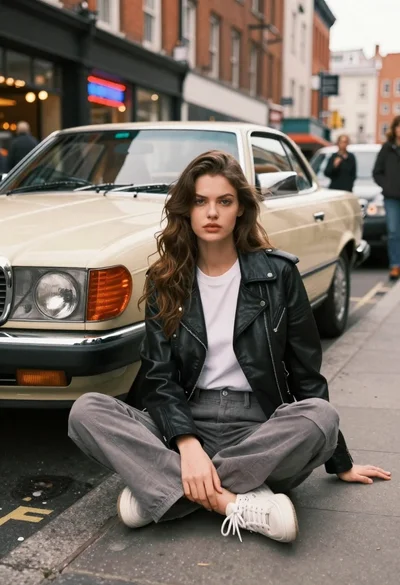
Young woman in biker jacket sitting by vintage mercedes coupe on city

Young woman in red dress browsing records on cobblestone street at golden
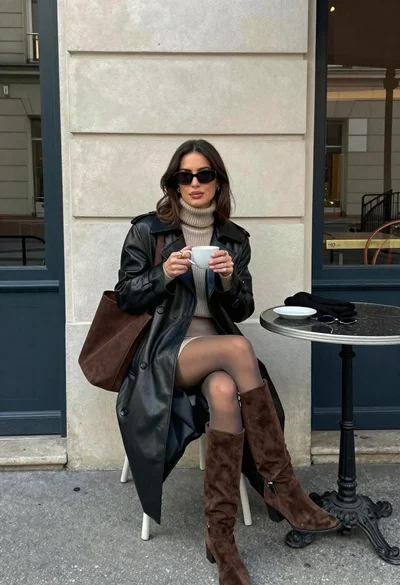
Stylish woman in leather coat sitting at an outdoor cafe table