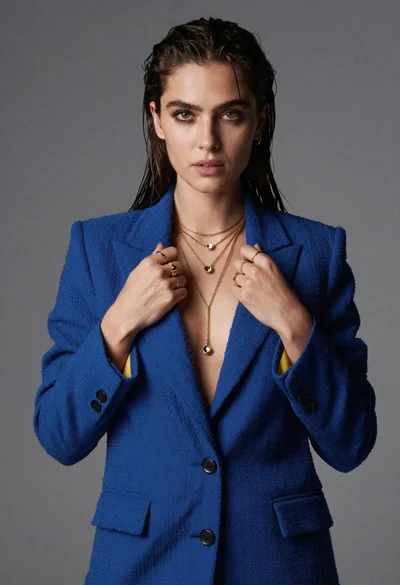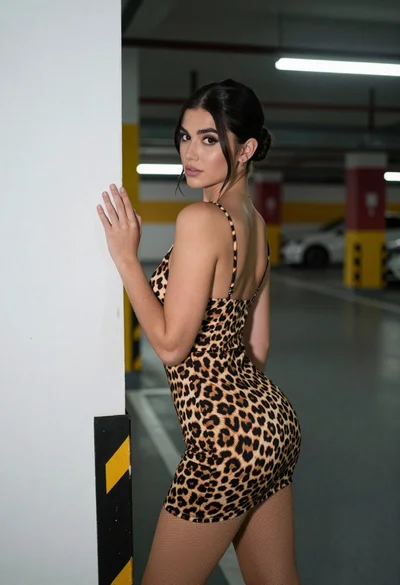

Stylish young woman leaning against black car in moody urban setting
Prompt
A confident young woman with a dark bob haircut and bangs poses against a black car in a dimly lit urban setting.

Subject: A stylish young woman with a short, dark bob haircut featuring straight bangs, pale skin, and defined makeup including winged eyeliner and glossy lips.

Clothing: She wears a sheer, dark green velvet crop top under an open, shiny black satin jacket adorned with red glowing studs or lights. Her outfit includes high-waisted black denim shorts with frayed hems and a colorful patterned fabric tied around her waist like a sash.

Action: She stands leaning slightly against the car door with one hand on her hip, looking directly at the camera with a cool, confident expression.

Environment: The background features a dark wall behind a black vehicle, possibly a limousine or SUV, with a soft-focus urban atmosphere.

Camera: Shot from a medium close-up angle with a shallow depth of field that blurs the background slightly to emphasize the subject.

Lighting: Warm, moody lighting highlights her face and upper body while casting deep shadows in the lower frame, creating a dramatic contrast.

Text/Graphics: A white sign on the wall behind her reads "YOU NEVER HAVE TO BE Alone" with stylized lettering.

Style Details: High-fashion editorial aesthetic with a cinematic color palette, rich textures, and a polished, glossy finish.
Description
This prompt is useful for creating high-fashion editorial moodboards, cinematic character portraits, and streetwear lookbooks emphasizing dramatic contrast. The combination of 'sheer, dark green velvet' against the 'shiny black satin jacket' allows the model to render complex material interactions, while the 'warm, moody lighting' ensures that deep shadows anchor the composition, preventing the glossy finish from looking flat.
Suggestions
- Change 'black car' to 'vintage muscle car' for a different silhouette.
- Swap 'red glowing studs or lights' for 'chrome hardware' to adjust the reflectivity.
- Adjust 'medium close-up angle' to 'full body shot' to better showcase the shorts and sash.
Category
Tags
BrunetteFemaleMedium ShotPortrait ShotRealisticStreetwearUrban
Date added
June 19, 2026
Added by
PromptDexter Team
Related Prompts
More prompts with similar categories and tags.
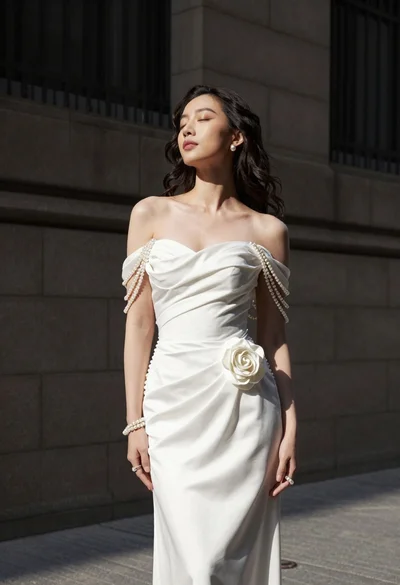
Woman in white gown standing against dark stone architectural wall outdoors
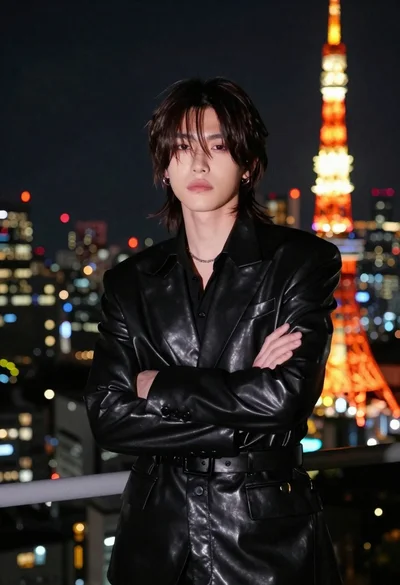
Man in black suit facing camera near tokyo tower
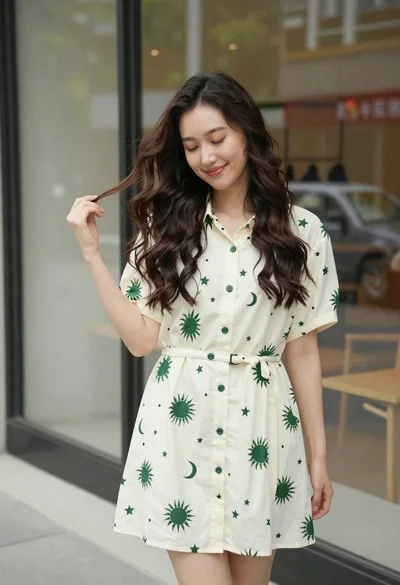
Smiling young woman in cream dress near large glass window outdoors
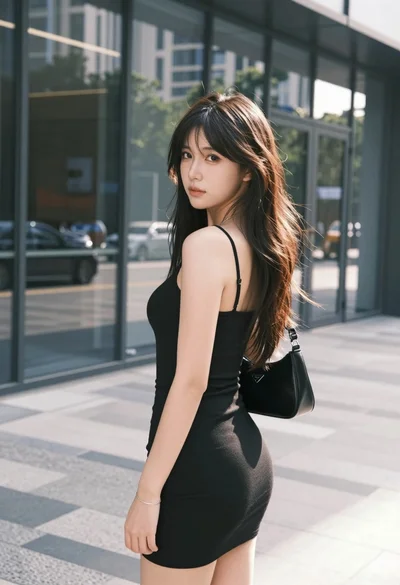
Young woman in black mini dress looking back in modern urban setting
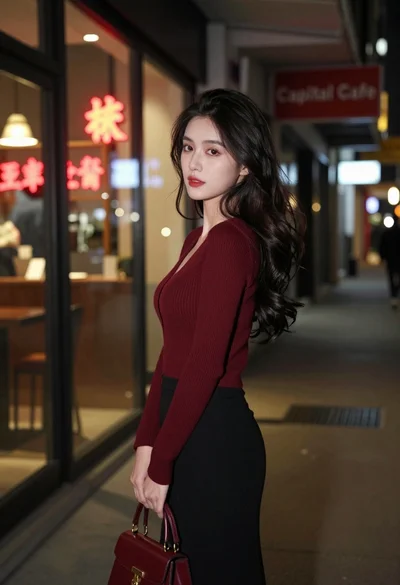
Young woman looking back over shoulder in dimly lit neon city alleyway

Young woman leaning against white wall with beige handbag under bright sunlight

Portrait of woman with red hair in navy blouse and green skirt

Young woman in black and white patterned outfit on urban rooftop
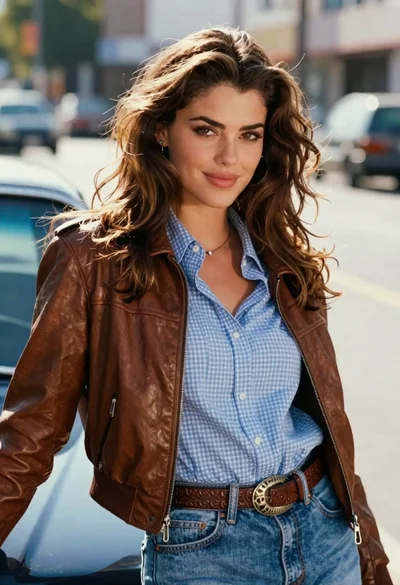
Young woman leaning against blue car hood in brown leather jacket

Young woman in blue denim jacket posing against pale pink seamless background