
Young woman leaning against blue car hood in brown leather jacket
Prompt
A woman with long wavy brown hair leaning against a blue car hood.

Subject: A young woman with long, voluminous wavy brown hair featuring lighter highlights and loose strands blowing in the wind. She has a warm complexion, defined eyebrows, and is smiling gently at the camera.

Clothing: She wears a fitted brown leather jacket with a silver zipper over a light blue and white checkered button-down shirt. Her outfit includes blue denim jeans secured by a wide brown leather belt with an intricate embossed pattern and a large circular metal buckle featuring a skull design. A delicate necklace is visible at her neck.

Action: She is leaning casually against the hood of a vehicle, looking directly forward with a relaxed and confident expression.

Environment: The background is out of focus, showing a bright outdoor setting that appears to be an urban street or parking lot with indistinct buildings in the distance.

Camera: Medium shot capturing the subject from the waist up, utilizing a shallow depth of field to blur the background and emphasize the subject.

Lighting: Bright natural daylight illuminating the scene from the front, creating soft highlights on her hair and face while casting gentle shadows that define her features and clothing textures.

Style Details: Photorealistic portrait with high color saturation and sharp focus on the subject, evoking a late 1990s or early 2000s fashion photography aesthetic.
Description
This prompt is useful for creating retro-inspired editorial portraits, character concept art for film stills, and casual street style lookbooks. The combination of 'brown leather jacket' with the 'late 1990s or early 2000s fashion photography aesthetic' grounds the image in a specific nostalgic period, while the 'shallow depth of field' ensures that even though the setting is an 'urban street,' the focus remains tightly on her expression and outfit details.
Suggestions
- Change 'blue car hood' to 'matte black car hood' for a more dramatic contrast.
- Swap 'light blue and white checkered button-down shirt' for 'cream silk blouse' to update the texture.
- Adjust 'bright natural daylight' to 'overcast softbox lighting' for less harsh shadows.
Category
Tags
Brown HairBrunetteCasual WearFemaleLight SkinMedium ShotRealisticStreetUrban
Date added
June 19, 2026
Added by
PromptDexter Team
Related Prompts
More prompts with similar categories and tags.

Young woman leaning against white wall with beige handbag under bright sunlight

Young woman in black and white patterned outfit on urban rooftop
Stylish woman looking back over shoulder on narrow cobblestone street at night
Confident young woman in white tank top on a dark city street
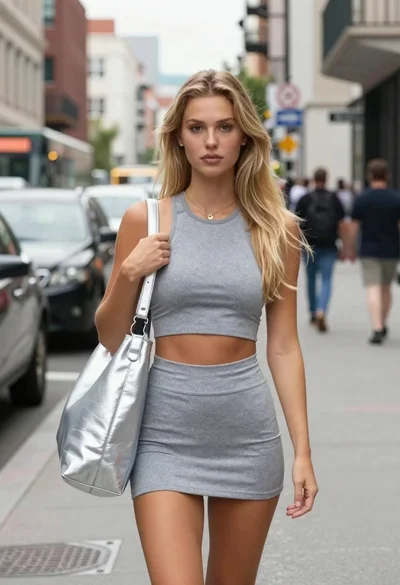
Confident blonde woman in athletic wear on a city street
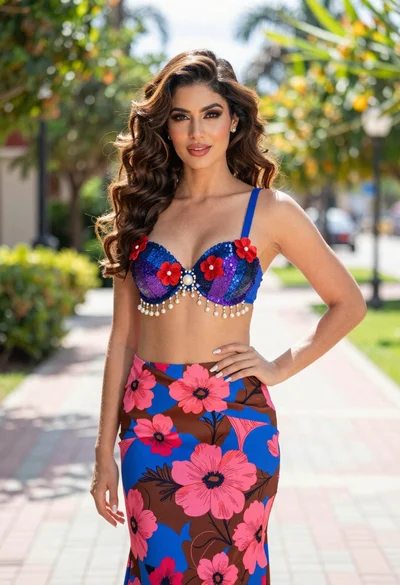
Confident woman in floral twopiece outfit on paved outdoor walkway
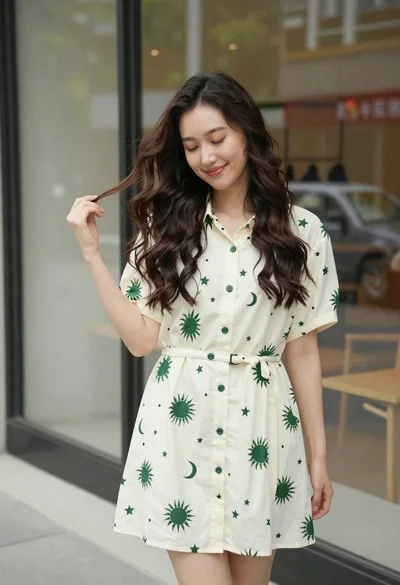
Smiling young woman in cream dress near large glass window outdoors
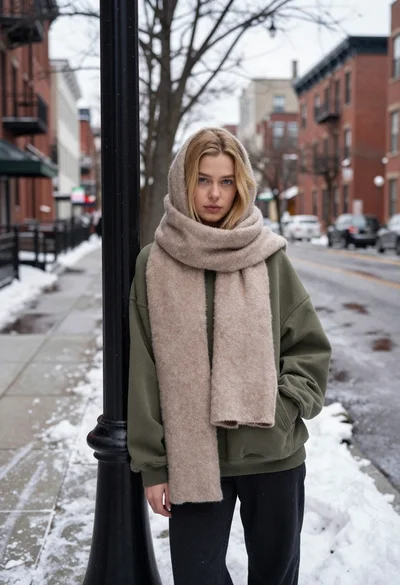
Young blonde woman in olive sweatshirt leaning on lamp post in snowy
Young woman in white top on dimly lit urban street at night

Young woman in green jacket holding plush toy at festive carousel