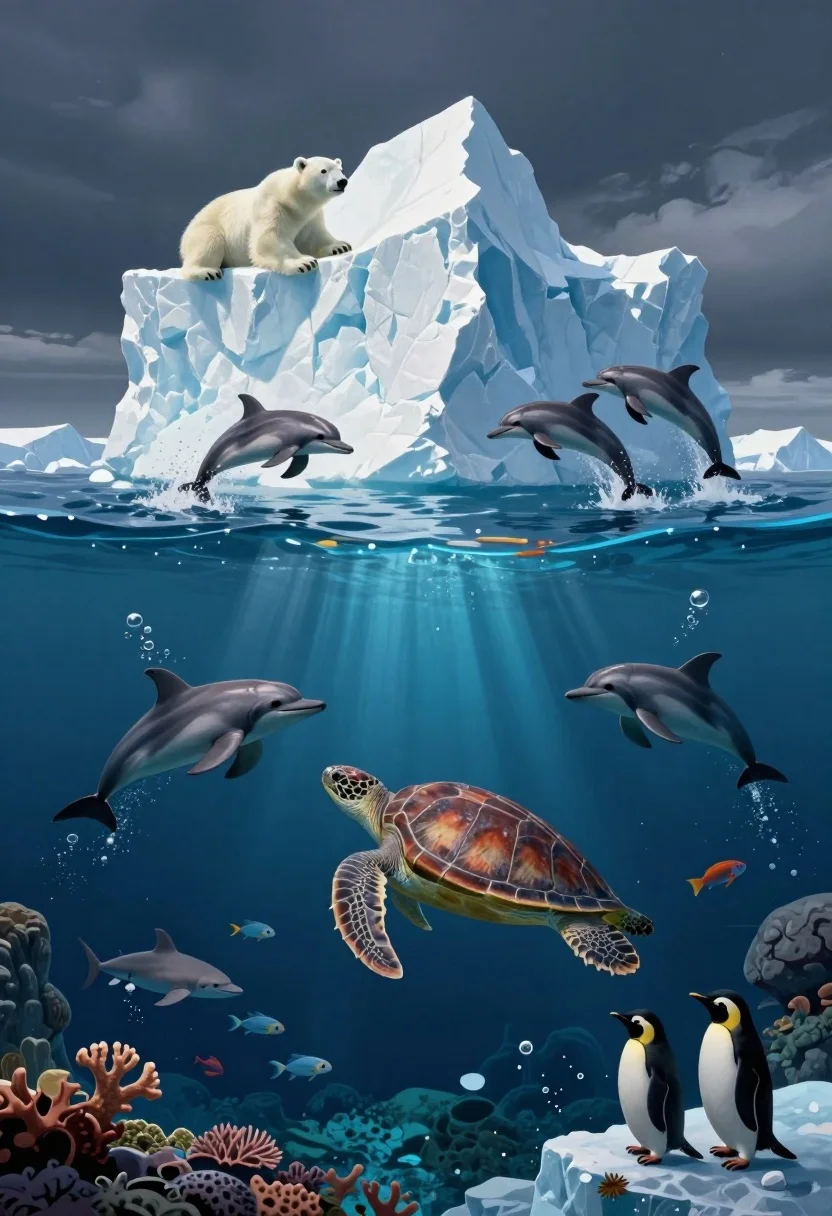
Surreal split level view of iceberg ocean ecosystem with marine life
Prompt
A surreal split-level composition showing a majestic iceberg floating above dark ocean waters while its submerged base reveals an underwater ecosystem teeming with marine life.

Subject: A massive, jagged iceberg dominates the center of the frame, featuring a polar bear resting on its upper left tip and several dolphins leaping from its sides.

Action: Dolphins leap dynamically out of the water near the surface, while a sea turtle swims gracefully underwater, and penguins stand on small ice floes at the bottom.

Environment: The scene is divided horizontally into an above-water section with dark blue ocean and sky, and a below-water section revealing a vibrant coral reef, rocky formations, and deep blue depths.

Camera: The image utilizes a split-level perspective that captures both the surface and underwater environments simultaneously in a single wide shot.

Lighting: Soft ambient light illuminates the white ice from above, while the underwater section is bathed in cool blue tones with shafts of light filtering down from the surface.

Subject: A large sea turtle swims prominently in the middle of the underwater section alongside various fish and sharks.

Objects: Coral reefs, rocks, bubbles, and small ice floes are scattered throughout the underwater environment.

Interaction: The polar bear rests peacefully on the ice while dolphins playfully jump around it, creating a dynamic contrast between stillness and motion.

Style Details: The artwork features a highly detailed, cinematic digital painting style with smooth gradients, realistic textures on the ice and water, and a rich color palette emphasizing blues and whites.
Description
This prompt is useful for creating conceptual nature documentaries, album art for ambient music, and high-concept environmental concept art. The 'split-level composition' combined with 'soft ambient light' illuminating the ice from above while shafts of light filter down prevents a flat visual separation, allowing the 'vibrant coral reef' below to feel organically connected to the surface action.
Suggestions
- Change 'dark blue ocean' to 'deep indigo water' for increased mystery.
- Add 'volumetric fog' to enhance the transition between levels.
- Swap 'polar bear resting peacefully' for 'polar bear observing from a distance' to increase tension.
Category
Tags
AnimalDigital ArtNatureWide Shot
Date added
July 3, 2026
Added by
PromptDexter Team
Related Prompts
More prompts with similar categories and tags.
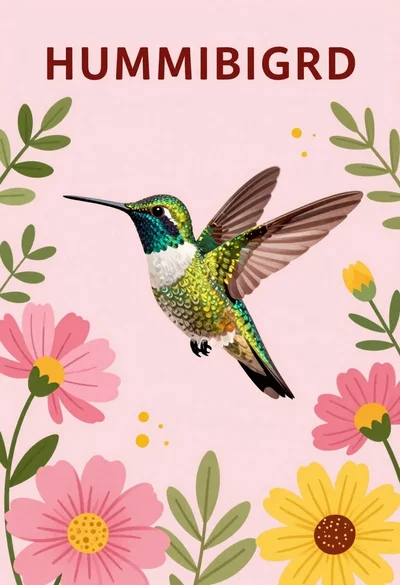
Vibrant hummingbird flying among blooming flowers illustration

Silhouette of two elephants with riders walking across grassy plain at sunset
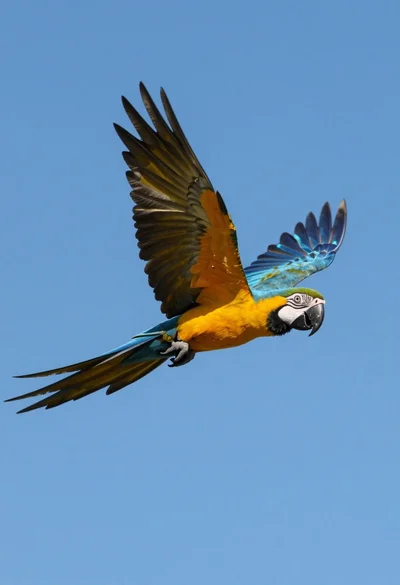
Majestic blue and yellow macaw soaring through clear bright blue open sky

Bald man and german shepherd dog sitting on wooden dock overlooking serene
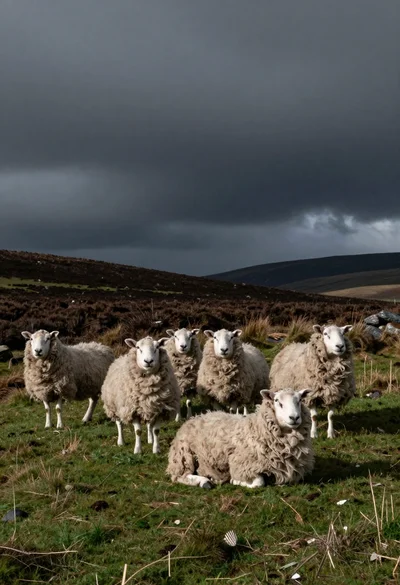
Flock of woolly sheep standing on grassy hill under stormy dramatic sky
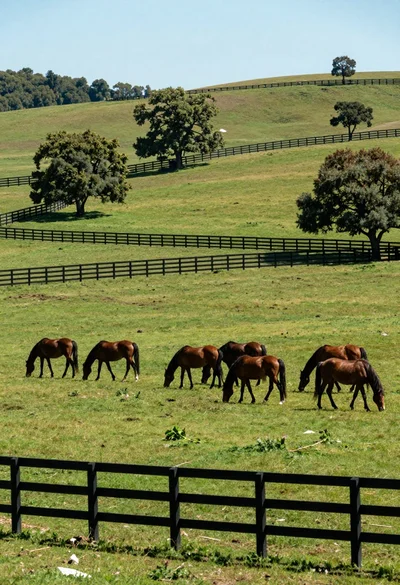
Herd of brown horses grazing across a lush green meadow with wooden

Two figures and buffalo walking across wooden pier over misty lake mountains

Dramatic silhouette of figure leading camel caravan across vast desert dune ridge
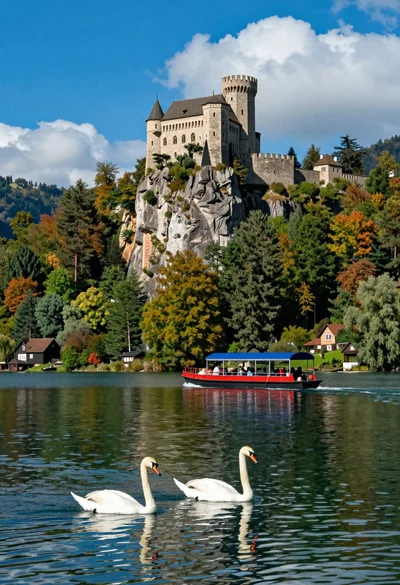
Majestic castle on cliff overlooking lake with swans and tour boat
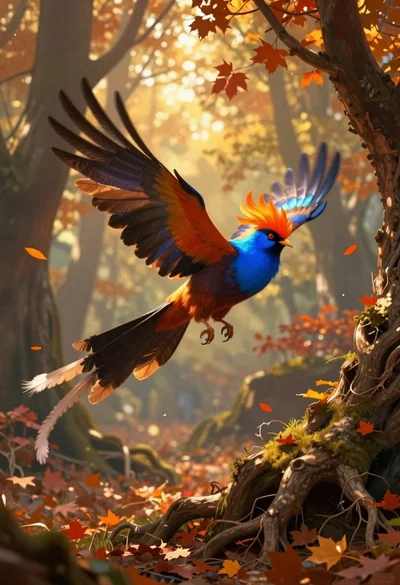
Fantasy bird flying through autumnal forest woodland