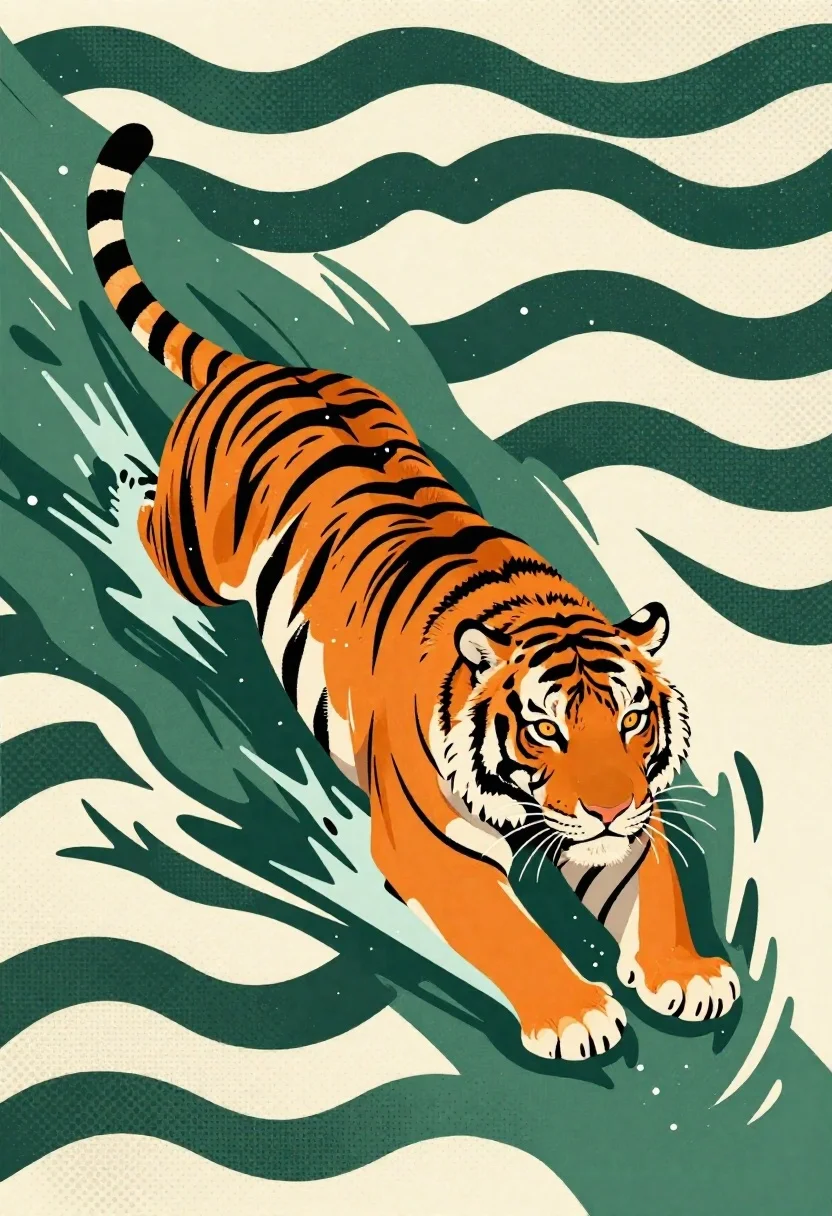
Tiger swimming through stylized green wave pattern
Prompt
A digital illustration of a majestic tiger swimming in stylized water waves

Subject: an orange and black striped tiger with white fur on its muzzle and chest, featuring amber eyes that look forward while moving through the scene

Action: mid-swim pose with head above water, body angled diagonally across the frame suggesting motion and direction

Environment: abstract background composed of repeating dark green wave shapes on a cream-colored dotted field evoking ripples or texture in water

Lighting: flat, graphic lighting typical of illustrative art with no strong shadows but clear separation between foreground subject and patterned backdrop

Style Details: bold linework, high-contrast colors, halftone dot patterns used for shading and texture, reminiscent of pop-art or poster-style graphics.
Description
This prompt is useful for creating graphic novel splash pages, stylized children's book illustrations, and retro advertising art. The combination of 'bold linework,' 'high-contrast colors,' and 'halftone dot patterns' establishes a deliberate pop-art aesthetic that prevents the tiger from looking photorealistic while ensuring the subject remains clearly separated from the abstract backdrop.
Suggestions
- Change 'dark green wave shapes' to 'teal geometric waves' for a more vibrant palette.
- Add 'Ben-Day dots' specifically to the background pattern for stronger retro effect.
- Swap 'amber eyes' for 'piercing blue eyes' to contrast with the warm tiger tones.
Category
Tags
AnimalsDigital Art
Date added
June 19, 2026
Added by
PromptDexter Team
Related Prompts
More prompts with similar categories and tags.
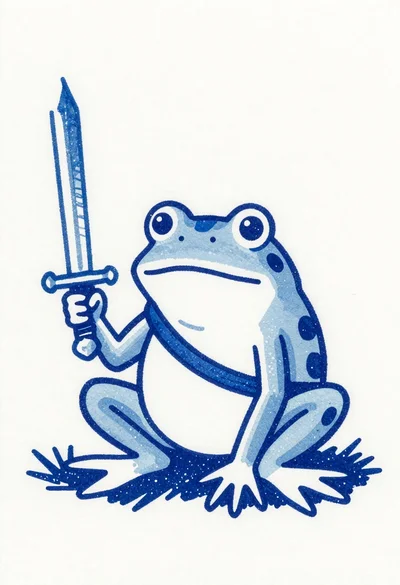
Blue ink illustration of a frog warrior with a sword

Watercolor painting of evee in a grassy meadow

Three kittens peeking over a purple brick wall

Boy and puppy on windowsill watching falling snow

Black cat on swing in mystical twilight landscape
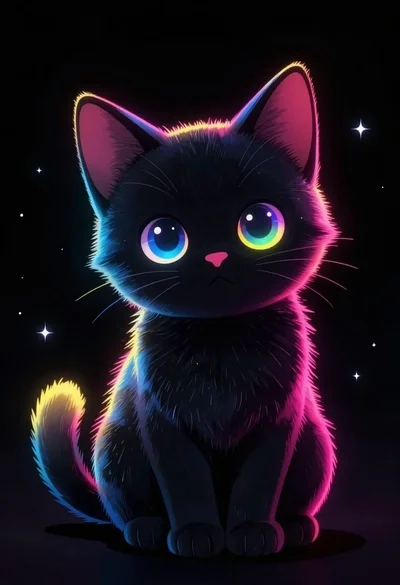
Black kitten with neon accents against dark void

Beagle dog wearing heart sunglasses and winter accessories
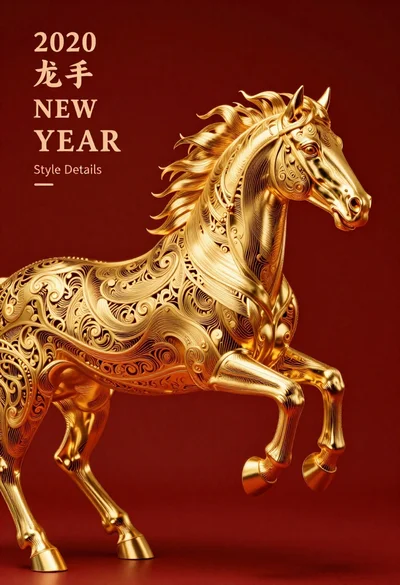
Gold filigree horse galloping against deep red background