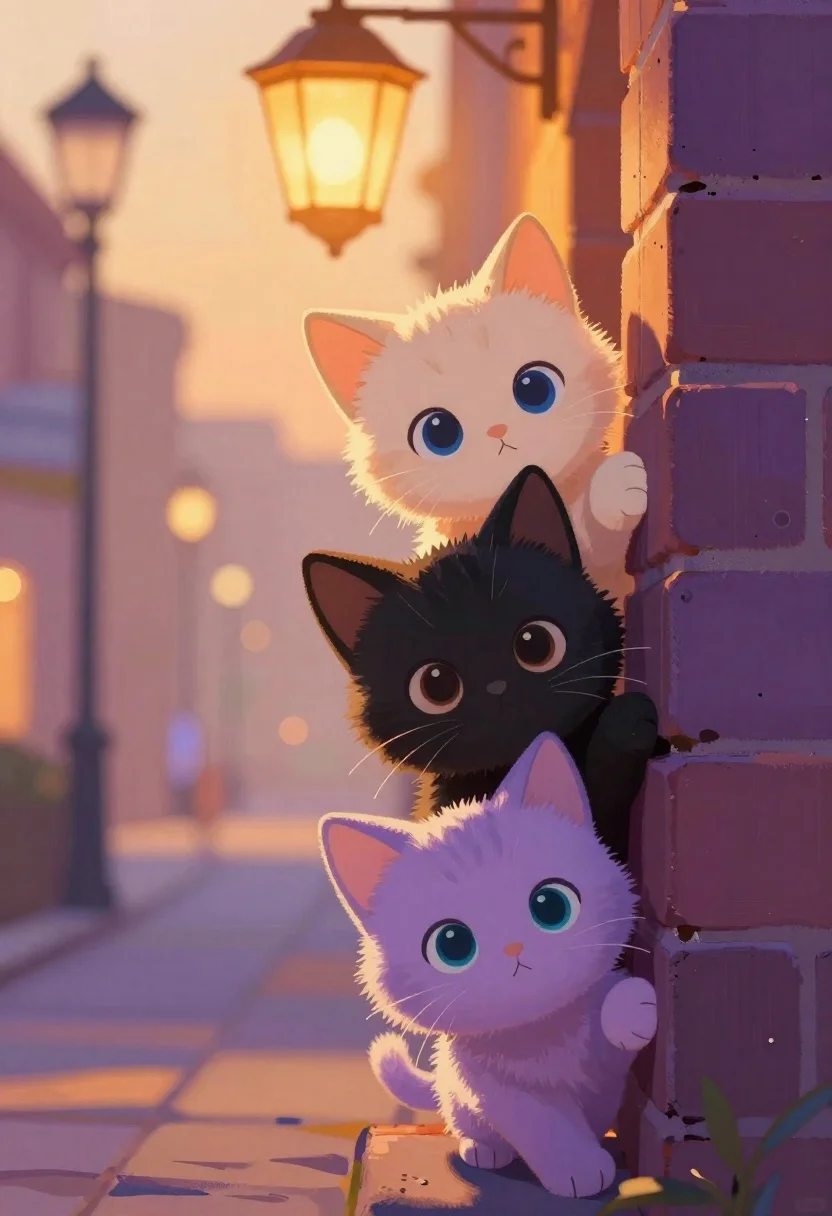
Three kittens peeking over a purple brick wall
Prompt
Soft and dreamy digital painting featuring three adorable kittens peeking over a purple brick wall in a warm, golden-hour street setting

Subject: A fluffy cream kitten with large blue eyes at the top, a sleek black kitten with brown eyes in the middle, and a lavender kitten with teal eyes at the bottom, all gazing forward with curious expressions.

Lighting: Warm ambient glow from a blurred vintage lantern overhead casting soft highlights on fur while deep shadows create high contrast along the brick edge

Environment: Blurred bokeh of street lamps and buildings in golden-orange tones filling the background for depth.

Style Details: painterly brushstrokes, anime-influenced character design with oversized expressive eyes.
Description
This prompt is useful for creating whimsical children's book illustrations, cozy nursery decor graphics, and charming social media pet content. The combination of 'painterly brushstrokes' and 'anime-influenced character design' ensures the kittens read as stylized characters rather than mere photographs, while the 'warm ambient glow' prevents the deep shadows from making the scene feel too harsh for a sweet, dreamy aesthetic.
Suggestions
- Change 'purple brick wall' to 'mossy stone wall' for an aged look.
- Swap 'golden-orange tones' for 'pastel pink and yellow' for a softer palette.
- Add 'bokeh effect' to the background description for more depth.
Category
Tags
AnimalsDigital ArtStreet
Date added
June 19, 2026
Added by
PromptDexter Team
Related Prompts
More prompts with similar categories and tags.

Monkey warrior leaping with magical staff in fantasy scene
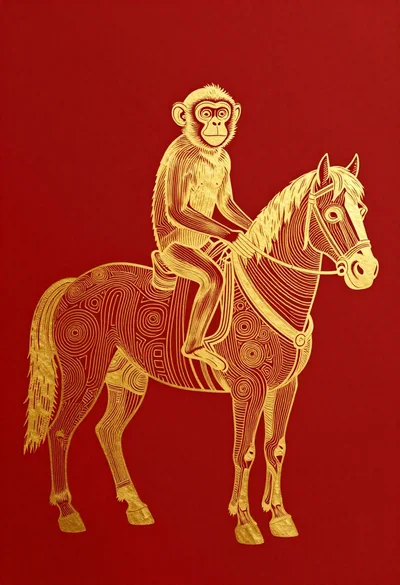
Golden foil line art monkey riding a horse
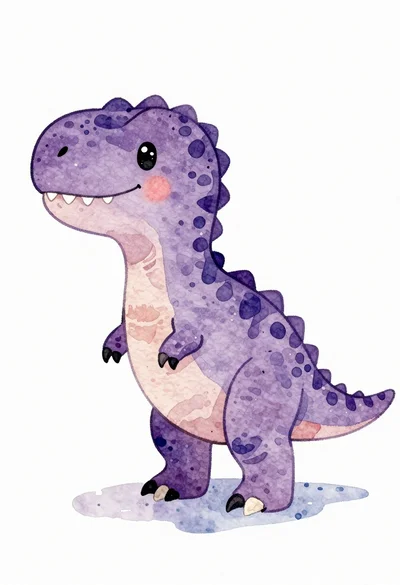
Watercolor illustration of a purple t rex dinosaur

Two white ducklings swimming in a sunlit pond

Tiger swimming through stylized green wave pattern
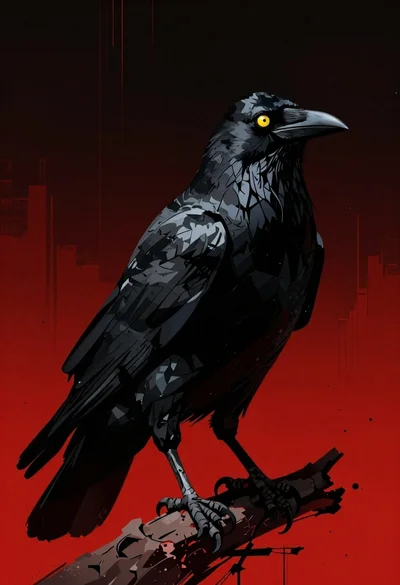
Menacing black crow on a red and black backdrop
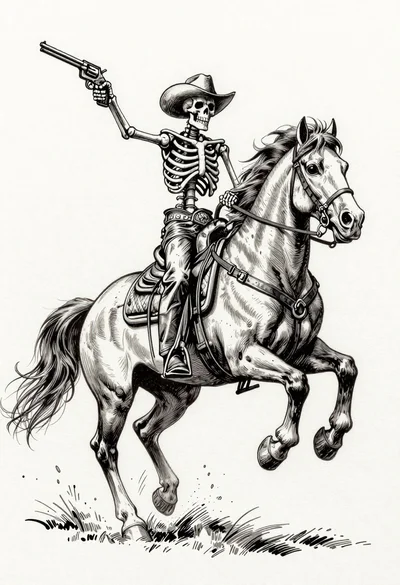
Skeleton cowboy riding a rearing horse ink illustration
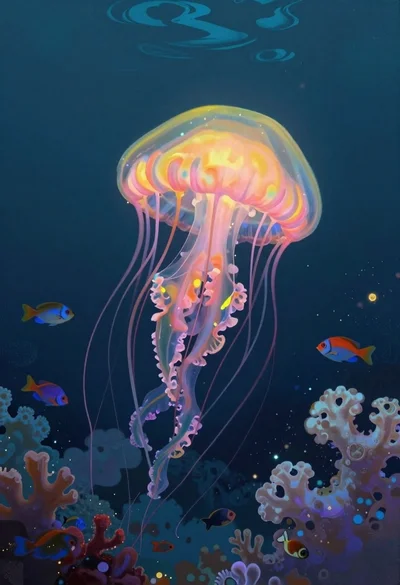
Bioluminescent jellyfish in deep sea cloud coral