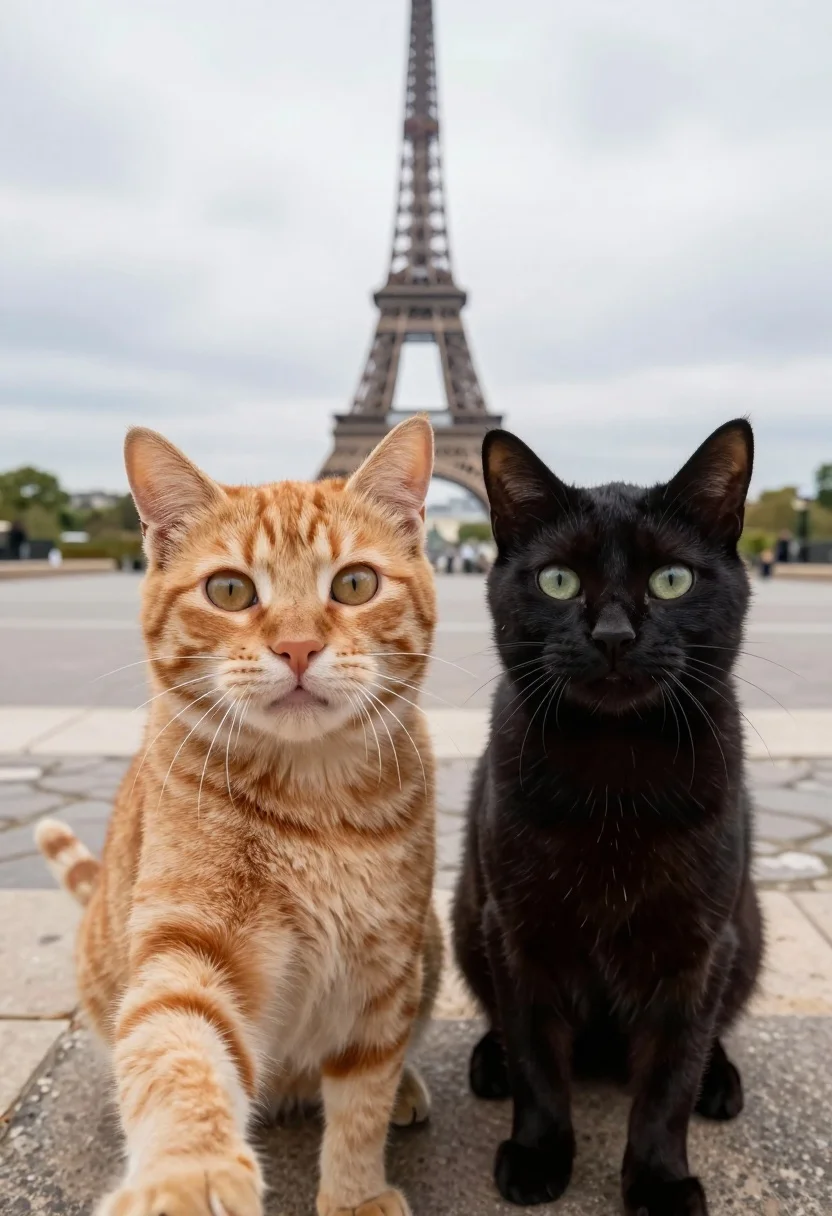
Two cats taking a selfie in front of eiffel tower paris promenade
Prompt
Two cats take a selfie with the Eiffel Tower in the background.

Subject: An orange tabby cat and a black cat positioned side by side looking directly at the camera.

Clothing: Neither cat is wearing any clothing or accessories.

Action: The cats are posed as if holding a camera for a selfie, with wide eyes and alert expressions.

Environment: A cobblestone promenade in Paris with the Eiffel Tower visible in the distance under an overcast sky.

Camera: Wide-angle perspective simulating a handheld selfie shot with a shallow depth of field that blurs the background.

Lighting: Soft natural daylight with diffuse shadows indicating an overcast day.

Subject: A black cat standing slightly behind and to the right of the orange tabby.

Interaction: The two cats are positioned closely together as if posing for a photo together.

Text/Graphics: No text or graphics are present on clothing or accessories.

Style Details: Photorealistic image with high detail on fur texture and whiskers, featuring a cinematic bokeh effect on the background.
Description
This prompt is useful for creating whimsical pet portraits, travel-themed social media content, and humorous lifestyle blogs. The combination of 'wide-angle perspective simulating a handheld selfie shot' with a 'cinematic bokeh effect' ensures the focus remains sharply on the cats while softening the background elements like the Eiffel Tower, making the interaction feel immediate rather than staged.
Suggestions
- Change 'orange tabby cat and a black cat' to specific breeds for more distinct looks.
- Add 'bokeh color palette of soft blues and grays' to enhance the overcast sky mood.
- Replace 'cobblestone promenade' with 'gravel path' for a different foreground texture.
Category
Tags
AnimalOutdoorsRealisticSelfieWide Shot
Date added
August 5, 2026
Added by
PromptDexter Team
Related Prompts
More prompts with similar categories and tags.
Man and golden retriever dog sitting on log by ocean at sunset
Man and emperor penguin walking together through snowy arctic landscape
Romantic couple walking on beach with white horse at golden hour
Dramatic silhouette of man leading camel across desert ridge at vibrant sunset
Bald man and german shepherd dog sitting on wooden dock overlooking serene

Joyful couple selfie outdoors with white horse in lush green field

Couple taking a selfie outdoors with a dog on a paved walkway
Woman taking high angle selfie with golden retriever on autumn leaf path

Blonde woman in black bikini poses with dog on beach lounger
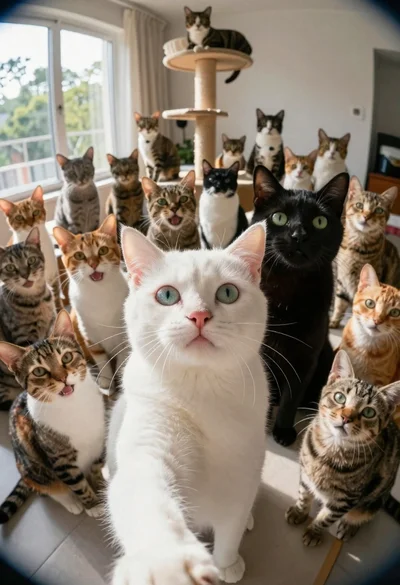
White cat taking a selfie with many other cats