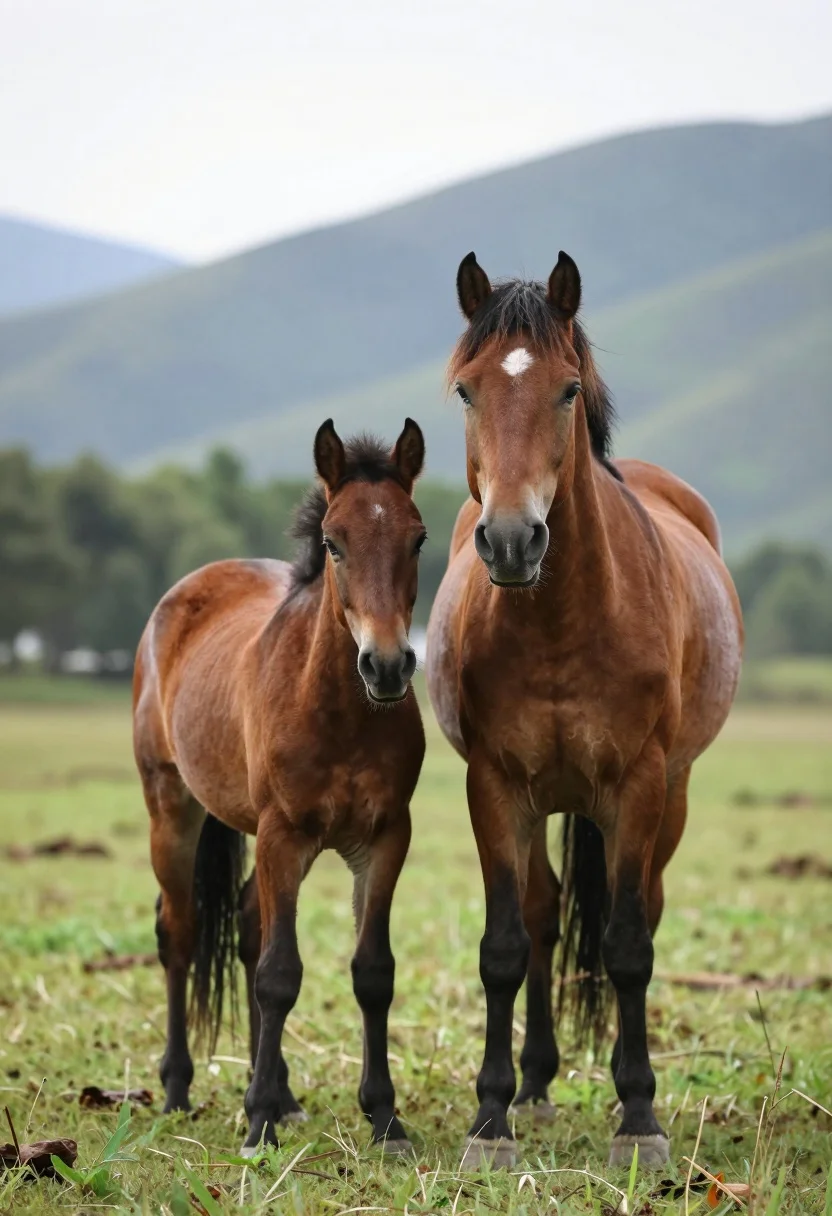
Two chestnut horses standing side by side in a lush green meadow
Prompt
Two chestnut horses stand side by side in a lush green meadow with a soft-focus mountainous landscape behind them.

Subject: A smaller horse stands facing forward while a larger horse stands beside it with its head turned toward the smaller one, both displaying rich brown coats and dark lower legs.

Action: The horses are standing still in a calm pose with no visible movement or interaction beyond their proximity.

Environment: They are positioned on vibrant green grass with blurred trees and distant mountains forming a serene natural backdrop under an overcast sky.

Camera: A medium shot captures the full bodies of the horses with a shallow depth of field that blurs the background to emphasize the subjects.

Lighting: Soft, diffused daylight illuminates the scene evenly without harsh shadows, creating a gentle and natural mood.

Style Details: The image features high-definition realism with smooth textures and a cinematic color palette that enhances the natural beauty of the animals.
Description
This prompt is useful for creating serene nature photography, equestrian portraiture for branding, and fine art wildlife prints. The combination of 'soft, diffused daylight' and a 'shallow depth of field' ensures the horses are evenly lit without harsh shadows, while the background blur keeps the focus tightly on their rich brown coats against the vibrant green grass.
Suggestions
- Change 'lush green meadow' to 'wildflower meadow' for more color variation.
- Add 'golden hour rim light' to enhance the coat texture.
- Swap 'overcast sky' for 'soft blue sky with wispy clouds' for more contrast.
Category
Tags
AnimalBrown HairFull BodyMedium ShotMountainsOutdoorsRealisticWide Shot
Date added
August 5, 2026
Added by
PromptDexter Team
Related Prompts
More prompts with similar categories and tags.
Two figures and buffalo walking across wooden pier over misty lake mountains

Young woman with brown hair and golden retriever under pine tree
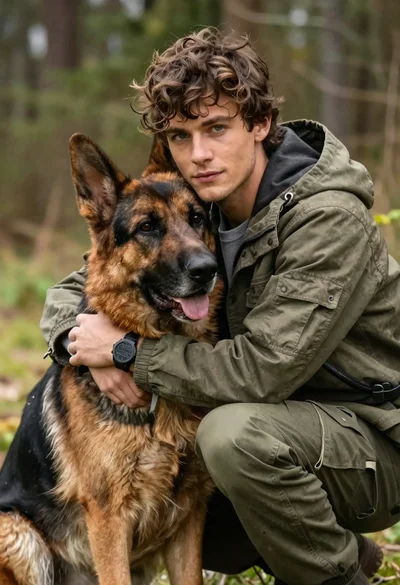
Young man with brown hair embracing a german shepherd in forest
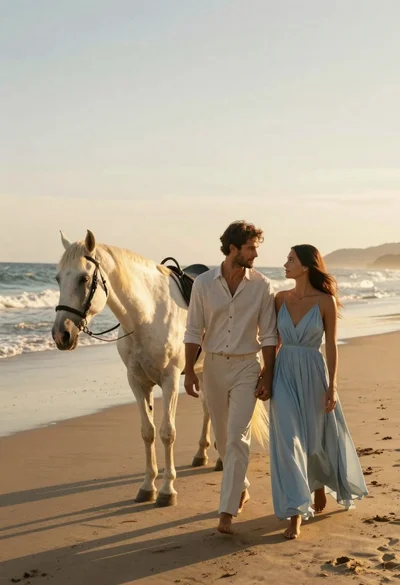
Romantic couple walking on beach with white horse at golden hour
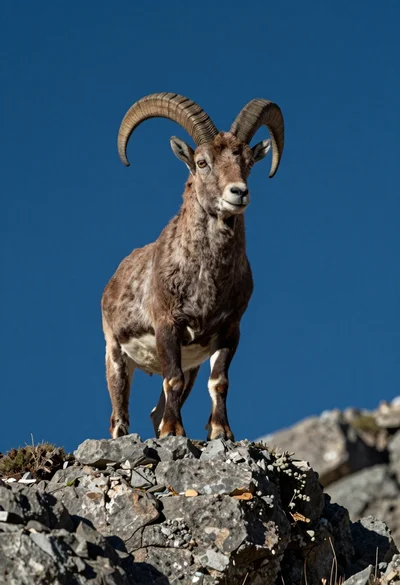
Majestic mountain goat standing on rugged rock formation against deep blue background
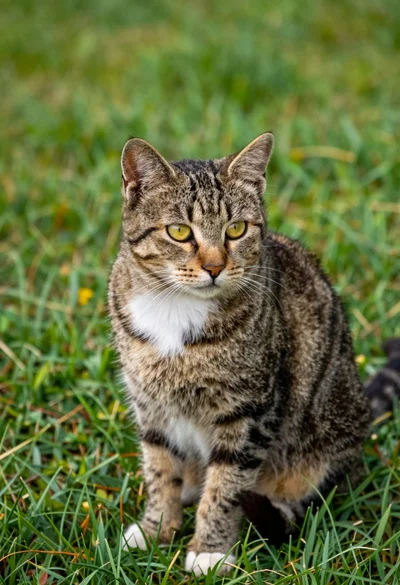
Tabby cat sitting alertly on a lush green grassy lawn outdoors
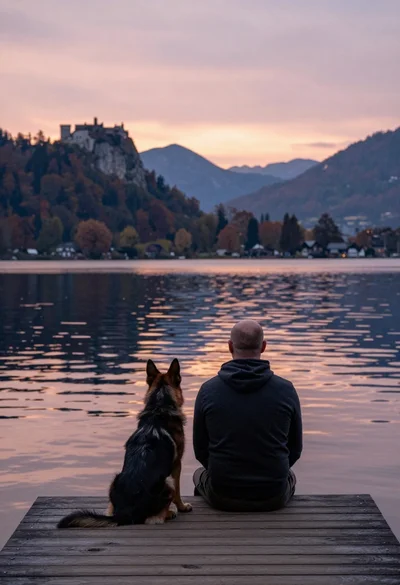
Bald man and german shepherd dog sitting on wooden dock overlooking serene
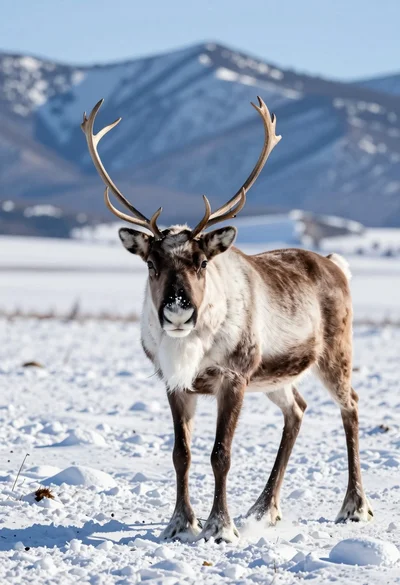
Majestic reindeer walking through snowy tundra before blue mountain peaks
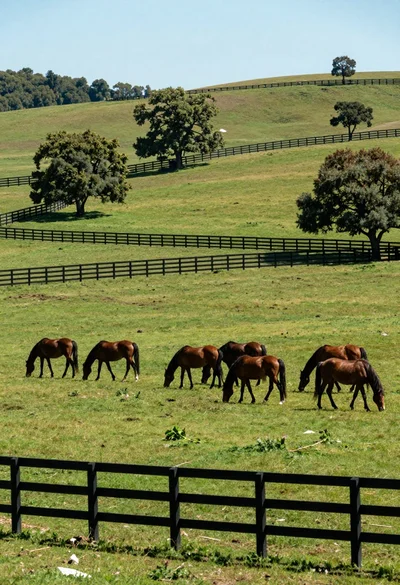
Herd of brown horses grazing across a lush green meadow with wooden
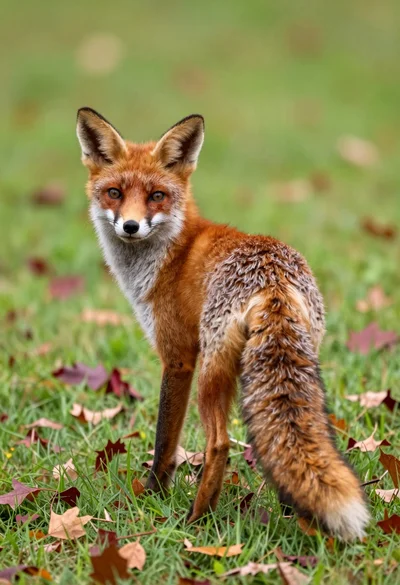
Red fox looking back over shoulder in a lush autumn meadow setting